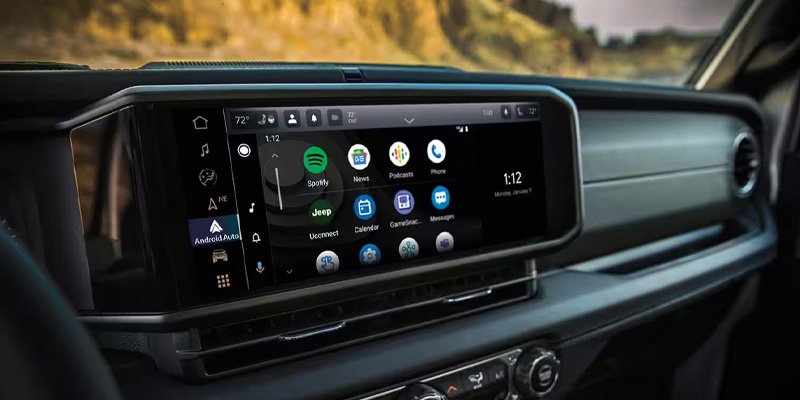
Using CarPlay in your Jeep can transform your driving experience. It connects your iPhone to your Jeep’s infotainment system, letting you use navigation, music, calls, and messages hands-free.
Many Jeep models now come with Apple CarPlay built-in, but some older vehicles may need upgrades. If you’re not sure how to start, this guide will help you get the most out of CarPlay in your Jeep, whether you’re a new user or want to unlock more features.
Setting Up Carplay In Your Jeep
Getting CarPlay up and running is usually simple. Most newer Jeeps (since 2017) have CarPlay as standard, but the setup steps can differ by model. Here’s how to connect:
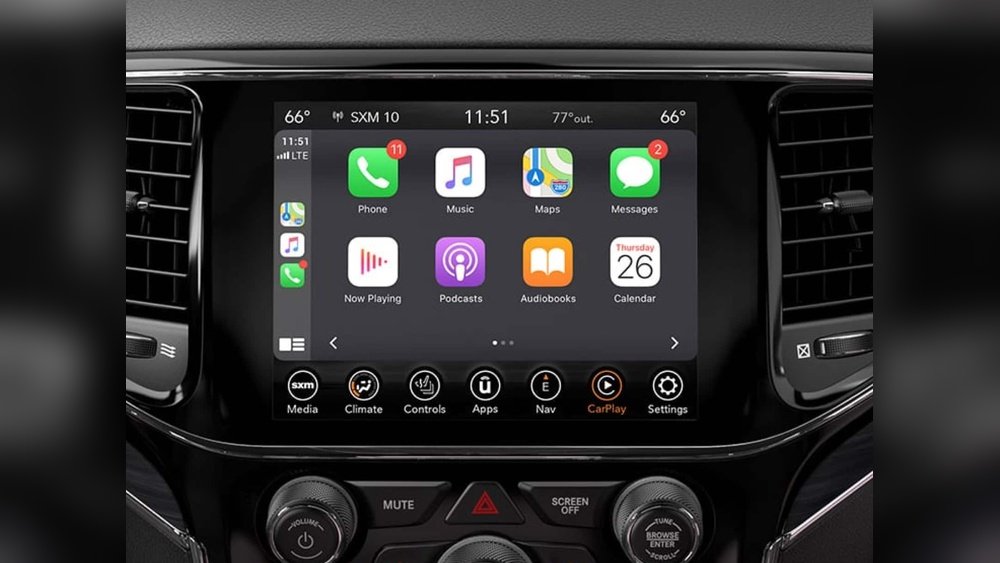
- Check Compatibility: Your Jeep must have a CarPlay-compatible infotainment system. Most Jeep Wrangler, Cherokee, Grand Cherokee, and Gladiator models from 2017 onwards support CarPlay.
- Update Your iPhone: Make sure your iPhone is running iOS 12 or later. Some features require newer versions.
- Connect Your iPhone: Plug your iPhone into the Jeep’s USB port using a certified cable. Some newer Jeeps allow wireless CarPlay, but wired is most reliable.
- Allow CarPlay Access: Your iPhone will prompt you to allow CarPlay. Tap “Allow.”
- Start Using CarPlay: The CarPlay interface will appear on your Jeep’s touchscreen.
If your Jeep doesn’t support CarPlay, you can install a third-party head unit. Brands like Pioneer and Kenwood offer systems compatible with Jeep vehicles.
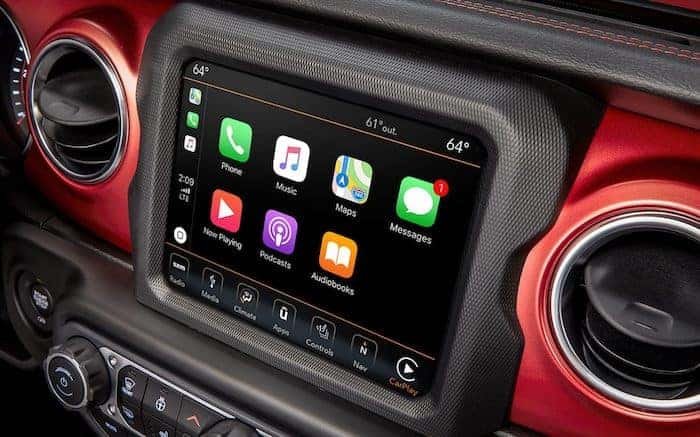
Once CarPlay is active, you’ll see familiar icons on your Jeep’s screen. The interface is designed for easy use, even while driving. Here are the main features:
- Maps: Use Apple Maps, Google Maps, or Waze for real-time navigation. Voice guidance and traffic updates help you avoid delays.
- Music: Access Apple Music, Spotify, Pandora, and other apps. You can browse playlists and control playback with steering wheel buttons.
- Messages and Calls: Use Siri voice commands to send texts, make calls, or listen to voicemails without touching your phone.
- Audiobooks and Podcasts: Listen to your favorite content while driving.
- Third-party Apps: Some messaging, parking, and food delivery apps work with CarPlay.
Below is a comparison of navigation apps available on CarPlay:
| App | Traffic Updates | Offline Maps | Voice Guidance |
|---|---|---|---|
| Apple Maps | Yes | No | Yes |
| Google Maps | Yes | Yes | Yes |
| Waze | Yes | No | Yes |
Tips For A Smooth Carplay Experience
CarPlay works best when you follow a few simple tips:
- Use a quality USB cable: Cheap cables can cause connection drops.
- Keep your iPhone updated: New iOS versions fix bugs and add features.
- Enable Do Not Disturb: This reduces distractions during driving.
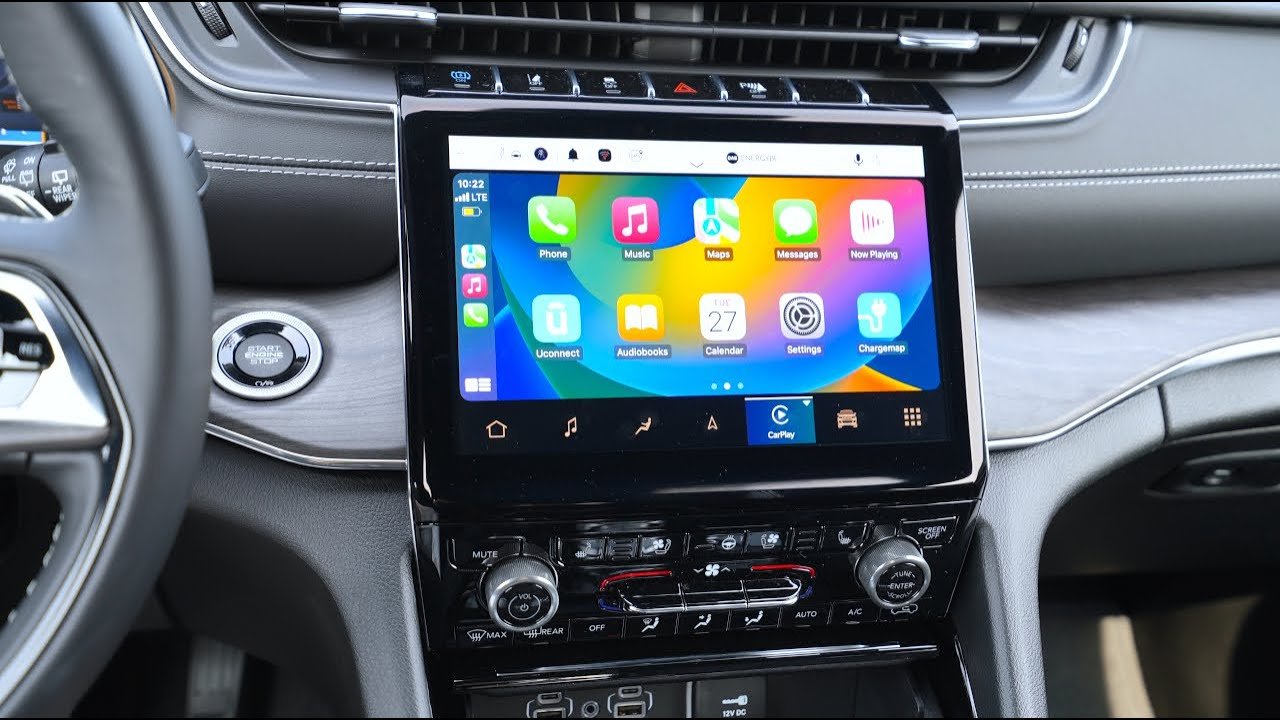
- Organize your CarPlay screen: Move frequently used apps to the main screen.
Here’s a quick look at Jeep models and CarPlay support:
| Jeep Model | Year Introduced | CarPlay Standard | Wireless Support |
|---|---|---|---|
| Wrangler | 2018 | Yes | 2021+ |
| Cherokee | 2019 | Yes | 2022+ |
| Grand Cherokee | 2018 | Yes | 2021+ |
| Gladiator | 2020 | Yes | 2022+ |
Customizing Carplay In Your Jeep
You can personalize CarPlay to fit your needs:
- Rearrange App Icons: On your iPhone, go to Settings > General > CarPlay, select your Jeep, and drag apps to change their order.
- Hide Unused Apps: Remove apps you don’t want to see.
- Add Shortcuts: Use Siri Shortcuts for quick access to frequent actions, like sending your ETA or playing a playlist.
- Change Wallpaper: Choose a CarPlay wallpaper for a fresh look.
Many drivers don’t realize you can adjust these settings without being in the car. This saves time and lets you set up CarPlay while parked.
Troubleshooting Common Issues
Even reliable systems can have problems. Here’s how to fix the most common CarPlay issues in Jeeps:
- CarPlay Won’t Connect: Try a different USB cable, restart your iPhone, and check if your Jeep’s infotainment system is updated.
- App Not Showing Up: Make sure the app is compatible with CarPlay and installed on your phone.
- Audio Problems: Check volume settings on both your iPhone and Jeep. If the issue persists, unplug and reconnect your phone.
- Wireless CarPlay Not Working: Bluetooth and Wi-Fi must be enabled on your iPhone. Pair your phone again if needed.
Below is a quick comparison of troubleshooting steps:
| Issue | Common Solution | Advanced Tip |
|---|---|---|
| Connection drops | Use a certified cable | Update Jeep software |
| Apps missing | Check app compatibility | Rearrange apps in iPhone settings |
| Audio not playing | Adjust volume | Reset infotainment system |
Non-obvious Insights For Jeep Carplay Users
Many Jeep owners don’t realize CarPlay can integrate with some vehicle systems. For example, you can use steering wheel controls to skip tracks or activate Siri.
Also, CarPlay will automatically adjust brightness and volume based on your Jeep’s settings, making it safer to use at night or in noisy environments.
Another overlooked feature is location sharing. With Siri, you can send your location to contacts quickly, which is useful for off-road adventures or meeting friends.
Safety And Privacy
CarPlay is designed to keep your eyes on the road and hands on the wheel. Siri voice control helps you interact without distractions.
Remember, your Jeep’s infotainment system may store some CarPlay data, so always clear your info before selling or trading your car.
For more detailed information about CarPlay and compatibility, check the official Apple CarPlay guide.
Frequently Asked Questions
Can I Use Carplay Wirelessly In My Jeep?
Wireless CarPlay is available in newer Jeep models, usually from 2021 onwards. Check your Jeep’s manual to see if your vehicle supports wireless connections.
What Should I Do If Carplay Stops Working Suddenly?
First, unplug and reconnect your iPhone. If the problem continues, restart both your phone and your Jeep’s infotainment system. Also, check for software updates.
Is It Possible To Add Carplay To An Older Jeep?
Yes, you can install an aftermarket CarPlay-compatible head unit. Brands like Pioneer, Alpine, and Kenwood make systems that fit many Jeep models.
Can I Use Android Auto In My Jeep Instead Of Carplay?
Most Jeep models that support CarPlay also support Android Auto. If you use a Samsung or other Android phone, you can connect using the same USB port.
Does Carplay Drain My Iphone Battery?
When plugged in, your iPhone charges through the Jeep’s USB port. Wireless CarPlay may use more battery, but most Jeeps charge the phone wirelessly as well.
CarPlay brings convenience, safety, and entertainment to Jeep drivers. With the right setup and a few tweaks, you can enjoy a seamless driving experience every day.