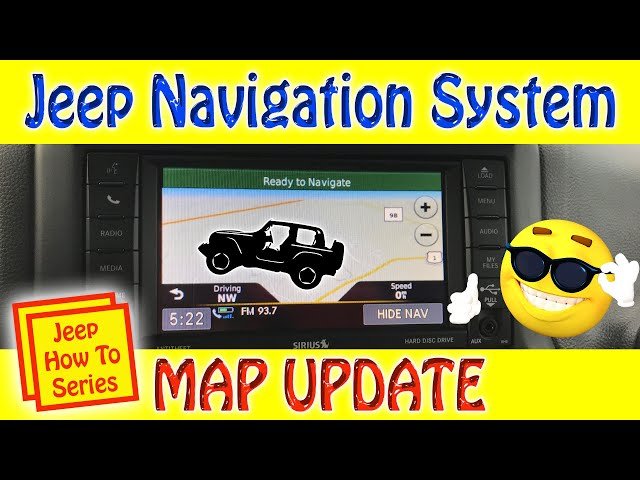
Keeping your Jeep’s navigation system updated is essential for accurate directions, finding new roads, and avoiding traffic. If you rely on your Jeep’s built-in navigation, you might notice that maps can become outdated over time.
Updating navigation isn’t difficult, but many Jeep owners miss important steps or don’t know the best options.
This guide explains how to update navigation in Jeep vehicles, shows common mistakes, and provides practical advice to keep your maps current and reliable.
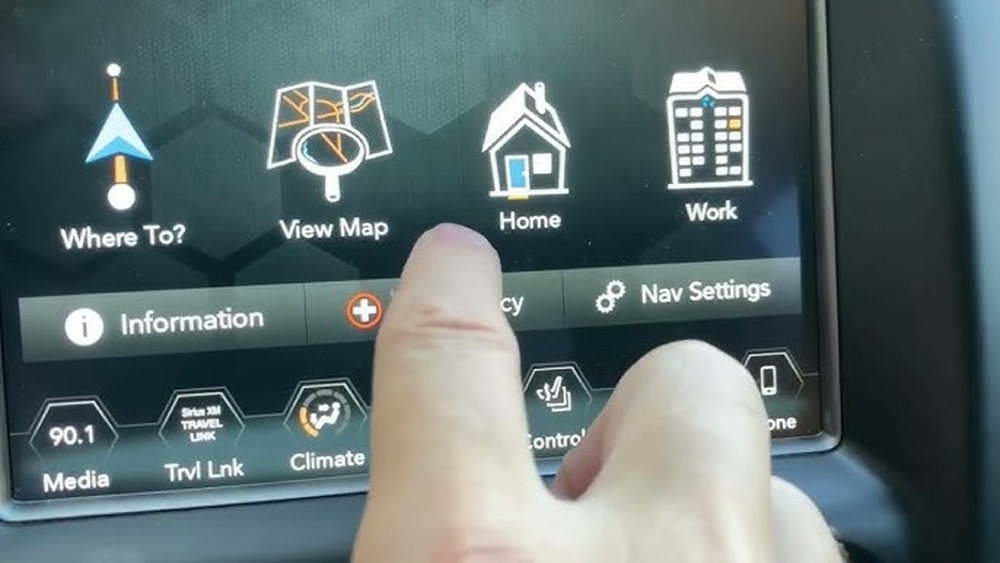
Most Jeep vehicles use Uconnect as their main infotainment and navigation system. Uconnect is available in several versions, such as 4, 4C, and 5, with each offering different features. Older Jeeps may use standalone navigation units, while newer models often integrate mapping software directly.
Jeep navigation systems use map databases stored on internal memory, SD cards, or USB drives. The system reads these maps to offer turn-by-turn directions, points of interest, and real-time traffic.
Updates help the system recognize new roads, updated speed limits, and new businesses.
Here’s a comparison of common Jeep navigation systems:
| System | Year Range | Update Method |
|---|---|---|
| Uconnect 4 | 2017–2020 | USB, Dealer |
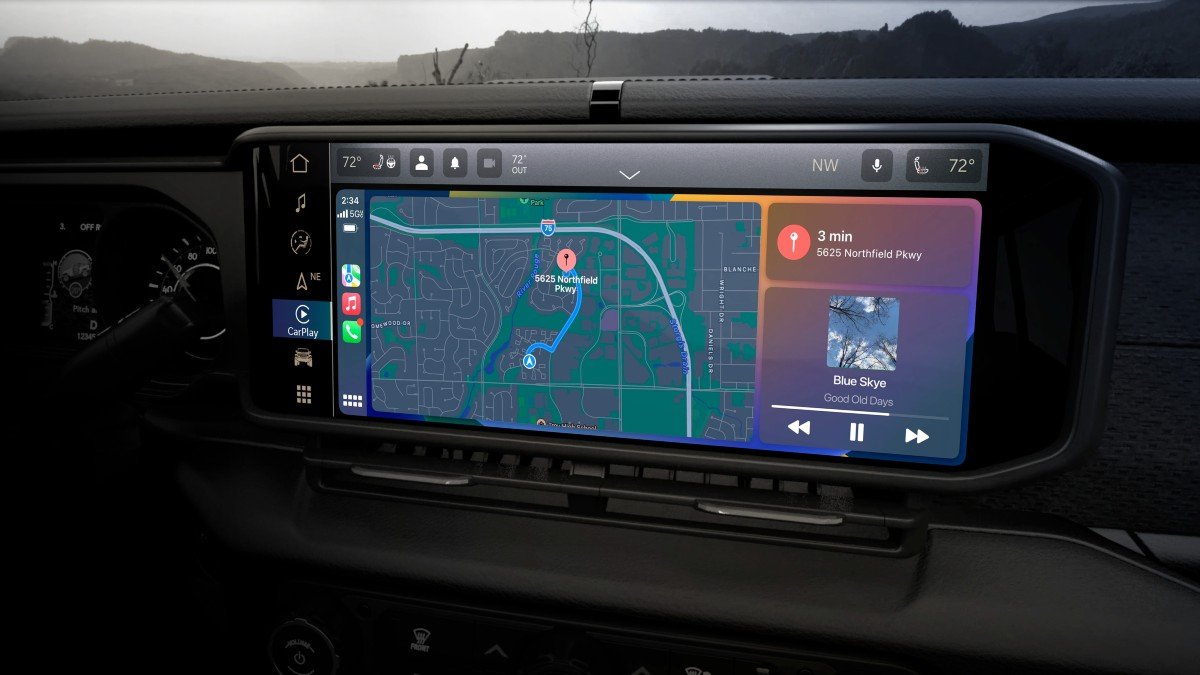
| Uconnect 5 | 2021–Present | Over-the-Air, USB |
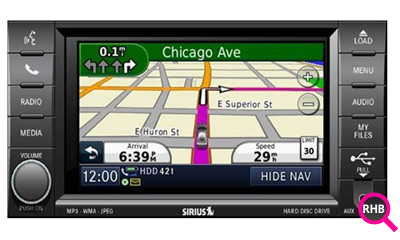
| Garmin Navigation | 2014–2017 | SD Card, USB |
Knowing your system type is the first step toward a successful update.
Updating your Jeep’s navigation maps usually involves downloading new map files and installing them through USB, SD card, or over-the-air (OTA) updates. Here’s how to do it step-by-step:
Check your Jeep’s owner manual or infotainment screen to confirm the system version. The update process varies depending on whether you have Uconnect 4, Uconnect 5, or an older Garmin-based unit.
2. Check For Available Updates
Visit the official Jeep or Uconnect website. Enter your Jeep’s VIN (Vehicle Identification Number) to see if new map updates are available. Some models get free updates for a few years, while others require a purchase.
3. Prepare A Usb Drive Or Sd Card
You’ll need a blank USB drive (at least 16GB) or SD card. Format it to FAT32 for best compatibility. Download the map update package from the website and copy it to the drive.
4. Install The Update In Your Jeep
Insert the USB or SD card into your Jeep’s infotainment port. Follow on-screen instructions.
The system will detect the update and guide you through installation. This can take 30 60 minutes.
Do not turn off the engine or remove the drive during the process.
5. Verify The Update
After the update, check your navigation version in the settings menu. Try searching for new addresses or points of interest to confirm that maps are current.
Here’s a quick comparison of update methods:
| Update Method | Speed | Reliability |
|---|---|---|
| USB Drive | 30–60 minutes | High |
| SD Card | 20–40 minutes | Medium |
| Over-the-Air | Automatic | Very High |
Common Mistakes And How To Avoid Them
Many Jeep owners make simple errors when updating navigation. Here are mistakes to avoid:
- Using the wrong USB drive format. Always use FAT32 formatting.
- Ignoring compatibility. Not all updates work with every system. Check your VIN and system version first.
- Interrupting the update process. Removing the drive or shutting off the engine can corrupt the maps.
- Skipping backup. If possible, back up your old maps before updating.
- Forgetting to check after installation. Always verify that the update worked by testing new locations.
Practical Tips For Smooth Updates
- Make sure your Jeep’s battery is charged or keep the engine running during the update.
- Use official sources for map updates; unofficial downloads may cause errors or void warranties.
- If unsure, ask your dealer for help. Many dealerships offer update services for a small fee.
- Keep your VIN handy; it helps find the correct updates and avoids compatibility issues.
- Plan to update maps every 1–2 years for best results, especially if you travel often.
Over-the-air Updates: What’s Different?
Newer Jeep models with Uconnect 5 often support over-the-air (OTA) updates. The system connects to Wi-Fi and downloads map updates automatically. This is faster and easier—no USB or SD card needed.
To enable OTA updates:
- Connect your Jeep to a stable Wi-Fi network.
- Go to settings and check for “Automatic Updates.”
- Allow the system to download and install updates.
OTA updates are reliable, but you must have good internet connectivity. If you park far from Wi-Fi, manual updates may be better.
- Accurate routing, avoiding outdated roads and detours.
- Access to new points of interest, gas stations, hotels, and restaurants.
- Improved real-time traffic alerts and speed limit changes.
- Enhanced safety, especially in unfamiliar areas.
It’s surprising how much a map update can improve your driving experience. For example, a recent study showed that up-to-date navigation systems reduce travel time by up to 10% compared to old maps.
Map Update Costs And Alternatives
Updating Jeep navigation is sometimes free for the first few years, depending on your model and warranty. After that, updates can cost $100–$200 per package. Some owners prefer smartphone apps like Google Maps or Apple Maps, which update automatically and are free.
Here’s a quick comparison:
| Navigation Type | Update Cost | Update Frequency |
|---|---|---|
| Jeep Built-In | $100–$200 | Yearly/Bi-yearly |
| Smartphone Apps | Free | Automatic |
| Dealer Service | $50–$150 | As needed |
If you drive in remote areas without cell service, built-in navigation is more reliable. For city driving, smartphone apps are often enough.
Frequently Asked Questions
Most experts recommend updating maps every 1–2 years. If you travel in new areas or rely on navigation daily, check for updates more often.
You can do it yourself if you follow instructions carefully. Dealers can help if you run into problems or prefer professional service.
Are Map Updates Free For All Jeep Models?
Updates are sometimes free during warranty or for the first few years. After that, fees apply.
Check your model’s policy on the official Jeep site or your dealer.
What Happens If The Update Fails?
If an update fails, your navigation may not work correctly. Restart the process or contact your dealer for support. Always use official updates to avoid issues.
Yes, you can use smartphone apps through Android Auto or Apple CarPlay if your Jeep supports them. They offer free, automatic updates and live traffic.
Updating your Jeep’s navigation keeps your journeys smooth and safe. By following these steps, you can ensure your maps are always accurate. If you need more details, visit the Jeep Uconnect official site for current instructions and support.