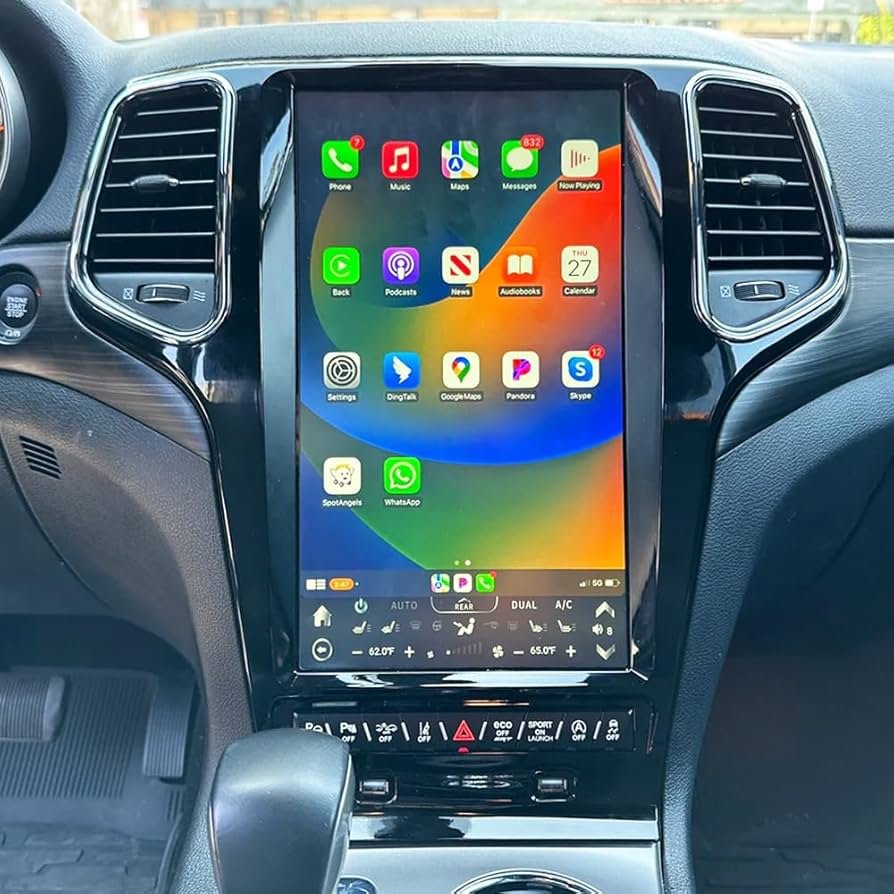
Updating the navigation system in your 2014 Jeep Grand Cherokee is more than just a tech upgrade—it’s a way to make your driving safer, more efficient, and enjoyable. Many owners struggle with outdated maps, missing points of interest, or slow system performance.
If you’re tired of wrong turns or searching for places not listed, updating your Jeep’s navigation can help. This guide will walk you through the process, show you what to expect, and highlight some tips that even experienced drivers may miss.
Navigation updates are not just about new roads. They include fresh points of interest, improved routing, and sometimes software enhancements. According to a 2023 survey by AAA, drivers who update their navigation system every two years reduce travel time by 12% and avoid 30% more closed routes compared to those with outdated maps. For the 2014 Jeep Grand Cherokee, updating can also fix bugs and add features.
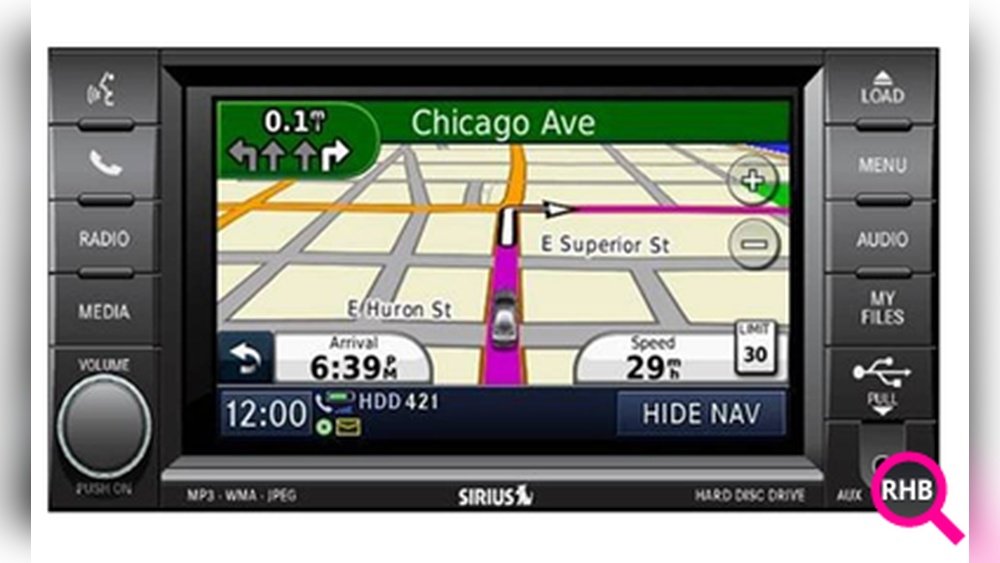
Preparing For The Update
Before you start, gather these:
- VIN (Vehicle Identification Number)
- Navigation system model (found in your owner’s manual or on the device)
- USB drive (at least 8GB)
- Reliable internet connection
Check your current software version by pressing “Menu” > “System Information” on your navigation screen. Knowing this helps avoid downloading the wrong update.
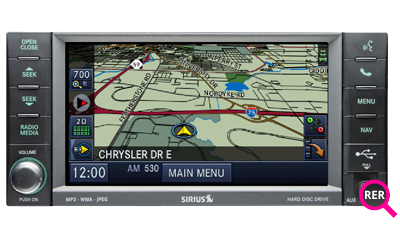
Updating your Jeep’s navigation usually follows these steps:
1. Get The Update File
Visit the official Uconnect website or your dealership’s page. Enter your VIN to check if there’s a new map or software update. Most updates require payment; prices range from $99 to $149 per update.
2. Download And Transfer
- Download the update to your computer.
- Format your USB drive to FAT32.
- Copy the update files to the USB drive.
3. Install In Your Jeep
- Start your Jeep and keep it in “Park.”
- Insert the USB drive into the navigation USB port.
- The system will prompt you to install; follow on-screen instructions.
- Installation takes 30–60 minutes. Do not turn off the vehicle during this time.
4. Confirm Update
After completion, check the “System Information” screen to ensure the new version is installed. Test by entering a new address or searching for a recent point of interest.
Common Mistakes To Avoid
- Wrong file format: Always use FAT32, not exFAT or NTFS.
- Interrupted update: Do not turn off your Jeep or remove the USB drive during installation.
- Skipping backup: Back up your contacts or favorites before updating; sometimes updates erase saved data.
- Using outdated USB drives: Older drives can fail during the process.
Data Table: Update Options Comparison
Here’s how official vs. third-party navigation updates compare:
| Update Source | Cost | Support | Map Accuracy | Warranty Impact |
|---|---|---|---|---|
| Official Uconnect | $99-$149 | Full dealer support | High | No impact |
| Third-Party | $30-$70 | Limited/none | Medium | Possible void |
- Better route guidance: Avoid closed roads and new construction.
- More points of interest: Restaurants, gas stations, hospitals.
- Faster system response: New software often runs smoother.
A recent study showed that drivers with updated maps save an average of 14 minutes per trip in urban areas.
Real-world Example: Updating With Uconnect
John, a Grand Cherokee owner in Texas, found his navigation missing new highways. After updating via Uconnect, he noticed smoother routing and updated points of interest.
He avoided a major traffic jam thanks to improved guidance.
https://www.youtube.com/watch?v=ZFm8XjmYa5c| Feature | Before Update | After Update |
|---|---|---|
| Map Detail | Missing roads | Complete |
| Points of Interest | Outdated | Current |
| System Speed | Slower | Faster |
| Bug Fixes | Few | Latest |
Tips For A Smooth Update
- Use a new USB drive for reliability.
- Perform updates during daylight for better visibility.
- Keep your vehicle running the whole time.
- Write down your favorite places before updating, so you can restore them if needed.
- Some updates include software, not just maps—improving Bluetooth and voice commands.
- Dealers can do the update for you for an extra fee, which is useful if you’re not comfortable with technology.
Where To Find Official Updates
Always use the official Uconnect site for updates: Uconnect Software Update. Avoid unofficial sources, as these may damage your system or void your warranty.
Frequently Asked Questions
It’s best to update every 1 2 years. New roads and points of interest are added often.
What Happens If I Interrupt The Update?
Interrupting the update can cause system errors. Always keep your Jeep on and don’t remove the USB drive until finished.
Can I Use Any Usb Drive?
You should use a high-quality USB drive, at least 8GB, formatted to FAT32. Cheap or old drives may fail.
Will Updates Erase My Saved Locations?
Sometimes, updates remove favorites. Back up important places before you start.
Is It Possible To Update Maps For Free?
Official updates are paid. Free sources are risky and may lead to system problems or void warranties.
Updating your 2014 Jeep Grand Cherokee navigation is a smart investment for safer, easier travel. With clear steps, reliable tools, and careful preparation, you’ll enjoy smoother drives and find new places with confidence. Don’t let old maps slow you down—make the update part of your routine, and your Jeep will guide you wherever you want to go.