Driving a Jeep Renegade comes with many smart features. One of them is Lane Assist.
This system helps keep your car in the correct lane. It can warn you or even steer for you if you drift.
While Lane Assist improves safety, some drivers find it distracting or unnecessary, especially on rural roads or during certain weather conditions. If you want to turn off Lane Assist on your Jeep Renegade, this guide walks you through every step.
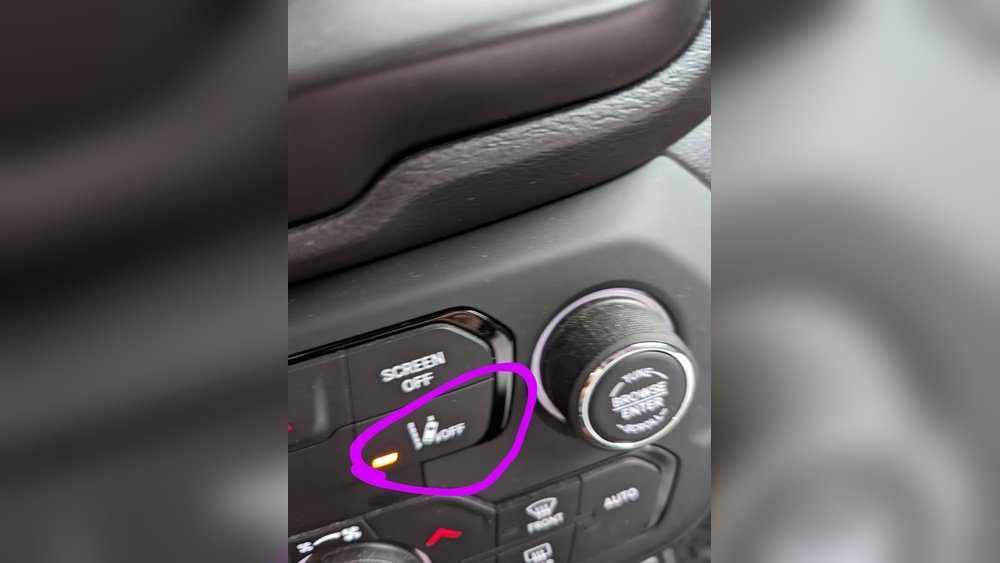
You’ll learn why people disable Lane Assist, how to do it, and what to expect after making this change.
What Is Lane Assist In Jeep Renegade?
Lane Assist, also called Lane Departure Warning or Lane Keeping Assist, is a modern safety feature. It uses cameras mounted near the rearview mirror to track lane markings. If the system detects your car is drifting out of its lane without signaling, it alerts you. Sometimes, it even gently steers you back.
Lane Assist is part of Jeep’s Advanced Driver Assistance Systems (ADAS). Here’s a quick look at how Lane Assist works compared to other driver aids:
| Feature | Main Function | Active Control? |
|---|---|---|
| Lane Assist | Warns/drives back into lane | Yes |
| Blind Spot Monitor | Alerts to vehicles in blind spot | No |
| Adaptive Cruise Control | Adjusts speed for traffic | Yes |
Not every driver wants Lane Assist active at all times. For example, if road lines are faded or you drive off-road, the system can beep or steer when you don’t want it to.
Why Turn Off Lane Assist?
There are several reasons to disable Lane Assist on your Jeep Renegade:
- Driving Preference: Some drivers prefer full control and find Lane Assist intrusive.
- Road Conditions: On winding or poorly marked roads, Lane Assist may not function well.
- Weather Impact: Heavy rain or snow can confuse the system, causing false alerts.
- Off-Roading: Lane lines disappear off-road, making Lane Assist unnecessary.
Disabling Lane Assist won’t affect other safety features like Blind Spot Monitoring or Forward Collision Warning. The system is meant to help, but it’s not for everyone.

Step-by-step: How To Turn Off Lane Assist Jeep Renegade
Turning off Lane Assist is easy and safe. Here’s how to do it on most Jeep Renegade models:
1. Start Your Vehicle
Turn the ignition on. Lane Assist only appears when the car is running.
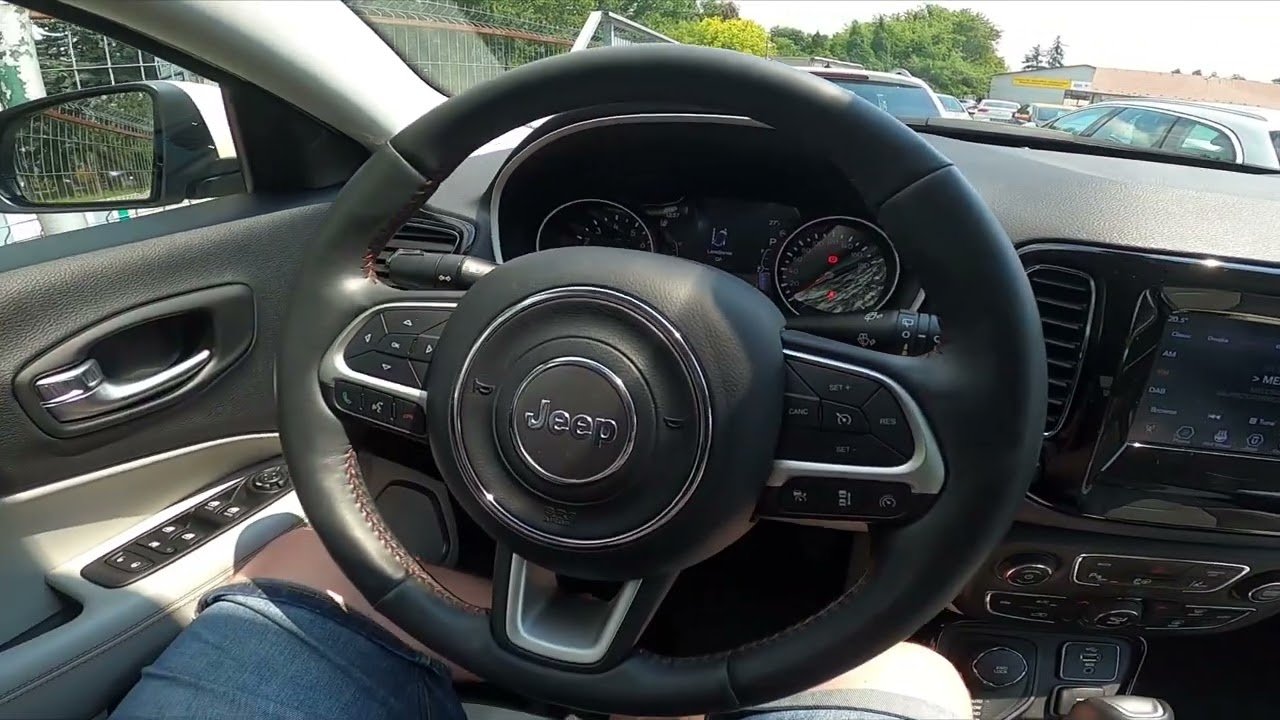
Use the steering wheel buttons to reach your dashboard display. Look for the Settings icon.
3. Find Driver Assistance Settings
Navigate to Safety & Driving Assistance or a similar menu. The exact name may vary by year.
4. Select Lane Assist
Scroll through the options until you see LaneSense or Lane Assist.
5. Turn Off Lane Assist
Choose “Off” or uncheck the Lane Assist box. Some models let you select “Warning Only” or “Steering + Warning. ”
To Fully Turn Off Lane Assist, Select “off.”
6. Confirm Changes
The system may ask for confirmation. Accept to save your settings.
Here’s a quick comparison of Lane Assist menu options on Jeep Renegade models from 2017–2023:
| Model Year | Menu Name | Lane Assist Option |
|---|---|---|
| 2017-2018 | Safety & Driving Assistance | LaneSense |
| 2019-2020 | Driver Assistance | Lane Assist |
| 2021-2023 | ADAS Settings | Lane Departure Warning |
If you’re unsure, check your Jeep’s owner manual for menu details.
Common Mistakes And Troubleshooting
Turning off Lane Assist is simple, but mistakes happen. Here are some issues to watch for:
- Wrong Menu Selection: Lane Assist may be under different menu names. Look for LaneSense, Lane Assist, or Lane Departure Warning.
- Settings Not Saving: Make sure you confirm any changes before exiting the menu.
- System Reactivates: Some models turn Lane Assist back on after restarting. Double-check after each ignition cycle.
If Lane Assist won’t turn off, try these steps:
- Restart the car and repeat the process.
- Update your vehicle’s software through the dealership.
- Contact Jeep customer service for model-specific help.
What Happens After Turning Off Lane Assist?
Disabling Lane Assist means your Jeep Renegade will not warn you or steer if you drift out of your lane. You’re responsible for lane discipline.
Other driver aids remain active unless you turn them off.
Here’s a summary of what changes:
| Feature | Status After Lane Assist Is Off |
|---|---|
| Lane Assist | Disabled |
| Blind Spot Monitor | Active |
| Adaptive Cruise Control | Active |
| Forward Collision Warning | Active |
Important tip: Always check that you’re comfortable without Lane Assist. This feature is useful on highways and in heavy traffic. If you turn it off, stay alert and avoid distractions.
Practical Advice For Jeep Renegade Owners
If you drive mostly in cities or on highways, Lane Assist can prevent accidents. But if you find it distracting, disabling it is fine. Here are two insights many drivers overlook:
- Lane Assist sensitivity can be adjusted: You don’t have to fully disable it. Try lowering the sensitivity instead.
- Temporary disable options: Some Renegade models let you turn Lane Assist off for one drive. It resets next time you start the car.
You can always reactivate Lane Assist in the same menu. If you change your mind, reversing the steps is quick.
For more technical details and updates, see the official Jeep Renegade guide from Jeep.
Frequently Asked Questions
How Do I Know If Lane Assist Is Off?
Check your dashboard for any Lane Assist icons. If the icon is grayed out or disappears, Lane Assist is off.
Will Turning Off Lane Assist Affect My Warranty?
No, disabling Lane Assist through the menu does not void your warranty. It’s a user setting, not a modification.
Can I Turn Lane Assist Back On Later?
Yes. You can turn Lane Assist back on anytime by following the same menu steps. The feature is reversible.
Is Lane Assist Available On All Jeep Renegade Models?
Lane Assist is standard on most Renegades from 2017 onward, but not all trims. Check your owner’s manual or ask your dealer.
Is Lane Assist Safe To Use In Bad Weather?
Lane Assist may not work well in heavy rain, snow, or fog. The system needs clear lane markings to function correctly.
Turning off Lane Assist on your Jeep Renegade is easy and safe. If you want more control or drive in conditions where Lane Assist doesn’t help, follow these steps and enjoy your drive.
Always keep safety in mind and adjust features to fit your needs.



















