Setting up Uconnect in your Jeep can change how you drive. With Uconnect, you get hands-free calling, navigation, music streaming, and even climate controls, all from your dashboard screen or phone.
Many Jeep owners are excited about these smart features but feel lost during setup. If you want your Uconnect system running smoothly, you’re in the right place.
This guide will help you connect your phone, activate features, and solve common problems—quickly and simply.
What Is Uconnect And Why Does It Matter?
Uconnect is Jeep’s built-in infotainment system. It combines navigation, Bluetooth connectivity, apps, and more into one touchscreen. With Uconnect, you can:
- Make calls without holding your phone
- Access maps and real-time traffic
- Stream music from your favorite apps
- Use voice commands for safer driving
Studies show that infotainment use in cars has grown rapidly. As of 2023, over 40% of new vehicles in the US include a connected infotainment system like Uconnect.
Jeep’s Uconnect system is among the highest-rated for user satisfaction and reliability.
Preparing Your Jeep For Uconnect Setup
Before starting, check these basics:
- Uconnect Version: Look in your Jeep’s manual or on the touchscreen “Settings” to see your Uconnect version. Most modern Jeeps (2017 and newer) use Uconnect 4 or higher.
- Smartphone Compatibility: Uconnect works with both Android and iPhone. Update your phone’s operating system for best results.
- Data Plan: Some Uconnect services need a data connection. Check your phone plan or consider Jeep’s Wi-Fi packages.
If you’re unsure, visit the official Jeep Uconnect page for details.

Step-by-step: Setting Up Uconnect
Let’s walk through the main steps to get your Uconnect working with your Jeep.
1. Pairing Your Smartphone
- On your Jeep’s touchscreen, tap Phone > Add Device.
- On your smartphone, turn on Bluetooth. Search for available devices.
- Select “Uconnect” from the list. A PIN will appear on both screens.
- Confirm the PIN matches, then accept the pairing request.
If you have trouble, make sure Bluetooth is enabled and your phone is not connected to another device.
2. Connecting To Apple Carplay Or Android Auto
For Uconnect 4 or later:
- Plug your phone into the USB port using the original cable.
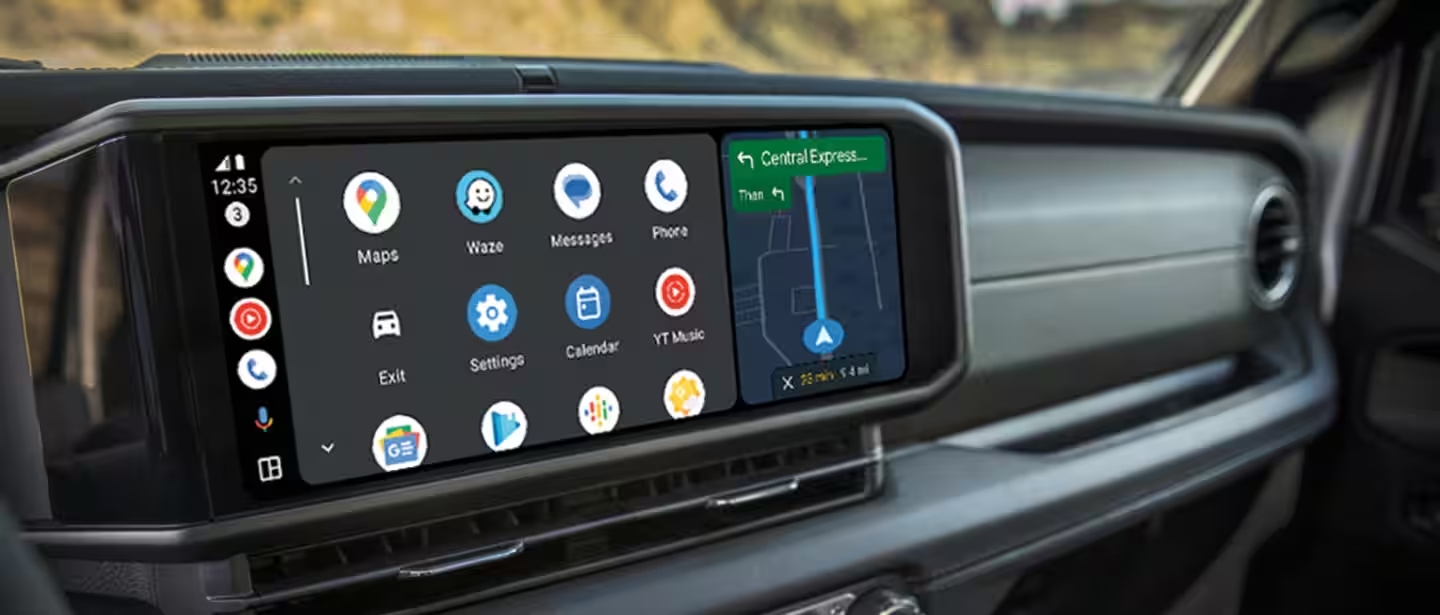
- The Apple CarPlay or Android Auto icon should appear on your screen.
- Tap the icon to launch. You may need to allow permissions on your phone.
Some Jeep models support wireless CarPlay and Android Auto. Check your manual for details.
3. Activating Uconnect Services
New Jeeps offer a free trial of Uconnect Services. To activate:
- On the Uconnect screen, select Apps > Uconnect Store.
- Follow prompts to set up an account or sign in.
- Enter your vehicle’s VIN if asked.
- Choose and activate the features you want (like remote start, navigation, or SOS).
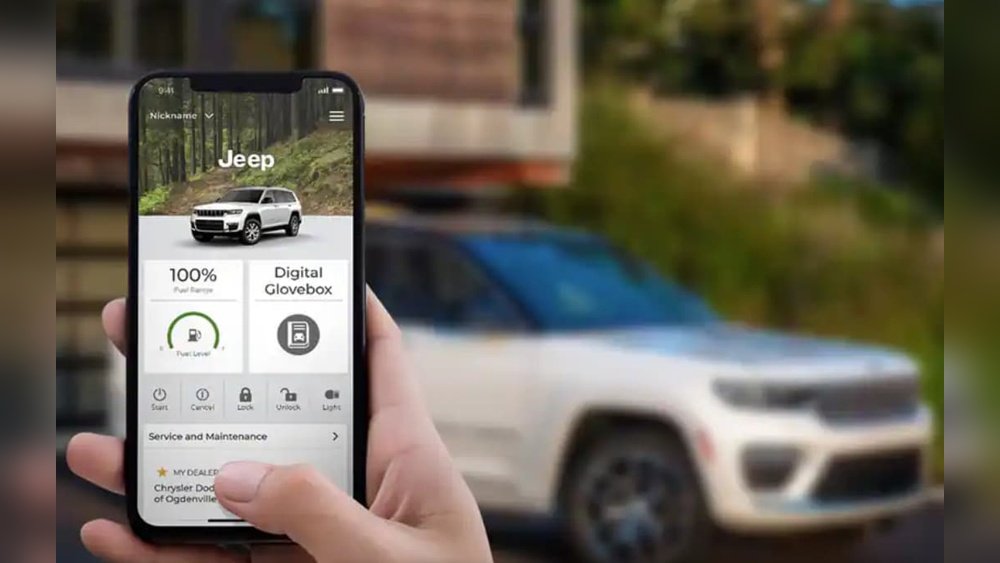
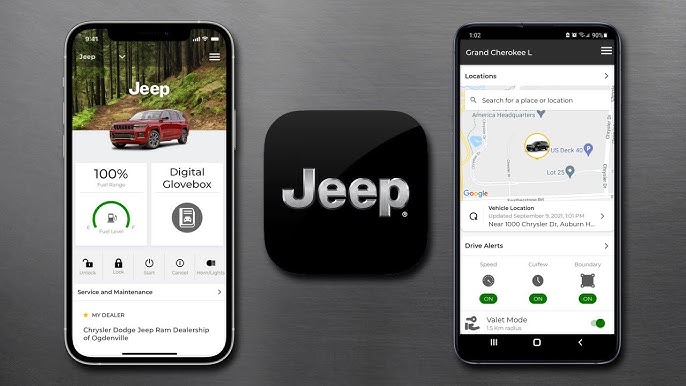
You can also use the Uconnect app on your smartphone to manage these services remotely.
4. Customizing Settings
Personalize your Jeep’s Uconnect experience:
- Adjust audio settings for the best sound.
- Set up favorite contacts for quick calls.
- Arrange home screen icons for easy access to your top features.
Many users forget to update their system software. Check for software updates in Settings > System Information to keep everything running well.
Uconnect Features Comparison By Jeep Model
Uconnect features can vary by Jeep model and year. Here’s a simple comparison:
| Feature | Jeep Wrangler 2022 | Jeep Grand Cherokee 2022 | Jeep Compass 2022 |
|---|---|---|---|
| Apple CarPlay / Android Auto | Yes | Yes | Yes |
| Navigation | Optional | Standard | Optional |
| Wi-Fi Hotspot | Available | Available | Not Available |
| Remote Start | Available | Standard | Available |
Always check your specific model’s manual for the latest feature list.
Troubleshooting Common Uconnect Problems
Even the best systems hit bumps. Here are quick fixes for common issues:
- Bluetooth Not Connecting: Delete “Uconnect” from your phone’s Bluetooth list and re-pair.
- No Sound: Check volume on both your phone and Jeep. Also, ensure “Media” is selected.
- App Not Responding: Restart your phone and the Jeep’s infotainment system.
- Navigation Not Updating: Connect to Wi-Fi and check for software updates.
If problems continue, contact your Jeep dealer or visit the Uconnect support site.
Uconnect Subscription And Cost Overview
Some Uconnect features are free, but others need a subscription. Here’s a quick breakdown:
| Service | Free Trial | Monthly Cost |
|---|---|---|
| Basic Connectivity | 12 months | $14.99 |
| Navigation | 6 months | $9.99 |
| Wi-Fi Hotspot | 3 months / 1 GB | $20.00 |
Tip: Activate your free trials soon after purchase. Many users forget, missing out on no-cost features.
Two Uconnect Insights Most Missed
- System Updates Matter: Many owners skip software updates, missing bug fixes and new features. Set a reminder to check updates every few months.
- App Integration Expands Options: Beyond basic apps, Uconnect supports many third-party services (like SiriusXM or Alexa). Explore the Uconnect Store for extra tools.
Safety And Privacy Tips
Always use hands-free features while driving. Never enter addresses or text while moving. Uconnect collects some vehicle data, so review privacy settings under Settings > Privacy and adjust as needed.
Frequently Asked Questions
How Do I Reset My Uconnect System?
To reset, press and hold the volume and tune knobs together for about 10 seconds. The system will reboot. This fixes many minor glitches.
Can I Use Uconnect Without A Subscription?
Yes, you can use basic features like Bluetooth calling and music streaming without a paid plan. Subscription-only features include remote start and live navigation.
Why Isn’t My Phone Connecting To Uconnect?
Common reasons include old software, Bluetooth already paired to another device, or too many saved devices. Remove extra devices and update your software for better results.
How Do I Update Uconnect Software?
Visit Settings > System Information on your Jeep’s screen. If an update is available, follow on-screen instructions. You may need a Wi-Fi connection.
Where Can I Find More Help?
Check the official Jeep Uconnect support page for troubleshooting, manuals, and live support.
Getting your Uconnect for Jeep set up is easier than most people think. With a bit of patience and these simple steps, you’ll enjoy a smarter, safer, and more connected drive. Don’t forget to update your system and explore all the features your Jeep has to offer. Safe travels!



















