Setting up CarPlay in your Jeep Grand Cherokee can completely change how you use your car. You get easy access to maps, music, and hands-free calls, all using your iPhone.
This guide will show you step-by-step how to set up CarPlay, which models support it, and how to solve common problems. With the right setup, your drives become safer and more enjoyable.
Which Jeep Grand Cherokee Models Support Carplay?
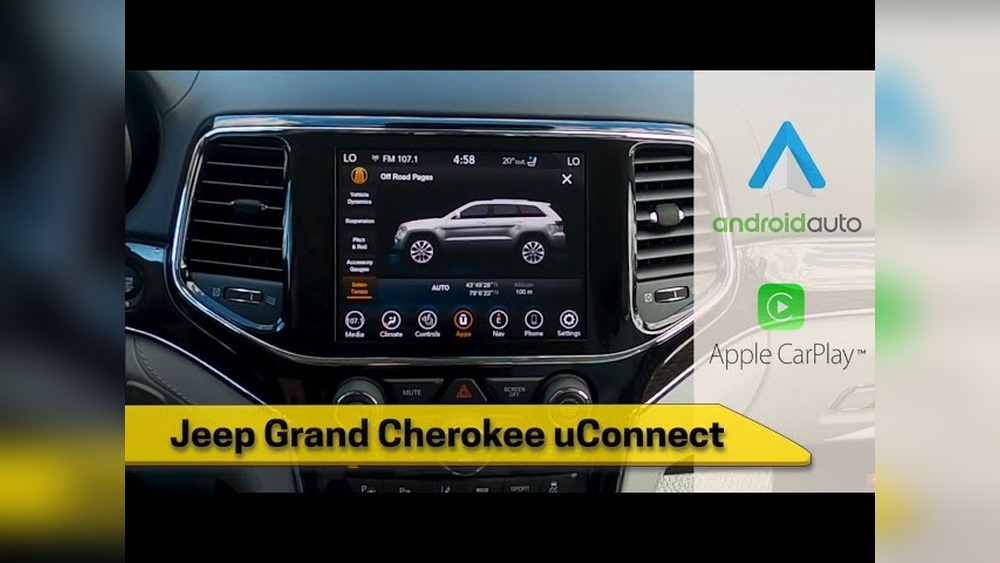
Not every Grand Cherokee supports CarPlay. The feature became available in 2018. If you have a 2018 model or newer, your vehicle is likely compatible. Older models usually do not support CarPlay unless you install an aftermarket system.
Here’s a quick comparison:
| Model Year | CarPlay Support | Factory System |
|---|---|---|
| 2017 and earlier | No | Uconnect (no CarPlay) |
| 2018-2020 | Yes | Uconnect 4/4C |
| 2021-present | Yes | Uconnect 5 |
If you’re unsure, check your infotainment screen for a CarPlay icon or ask your dealer.
What You Need Before Setup
Before setting up CarPlay in your Jeep Grand Cherokee, make sure you have:
- An iPhone 5 or newer running iOS 7.1 or later
- A USB cable (for wired CarPlay)
- Bluetooth enabled (for wireless CarPlay, if your Jeep supports it)
- The latest Uconnect software update
Some models only allow wired CarPlay. Others especially newer ones support wireless CarPlay.
Step-by-step: How To Set Up Carplay
Follow these steps to set up CarPlay for the first time:
- Turn on your Jeep and keep it in park.
- Connect your iPhone to the Jeep’s USB port using a quality cable. The USB port is usually under the center console.
- If your Jeep supports wireless CarPlay, enable Bluetooth and Wi-Fi on your iPhone, then go to your Uconnect screen and select “Pair Device.”
- On your infotainment screen, tap the CarPlay icon or select “Phone” and choose your device.
- Your iPhone will show a prompt asking if you want to allow CarPlay. Tap “Allow.”
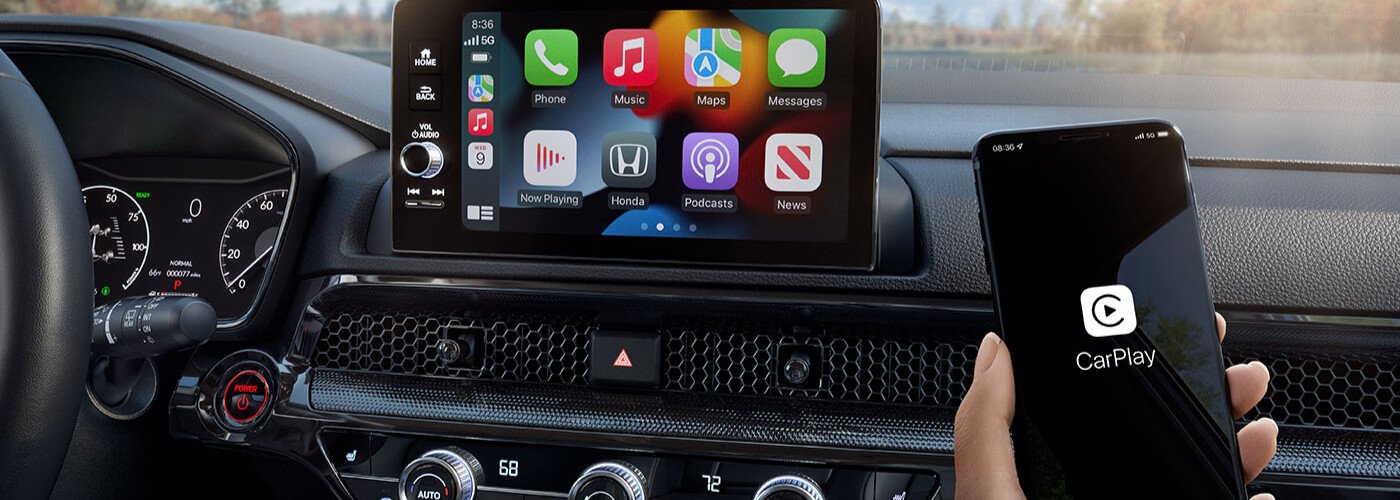
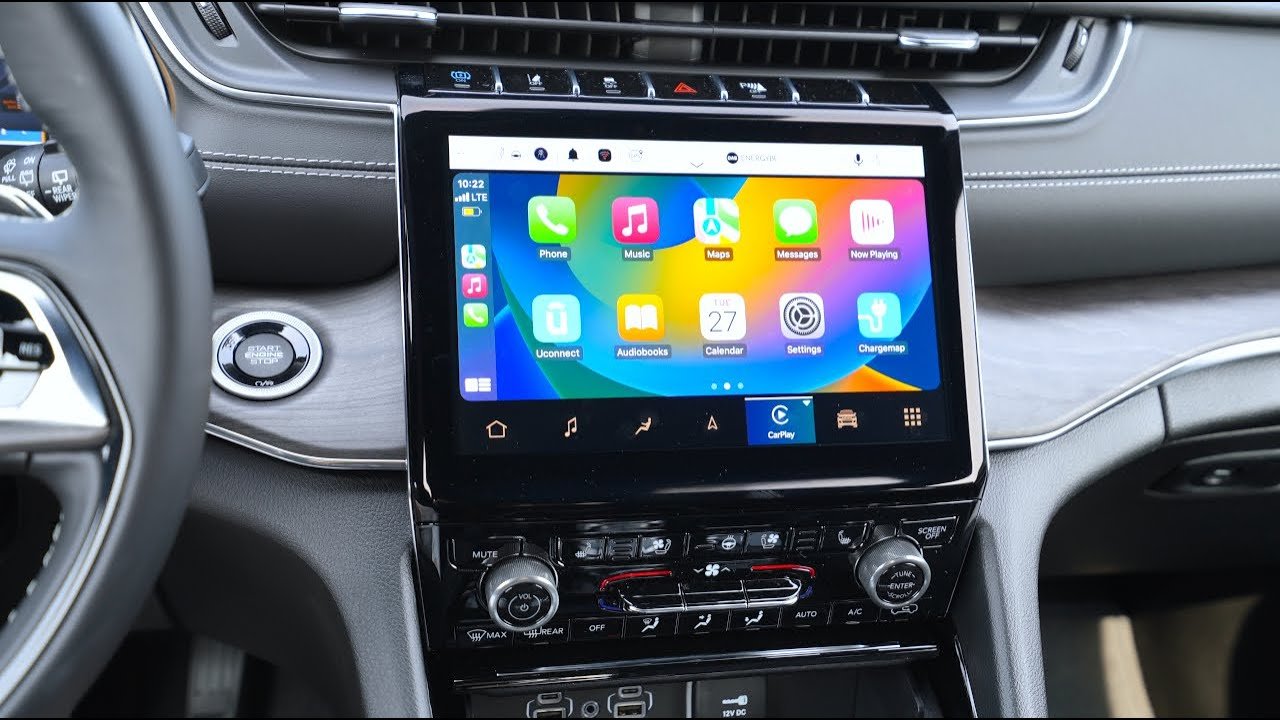
- The CarPlay interface will appear on your Uconnect screen. Now you can use apps like Apple Maps, Spotify, and Messages.
For wireless CarPlay, you may need to pair once via USB before wireless mode works. Always use a certified cable for best performance.
Carplay Features You Can Use
CarPlay brings many features to your Jeep Grand Cherokee:
- Navigation: Use Apple Maps, Google Maps, or Waze for real-time directions.
- Music and Podcasts: Play music from Apple Music, Spotify, or other apps.
- Hands-Free Calling: Make calls and send messages using Siri.
- Third-Party Apps: Access apps like Audible, WhatsApp, and more.
Here’s a feature comparison:
| Feature | CarPlay | Uconnect (without CarPlay) |
|---|---|---|
| Navigation | Apple/Google/Waze | Built-in maps only |
| Voice Assistant | Siri | Uconnect Voice |
| Music Apps | Spotify, Apple Music | Limited choices |
Many drivers find CarPlay easier and safer, especially for navigation and music.
Troubleshooting Common Carplay Issues
Sometimes CarPlay does not work as expected. Here are solutions to common problems:
- CarPlay won’t connect: Restart your iPhone and the Jeep’s infotainment system. Try a different USB cable or port.
- CarPlay disconnects: Check for iOS and Uconnect software updates. Avoid cheap cables.
- App issues: If an app won’t launch, update it on your iPhone.
- Wireless CarPlay not working: Make sure Bluetooth and Wi-Fi are on. Forget the Jeep device on your iPhone and reconnect.
One thing beginners miss: if your phone is locked, some apps may not appear on CarPlay. Unlock your phone for the full experience.
Upgrading Older Grand Cherokee Models
If your Jeep does not support CarPlay, you can upgrade using an aftermarket system. Brands like Alpine and Pioneer make CarPlay-compatible head units. Installation usually requires professional help.
Here’s a quick overview:
| Upgrade Option | Estimated Cost | Benefits |
|---|---|---|
| Alpine Head Unit | $500–$900 | Full CarPlay features |
| Pioneer Head Unit | $400–$800 | Easy integration |
| Professional Installation | $200–$400 | Reliable setup |
Remember, aftermarket upgrades may affect your warranty. Always ask your dealer first.
Practical Tips For Smooth Carplay Experience
- Use a short, high-quality USB cable for wired CarPlay. Long or cheap cables often cause problems.
- Keep your iPhone updated for the best compatibility.
- If you share your Jeep with family, set up multiple devices but disconnect one before connecting another.
- Check for Uconnect updates regularly. Updates can fix bugs and improve performance.
- Use Siri for hands-free control. Just say “Hey Siri” to start.
One overlooked feature: you can customize CarPlay layout on your iPhone. Go to Settings > General > CarPlay > Your Jeep and rearrange app icons for easier access.
Frequently Asked Questions
How Do I Know If My Jeep Grand Cherokee Supports Carplay?
Check your vehicle’s model year. If it’s 2018 or newer, CarPlay is likely supported. Look for the CarPlay icon on your infotainment screen or ask your dealer.
Can I Use Carplay Wirelessly In My Grand Cherokee?
Some newer models (especially with Uconnect 5) support wireless CarPlay. If your system offers Bluetooth and Wi-Fi pairing for CarPlay, you can use it without cables.
What Should I Do If Carplay Stops Working?
Restart your iPhone and Uconnect system. Try a different USB cable.
Check for software updates on both devices. If problems continue, contact Jeep support.
Can I Add Carplay To An Older Grand Cherokee?
Yes, you can install an aftermarket head unit with CarPlay support. Brands like Alpine and Pioneer work well, but professional installation is recommended.
Is Carplay Safe To Use While Driving?
CarPlay is designed to be hands-free and minimize distraction. Use Siri voice commands to keep your focus on the road. Always drive safely and obey traffic laws.
Setting up CarPlay in your Jeep Grand Cherokee is simple and brings many advantages. With this guide, you can enjoy safer, smarter drives and make the most of your vehicle’s tech. For more detailed information, visit Jeep Connectivity.



















