Getting your Jeep ready for Apple CarPlay can make every drive easier and more fun. CarPlay lets you control music, maps, calls, and apps from your iPhone, right from your Jeep’s screen.
But many owners find setup confusing or worry their model isn’t compatible. This guide explains each step, gives real examples, and solves common problems—so you can enjoy CarPlay without stress.
Even if you’ve never used CarPlay before, you’ll feel confident after following these steps. Plus, you’ll discover a few smart tricks to get even more from your Jeep’s infotainment system.
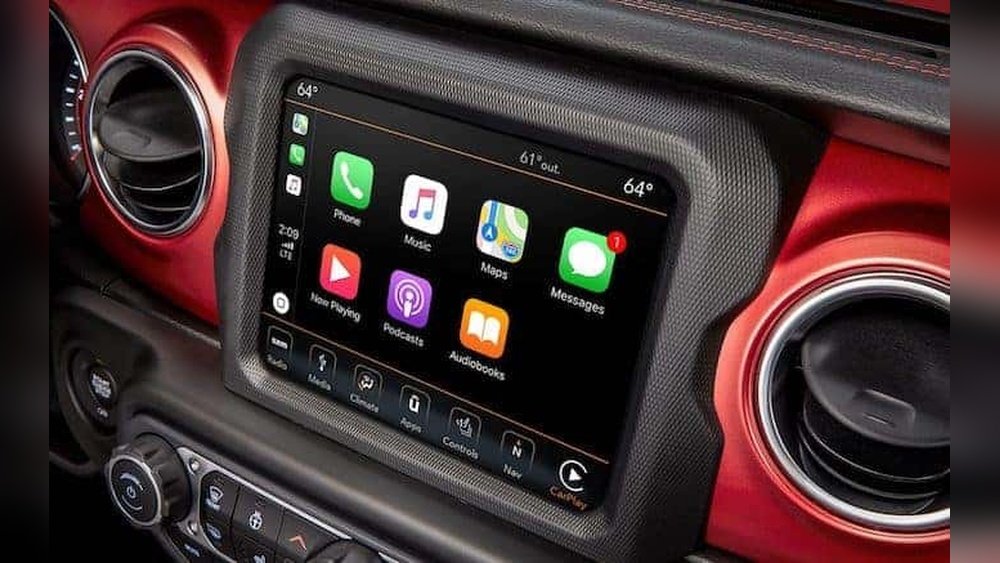
Check Your Jeep’s Carplay Compatibility
Not every Jeep comes with CarPlay. Most models from 2018 onward include CarPlay, but older Jeeps may not. Here’s a quick way to check:
| Jeep Model | Year | CarPlay Compatible |
|---|---|---|
| Wrangler | 2018+ | Yes |
| Grand Cherokee | 2018+ | Yes |
| Compass | 2017+ | Yes |
| Cherokee | 2019+ | Yes |
| Renegade | 2018+ | Yes |
If your Jeep is older, you may need to upgrade the Uconnect system or install an aftermarket head unit. Always check your car manual or Jeep’s website for details. Sometimes, a dealership can confirm compatibility if you provide your vehicle’s VIN. If you’re unsure about your Uconnect version, turn on your Jeep and look for the “Uconnect” logo—older screens look different and may not support CarPlay.
Some Jeeps built near the model year change might have different tech packages. For example, a late 2017 Compass might have Uconnect 4, while an early one may not.
Always check your specific VIN or ask the dealer to be certain.
What You Need Before Setup
Before starting, gather these items:
- An iPhone 5 or newer with iOS 7.1 or above
- An Apple-certified USB cable
- A compatible Jeep with a Uconnect touchscreen
- The latest updates for your iPhone and Uconnect system
Having the right gear avoids connection issues and ensures smooth setup. Make sure your iPhone’s software is up-to-date.
To check, open Settings > General > Software Update. If your Jeep’s Uconnect system needs an update, visit the Jeep website or ask your dealer.
A good-quality, genuine USB cable is important many connection problems happen because of cheap or damaged cables. If you use a third-party cable, make sure it’s MFi-certified (Made for iPhone).
Also, remember that using a phone case that blocks the connector can sometimes cause connection issues.
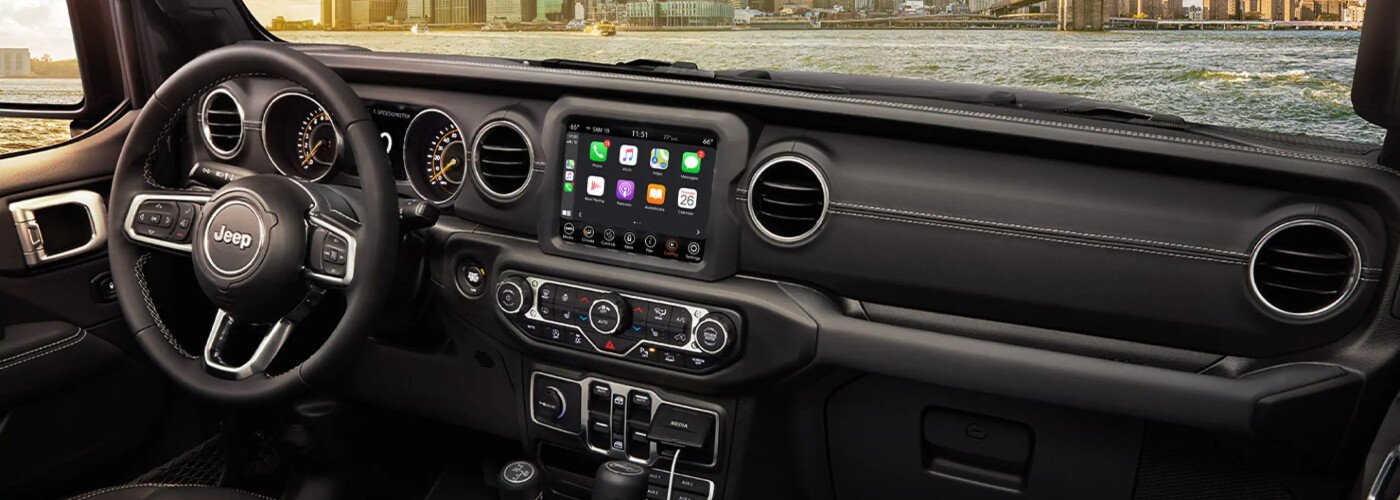
Step-by-step: Setting Up Carplay In Jeep
Follow these instructions to connect your iPhone for the first time:
- Start your Jeep and turn on the Uconnect touchscreen. Wait a few seconds for the system to fully load before plugging in your phone.
- Plug your iPhone into the Jeep’s USB port using your cable. Usually, the USB port near the front console or under the climate controls works best.
- Watch for the CarPlay logo or prompt on the Uconnect screen. Tap it. If nothing appears, check your phone and make sure it’s unlocked.
- On your iPhone, accept the “Allow CarPlay” message. You may be asked to give permission the first time you connect.
- CarPlay should now appear on your Jeep’s screen. You’ll see familiar icons like Phone, Maps, and Music.
If you want to use wireless CarPlay (available in some 2021+ Jeeps), use Bluetooth:
- On your iPhone, go to Settings > General > CarPlay > Available Cars.
- Select your Jeep from the list.
- Follow the pairing instructions on both devices. Sometimes, you’ll need to confirm a code on both screens.
If you’ve previously connected your iPhone in another car, you may need to forget the previous connection before pairing with your Jeep. Also, for the best wireless experience, keep your iPhone’s Bluetooth and Wi-Fi turned on.
Common Setup Problems And Solutions
Many users face simple issues. Here’s how to fix them:
| Problem | Quick Solution |
|---|---|
| CarPlay not showing | Check USB cable and port. Try a different cable or port. |
| Uconnect doesn’t detect iPhone | Restart both devices. Update Uconnect software. |
| CarPlay disconnects often | Disable Bluetooth if using wired CarPlay. Clean the USB port. |
| Wireless CarPlay won’t pair | Forget and re-pair Bluetooth on both devices. |
Tip: Non-obvious issue—if your Jeep has multiple USB ports, only some support CarPlay. Try each port if the system doesn’t recognize your phone.
Another detail: if you’re using a work phone, some companies block CarPlay for security reasons. Check with your IT department if you can’t connect.
Customizing Carplay For Your Jeep
Once connected, you can make CarPlay fit your driving style:
- Rearrange apps: On your iPhone, go to Settings > General > CarPlay > Customize. Drag apps to reorder.
- Hide apps you don’t use.
- Set up quick contacts for calling or messaging.
Example: If you use navigation often, place Apple Maps or Google Maps first. This saves time and reduces distractions.
You can also choose a different wallpaper for CarPlay or adjust Do Not Disturb settings to limit notifications. For drivers who share their Jeep with family, each person can set up their own CarPlay profile on their own iPhone.
| Popular CarPlay Apps | Purpose |
|---|---|
| Apple Maps | Navigation |
| Spotify | Music |
| Messaging | |
| Audible | Audiobooks |
| Waze | Traffic Alerts |
Some apps, like WhatsApp, will read your messages out loud and let you reply with your voice. For podcasts and audiobooks, apps like Audible and Overcast are handy for long trips.
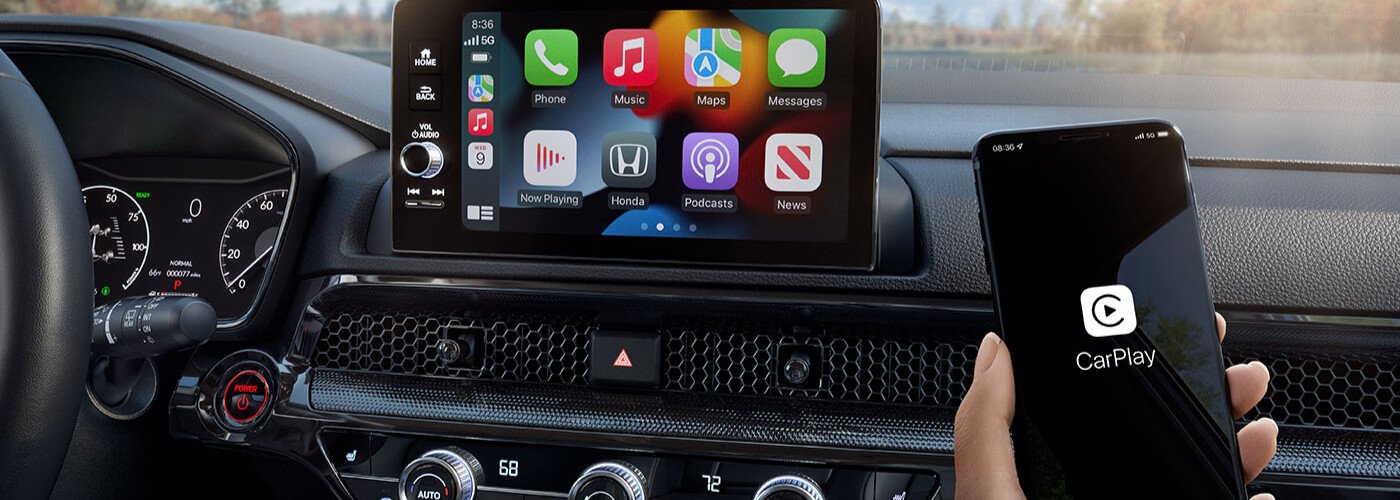
Safety And Practical Tips
CarPlay is designed to reduce distractions, but you should always use it safely.
- Use voice commands with Siri to keep your hands on the wheel. Just say “Hey Siri” to ask for directions or play music.
- Don’t type or swipe while driving.
- Set up Do Not Disturb While Driving on your iPhone to block notifications.
Non-obvious tip: If CarPlay freezes, try unplugging and plugging your phone back in. Often this solves minor glitches without restarting the car.
When you first connect CarPlay, spend a few minutes in park to get familiar with the system. Practice using Siri, switching apps, and adjusting settings before heading out on the road.
If you have children or passengers, show them how to use CarPlay safely, too. Some features, like reading messages, can be distracting if not used carefully.
Upgrading Older Jeeps For Carplay
If your Jeep doesn’t support CarPlay, you have options:
- Uconnect Upgrade: Some older models allow a software or hardware upgrade.
- Aftermarket Head Unit: Many brands offer CarPlay-compatible units. Prices range from $300–$800, plus installation.
- Professional Installation: Always use a certified installer for best results.
For more details on upgrades and compatibility, see the official Jeep Uconnect page.
When choosing an aftermarket unit, look for features like screen size, ease of use, and support for steering wheel controls. A good installer will explain options and make sure everything works with your Jeep’s existing cameras and sensors.
If you install CarPlay yourself, check online forums or Jeep communities for model-specific tips. Some dashboard trims are tricky to remove, so take your time and use the right tools.
Frequently Asked Questions
Is Carplay Available In All Jeep Models?
No. CarPlay is standard in most 2018+ models, like Wrangler, Grand Cherokee, Cherokee, Compass, and Renegade. Older Jeeps may need upgrades.
Can I Use Wireless Carplay In My Jeep?
Wireless CarPlay is supported in some 2021 and newer Jeeps. Check your Uconnect system and manual for wireless capability. If not, use a USB cable.
What Apps Work With Carplay In Jeep?
Most major apps—Maps, Spotify, WhatsApp, Audiobooks—work with CarPlay. You can customize which apps appear. Only apps approved by Apple are available.
Why Does Carplay Disconnect In My Jeep?
Frequent disconnects may be caused by a faulty cable, dirty USB port, or outdated software. Try different cables, update both devices, and keep ports clean.
Is It Safe To Use Carplay While Driving?
Yes, CarPlay is designed for safety. Use voice commands and avoid touching the screen while driving. Always follow local laws and use common sense.
Setting up CarPlay in your Jeep is simple once you know the steps. With the right equipment and a few adjustments, you’ll enjoy hands-free control of music, maps, and calls.
Whether your Jeep is brand new or a few years old, CarPlay can make every drive safer and more connected.
If you run into issues, try the troubleshooting tips above most problems are easy to solve. Enjoy your journey and drive smart!



















