Setting the time in your Jeep Wrangler is a small task, but it can make daily driving more comfortable. Whether you’ve just bought your Wrangler or daylight saving time has changed, knowing how to adjust your clock helps you stay punctual.
Many drivers struggle with this because Jeep’s controls are not always straightforward. This guide will walk you through every step, cover different model years, and highlight common mistakes, so you never feel lost again.
Finding Your Jeep Wrangler Model
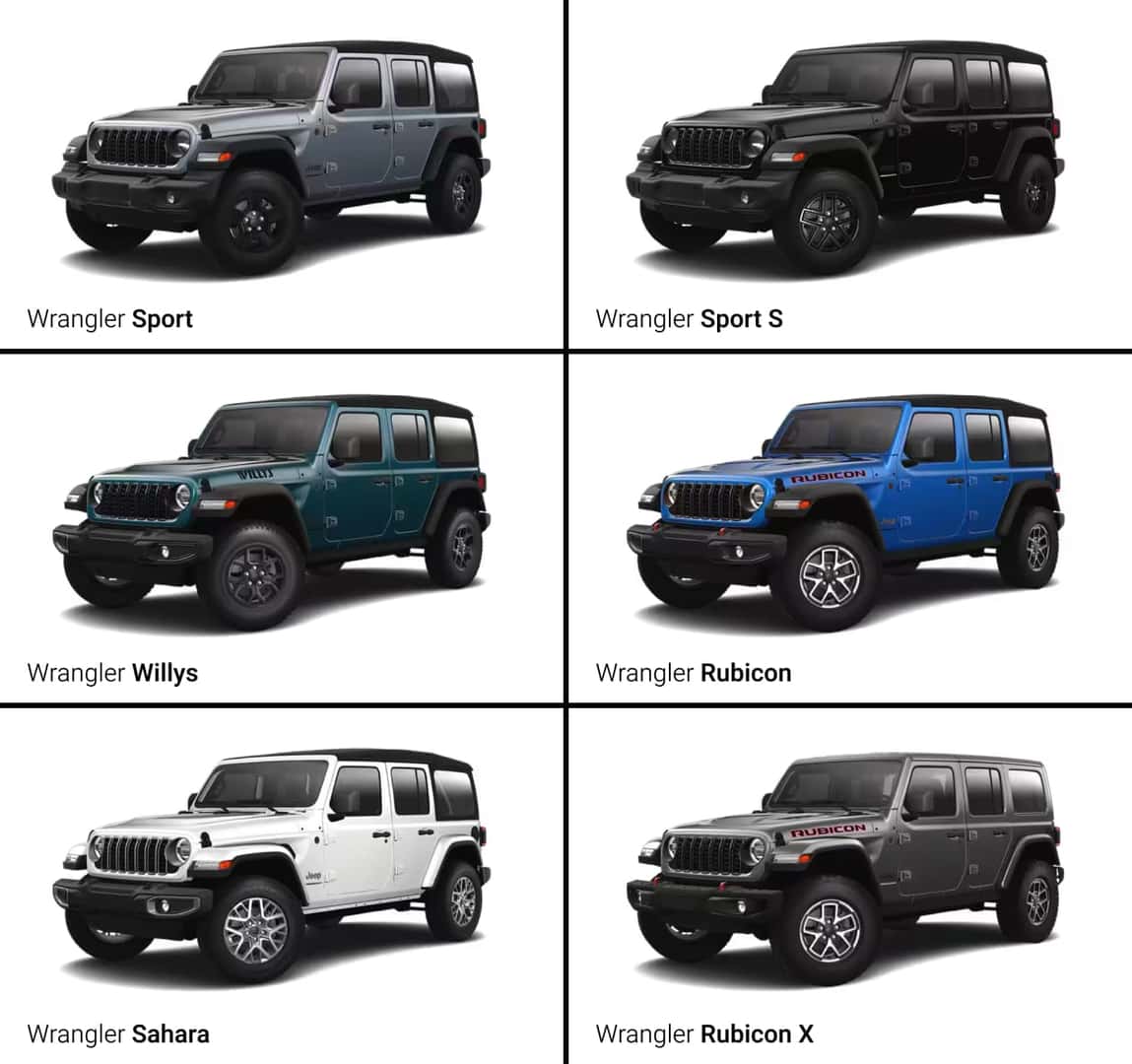
Before changing the time, you need to know your Jeep’s model year. The clock adjustment process differs between older and newer Wranglers. Typically, Wranglers fall into three groups:
- 1997–2006 (TJ)
- 2007–2017 (JK)
- 2018–present (JL)
Each group uses a different dashboard and infotainment system. Some use basic buttons, while others have touchscreen menus.
If you’re unsure about your model year, check your owner’s manual or look for the manufacturing year on your registration.
Setting Time In Jeep Wrangler Tj (1997–2006)
Older Wranglers use a simple clock display, usually found above the radio.
Steps:
- Turn your key to the “On” position.
- Find two small buttons labeled “H” (Hour) and “M” (Minute) near the clock.
- Press and hold “H” to change the hour. Release when you reach the correct hour.
- Press and hold “M” to adjust the minutes.
- Once set, turn off the ignition.
Tip: If the clock resets often, your battery might be weak. Consider checking it if this happens.
Common Mistake
Many owners press both buttons at once, which often resets the clock. Always adjust hours and minutes separately.

Setting Time In Jeep Wrangler Jk (2007–2017)
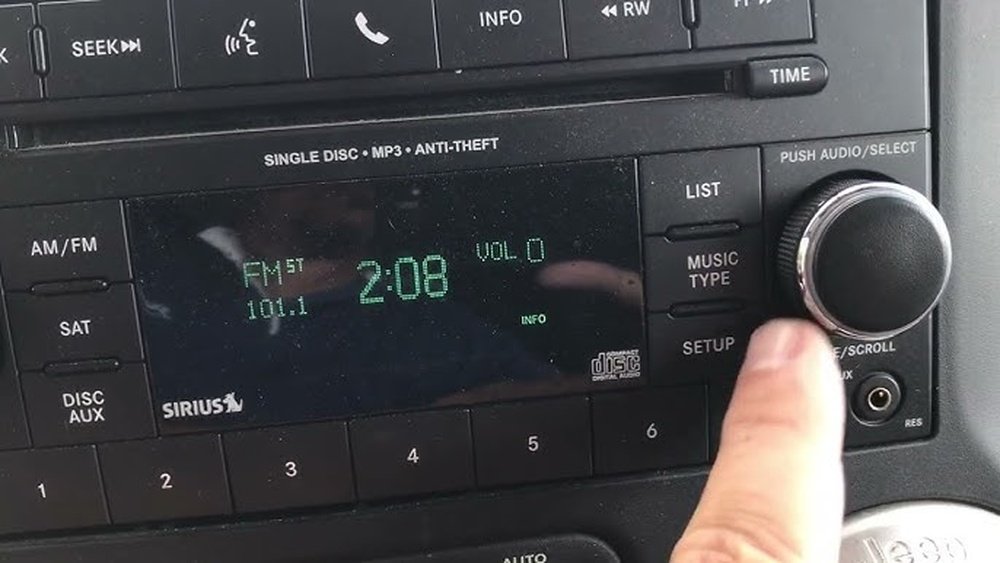
JK Wranglers have a more advanced radio unit, sometimes with a digital display.
Basic Radio Models:
- Turn the ignition to “On.”
- Press and hold the “Clock” button until the time flashes.
- Use “Seek” or “Tune” buttons to set hours and minutes.
- Press “Clock” again to save.
Touchscreen Models:
- Tap “Menu” or “Settings” on the screen.
- Select “Clock” or “Time.”
- Adjust using on-screen arrows or plus/minus icons.
- Confirm and exit.
Data Comparison
Here’s a quick look at the difference between analog and touchscreen models:
| Model Year | Clock Adjustment Method | Display Type |
|---|---|---|
| 2009 | Physical Buttons | Digital LCD |
| 2015 | Touchscreen | Color LCD |
| 2017 | Touchscreen/Menu | Color LCD |
Insight: Some JK models require you to press “Clock” twice to start adjustment mode. Watch for a blinking display before setting.
Setting Time In Jeep Wrangler Jl (2018–present)
Modern Wranglers use the Uconnect infotainment system. This system is more intuitive but has extra options.
Steps:
- Turn the ignition to “Run” (engine can be on or off).
- Tap “Settings” on the Uconnect screen.
- Select “Clock & Date.”
- Tap “Set Time” and use the arrows to adjust hour and minute.
- Tap “Save” or “OK” to confirm.
Automatic Time Sync
Some JL models let you sync time automatically with GPS or your smartphone. If enabled, the clock updates itself. To check:
- Go to “Settings.”
- Choose “Clock & Date.”
- Find the “Sync Time with GPS” option and turn it on.
Example: If you travel across time zones, automatic sync keeps your clock accurate.
Comparison Table
Below is a quick comparison of manual vs. automatic time settings:
| Setting Method | Manual Adjustment Needed | Updates When Traveling |
|---|---|---|
| Manual | Yes | No |
| Automatic (GPS) | No | Yes |
Non-obvious Tip: If your Jeep’s clock is always wrong, check the GPS sync option. Many owners miss this setting.
Troubleshooting Clock Issues
If your Wrangler’s clock won’t set or keeps resetting, these are the most common causes:
- Weak battery: A failing battery can cause the clock to lose time.
- Software glitches: Especially on Uconnect, a system reset may be needed.
- Fuse issues: A blown fuse can prevent the clock from storing settings.
Quick Troubleshooting Steps
- Check battery health using a voltmeter.
- Restart your infotainment system (JL models).
- Inspect fuses under the dashboard.
Extra Tips For Accuracy
- Always double-check AM/PM if your Jeep uses a 12-hour format.
- If your Wrangler has daylight saving time auto-adjust, enable it in settings.
- Set the time while parked. Adjusting clocks while driving distracts and can be unsafe.
Statistic: According to Jeep owner forums, about 20% of new Wrangler drivers set the clock incorrectly on their first attempt.
Real-world Example
A 2019 Jeep Wrangler JL owner found that their clock was always five minutes slow. After manual adjustment, it still reverted to the old time.
The solution was to disable “Sync Time with GPS,” then set the time manually. Afterward, the clock stayed accurate.
Frequently Asked Questions
How Do I Set The Time In A Jeep Wrangler With No Touchscreen?
Older Wranglers (like TJ and early JK) use physical buttons. Look for small “H” and “M” buttons near the radio or clock display.
Press and hold to adjust hours and minutes. Never press both at the same time.
Why Does My Jeep Wrangler Clock Reset After Turning Off The Car?
This usually means your battery is weak or a fuse is blown. If the battery is old, replace it.
Also, check the fuse box for any damaged fuses related to the clock or radio.
Can I Set Time Automatically In My Jeep Wrangler?
Yes, newer JL models allow automatic time sync via GPS. Go to “Settings” > “Clock & Date” and turn on “Sync Time with GPS.
” Your clock will update itself when you travel.
What Should I Do If My Uconnect System Won’t Let Me Set The Time?
Try restarting the system. Turn off your Jeep, wait a minute, then turn it back on.
If the problem continues, update the Uconnect software or visit your dealer. Sometimes, a software bug prevents time changes.
Is There An Online Resource For Jeep Wrangler Owners?
Yes, the official Jeep site offers guides and manuals. You can find more information at Jeep Owners.
Setting the time in your Jeep Wrangler is easy once you know your model and dashboard type. With these clear steps, you can keep your clock accurate and avoid common errors. Remember, regular checks and using automatic sync features can save you trouble. If you have ongoing issues, don’t hesitate to ask your dealer or consult your manual.