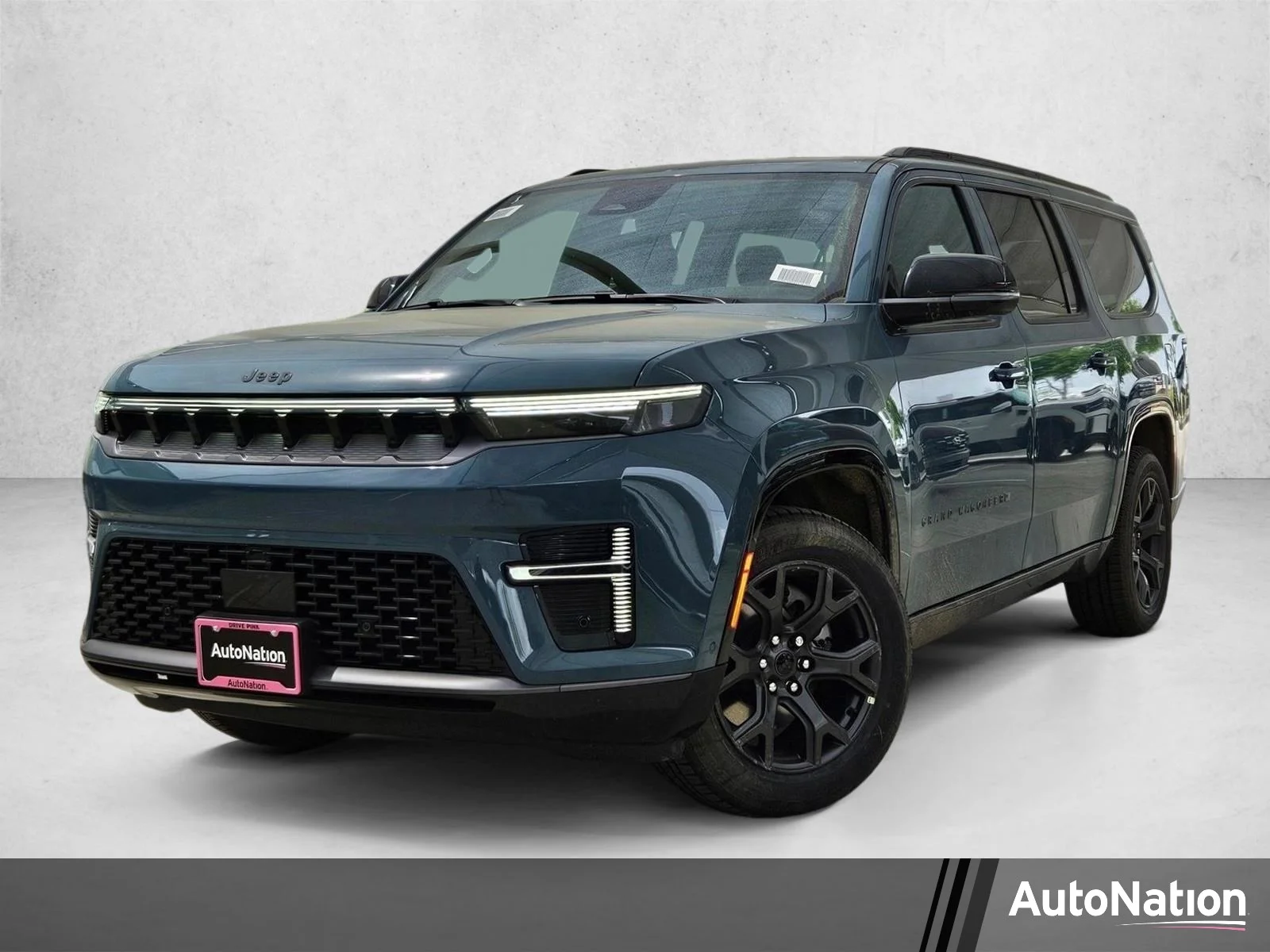
Many drivers love the Jeep Cherokee for its comfort, technology, and reliability. One feature that stands out is the seat memory system.
This system lets you save your favorite seat position, mirror angles, and sometimes steering wheel position. With seat memory, you can avoid the hassle of adjusting your seat every time.
If you share your Cherokee with others, or just want convenience, learning to set seat memory is essential.
This guide will show you step-by-step how to set seat memory in a Jeep Cherokee. We’ll cover common mistakes, offer practical tips, and answer key questions.
Whether you’re new to the Cherokee or just want a refresher, you’ll find everything you need to get the most from your seat memory.
Understanding Seat Memory In Jeep Cherokee
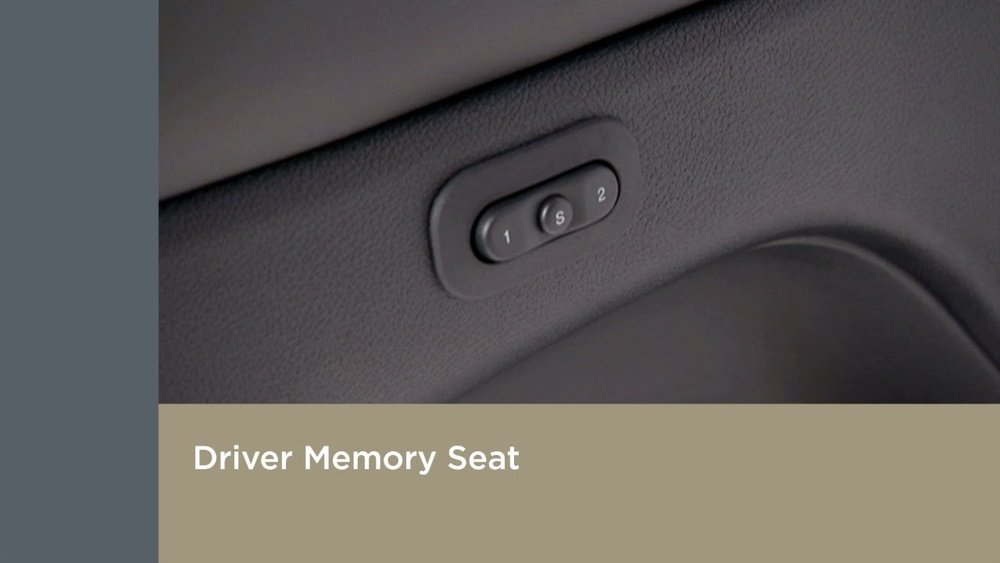
Seat memory is available in many Jeep Cherokee models, especially from 2014 onward. Usually, you’ll find buttons labeled “1” and “2” on the driver’s door. These let you save and recall two different seat/mirror positions. Some models also link seat memory to key fobs, so the car adjusts automatically based on who unlocks it.
Here’s a quick comparison of seat memory features in recent Cherokee models:
| Model Year | Seat Memory Buttons | Mirror Memory | Linked to Key Fob |
|---|---|---|---|
| 2014–2018 | Yes | Yes | Optional |
| 2019–2024 | Yes | Yes | Standard |
| Limited/Overland | Yes | Yes | Standard |
| Latitude/Sport | No | No | No |
If your Cherokee has seat memory, you’ll see the buttons on the driver’s door panel, usually under the window controls.
How To Set Seat Memory In Jeep Cherokee
Setting seat memory is simple, but you need to follow the correct steps. Here’s how you do it:
- Turn on the ignition: The seat memory system only works when the car is in “Run” mode, but the engine doesn’t need to be running.
- Adjust the seat: Use the electronic controls on the side of your seat. Move the seat forward/back, adjust height, tilt, and lumbar support. Also, set the side mirrors to your preferred angle.
- Press the ‘SET’ button: Find the “SET” button on the door panel. Press and release it. You’ll hear a chime or see a light flash.
- Choose memory position: Within five seconds, press the “1” or “2” button. This saves your settings to that position.
- Repeat for second driver: If you want to save a second set for another driver, adjust the seat and mirrors again and repeat steps 3–4 using the other button.
The process takes less than a minute. Here’s a look at the difference between manual and automatic recall:
| Recall Type | How It Works | Common Use |
|---|---|---|
| Manual Recall | Press “1” or “2” to restore position | Used when drivers take turns |
| Automatic Recall | Car adjusts when you unlock with key fob | Convenient for individual key fobs |
If your Cherokee supports automatic recall, make sure your key fob is programmed to your memory position. For this, refer to your owner’s manual or ask your dealer.
Common Mistakes And How To Avoid Them
Many owners make simple mistakes when setting seat memory:
- Not turning the ignition on. Without power, memory won’t save.
- Pressing the “SET” button for too long. Just a quick press is enough.
- Waiting too long after pressing “SET”. You must press “1” or “2” within five seconds.
- Forgetting to adjust mirrors. Only seat position is saved if mirrors are not moved.
- Trying on models without seat memory. Some Cherokees don’t have this feature.
To avoid these, always double-check your model, follow the steps closely, and listen for the chime or look for indicator lights.
Practical Tips For Using Seat Memory
Using seat memory can make your life easier, but here are some tips to get even more out of it:
- Link memory to key fob: If your Cherokee allows, program each key fob to a memory position. This way, the car knows who is driving.
- Save positions after every change: If you adjust your seat for a long trip, remember to update your memory setting.
- Use memory for mirrors: Many drivers forget that mirror angles are also saved.
- Test recall: After setting, press “1” or “2” to check if the seat and mirrors move to your position.
- Teach other drivers: If you share your Cherokee, show others how to set their own positions.
Here’s a quick look at what’s usually included in Jeep Cherokee seat memory:
| Memory Feature | Included? | Notes |
|---|---|---|
| Driver Seat | Yes | Always saved |
| Side Mirrors | Yes | Saved with seat |
| Steering Wheel | Sometimes | Only on high-end trims |
| Climate Settings | No | Not saved |
Most beginners don’t realize that only some settings are saved. For example, climate controls and radio stations are not linked to seat memory.
Advanced Features And Insights
Some newer Cherokees offer extra features with seat memory:
- Easy Entry/Exit: The seat moves back when you turn off the engine, then returns when you start the car.
- Programmable recall: In settings, you can choose if the seat moves automatically or only when you press a button.
- Safety lockout: If you change the seat while the car is moving, the memory recall might pause for safety.
Not all models have these features. Check your owner’s manual or the Jeep website for full details.
A non-obvious insight: If your Cherokee has memory linked to key fob, you can actually “train” the car to recognize up to four different drivers, depending on trim. This is useful for families or carpooling.
Another tip: If your seat memory isn’t working, try resetting it by disconnecting the battery for a few minutes. This sometimes fixes software glitches. But always check with your dealer before doing this.
For more details on Jeep Cherokee seat memory, visit the official Jeep website.
Frequently Asked Questions
How Many Seat Memory Positions Can I Set In Jeep Cherokee?
Most Cherokees let you set two memory positions. Some trims or years offer more, but two is standard.
Does Seat Memory Save Mirror Positions?
Yes, side mirrors are usually saved along with the seat. Adjust mirrors before saving your position.
Can I Link Seat Memory To My Key Fob?
On newer Cherokees, you can link seat memory to key fob. This means the car adjusts to your settings when you unlock it.
What Should I Do If Seat Memory Stops Working?
First, check if the ignition is on and you’re following the steps correctly. If it still doesn’t work, try resetting the system or visit your dealer.
Does Seat Memory Include Passenger Seat?
No, only the driver seat has memory. The passenger seat must be adjusted manually.
Setting seat memory in your Jeep Cherokee is simple, but knowing the details can save time and frustration. With these steps and tips, you’ll enjoy a comfortable drive every time.
If you have questions, your dealer or the Jeep website can offer more guidance.
Seat memory is a small feature, but it makes a big difference in daily driving.