Setting the clock on your Jeep Grand Cherokee might seem like a small detail, but having the correct time keeps your drive smooth and stress-free.
Whether you’ve just experienced a power reset, daylight saving time, or simply want to fix an incorrect clock, knowing how to adjust it is important. This guide walks you through the steps for different model years, explains common issues, and offers tips to make the process easier.
Why The Clock Matters
A correctly set clock does more than show the time. For many drivers, it helps maintain routines and manage schedules.
Some systems in the Jeep Grand Cherokee also rely on the clock for functions like navigation and reminders. Even a few minutes off can create confusion, especially if you depend on alerts.
Finding The Right Method For Your Jeep Grand Cherokee
Jeep Grand Cherokee models from 2011 onward feature different infotainment systems. The method to set the clock can vary, so it’s important to know which system your SUV uses. Here’s a quick comparison:
| Model Year | Main Clock Setting Method | Infotainment System |
|---|---|---|
| 2011-2013 | Manual buttons | Basic Uconnect or analog |
| 2014-2021 | Touchscreen | Uconnect 5.0/8.4 |
| 2022-present | Touchscreen (Uconnect 5) | Uconnect 5 |
If you’re unsure about your model year or infotainment system, check your owner’s manual or look for the Uconnect logo on your screen.
Step-by-step: Setting The Clock
For 2011–2013 Models (manual)
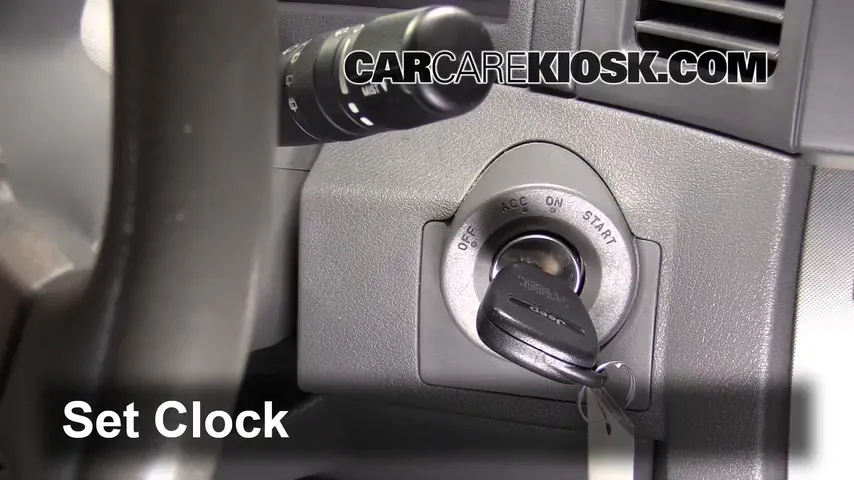
- Turn on your vehicle. The display should light up.
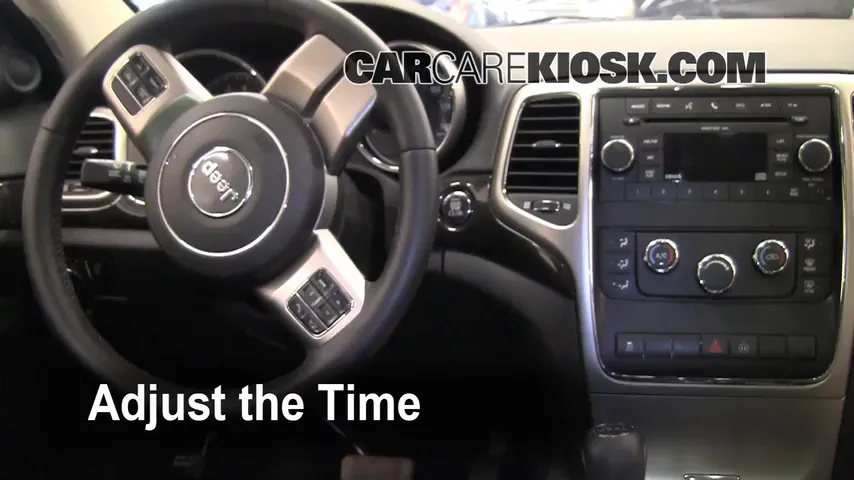
- Locate the clock buttons. Usually found near the radio or on the dashboard. Look for “H” (hour) and “M” (minute) buttons.
- Press and hold ‘Time’ until the display blinks.
- Adjust hours by pressing “H”. Each press moves the hour forward.
- Adjust minutes with the “M” button.
- Release the buttons when the correct time is set. The display will stop blinking.
These older systems don’t allow you to move backward, so if you skip past the correct time, you’ll need to loop around again.
For 2014–2021 Models (uconnect Touchscreen)
Most 2014–2021 Grand Cherokees use the Uconnect 5.0 or 8.4 system. Here’s how to set the clock:
- Start your Jeep and let the Uconnect screen load.
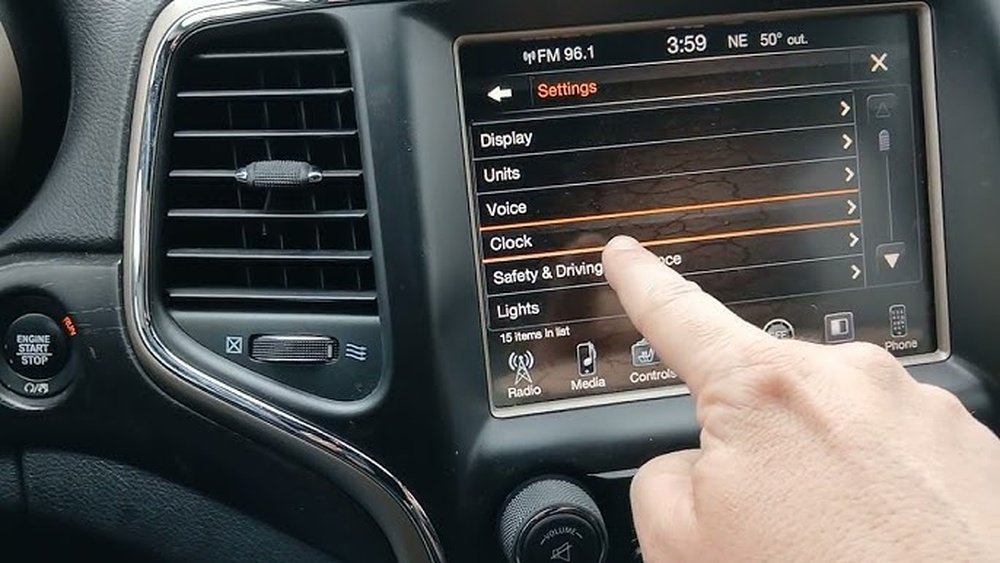
- Tap ‘Settings’ on the screen.
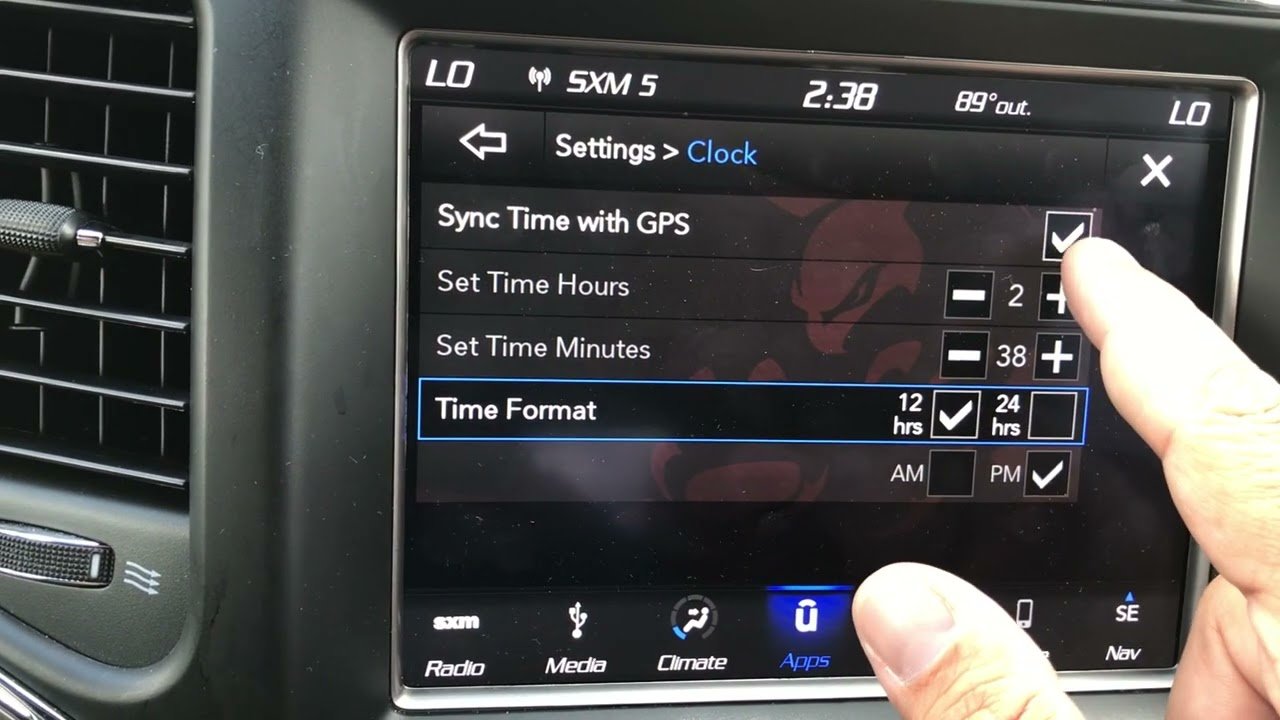
- Select ‘Clock & Date’ or just “Clock” (label can vary).
- Switch ‘Set Time’ to Manual (if it’s on GPS or Auto).
- Adjust the time using the plus (+) and minus (–) buttons.
- Check AM/PM if your system uses 12-hour format.
- Save your changes. The clock should now display the correct time.
Tip: If your Uconnect is set to use GPS, it should adjust automatically. If it’s not updating, switch to manual and set the time yourself.
For 2022–present Models (uconnect 5)
With the new Uconnect 5 system, the interface is even more user-friendly.
- Switch the ignition on to activate the touchscreen.
- Press ‘Vehicle’ or ‘Settings’ on the home menu.
- Find ‘Clock’ or ‘Time’ settings.
- Choose manual or automatic (GPS).
- Adjust hour and minute using the on-screen controls.
- Confirm the changes by exiting the settings menu.
Some models even let you set the clock through voice commands, but manual adjustment is always reliable.
Common Problems And Solutions
It’s not unusual to face small issues when setting the clock. Here’s a look at frequent problems and how to handle them:
| Problem | Possible Cause | Solution |
|---|---|---|
| Clock not saving new time | Low battery, system glitch | Restart vehicle, check battery |
| Time resets to 12:00 | Loose connection, software bug | Visit dealer for inspection |
| AM/PM incorrect | Wrong format selected | Change to 12/24hr in settings |
A non-obvious tip: If your Jeep’s clock keeps losing time after battery changes, the infotainment system may need a firmware update. Ask your dealer or check the Jeep website for any recalls or updates.
Tips For Accurate Timekeeping
- Set to GPS when possible. This ensures your clock adjusts automatically for time zone changes and daylight saving.
- Check after power loss. After a dead battery or jump-start, recheck your clock.
- Monitor software updates. New Uconnect versions may fix clock bugs.
- Double-check AM/PM. It’s easy to accidentally set the wrong half of the day.
- Sync with your phone. For extra accuracy, compare the Jeep clock with your smartphone.
Many drivers forget to update the clock after crossing time zones. If you travel often, automatic GPS time is your best friend.
When To Get Help
Most clock issues are minor, but if you notice the clock frequently resets or won’t adjust, it could point to a deeper electrical or software problem. Persistent issues may require a dealership visit.
If you see other dashboard errors alongside clock problems, don’t ignore them these could be signs of a failing battery or infotainment fault.
For more details, you can visit the official Jeep support page.
Frequently Asked Questions
Why Won’t My Jeep Grand Cherokee Clock Stay Set?
This can happen due to a weak battery, software glitch, or a faulty connection. Try resetting the system by turning the vehicle off and on.
If the problem continues, a dealership can check for deeper issues.
Does The Clock Adjust For Daylight Saving Time Automatically?
If your Jeep is set to GPS or Auto time, it should adjust for daylight saving changes. Manual mode requires you to update the clock yourself.
How Do I Switch Between 12-hour And 24-hour Format?
Go to Clock Settings in your Uconnect system. Look for an option labeled “Time Format” or “12/24 Hour” and select your preference.
What Should I Do If The Clock Is Always Slow Or Fast?
First, set the clock to GPS time for automatic adjustment. If it still runs slow or fast, your system may need a software update or inspection by a Jeep technician.
Can I Set The Clock While Driving?
For safety reasons, many Jeep Grand Cherokees disable clock adjustments while the vehicle is moving. Always set the clock while parked.
Setting the clock on your Jeep Grand Cherokee is quick once you know the right steps for your model. Keeping your time accurate helps you stay on track and prevents small annoyances. If you ever run into stubborn problems, don’t hesitate to ask your dealer for help. With these tips, you’ll never miss an appointment—or a favorite radio show—again.



















