Resetting your Uconnect system in a 2018 Jeep Wrangler can solve many issues, from a frozen screen to Bluetooth problems. With technology playing a bigger role in vehicles, knowing how to handle basic troubleshooting is becoming essential for drivers.
Sometimes, a simple reset can restore normal function and save you a trip to the dealership. This guide walks you through the best ways to reset Uconnect, what to watch for, and tips most owners miss.
Understanding Uconnect In Your Jeep Wrangler
The Uconnect system is the central hub for entertainment, navigation, and vehicle settings in your Jeep. It controls radio, Bluetooth, navigation, climate, and some vehicle functions. If the system stops responding or acts strangely, a reset might be needed. Unlike older car radios, Uconnect is more like a small computer, so rebooting it can solve many software glitches.
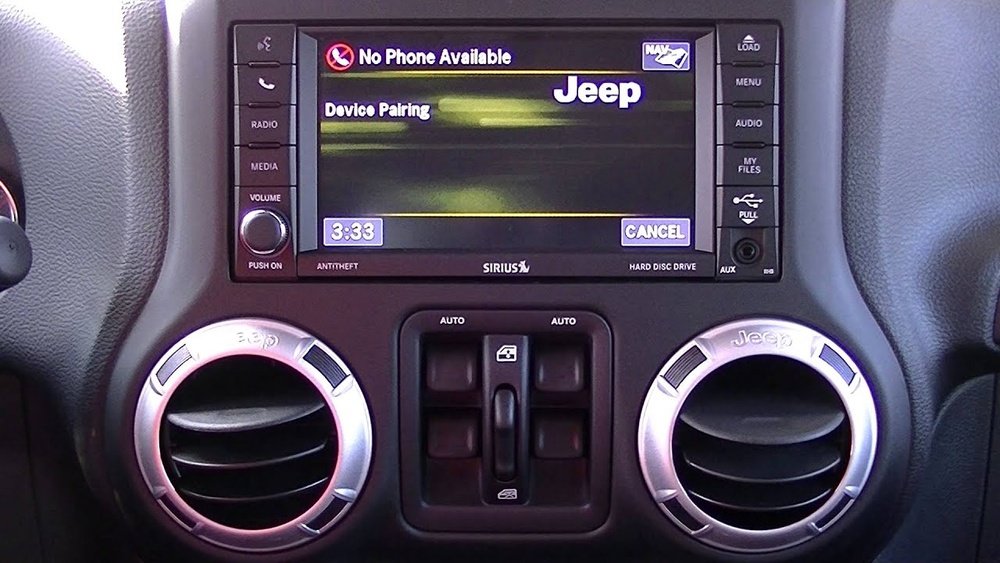
Most problems involve:
- Touchscreen freezing
- Audio not playing
- Bluetooth not connecting
- Navigation errors
Some issues are easy to fix, but others may signal a deeper problem.
Types Of Uconnect Reset
There are two main ways to reset Uconnect:
- Soft Reset: Quick reboot without losing saved settings or data.
- Factory Reset (Hard Reset): Erases all personal data, returning Uconnect to its original settings.
The method you choose depends on your problem. If the screen is just stuck, start with a soft reset.
If you plan to sell your Jeep or have ongoing software issues, a factory reset may be the answer.
Here’s a comparison of each method:
| Reset Type | Data Loss | When To Use |
|---|---|---|
| Soft Reset | No | Temporary glitches, frozen screen |
| Factory Reset | Yes (all personal data erased) | Persistent issues, before selling Jeep |
How To Perform A Soft Reset
A soft reset is fast and usually safe. Here’s how to do it on a 2018 Jeep Wrangler:
- Turn on the ignition (engine can be off, but Uconnect must be powered).
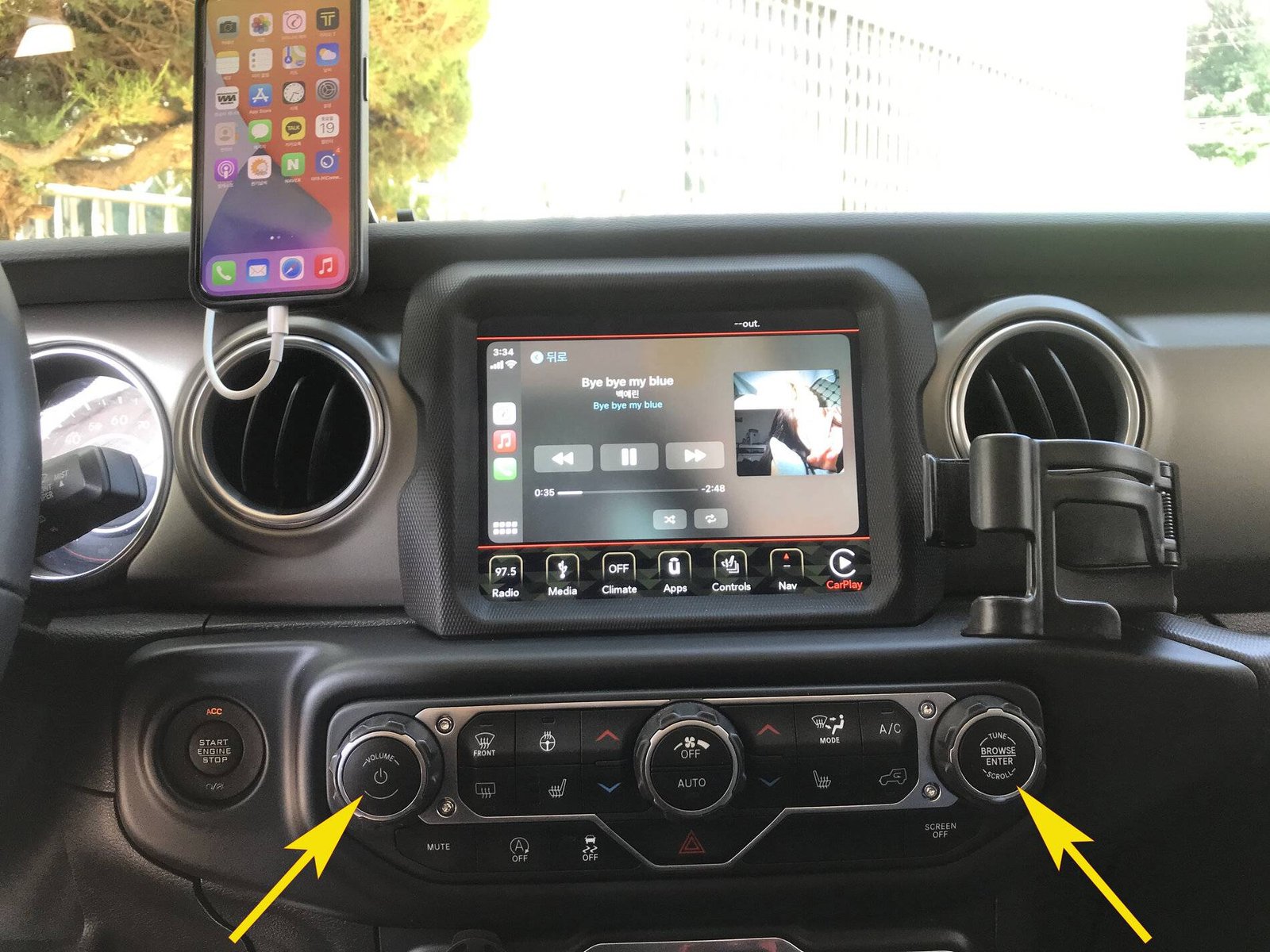
- Press and hold both the Volume and Tuner knobs at the same time.
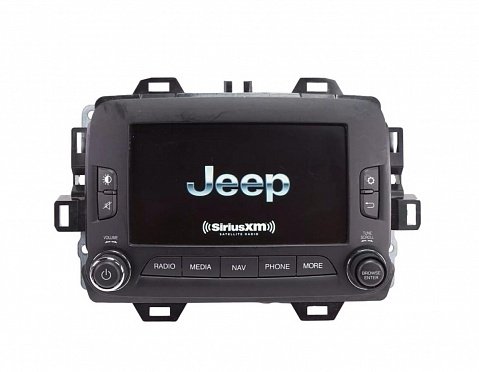
- Hold for about 10-20 seconds. The screen will go black, then the Jeep logo will appear as it restarts.
- Release the knobs.
The system should now reboot. You won’t lose your radio presets or paired phones.
When A Soft Reset Isn’t Enough
If the problem comes back or the system won’t reset, try these extra steps:
- Check for software updates at your dealership or the official Jeep website.
- Disconnect the vehicle battery for 10 minutes, then reconnect (this is a last resort and may reset some settings).
How To Perform A Factory Reset
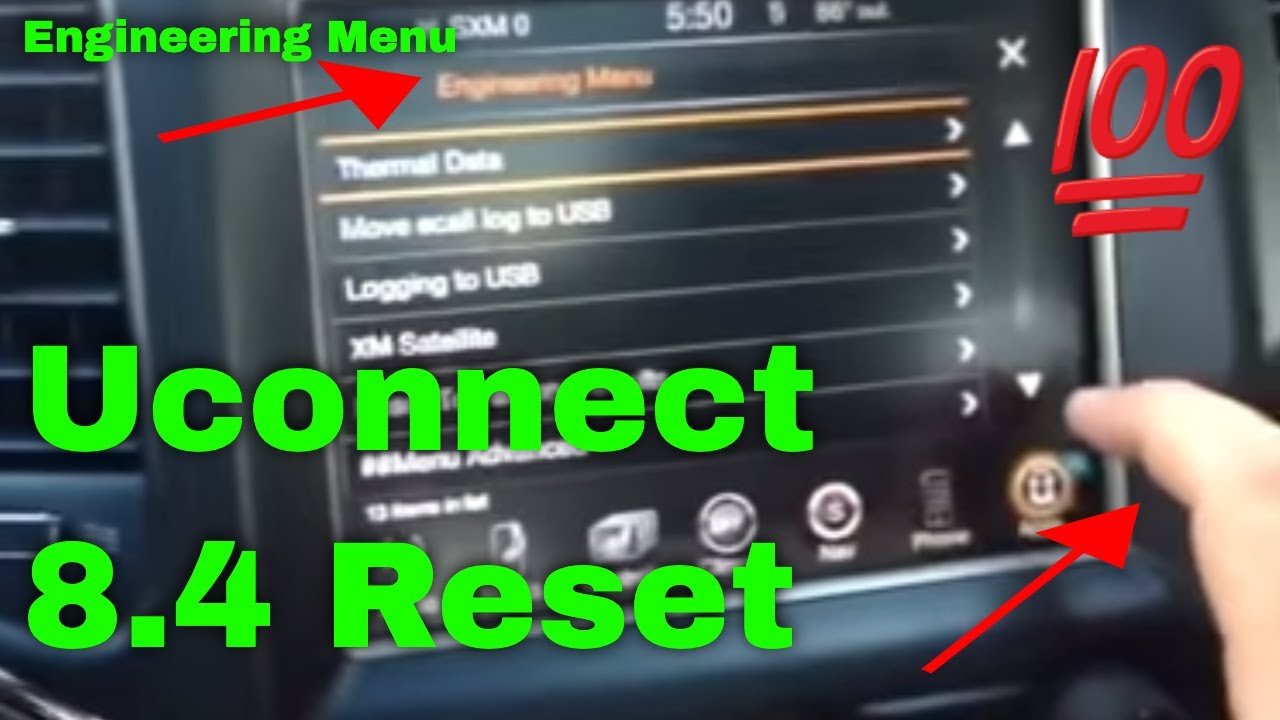
A factory reset wipes all user data and returns Uconnect to its factory state. This is sometimes called a "master reset.
" Make sure to back up any contacts or settings you want to keep.
Follow these steps:
- Press “Settings” on the Uconnect touchscreen.
- Scroll and select “System Information” or “Reset” (name can vary slightly).
- Tap “Restore Factory Defaults” or “Reset to Factory Settings.”
- Confirm your choice. The system will warn you that all data will be erased.
- Wait as Uconnect restarts and clears all data.
After the reset, you’ll need to set up Bluetooth, radio presets, and other preferences again.
Here’s a quick reference:
| Step | Action | What Happens |
|---|---|---|
| 1 | Go to Settings | Access reset menu |
| 2 | Select Factory Reset | Prompt for confirmation |
| 3 | Confirm Reset | All data erased, system restarts |
Important Tips Before Resetting
- Backup contacts and favorites if you use built-in navigation or hands-free calling.
- Write down your radio presets and other preferences.
- For security, remove your personal information if you’re selling or trading in your Jeep.
Many owners forget that some settings, like navigation favorites or custom equalizer profiles, do not sync with your phone or the cloud. Once erased, they can’t be recovered.
Common Problems That A Reset Can Fix
A Uconnect reset often solves:
- Unresponsive touchscreen
- Navigation system errors
- Bluetooth pairing failures
- Audio glitches
- Slow or laggy performance
However, if problems return quickly after a reset, the cause might be hardware (like a faulty screen) rather than software.
When To Seek Professional Help
If Uconnect continues to malfunction after a reset, it’s time to visit your dealer. Repeated issues could mean:
- A software update is required
- There’s a hardware failure
- Deeper electrical problems exist
Dealership tools can diagnose issues that home resets cannot. Ignoring persistent problems can lead to safety risks, especially if backup cameras or navigation features are affected.
What Most Owners Miss
- Updates matter: Many Uconnect problems are fixed by software updates, not just resets. Owners often overlook this.
- Battery disconnect isn’t always safe: Disconnecting your Jeep’s battery can trigger other system resets or warning lights. Only use this as a last resort.
Quick Comparison: Soft Reset Vs Factory Reset
| Feature | Soft Reset | Factory Reset |
|---|---|---|
| Time Needed | Under 1 minute | 2-5 minutes |
| Data Loss | No | Yes |
| Complexity | Very Easy | Easy |
| When to Use | Minor problems | Major or repeated issues |
Frequently Asked Questions
How Often Should I Reset Uconnect In My Jeep Wrangler?
You only need to reset Uconnect when you notice problems like freezing or unresponsive features. Routine resets are not necessary and won’t improve normal operation.
A factory reset deletes personal settings and favorites but does not remove map data or official software updates already installed.
Is There A Risk Of Damaging Uconnect By Resetting It Often?
No, soft resets are safe. However, repeated factory resets without solving the root issue may hide hardware problems.
If you need to reset often, see your dealer.
Can I Update Uconnect Myself?
Some updates can be downloaded from the official Jeep or Uconnect website and installed via USB. For major updates, you may need to visit a dealership. More info is available at the Jeep Uconnect support page.
What If My Screen Stays Black After Trying To Reset?
If the screen does not turn back on after a reset, check your vehicle’s fuses or battery connections. If the issue continues, professional service is needed as the touchscreen or head unit may have failed.
Resetting your Uconnect system in a 2018 Jeep Wrangler is simple and can solve most common tech issues. Remember to try a soft reset first, and only do a factory reset when truly needed.
If problems keep coming back, seek expert help to keep your Jeep safe and enjoyable.