Every Jeep owner knows the importance of a smooth, responsive infotainment system. Whether you rely on it for navigation, music, hands-free calls, or connecting your smartphone, your Jeep’s infotainment is central to your driving experience.
But sometimes, these systems freeze, lag, or act strangely.
Resetting your Jeep infotainment system can solve many of these problems and it’s easier than you think.
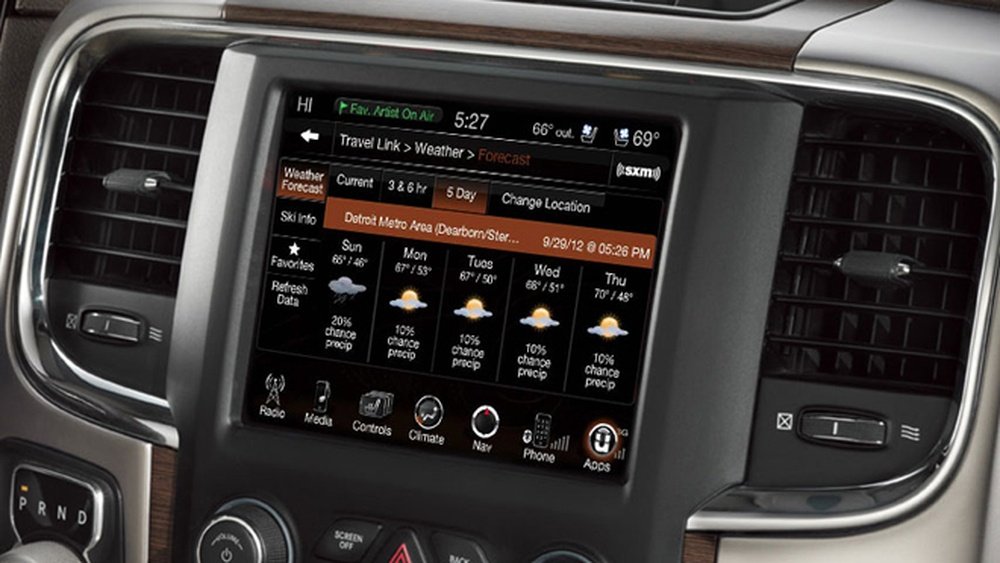
Why Reset Your Jeep Infotainment System?
A reset is often needed when you experience issues like:
- Frozen screen or unresponsive controls
- Bluetooth not connecting
- Navigation errors
- Audio glitches
- Software update problems
Most of these errors are caused by temporary software bugs or memory overload. A reset usually clears these out and restores normal function.
Even newer Jeep models like the Grand Cherokee, Wrangler, and Compass can face these issues.
Types Of Jeep Infotainment Systems
Jeep vehicles use different infotainment systems depending on the model and year. The most common ones are:
| System | Model Years | Main Features |
|---|---|---|
| Uconnect 4 | 2018–2022 | Touchscreen, Apple CarPlay, Android Auto, Navigation |
| Uconnect 5 | 2021–present | Faster processor, better graphics, wireless connectivity |
| Uconnect 3 | 2014–2018 | Basic touchscreen, limited smartphone integration |
Knowing your system helps you follow the right reset steps.
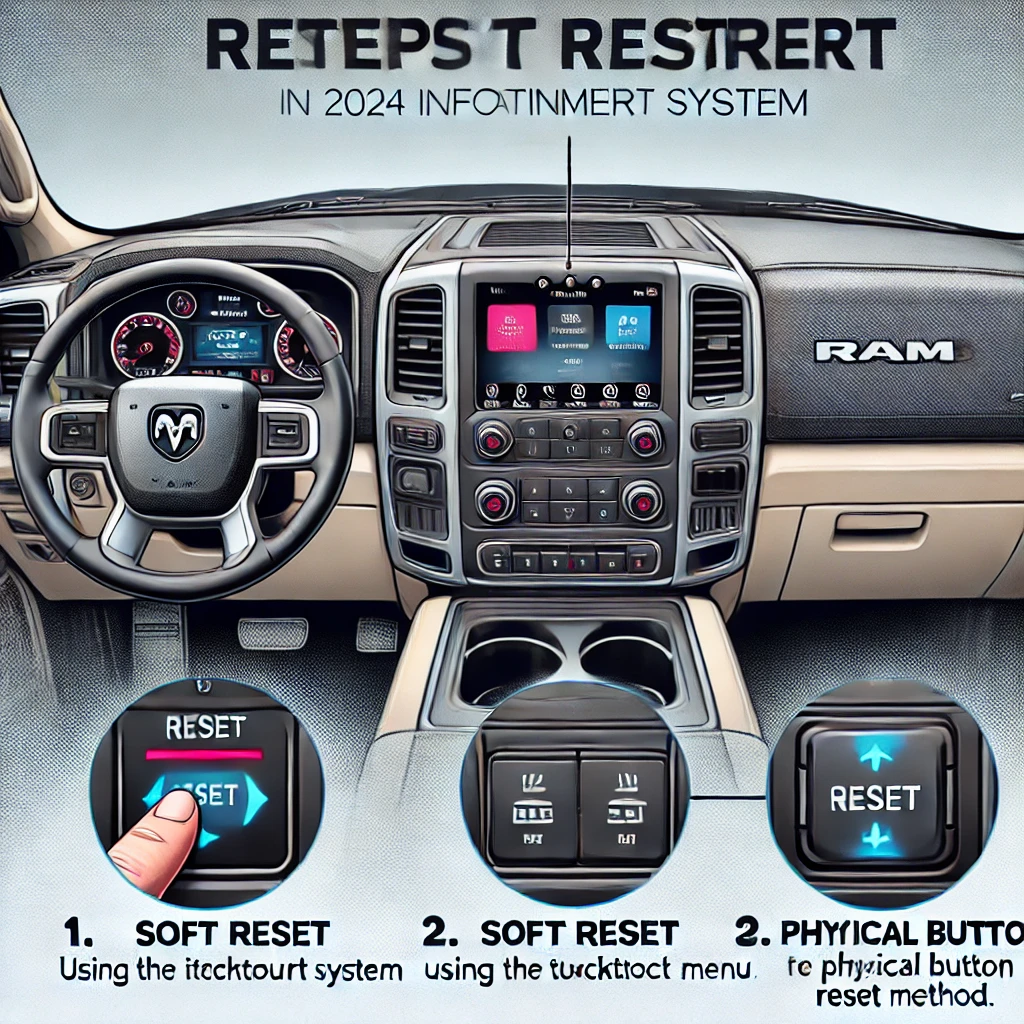
How To Reset Jeep Infotainment System
Resetting your Jeep infotainment can be done in two main ways: soft reset and hard reset. The process varies slightly depending on the system version, but these steps cover most models.
Soft Reset (no Data Loss)
A soft reset is quick and safe. It fixes most common problems without erasing your settings.
- Turn on your Jeep and ensure the infotainment screen is powered.
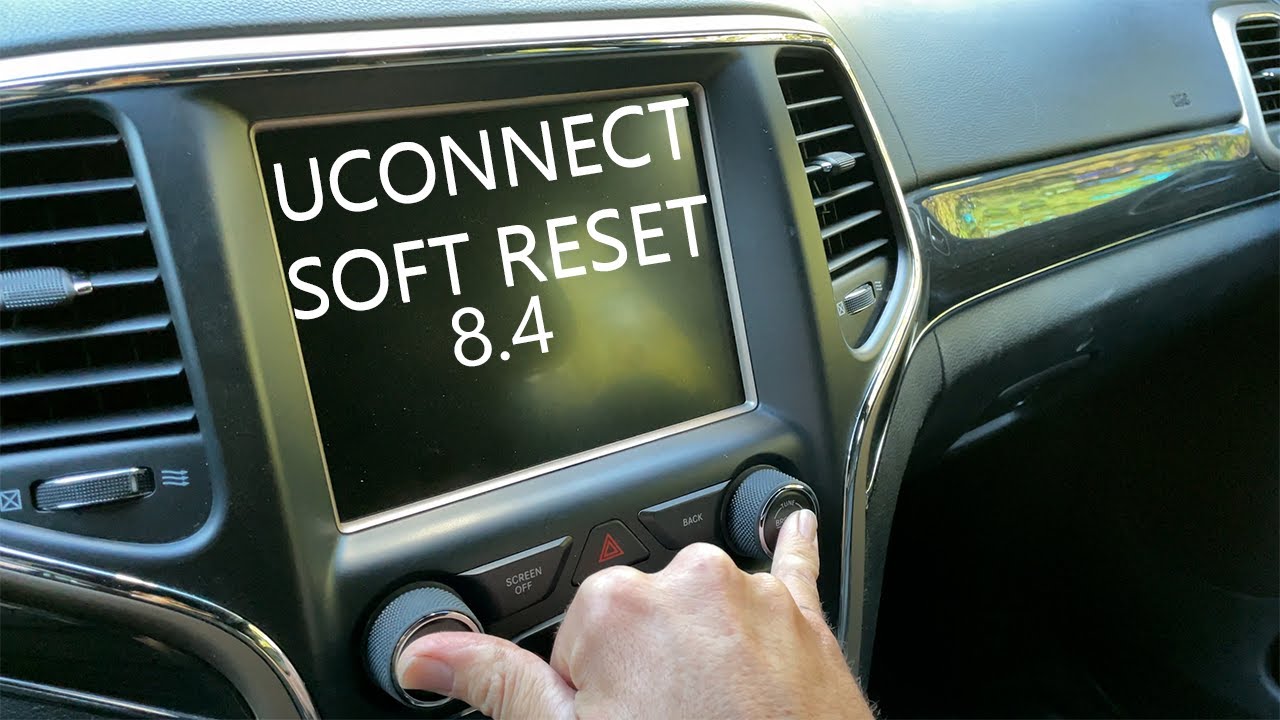
- Press and hold the volume and tune knob at the same time.
- Hold both knobs for about 10–15 seconds until the screen shuts off.
- Wait for the system to restart automatically.
This works for most Uconnect 4 and 5 systems. Older models may need only the power button held.
Hard Reset (factory Reset)
A hard reset erases all personal settings, Bluetooth pairings, and saved data. Only use this if the soft reset fails.
- Go to Settings on the infotainment screen.
- Find System Information or Reset option.
- Select Factory Reset or Restore Settings.
- Confirm the reset and wait for the system to reboot.
For some models, you may need to enter a PIN or follow extra prompts.
Comparison: Soft Vs. Hard Reset
| Type | Data Loss | Time Needed | Use When |
|---|---|---|---|
| Soft Reset | No | 1–2 minutes | Minor glitches, slow system |
| Hard Reset | Yes | 5–10 minutes | Major errors, system stuck |
Common Mistakes When Resetting
Many Jeep owners make mistakes that can cause more trouble:
- Restarting while driving: Always reset while parked for safety.
- Not backing up contacts or settings: Hard reset erases all user data.
- Ignoring update prompts: After reset, update the system if prompted.
- Holding wrong buttons: Each system has different reset steps. Check your manual.
- Skipping battery check: Low battery can interrupt the reset.

Extra Troubleshooting Tips
If the reset does not fix your problem, try these:
- Disconnect the car battery for 10 minutes, then reconnect.
- Update Uconnect software using USB or Wi-Fi.
- Check for loose connections behind the dashboard.
- Contact Jeep support if the screen stays black.
For advanced fixes, some owners use diagnostic tools, but these are best left to professionals.
Real-world Example
A 2022 Jeep Grand Cherokee owner noticed the screen freezing every morning. After a soft reset, the problem improved but returned after a week.
A hard reset fixed it completely, but they had to reconnect their phone and re-enter radio presets.
This shows that sometimes a full reset is needed for stubborn issues.
How Often Should You Reset?
Resetting is not something you need to do regularly. Only reset when you notice problems.
If you find yourself doing this often, there may be a deeper issue like a hardware fault or buggy update.
Does Resetting Affect Safety Features?
Most infotainment resets do not affect safety systems like airbags, brakes, or cameras. However, advanced driver assistance features tied to the infotainment (like lane assist or parking sensors) may need recalibration after a hard reset. Always check your owner’s manual for details.
Jeep Infotainment System Statistics
According to a 2023 survey by J.D. Power, 28% of Jeep owners reported at least one infotainment glitch in the first year. Most solved these with a soft reset. Only 6% needed a hard reset or dealer visit.
When To See A Professional
If your system does not reboot after resetting, or if you see error codes, it’s time to visit a certified Jeep dealer. Some issues are caused by faulty hardware, not just software.
Frequently Asked Questions
How Long Does A Jeep Infotainment Reset Take?
A soft reset usually takes 1–2 minutes. Hard resets may take up to 10 minutes, especially if updates are needed.
Will A Reset Erase My Phone Contacts?
A soft reset will not erase contacts. A hard reset will wipe all personal data, including contacts, saved addresses, and paired devices.
Is It Safe To Reset The Infotainment System Myself?
Yes, it’s safe if you follow instructions carefully and reset while parked. If unsure, consult your manual or dealer.
What If My Screen Stays Black After A Reset?
Check your battery and connections. If the screen does not return, contact a Jeep service center or see solutions on the official Jeep website: Jeep Official Site.
Can I Update My Jeep Infotainment System After Resetting?
Yes, you can update via USB or Wi-Fi after a reset. Updates often fix bugs and improve performance.
Always follow the instructions shown on your screen.
A reliable infotainment system makes your Jeep journeys more enjoyable and safe. Resetting your system when problems arise is a simple skill every owner should know.
With the right steps, you can quickly fix most issues and get back on the road with confidence.



















