Owning a Jeep Grand Cherokee brings comfort and convenience, but issues with the key fob can be frustrating. Many drivers face problems like unresponsive buttons or failed remote starts.
Resetting the key fob is often the solution, but the process is not always clear. This guide will walk you through how to reset your Jeep Grand Cherokee key fob safely, with practical advice and useful tips that most manuals miss.
Whether you’re fixing a dead fob or preparing for a new one, you’ll learn everything necessary—without confusion or jargon.
Understanding Jeep Grand Cherokee Key Fobs
Jeep Grand Cherokee uses smart key fobs. These devices control door locks, trunk opening, and engine start. Most models since 2011 use a push-button start system, relying on a programmed fob. If the fob stops working, it’s usually caused by:
- Dead battery
- Programming loss
- Signal interference
Here’s a quick comparison of key fob features for recent Grand Cherokee models:
| Model Year | Key Fob Type | Main Functions |
|---|---|---|
| 2011-2015 | Smart Fob | Lock/Unlock, Remote Start, Panic, Trunk |
| 2016-2020 | Advanced Smart Fob | All Above + Passive Entry |
| 2021-Present | Ultra Smart Fob | All Above + Custom Settings, Security Alerts |
Knowing your fob type helps you understand if a simple reset will work or if you need dealer assistance.
When Should You Reset The Key Fob?
Resetting is needed if:
- The fob doesn’t unlock doors
- Remote start fails
- Buttons are unresponsive after battery replacement
Sometimes, people assume a dead battery is the only cause. But software glitches or radio interference can also require a reset.
If you notice the fob works only when close to the car, resetting can often improve performance.

Step-by-step: How To Reset Jeep Grand Cherokee Key Fob
You don’t need special tools or a mechanic for most resets. Follow these steps carefully:
- Replace the Battery
- Open the fob using a flathead screwdriver.
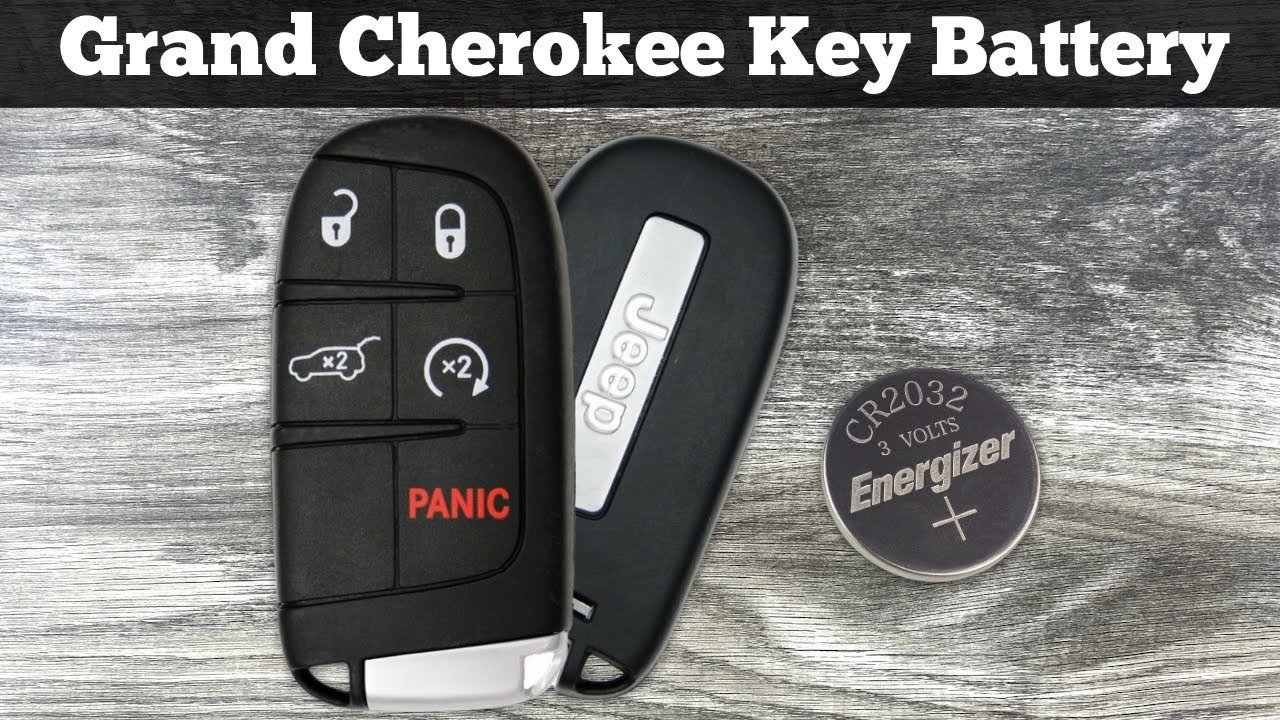
- Insert a new CR2032 coin battery, matching the polarity.
- Snap the fob closed.
- Perform a Soft Reset
- Sit inside your Jeep with all doors closed.
- Press the Start/Stop button without pressing the brake pedal. The instrument cluster lights up, but the engine stays off.
- Press the Lock and Unlock buttons together for 5 seconds.
- Release both buttons, then press the Unlock button for 2 seconds.
- Your fob should now respond.
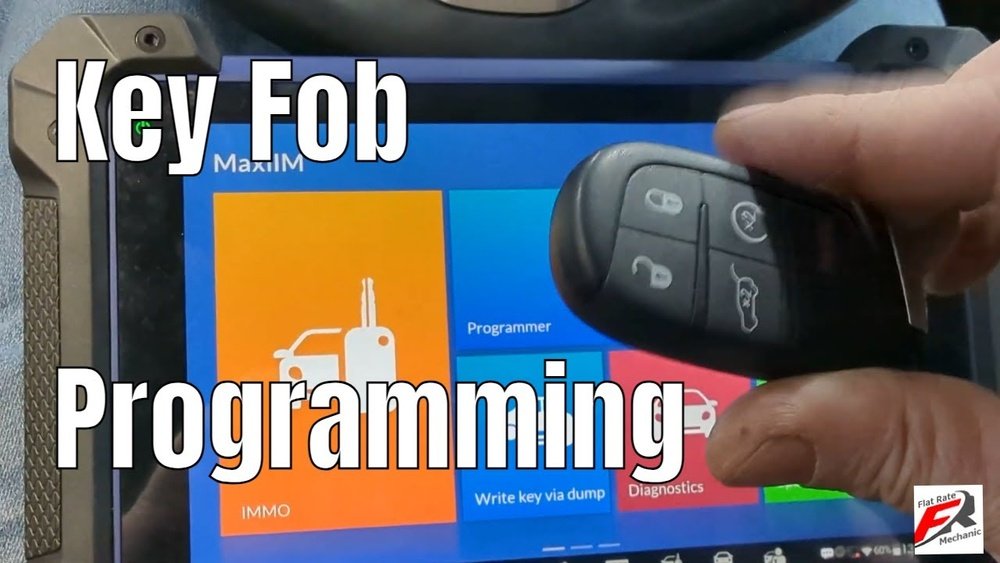
- Reprogram the Fob (If Needed)
- Insert the key fob into the ignition slot (if equipped) or hold it near the start button.
- Turn the ignition to the “Run” position.
- Press the Lock button for 5 seconds, then the Unlock button for 5 seconds.
- Turn off the ignition and wait 30 seconds.
- Test the fob.
If your fob still doesn’t work, it might need dealer programming. Some advanced models require special equipment.
Key Fob Reset Vs. Reprogramming: What’s The Difference?
Resetting clears minor glitches, while reprogramming pairs the fob to the car’s computer. Here’s a simple comparison:
| Action | Purpose | DIY Possible? |
|---|---|---|
| Reset | Fix button errors, signal issues | Yes |
| Reprogram | Pair new fob, restore full function | No (often needs dealer) |
Many owners confuse these two steps. If you buy a new fob, it must be programmed, not just reset.
Common Mistakes During Reset
Beginners often make these errors:
- Skipping battery replacement: Even if the fob lights up, a weak battery can cause random failures.
- Pressing wrong buttons: Make sure you follow the sequence exactly.
- Not closing doors: Signal resets work best when all doors are closed.
- Trying to reset a broken fob: Physical damage or water can’t be fixed by resetting.
A hidden tip: If your fob works for some functions but not others, try resetting before replacing it. Many issues are software-related, not hardware.
Practical Tips For Reliable Key Fob Use
- Keep a spare battery in your glove box; most issues are solved by swapping batteries.
- Avoid storing fobs near electronics (like phones) to prevent signal interference.
- Clean the fob contacts with a cotton swab and rubbing alcohol if buttons stick.
- Update car software during regular service; outdated firmware can cause fob errors.
Many drivers overlook the importance of software updates. Your dealership can update your Jeep’s system, improving fob reliability.
What To Do If Reset Fails
If the reset process doesn’t work, your options include:
- Contacting your dealer for professional programming
- Checking the Jeep’s fuse box for blown fuses
- Using your manual key blade (hidden in the fob) to unlock doors
Most dealerships charge $60 $120 for key fob programming. If your Jeep is under warranty, this may be covered.
Frequently Asked Questions
Can I Reset The Jeep Grand Cherokee Key Fob Myself?
Yes, you can perform a basic reset and battery replacement. For full reprogramming, dealer equipment is usually required.
What Battery Does The Jeep Grand Cherokee Key Fob Use?
Most Grand Cherokee fobs use a CR2032 coin battery. Always check your user manual for confirmation.
Why Does My Fob Only Work Close To The Car?
This usually means the battery is weak or there’s signal interference. Replacing the battery and resetting can fix the problem.
How Much Does Dealer Programming Cost?
Dealer programming for a Jeep Grand Cherokee key fob typically costs $60 $120. Prices vary by location and model.
Are Aftermarket Key Fobs Reliable?
Aftermarket fobs can work, but quality varies. Always buy from a trusted source.
Some aftermarket fobs cannot be programmed without dealer tools.
Resetting your Jeep Grand Cherokee key fob is usually easy and saves time and money. If you follow these steps and tips, you’ll avoid common mistakes and get back on the road quickly. For deeper information about key fob technology and programming, visit the Consumer Reports site. Remember, regular maintenance and smart habits keep your Jeep’s technology reliable for years.