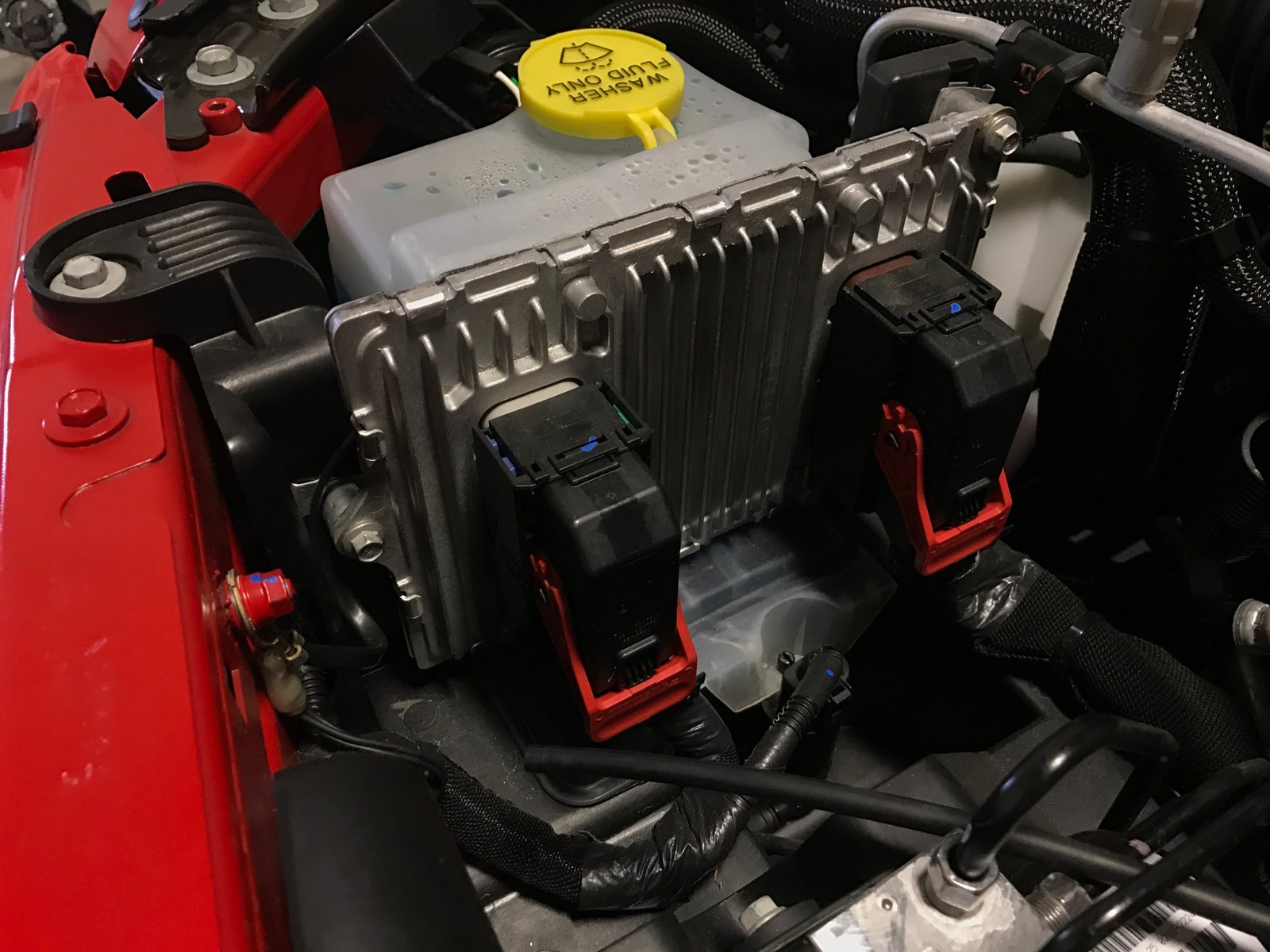
If your Jeep Compass is acting strangely—strange lights, issues with electronics, or performance problems—sometimes the solution is simple: reset the computer. This process, often called an ECU reset or “clearing the codes,” can fix small errors and help your vehicle run smoother.
But many Jeep owners aren’t sure how to do this safely. If you want to reset your Jeep Compass computer, this guide explains how, why, and what to expect.
What Does Resetting The Jeep Compass Computer Do?
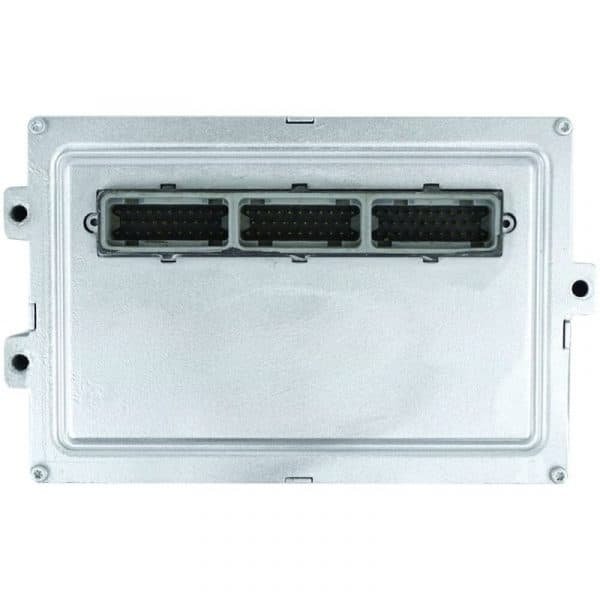
Modern cars use a computer system to control the engine, transmission, and electronics. In the Jeep Compass, this is mainly the ECU (Engine Control Unit) and sometimes the PCM (Powertrain Control Module).
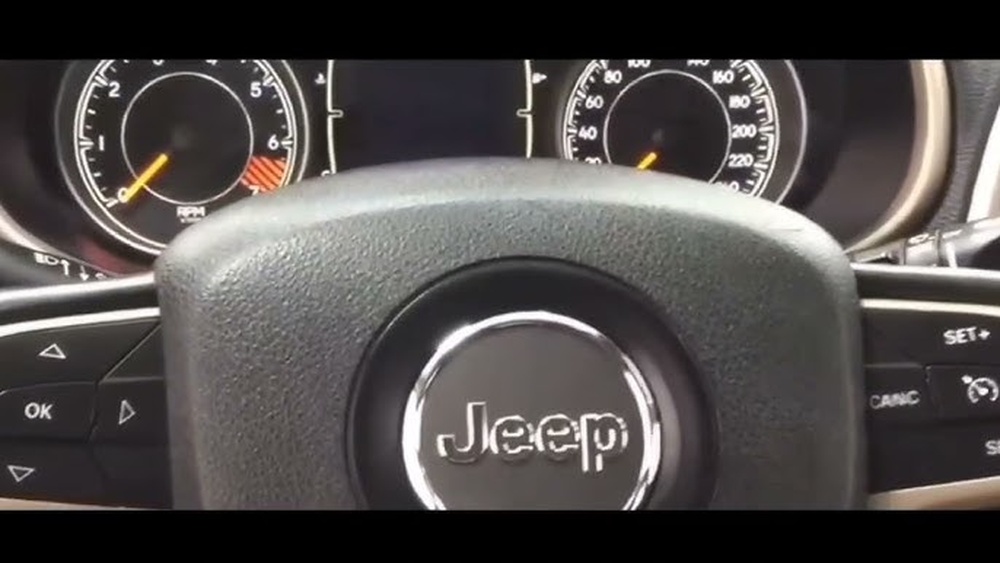
When you reset the computer:
- Clears error codes: Removes stored trouble codes from the system.
- Resets settings: Returns some settings to factory defaults.
- Improves performance: Can solve issues like rough idling, poor mileage, or random warning lights.
However, a reset will not fix serious mechanical problems. It’s a good step for troubleshooting minor glitches.
Methods To Reset The Jeep Compass Computer
You can reset the computer in several ways. Each method has its pros and cons. Here’s a comparison to help you choose:
| Method | Ease | Tools Needed | Effectiveness |
|---|---|---|---|
| Disconnect Battery | Easy | Wrench | Good for minor issues |
| Use OBD-II Scanner | Moderate | Scanner | Best for error codes |
| Fuse Pull Method | Moderate | Fuse puller | Good for specific modules |
1. Disconnecting The Battery
This is the most common DIY method. It’s simple but has some risks.
- Turn off the engine.
- Locate the battery under the hood.
- Use a wrench to loosen the negative terminal (black).
- Remove the cable and wait at least 15 minutes.
- Reconnect the cable, tighten, and start the car.
This clears many soft codes. However, it can also reset your radio, clock, and seat memory.
2. Using An Obd-ii Scanner
A diagnostic scanner lets you clear codes and reset the computer professionally.
- Plug the scanner into the OBD-II port (usually under the dashboard).
- Turn the ignition on.
- Follow scanner instructions to read and clear codes.
- Restart the car.
Good scanners cost $50 $200 but give more control. This is ideal if you want to check which codes are present before clearing them.
3. Fuse Pull Method
Some Jeep owners pull a specific fuse to reset the computer without affecting other settings.
- Find the fuse box (inside engine bay).
- Locate the fuse labeled PCM or ECU (see manual).
- Use a fuse puller or pliers to pull out the fuse.
- Wait 10–15 minutes.
- Reinsert the fuse and start the car.
This method only resets the targeted module. It’s less disruptive than disconnecting the battery.
When Should You Reset The Computer?
Resetting the computer is helpful in these situations:
- After fixing a sensor issue (like replacing the oxygen sensor).
- If the check engine light stays on after a repair.
- To clear minor glitches (strange behavior, sluggish acceleration).
- When recommended by a mechanic after service.
But don’t reset if your Jeep Compass has serious symptoms like engine knocking, overheating, or transmission failure. Always check for real mechanical problems first.
What To Expect After Resetting
Your Jeep Compass may behave differently after a reset. Here’s what usually happens:
| Change | Short-Term Effect | Long-Term Effect |
|---|---|---|
| Idle Speed | May be rough | Normal after a few drives |
| Fuel Economy | Lower initially | Improves as ECU relearns |
| Radio/Clock | Needs reset | Stays set after |
| Warning Lights | May disappear | Return if issue persists |
The ECU needs time to “relearn” your driving style and engine conditions. Drive normally for a week and check for new warning lights.

Common Mistakes To Avoid
Many Jeep owners make mistakes when resetting the computer. Here are two important ones:
- Disconnecting only the positive terminal: Always disconnect the negative terminal first for safety.
- Skipping waiting time: Not waiting long enough after disconnecting can prevent a full reset.
Also, don’t ignore real mechanical problems. Resetting the computer won’t solve physical issues.
Extra Tips For Successful Reset
- Have your radio code ready if your Compass requires it after battery disconnect.
- Use gloves when handling battery terminals.
- If you’re unsure, ask a mechanic or consult your owner’s manual.
Some newer models may need special tools or have computers that don’t fully reset with the battery method.
Professional Vs Diy Reset
You can reset your Jeep Compass computer at home, but sometimes it’s better to get professional help. Here’s a quick comparison:
| DIY Reset | Professional Reset |
|---|---|
| Cheap/free | Costs $50–$150 |
| Easy for basic codes | Can diagnose deeper issues |
| Risk of missing real problems | Full vehicle check |
If your check engine light returns after a reset, visit a certified mechanic.
Frequently Asked Questions
How Often Should I Reset My Jeep Compass Computer?
Only reset after repairs or if recommended. Doing it too often can confuse the ECU and affect performance.
Will Resetting Erase All Settings?
It will erase some settings like radio presets and clock. Engine and transmission settings return to default, but not all features are affected.
Can I Reset The Computer Without Tools?
Disconnecting the battery is the tool-free method, but always use a wrench for safety. For code clearing, an OBD-II scanner is best.
What If The Check Engine Light Comes Back?
A returning warning light means there’s still a problem. Check for error codes or visit a mechanic. Resetting will not fix actual faults.
Is There An Official Jeep Guide For Computer Reset?
Yes, you can find official instructions in your owner’s manual or visit Jeep Owners for detailed help.
Resetting your Jeep Compass computer can solve many common issues and save you a trip to the shop. However, always use the right method for your model and symptoms. If problems continue, don’t hesitate to seek professional help. This way, your Jeep Compass stays reliable and ready for your next adventure.