Losing control of your Jeep Cherokee key fob can make daily life stressful. Maybe the fob isn’t unlocking your vehicle, or the remote start suddenly stopped working. Many drivers think they need expensive dealer help, but often, a quick reset solves common issues. Learning how to reset a Jeep Cherokee key fob is simple, saves money, and gives you confidence over your vehicle’s security. This guide explains step-by-step instructions, tips, and mistakes to avoid, so you can handle key fob problems yourself.
Why Reset Your Jeep Cherokee Key Fob?
Key fobs use electronic signals to communicate with your car. Over time, these signals can get interrupted or corrupted. Reasons to reset include:
- Battery replacement: After changing the battery, the fob may lose its connection.
- Malfunctions: Buttons stop working or respond slowly.
- Programming errors: Adding new fobs or deleting old ones can cause confusion.
- Security concerns: Resetting can help after losing a fob.
Resetting often restores normal function and helps you avoid costly dealership visits.
Before You Start: What You Need
Check these items before beginning:
- All key fobs: Have every fob you use on hand. Resetting may affect all programmed fobs.
- Jeep Cherokee owner’s manual: Useful for specific instructions.
- New batteries: If your fob is old, replace the battery first.
- Patience: Key fob resets require careful timing.
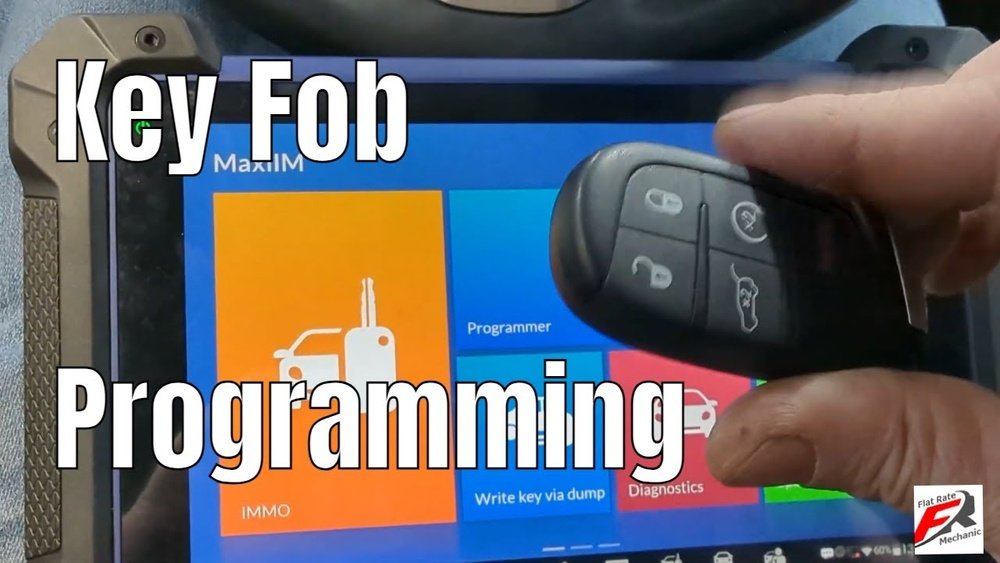
Some Jeep Cherokee models need special tools or dealer access for full programming. For most recent models (2014 2023), owners can perform a basic reset at home.

Step-by-step: Resetting Your Jeep Cherokee Key Fob
Follow these steps for a standard reset. If your model is older or newer, details may differ. Always consult your manual if unsure.
1. Replace The Key Fob Battery
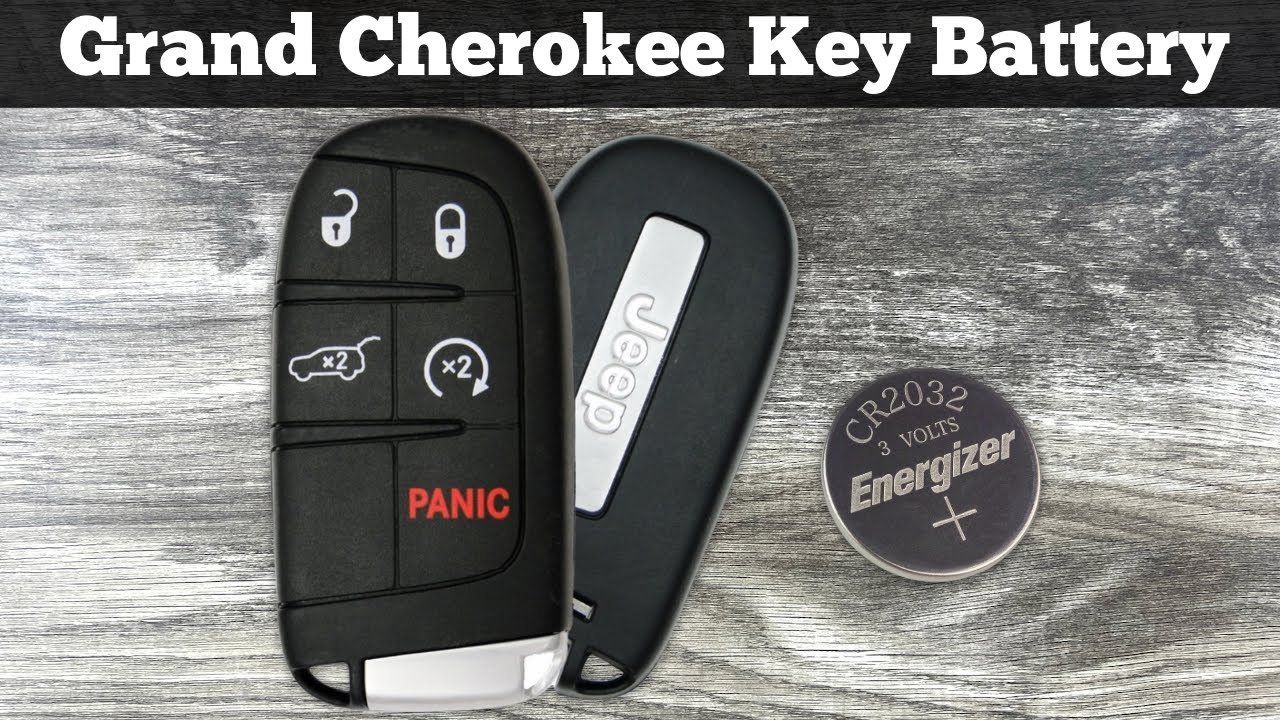
A weak battery is the most common cause of fob problems. Use a CR2032 battery for most Jeep Cherokee fobs.
- Open the fob case with a flat screwdriver.
- Remove the old battery and insert the new one.
- Snap the case shut.
2. Enter Programming Mode
The vehicle must be in programming mode to reset the fob.
- Sit inside your Jeep Cherokee and close all doors.
- Insert the key into the ignition (if your model uses a physical key).
- Turn the key to the “ON” position but do not start the engine.
- Press the lock button on the fob within five seconds.
For push-button start models, press the brake and then the start button twice rapidly.
3. Re-sync The Key Fob
This step re-establishes the connection between the fob and your vehicle.
- Hold the unlock button on the fob for about ten seconds.
- Release the button, then press the lock button once.
- Wait for the car’s lights to flash or for a beep, signaling success.
4. Test The Key Fob
Try all buttons to ensure the reset worked. If the fob still doesn’t respond:
- Repeat the steps more slowly.
- Check for interference from other electronics.
- Try resetting from outside the vehicle.
Pro Tip: Some models require you to repeat steps for every fob you own. Always test each one after resetting.
Jeep Cherokee Key Fob Reset: Model Comparison
Different Jeep Cherokee models support various reset methods. Here’s a quick comparison:
| Model Year | Physical Key | Push-Button Start | DIY Reset Possible |
|---|---|---|---|
| 2010-2013 | Yes | No | Yes |
| 2014-2019 | Yes | Yes | Yes |
| 2020-2023 | No | Yes | Yes (most models) |
| 2024+ | No | Yes | May require dealer |

Common Mistakes And How To Avoid Them
- Skipping the battery check: Always replace or check the battery first.
- Rushing steps: Timing matters. Go slowly, especially during programming mode.
- Wrong button sequence: Jeep models vary, so check your manual for the correct sequence.
- Ignoring multiple fobs: Resetting one fob may erase others. Re-program every fob you use.
- Interference: Remove other electronic devices from the area.
Extra Tips For Reliable Key Fob Performance
- Keep fobs away from magnets and strong electronics.
- Store spare fobs in cool, dry places.
- If your fob is lost, erase its programming immediately for security.
- For advanced troubleshooting, use an OBD-II scanner or visit your dealer.
Insight: Many owners overlook the fact that a weak battery can still power the LED light but not send signals. Always use a fresh battery, even if your fob “looks” fine.
Dealer Vs Diy: Cost And Convenience
How much could you save by resetting your key fob yourself? Here’s a comparison:
| Reset Method | Average Cost | Time Required | Success Rate |
|---|---|---|---|
| DIY Home Reset | $0 – $10 | 10-30 min | 80% |
| Dealership Reset | $50 – $150 | 1-2 hrs | 99% |
| Locksmith Reset | $40 – $120 | 30-60 min | 95% |
Experience shows that most recent Jeep Cherokee models allow DIY resets, but if your fob still fails, a dealer may be your best option.
Frequently Asked Questions
How Do I Know If My Jeep Cherokee Key Fob Needs Resetting?
If your fob doesn’t unlock the doors, fails to start the car remotely, or stops responding, it’s likely time to reset. Also, after replacing the battery, a reset may be needed.
Can I Reset My Key Fob Without The Owner’s Manual?
Yes, but having the owner’s manual helps with model-specific steps. Most Jeep Cherokees follow similar sequences, but small changes can affect success.
What Should I Do If My Key Fob Still Doesn’t Work After Resetting?
Check the battery again, repeat the reset steps carefully, and remove other electronics from the area. If problems persist, visit your dealer or a trusted locksmith.
How Many Key Fobs Can I Reset At Once?
Most Jeep Cherokees allow up to four key fobs. Reset each fob one by one, following the same steps. Test all fobs after finishing.
Is It Safe To Buy A Replacement Key Fob Online?
It’s safe if you buy from trusted sources and check compatibility with your Jeep Cherokee model. For official information, visit Jeep Official Site.
Taking control of your Jeep Cherokee key fob gives you peace of mind and saves time. With careful steps and attention to detail, you can solve most fob problems at home.
Whether you’re dealing with a dead battery or lost programming, a reset is often all you need.
If you ever feel unsure, don’t hesitate to ask a professional but now, you’re equipped to handle key fob issues confidently.