Resetting your Jeep Cherokee’s computer can solve many small issues, from warning lights that won’t turn off to strange engine behavior. Many owners do this after repairs, battery changes, or when they feel something’s “off” with the vehicle’s electronics.
But this process isn’t always as simple as unplugging the battery.
If you want to avoid a trip to the dealership, knowing how to safely reset the computer can help you save time and money.
Why Reset The Jeep Cherokee Computer?
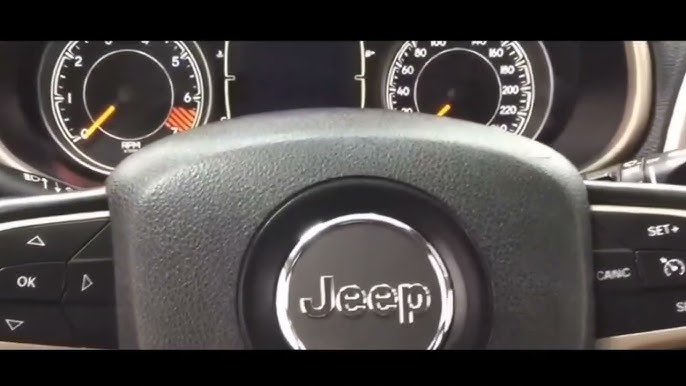
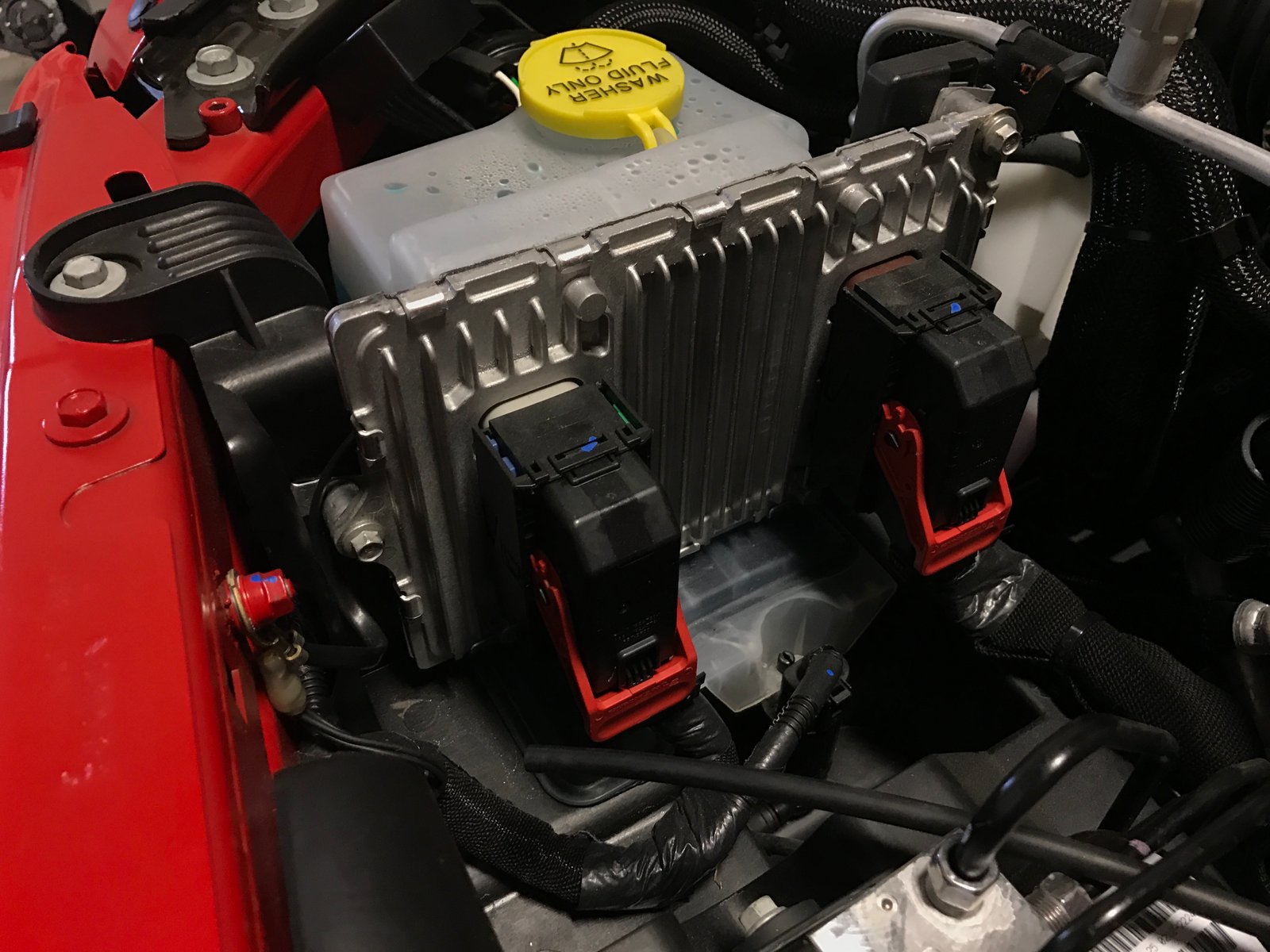
The Jeep Cherokee computer (also called the ECU or PCM) manages critical systems like fuel injection, transmission, and emissions. Over time, it stores error codes and adapts to your driving habits. Resetting it:
- Clears stored error codes after repairs
- Helps the vehicle “relearn” engine settings
- Can solve minor electrical glitches
- Is sometimes needed after replacing sensors or the battery
However, resetting does not fix serious mechanical problems. It simply erases the computer’s memory and starts the learning process over.
Methods To Reset The Jeep Cherokee Computer
There are several ways to reset the computer, depending on your Cherokee’s year and model. Here are the most common methods:
1. Battery Disconnect Method
This is the simplest approach, used by many DIY owners.
- Turn off the engine and remove the key.
- Open the hood and locate the battery.
- Use a wrench to disconnect the negative battery terminal (marked with a “-”).
- Wait at least 15 minutes (some recommend up to 30 minutes).
- Touch the disconnected terminal to the positive terminal for a few seconds. This helps drain any residual power.
- Reconnect the negative battery cable tightly.
- Start the vehicle and allow it to idle for a few minutes.
Tip: Some newer models may need more time for a full reset. If warning lights stay on, try again or use a scan tool.
2. Using An Obd-ii Scan Tool
This method is more precise and works well for 2000s and newer Cherokees.
- Plug an OBD-II scan tool into the port under the dashboard.
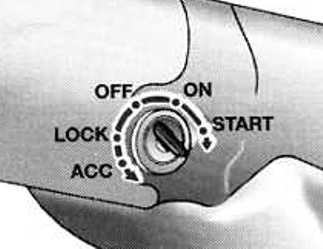
- Turn the ignition to “On” (engine off).
- Follow the scanner’s instructions to select “Clear Codes” or “Erase Codes.”
- Turn off the ignition, unplug the tool, and start your Jeep.
OBD-II tools are affordable and helpful for reading codes before you erase them. This way, you know what you’re resetting and can see if a problem returns.
3. Fuse Removal Method
Some models allow you to reset the ECU by removing a specific fuse.
- Turn off the engine.
- Find the fuse box (under the hood or dashboard).
- Locate the ECU/PCM fuse (check your owner’s manual for the exact location).
- Remove the fuse for at least 15 minutes.
- Reinstall the fuse, close the box, and start your vehicle.
Comparing Reset Methods
Below is a quick comparison of each method’s pros and cons:
| Method | Pros | Cons |
|---|---|---|
| Battery Disconnect | Easy, no tools needed | May reset radio/clock, not always effective on new models |
| OBD-II Scan Tool | Precise, reads codes | Requires a scan tool |
| Fuse Removal | Targeted reset | Not for all models, manual needed |
What Happens After The Reset?
After resetting, the Jeep’s computer “forgets” its learned data. The car may run differently for a short time. You might notice:
- Rough idle or shifting for the first 50-100 miles
- Lower fuel efficiency until the computer relearns
- Warning lights that briefly appear and then go away
Give your Jeep some time to adjust. Drive normally and avoid hard acceleration.
The computer will relearn your driving style and conditions.
When To Avoid Resetting The Computer
Resetting is not a cure-all. Sometimes, you should not reset:
- If the Check Engine Light is on and you haven’t fixed the cause
- After major repairs where reprogramming is required
- If the car needs dealer-only updates
A reset will only clear codes, not fix the underlying issue. If the same warning lights come back quickly, get a professional diagnosis.
Common Mistakes To Avoid
Many new Jeep owners make simple mistakes when trying to reset their vehicle’s computer.
- Not waiting long enough after disconnecting the battery. Some modules hold power longer than expected.
- Forgetting to use the right tools. Using the wrong fuse or port can cause other issues.
- Ignoring the owner’s manual. Each Cherokee year can have different procedures.
- Resetting before reading error codes. You might lose valuable clues for fixing a problem.
Real-world Example
A 2017 Jeep Cherokee owner reported a transmission warning light after battery replacement. The vehicle shifted roughly and the light stayed on. After trying the battery disconnect method with no luck, they used an OBD-II tool to clear codes. The computer reset, the warning light disappeared, and normal shifting returned. This shows that newer Cherokees often need a scan tool for a full reset.
When To Seek Professional Help
If you’ve reset the computer and problems continue, or new warning lights appear, consult a certified mechanic. Some issues need advanced diagnostics or software updates only available at a dealership.
It’s better to get expert help than risk further damage.
Jeep Cherokee Computer Reset Timeframes
How long does a full reset take? Here’s an overview:
| Method | Reset Time | “Relearn” Time |
|---|---|---|
| Battery Disconnect | 15–30 minutes | 50–100 miles driving |
| OBD-II Scan Tool | 5–10 minutes | 50–100 miles driving |
| Fuse Removal | 15–30 minutes | 50–100 miles driving |
Frequently Asked Questions
How Often Should I Reset My Jeep Cherokee Computer?
You should only reset the computer after repairs, sensor changes, or battery replacement. Regular resets are not needed and can slow down the vehicle’s learning process.
Can I Reset The Computer Without Disconnecting The Battery?
Yes, you can use an OBD-II scan tool or, on some models, remove the PCM/ECU fuse. These methods are often safer and more reliable, especially for newer Cherokees.
Will Resetting The Computer Erase My Radio Settings?
If you disconnect the battery, you may lose radio presets, clock settings, and seat memory. Write down important settings before starting.
Is It Safe To Reset The Computer Myself?
Yes, if you follow instructions and use the correct method for your model year. Always consult your owner’s manual first to avoid mistakes.
Where Can I Find More Information About My Jeep Cherokee’s Computer?
For detailed technical data and service manuals, visit the official Jeep website or trusted auto repair resources.
Resetting your Jeep Cherokee’s computer is a useful skill for every owner. With the right approach, you can solve small issues and keep your vehicle running smoothly. Just remember: a reset is not a permanent fix for every problem. When in doubt, get help from a professional to protect your Jeep for years to come.



















