If your Jeep Liberty won’t start and the dashboard shows a blinking security light, you may be dealing with the anti theft system. This feature protects your vehicle from unauthorized access, but sometimes it can lock you out—even if you’re the owner.
Resetting the anti theft system is not always straightforward. You need practical steps, clear signs, and a bit of patience.
This guide helps you understand how to reset the system, avoid common mistakes, and get your Jeep Liberty back on the road.
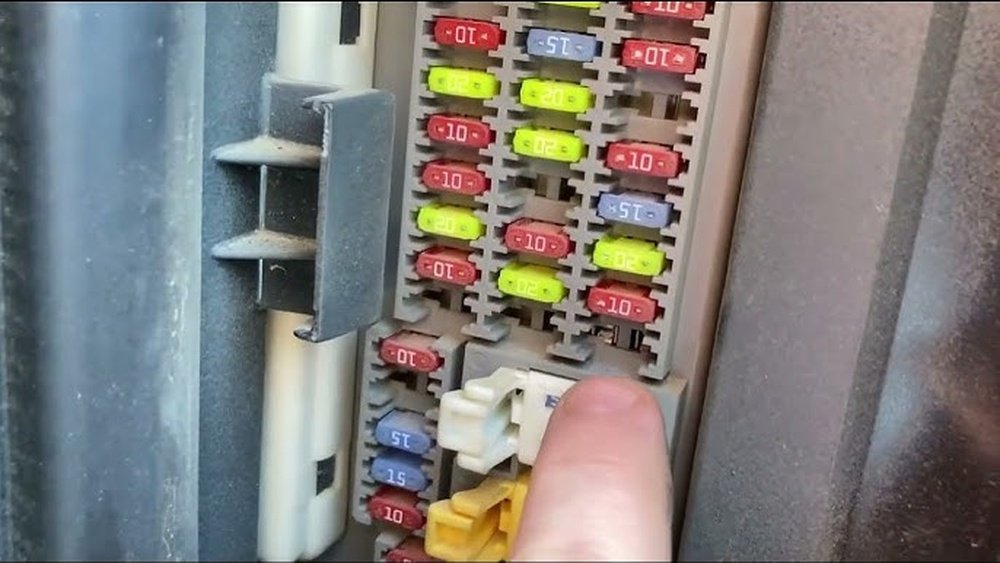
What Is The Anti Theft System In Jeep Liberty?
The anti theft system is designed to prevent vehicle theft. It uses sensors, transponders, and the car’s computer to detect suspicious activity. When triggered, it can disable the engine, lock the steering wheel, or prevent the car from starting.
Jeep Liberty models from 2002 to 2012 have this system built into the ignition and door locks. If the system thinks you’re not using the right key or someone is tampering with the car, it activates and may lock you out.
Signs Your Anti Theft System Is Activated
Recognizing the signs can save you time. Here are the most common:
- Security light blinking or staying on
- Engine won’t start or turns over but doesn’t fire
- Horn sounds unexpectedly
- Doors won’t unlock with the remote
- Dashboard message saying “No Key Detected” or similar
Sometimes, the system activates after replacing the battery, losing the key, or after a failed attempt to start the car.
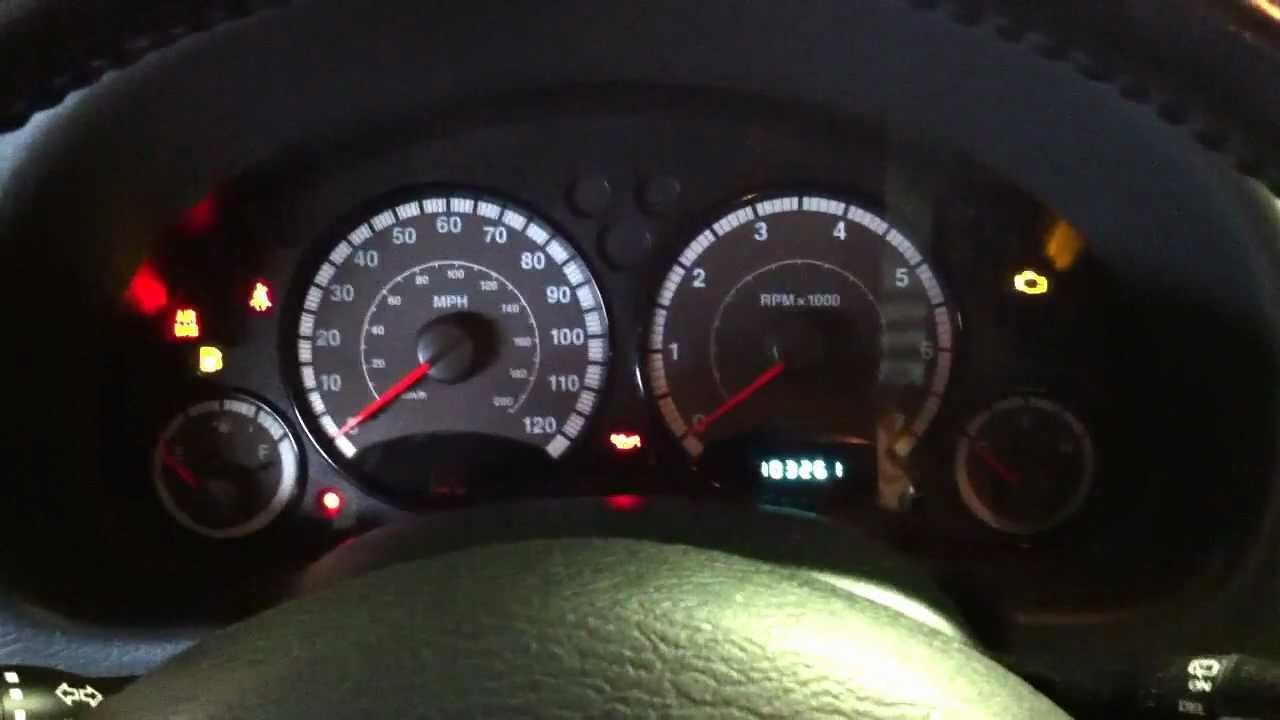
Step-by-step: How To Reset Anti Theft System Jeep Liberty
Follow these steps if you suspect your anti theft system is blocking you:
1. Check The Key
Make sure you’re using the original key with the chip inside. Copies without a chip won’t work. If you have a spare, try it. Many beginners overlook this simple fix.
2. Lock And Unlock The Door
Manually insert the key into the driver’s door lock. Turn it to the left, then right, holding each position for 10 seconds.
This method tells the car you’re the owner. It works in most Jeep Liberty models.
3. Disconnect The Battery
If the above doesn’t work, disconnect the negative battery cable for 15 minutes. This resets the computer. Reconnect and try starting the engine. Be careful: disconnecting the battery can erase radio presets and clock settings.
4. Use The Key In Ignition
Insert the key in the ignition. Turn it to the “ON” position (not “START”).
Let it sit for 10 minutes. The security light should turn off.
If so, turn the key off, remove it, then try starting the car.
5. Contact A Dealer
If none of these steps work, the anti theft system may need professional reset tools. Dealers can reprogram the system and keys.
This option costs more, but ensures a permanent fix.
Here’s a quick comparison of the main reset methods:
| Method | Success Rate | Time Needed | Cost |
|---|---|---|---|
| Lock/Unlock Door | 70% | 2 minutes | Free |
| Battery Disconnect | 60% | 20 minutes | Free |
| Ignition Wait | 50% | 10 minutes | Free |
| Dealer Reset | 99% | 1-2 hours | $100-$250 |
Common Mistakes When Resetting
Many owners rush through the process or miss key details. Here are mistakes to avoid:
- Using a non-chip key—these won’t work.
- Not waiting long enough during battery disconnect or ignition steps.
- Ignoring the security light—this light is your main clue.
- Forgetting to check the door lock method.
Some people replace parts like the starter or ignition switch before checking the anti theft system. This wastes money and time.
Tips For Preventing Anti Theft System Problems
Prevention is easier than fixing. Keep these tips in mind:
- Always use the original key.
- Replace key batteries before they die.
- Avoid leaving the car with doors unlocked or windows open.
- If you lose a key, get a new one programmed by a dealer.
- Regularly check the battery health; low voltage can trigger the system.
Here’s a quick table on how battery health affects anti theft system:
| Battery Status | System Behavior | Recommended Action |
|---|---|---|
| Fully Charged | Normal operation | No action needed |
| Low Voltage | May trigger anti theft | Recharge or replace battery |
| Disconnected | System resets | Reconnect and reset |
When To Seek Professional Help
If you’ve tried all steps and your Jeep Liberty still won’t start, it’s time to call a professional. Dealers and certified mechanics have tools to diagnose the system. They can check if your key is faulty or if the computer needs reprogramming.
Some advanced anti theft issues can damage the starter or other parts. If you see error codes like P0513 (incorrect immobilizer key), you need expert help.

Real-world Example
A 2010 Jeep Liberty owner lost power after changing the battery. The anti theft system activated, and the engine wouldn’t start.
After trying the door lock and ignition methods without success, they visited a dealer. The technician reprogrammed the key and reset the system, fixing the problem.
The owner learned to always use the original key and check battery health.
Frequently Asked Questions
How Can I Tell If My Anti Theft System Is Blocking My Jeep Liberty?
Look for the security light on the dashboard, engine not starting, and “No Key Detected” messages. These signs mean the system is active.
Can I Reset The Anti Theft System Without A Dealer?
Yes, you can try manual methods like the door lock and battery disconnect. If those fail, a dealer is needed.
Will Disconnecting The Battery Erase My Anti Theft System?
Disconnecting the battery can reset the system, but it does not erase it. Your key and security settings remain.
Why Does The Anti Theft System Activate After Changing The Battery?
A sudden loss of power confuses the car’s computer, triggering the anti theft system. Always check battery health and reconnect properly.
How Much Does A Dealer Charge For Resetting The Anti Theft System?
Dealer fees range from $100-$250 depending on the issue and location. It’s more costly but reliable.
Resetting the anti theft system on your Jeep Liberty can feel stressful, but with the right steps, you can do it yourself. Remember to use your original key, check battery health, and follow the manual reset methods. If your car still won’t start, don’t hesitate to seek expert help. For more details on vehicle security systems, visit Wikipedia. Stay prepared, and your Jeep Liberty will stay safe and ready to drive.


















