If your Jeep Grand Cherokee screen freezes, glitches, or won’t respond, it can be frustrating. The touchscreen is a key part of your vehicle’s controls, including navigation, audio, climate, and phone features.
Knowing how to reboot the screen quickly can save you time and prevent bigger issues.
This guide will help you reset your Jeep Grand Cherokee screen safely, avoid common mistakes, and understand when a deeper fix may be needed.
Understanding Jeep Grand Cherokee Screens
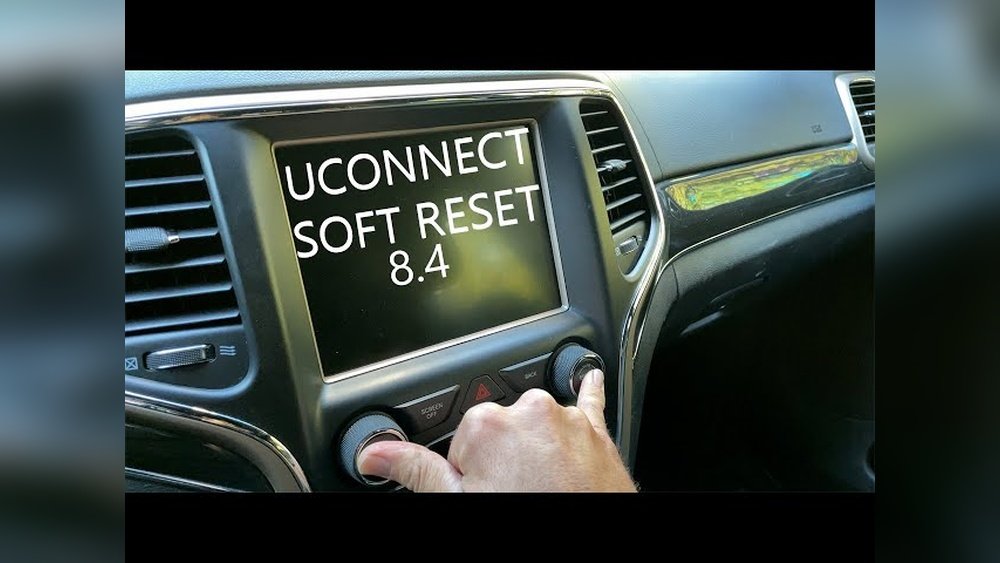
Most Jeep Grand Cherokees from 2014 onward use the Uconnect infotainment system. This system connects your screen to features like navigation, music, and Bluetooth. Some models have a 5-inch, 8.4-inch, or 10.1-inch screen. Problems can include frozen touch controls, black display, or lagging menus.
Here’s a quick comparison of screen types:
| Model Year | Screen Size | System Version |
|---|---|---|
| 2014–2020 | 8.4-inch | Uconnect 4 |
| 2021–Present | 10.1-inch | Uconnect 5 |
| 2014–2020 | 5-inch | Uconnect 3 |
Uconnect 4 and 5 are the most common, with newer models offering faster processing and more features. If your screen stops responding, a reboot can often fix it.
Reasons To Reboot The Screen
There are several reasons you might need to reboot your Jeep Grand Cherokee screen:
- Frozen Display: Touchscreen doesn’t react.
- Slow Response: Menus lag or delay.
- System Glitches: Apps close unexpectedly.
- Bluetooth/Connectivity Issues: Phone won’t pair.
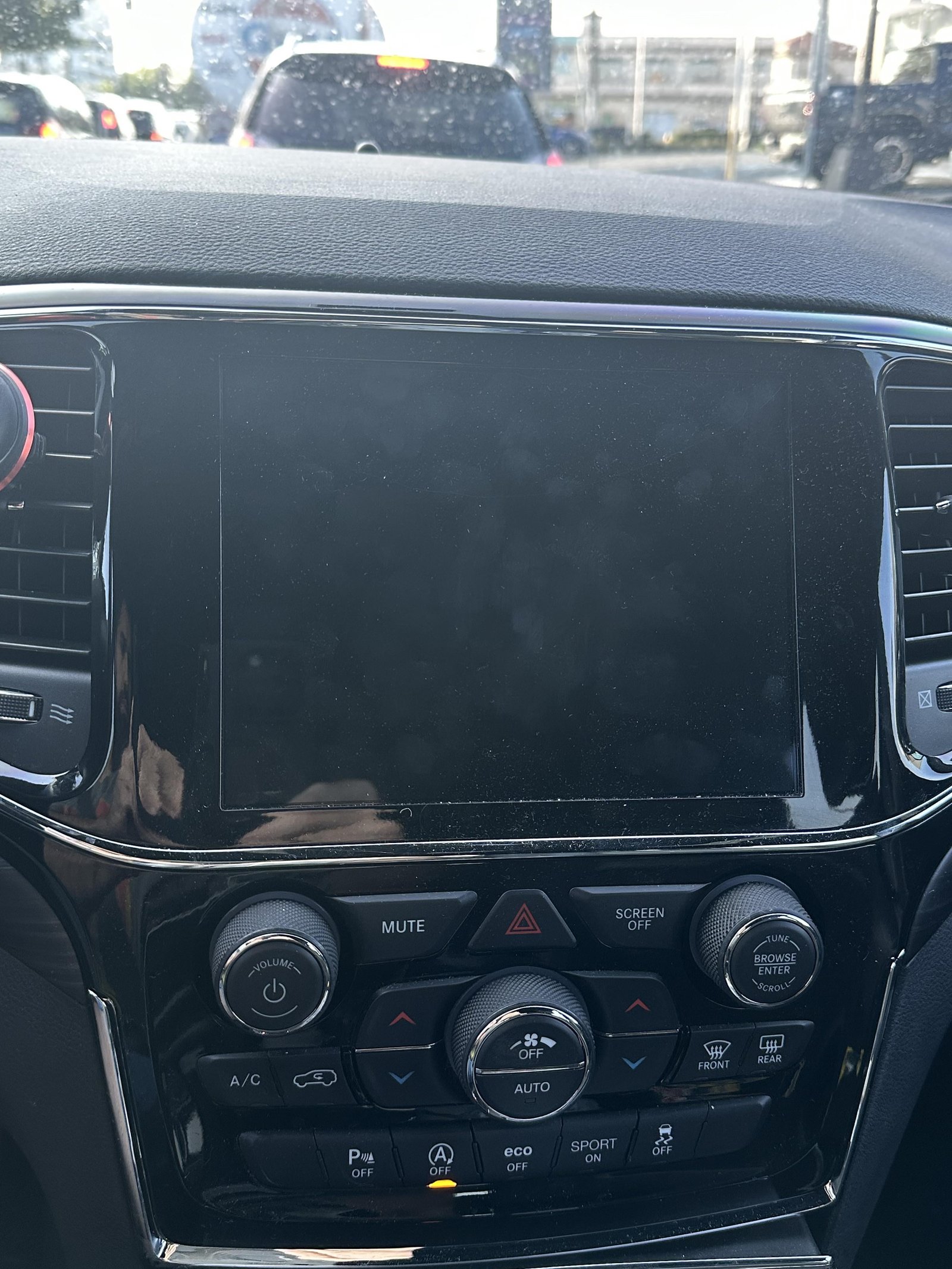
- Black Screen: No display, but radio or AC works.
Not every issue needs a full reset. Sometimes, updating software or disconnecting your phone can solve minor problems.
How To Reboot Jeep Grand Cherokee Screen
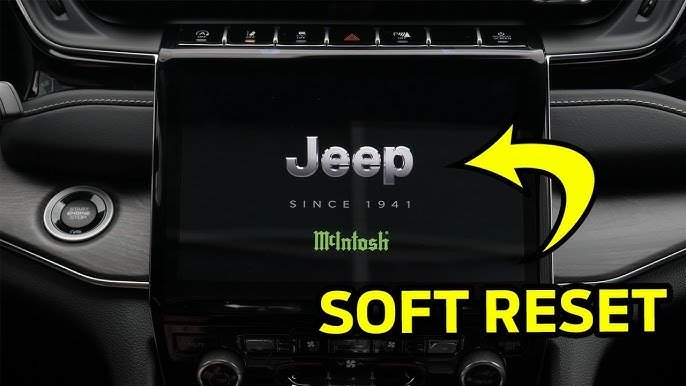
There are two main ways to reboot your Jeep Grand Cherokee screen: soft reset and hard reset. Choose based on your model and issue.
| Reset Type | Best For | Steps |
|---|---|---|
| Soft Reset | Frozen, laggy, minor glitches | Press and hold volume & tuner buttons |
| Hard Reset | Serious faults, black screen | Disconnect battery or fuse |
Soft Reset (most Common)
For most Jeep Grand Cherokee models, try a soft reset first:
- Turn the ignition ON (screen should be powered).
- Press and hold the volume and tuner buttons together for about 10 seconds.
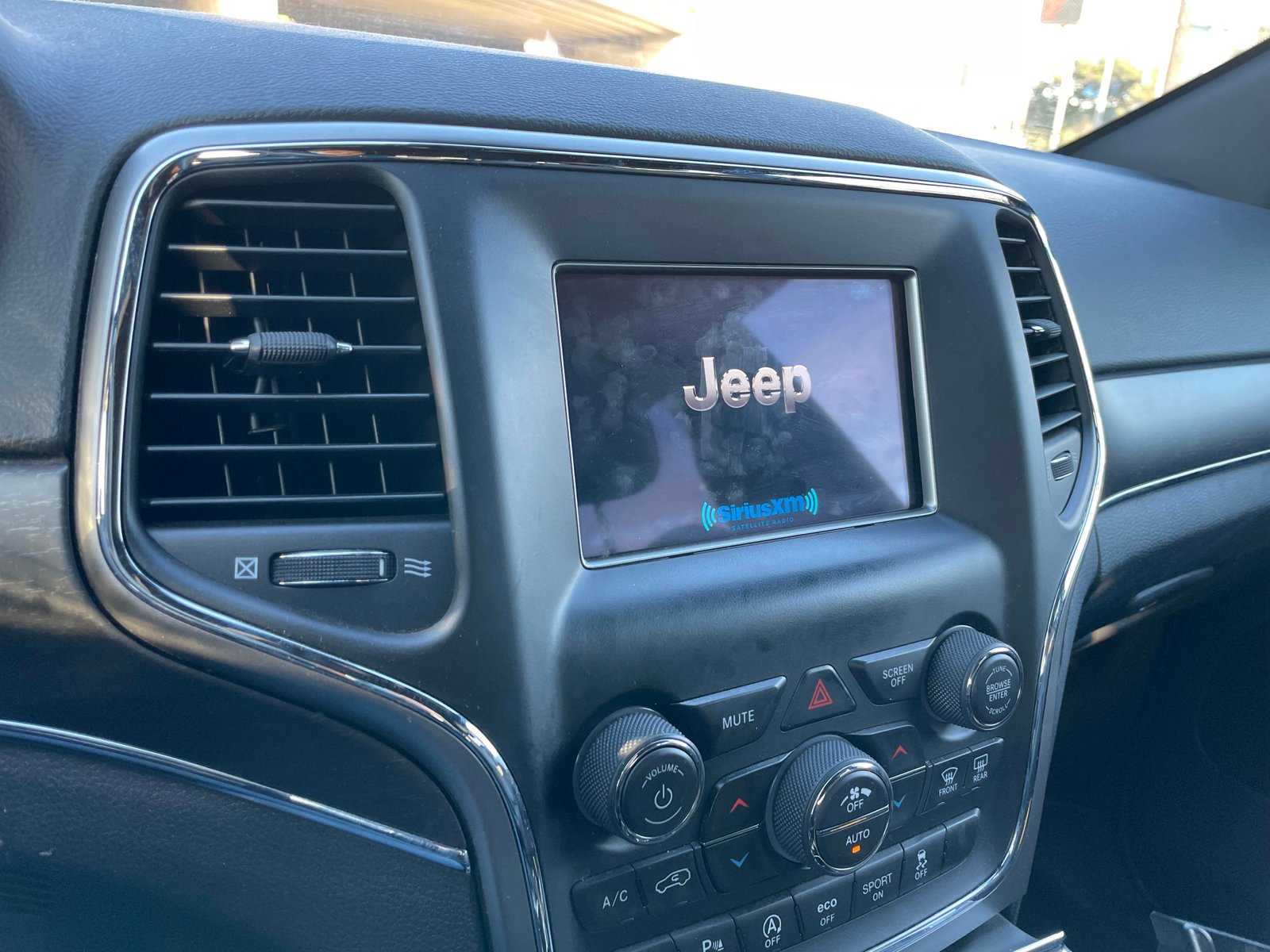
- The screen will go black, then restart with the Jeep logo.
- Wait for the system to reload—usually takes 1–2 minutes.
This method works for both Uconnect 4 and 5 systems. It fixes most problems like freezing and lag.
Hard Reset (advanced)
If the soft reset doesn’t work, a hard reset may help:
- Turn off the ignition and remove the key.
- Open the hood and locate the car battery.
- Using a wrench, disconnect the negative battery cable.
- Wait 10–15 minutes (this drains residual power).
- Reconnect the cable and close the hood.
- Start the car—the screen should reboot.
Warning: Only do this if you’re comfortable with basic car maintenance. Disconnecting the battery can affect radio presets and clock settings.
Practical Tips For A Successful Reboot
- Always try a soft reset before a hard reset.
- If your screen freezes often, check for software updates at your dealership or via Uconnect website.
- Avoid rebooting while driving. It can distract you and affect safety.
- Remove unnecessary devices (USB, Bluetooth) before resetting.
- After rebooting, check all features—navigation, radio, and phone.
Here’s a quick example: If your Bluetooth won’t connect, rebooting the screen often resolves the issue. However, if the problem keeps coming back, update your Uconnect software.
https://www.youtube.com/watch?v=tJdXA0T6HKU
Common Mistakes To Avoid
- Pressing random buttons: Only use volume and tuner for resets.
- Disconnecting the battery carelessly: Always wait several minutes before reconnecting.
- Ignoring repeated problems: Frequent freezes may mean deeper hardware issues.
- Skipping updates: Outdated software causes many screen issues.
Many beginners forget to check if their screen has a pending update. Dealerships can update your Uconnect system for free during warranty.
When To Get Professional Help
If rebooting doesn’t fix your screen, consider these signs:
- Screen stays black after reset.
- Touch controls don’t work after reboot.
- System errors appear often.
- Physical damage (cracked screen).
A certified Jeep technician can run diagnostics and repair or replace your screen if needed. Sometimes, Uconnect system faults are covered under warranty.
Comparing Jeep Grand Cherokee Screen Resets To Other Brands
How Does Jeep’s Reset Method Compare To Other Suv Brands?
| Brand | Reset Method | Ease of Use |
|---|---|---|
| Jeep | Button hold, battery disconnect | Easy, no tools needed for soft reset |
| Ford | Menu settings, battery disconnect | Menu reset sometimes confusing |
| Toyota | Fuse removal, menu reset | Fuse removal can be tricky |
Jeep’s soft reset is straightforward. Other brands may require menu navigation or fuse removal, which can be harder for beginners.
Frequently Asked Questions
How Often Should I Reboot My Jeep Grand Cherokee Screen?
You only need to reboot if your screen freezes or glitches. Routine resets are not required unless you notice problems.
Updating software is more important for long-term reliability.
Will Rebooting Delete My Settings Or Apps?
A soft reset won’t erase your settings, radio presets, or paired devices. A hard reset (battery disconnect) might reset the clock and radio, but it usually won’t affect main settings.
Is It Safe To Reset The Screen While Driving?
It’s not recommended. Rebooting your screen can distract you and disable navigation temporarily.
Always reset when parked in a safe area.
What If My Screen Stays Black After Reset?
If your screen doesn’t turn on after both soft and hard resets, it could be a hardware issue. Contact your Jeep dealer for diagnostics and repair options.
Where Can I Get Official Updates Or Help?
You can visit the official Uconnect site for software updates and troubleshooting: Uconnect Official Website. Dealerships offer free updates during your warranty period.
Resetting your Jeep Grand Cherokee screen is simple if you follow these steps. Always start with a soft reset, check for updates, and avoid risky mistakes.
If your screen keeps failing, seek help from a certified Jeep technician. With proper care, your Uconnect system should stay reliable for years.



















