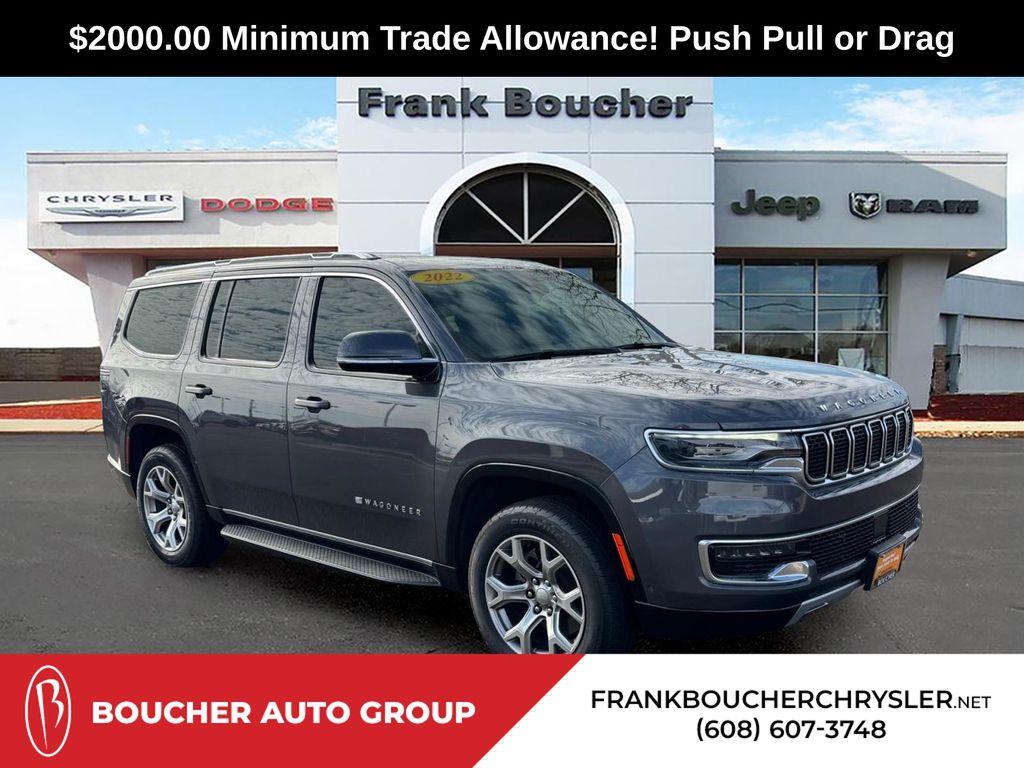
Programming the garage door opener in your Jeep Wagoneer might seem tricky, but it’s a quick task once you know the steps. Many new owners are surprised at how seamless the process can be with the Wagoneer’s integrated HomeLink system.
Whether you’ve just purchased your SUV or need to sync a new garage remote, learning this can save you time and frustration. Let’s break down the process into simple, clear steps so you can confidently program your Jeep Wagoneer garage door opener without calling for help.
Understanding The Wagoneer Garage Door Opener
The Jeep Wagoneer uses the HomeLink system, a widely used technology in many modern vehicles. This system allows you to replace up to three remote controllers for devices like garage doors, gates, and even some home lighting. You’ll usually find the HomeLink buttons on the overhead console, just above the windshield.

Why Use Homelink?
- Convenience: No need to carry separate remotes.
- Security: Less risk of losing a remote.
- Integration: Works with most garage door brands.
However, not all garage door openers are the same. Some use rolling codes for security, which means they change the code every time you use them. Others use older, fixed codes. The programming steps are a little different for each.
Step-by-step: Programming Your Jeep Wagoneer Garage Door Opener
Before starting, have your garage remote ready. Make sure your vehicle is parked safely outside the garage to avoid accidental movement.
1. Clear Previous Homelink Settings
If your Wagoneer is new, you can skip this step. But if it’s pre-owned or you want to reset all buttons:
- Turn on the ignition (vehicle in park).
- Press and hold the two outer HomeLink buttons (1 and 3).
- Hold for about 20 seconds, until the indicator light blinks rapidly.
- Release the buttons.
This erases all previous programming.
Pick one of the three HomeLink buttons. Each button can control a different device.
Decide which one you want to use for your garage door.
For most older openers that don’t use rolling codes:
- Hold your remote 1-3 inches from the chosen HomeLink button.
- Press and hold both the remote button and the HomeLink button at the same time.
- Watch the indicator light. When it changes from slow to fast blinking (about 20 seconds), release both buttons.
- Test by pressing the HomeLink button. The garage door should move.
Most modern garage doors use rolling codes for extra security. This step adds a little more work:
- Repeat steps 1-3 above.
- Within 30 seconds, go to your garage motor unit (the box on your ceiling).
- Find the “Learn” or “Smart” button (usually behind a light cover).
- Press the Learn button until the indicator light turns on (usually 1-2 seconds).
- Return to your Wagoneer and press the programmed HomeLink button three times, holding for 2 seconds each time.
- The garage door should now respond to the button.
If you’re unsure if your opener is rolling code, check your manual or look for the Learn button on the motor.
5. Test The System
Press the HomeLink button you programmed. The garage door should open or close.
If not, repeat the steps, making sure to press the Learn button properly.
Quick Comparison: Rolling Code Vs Fixed Code
Here’s how to spot the difference between the two types:
| Feature | Rolling Code | Fixed Code |
|---|---|---|
| Security | High (changes each use) | Basic (stays the same) |
| Setup Steps | Requires “Learn” button | Direct programming |
| Common Brands | Chamberlain, LiftMaster, Genie | Older models |
Common Issues And Solutions
Programming doesn’t always work on the first try. Here are some problems you might run into:
| Issue | Possible Cause | Solution |
|---|---|---|
| Light blinks but door doesn’t move | Wrong programming steps | Repeat from the beginning, check opener type |
| HomeLink won’t learn remote | Remote battery low | Replace battery and retry |
| Works only sometimes | Interference or weak signal | Reposition vehicle, try again |
Tips For A Smooth Setup
- Stay close to the opener: For rolling code systems, signal strength matters.
- Use fresh batteries: Weak remote batteries cause failed programming.
- Time is important: After pressing the Learn button, you usually have only 30 seconds to finish the setup.
- Manual check: If nothing works, consult your garage opener’s manual for specific steps.
Safety Considerations
Programming your garage door opener is simple, but safety matters:
- Make sure the garage area is clear before testing the system.
- Never let children play with the HomeLink buttons.
- If your garage door reverses or stops, check for sensors or obstructions.

When To Call For Help
If you still can’t get the system to work, it’s possible your opener is too old or uses an uncommon frequency. Some older garage openers (pre-1993) may not be compatible.
In rare cases, interference from nearby electronics can block the signal.
Contact your dealer or a garage door technician for help if you continue to have trouble.
Frequently Asked Questions
How Do I Know If My Garage Door Opener Uses Rolling Codes?
Most openers made after 1996 use rolling codes. Look for a “Learn” or “Smart” button on your opener’s motor unit. If you see one, it’s almost certainly rolling code. You can also check your opener’s manual or the manufacturer’s website.
Can I Program More Than One Garage Door To My Wagoneer?
Yes. The Wagoneer HomeLink system supports up to three devices. You can program each button for a different garage door, gate, or compatible home system.
What If My Garage Door Opener Is Not Compatible?
Some very old or unusual openers might not work with HomeLink. In that case, you can buy a HomeLink Compatibility Bridge or upgrade your opener. The bridge is a small device that helps HomeLink work with more opener types.
Is It Safe To Program My Opener Myself?
Yes, programming the HomeLink system is safe if you follow the instructions. Just make sure no one is standing in the path of the garage door while you test it.
Where Can I Find More Detailed Instructions?
For step-by-step videos, troubleshooting, and a list of compatible devices, visit the official HomeLink website.
Programming your Jeep Wagoneer garage door opener can be done in minutes with the right steps. Take your time, follow the process, and enjoy the convenience of a remote-free entry every day.
With these instructions and tips, you’ll save time and avoid common mistakes many first-time users make.