If your Jeep is having issues like trouble starting, rough idling, or dashboard warning lights, the problem might come from the ECM (Engine Control Module). The ECM is the brain of your vehicle, controlling fuel injection, ignition timing, and many other functions.
Sometimes, you need to program the ECM when installing a new module, upgrading performance, or fixing faults. Programming a Jeep ECM is not a simple plug-and-play task, but with the right tools and knowledge, it’s possible for DIYers and mechanics alike.
This guide will show you how to program your Jeep ECM safely, explain what tools you need, and highlight common mistakes to avoid.
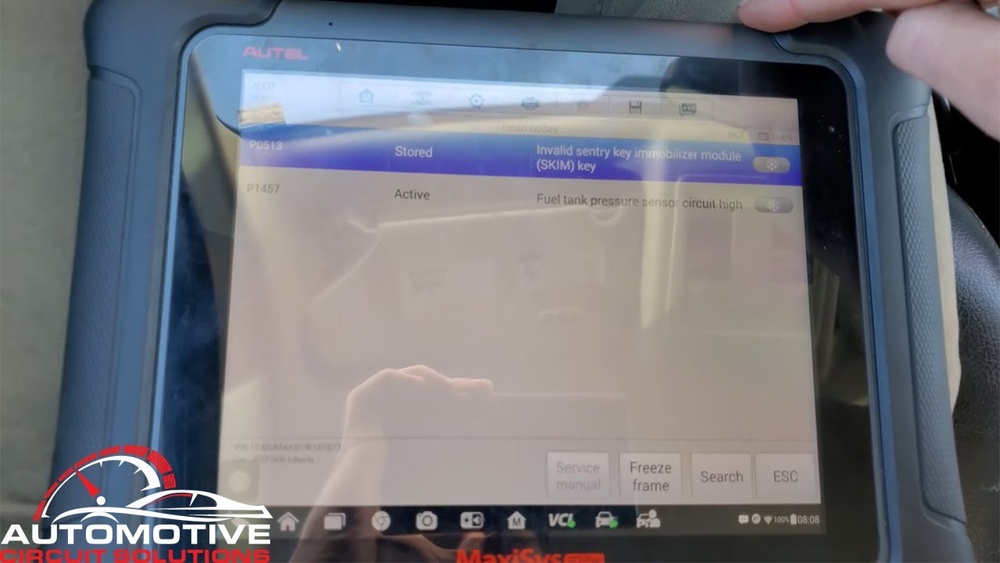
Understanding Jeep Ecm Programming
The ECM stores vehicle-specific data like VIN, security codes, and emissions settings. Programming means updating this data or installing new instructions. You might need to program the ECM when:
- Replacing a faulty ECM
- Upgrading performance parts
- Fixing software bugs
- Resetting after engine repairs
ECM programming is different from resetting. Programming changes the core functions; resetting just clears error codes.
What You Need
Programming requires:
- A compatible scan tool or programmer (like J2534 device, Autel, Snap-On, or Mopar tools)
- A laptop or PC with OEM software (such as Chrysler WiTech)
- Stable internet connection
- Battery charger to prevent voltage drops
- Correct ECM part matched to your Jeep model
Mistakes happen when people use the wrong software or skip battery charging. These can lead to incomplete programming or even ECM damage.
Step-by-step: How To Program Jeep Ecm
Programming your Jeep ECM is a careful process. Here’s how to do it:
1. Prepare Your Jeep And Equipment
- Park on a flat surface.
- Connect a battery charger; programming takes time and low voltage can cause problems.
- Find your Jeep’s VIN and make sure you have the right ECM part.
2. Connect The Programmer
- Plug the programmer or scan tool into the OBD-II port (usually under the dashboard).
- Connect your laptop to the programmer.
3. Install And Start Oem Software
- Use OEM software like Chrysler WiTech or Mopar’s online portal.
- Log in and enter your Jeep’s VIN.
- The software will check for ECM compatibility.
4. Select Programming Function
- Choose “ECM programming” from the menu.
- Follow prompts to begin the process.
5. Download And Install Updates
- The software will download the latest ECM firmware.
- Installation usually takes 10-30 minutes.
- Do not turn off ignition or disconnect cables during this step.
6. Verify Programming
- When finished, the software will confirm programming.
- Start the engine and check for warning lights or error codes.
- Test drive to ensure everything works.
Common Mistakes To Avoid
- Skipping battery charging: Can lead to failed programming.
- Wrong ECM part: Will cause errors or make the vehicle not start.
- Interrupting programming: Can brick the ECM, needing expensive repairs.

Jeep Ecm Programmers: Comparison
Choosing the right tool matters. Here’s a quick comparison of popular Jeep ECM programmers:
| Device | Cost | Ease of Use | OEM Support |
|---|---|---|---|
| J2534 Pass-Thru | $300–$800 | Medium | High |
| Autel MaxiSys | $1,200–$3,000 | Easy | Medium |
| Snap-On Solus Edge | $3,000–$4,000 | Easy | Medium |
| Mopar WiTech | $1,000+ | Medium | High |
For most Jeep owners, a J2534 device is affordable and supports OEM software.
Programming Jeep Ecm: Data And Success Rate
Programming ECMs is common in repair shops. According to industry data:
- ECM replacement is needed in about 2% of Jeep repairs
- Success rate for programming with OEM tools: over 95%
- Most failures are caused by wrong ECMs or power loss
| Factor | Success Rate | Common Problems |
|---|---|---|
| OEM Tools | 95% | Power loss, wrong part |
| Aftermarket Tools | 80% | Software mismatch |
| DIY Methods | 70% | Connection errors |
Many beginners miss the importance of VIN matching and battery charging. These two steps are the most critical for success.
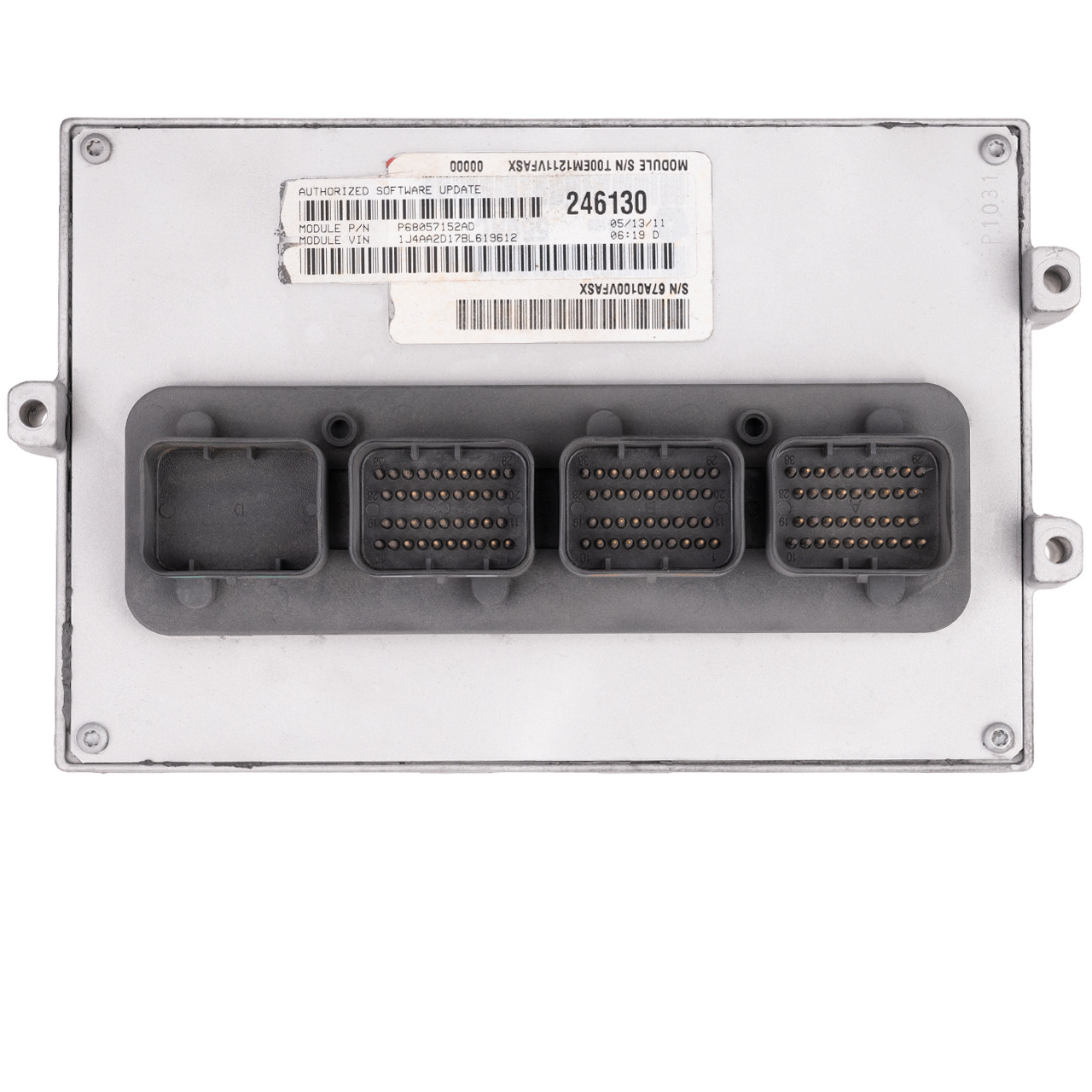
Tips For Safe Ecm Programming
Programming can seem technical, but these practical tips will help:
- Always use OEM software when possible.
- Double-check ECM part numbers before starting.
- Keep the battery fully charged during programming.
- Document the process—write down steps and any error codes.
- Don’t rush—let the software finish each step before moving on.
If you’re not confident, ask a certified mechanic or visit a Jeep dealership. Incorrect programming can lead to expensive repairs.
Frequently Asked Questions
What Is The Ecm And Why Is It Important?
The ECM is the main computer that controls engine functions like fuel injection, ignition timing, and emissions. Without a working ECM, your Jeep may not start or run properly.
Can I Program A Jeep Ecm Myself?
Yes, but you need special tools, OEM software, and technical knowledge. Mistakes can cause costly damage. If you’re unsure, seek professional help.
How Long Does Ecm Programming Take?
Usually 10–30 minutes, depending on the vehicle and software. Always keep the battery charged and don’t interrupt the process.
What Happens If Programming Fails?
Failed programming can make the Jeep not start or cause warning lights. Sometimes, the ECM may be permanently damaged. Always follow the steps carefully.
Is Ecm Programming Covered Under Warranty?
If your Jeep is under warranty and the ECM fails, programming or replacement may be covered. Always check with your dealer or consult the official Mopar site for details.
Programming your Jeep ECM can solve many problems and boost performance, but it requires careful preparation and the right equipment. Follow the steps, avoid common mistakes, and you’ll have a reliable Jeep ready for the road.




















