Playing music on your Jeep’s Uconnect system can transform a routine drive into an enjoyable journey. Uconnect is more than just a radio it’s a smart multimedia platform that connects your smartphone, streams music, and even manages calls.
Whether you’re new to Jeep or just want to get more from your infotainment system, learning how to play music through Uconnect is simple and rewarding.
Understanding Jeep Uconnect
Uconnect is Jeep’s integrated infotainment system. It comes in several versions, but all let you play music from different sources. Most models since 2015 support Bluetooth, USB, and auxiliary inputs. Newer versions, like Uconnect 4 and 5, also support Apple CarPlay and Android Auto.
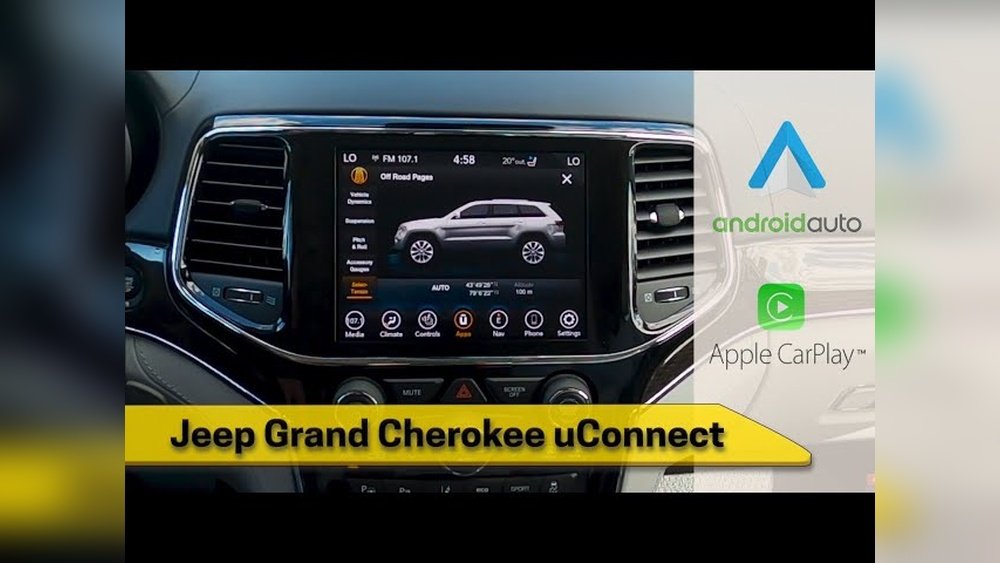
Here’s a quick comparison of Uconnect versions:
| Uconnect Version | Music Sources | Screen Size |
|---|---|---|
| Uconnect 3 | Radio, CD, USB, Aux, Bluetooth | 5″–8.4″ |
| Uconnect 4 | All above + CarPlay/Android Auto | 7″–8.4″ |
| Uconnect 5 | All above + Alexa, HD Radio | 7″–10.1″ |
Ways To Play Music On Uconnect
There are several ways to listen to music in your Jeep. The best option depends on your device and what you prefer.
1. Bluetooth Audio
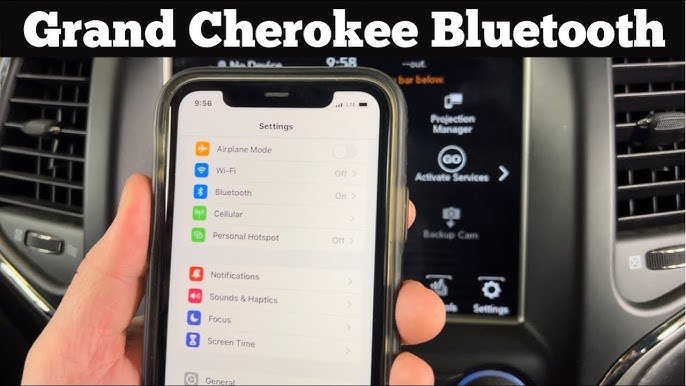
Bluetooth is the most common way to play music wirelessly from your phone.
Steps:
- Turn on your Jeep and Uconnect screen.
- Go to Settings > Phone/Bluetooth.
- Turn Bluetooth on in your smartphone.
- Select Pair Device on Uconnect. On your phone, choose your Jeep’s Uconnect from the list.
- Confirm the passcode if prompted.
Now, play music on your phone sound should come through your Jeep speakers.
Tip: If you hear no sound, set your phone’s audio output to Uconnect in the Bluetooth menu.
2. Usb Connection
A USB cable provides better sound quality and charges your device at the same time.
Steps:
- Plug your phone or flash drive into the Jeep’s USB port.
- If using a phone, you may need to unlock it.
- Uconnect should detect the device and show music options.
Non-obvious insight: Flash drives with songs in MP3 or WMA formats are most compatible. Avoid using drives bigger than 32GB to prevent errors.
3. Apple Carplay And Android Auto
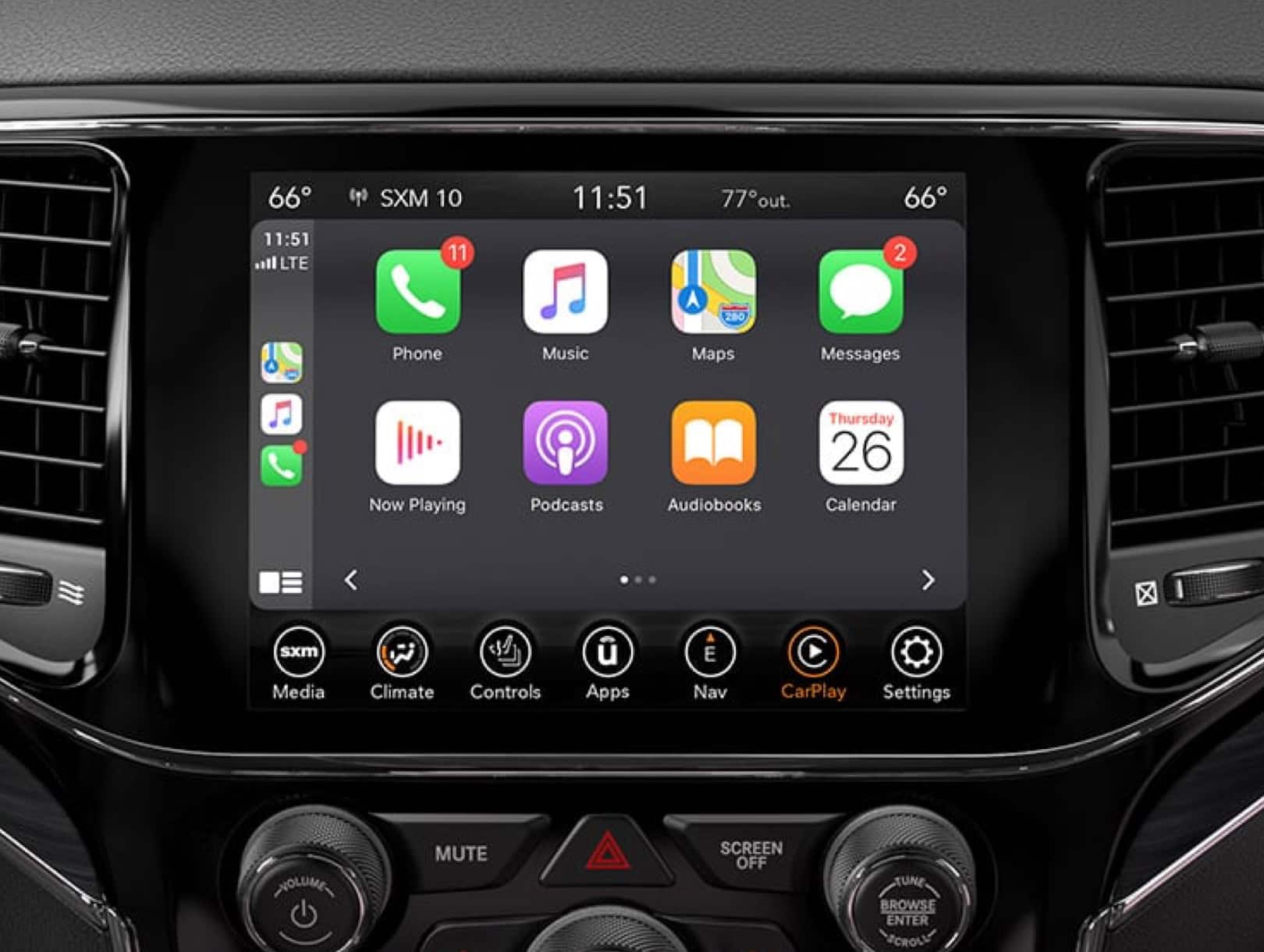
These features mirror your phone’s music apps on the Uconnect screen.
Steps:
- Connect your phone using a certified USB cable.
- Accept the prompt on your phone to start CarPlay or Android Auto.
- Select music apps like Spotify, Apple Music, or Pandora on the Uconnect screen.
Example: You can send voice commands like “Play jazz on Spotify” using the steering wheel button.
4. Auxiliary Cable
For older devices or if Bluetooth isn’t working, the 3. 5mm aux input is a reliable backup.
Steps:
- Plug one end into your device’s headphone jack, the other into the Jeep’s AUX port.
- Set Uconnect to “Aux” mode.
- Play music from your device.
This method has no digital controls, but it always works.
5. Built-in Radio And Cd
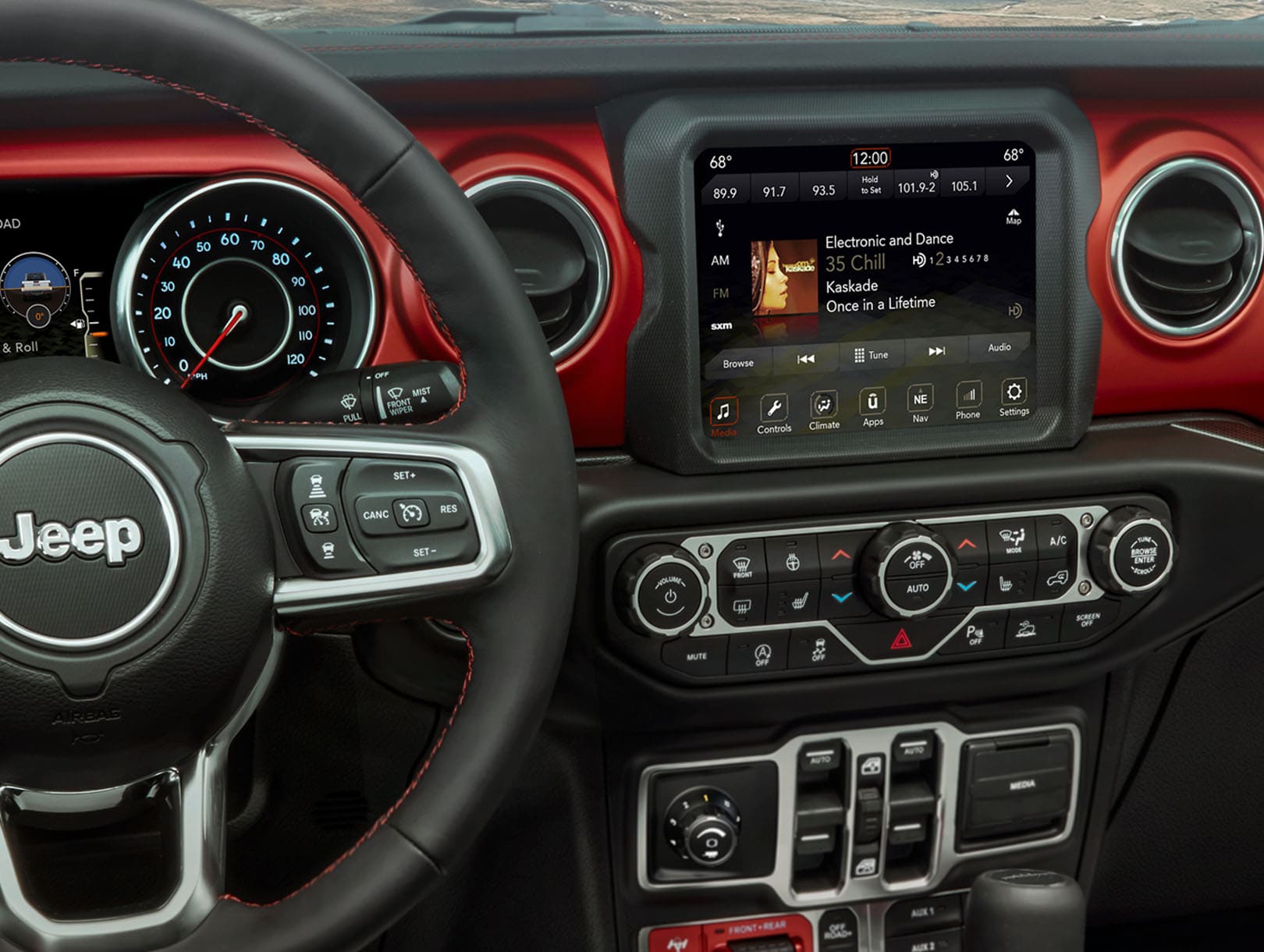
Don’t forget traditional options. Uconnect lets you listen to AM/FM radio or play CDs (on compatible models). Just use the media buttons to switch modes.
Comparing Music Sources
Here’s how different methods stack up:
| Method | Sound Quality | Ease of Use | Extra Features |
|---|---|---|---|
| Bluetooth | Good | Easy | Wireless control |
| USB | Excellent | Simple | Charges device |
| CarPlay/Android Auto | Excellent | Very easy | App integration |
| Auxiliary | Good | Manual | No control from screen |
Troubleshooting Common Problems
Sometimes, playing music on Uconnect doesn’t work as expected. Here’s how to fix common issues:
- No sound: Make sure the volume is up on both your device and Uconnect.
- Bluetooth won’t connect: Remove the device from Uconnect’s list and re-pair.
- USB not recognized: Try a different cable or restart your device.
- Music skips or disconnects: Move your phone closer or remove other paired devices.
Non-obvious tip: Some phones need permission for media access when connecting via USB. Check your phone’s notifications.
Personalizing Your Music Experience
Uconnect lets you set up favorites and shortcuts. For example, you can:
- Save favorite radio stations to presets.
- Create playlists on your phone for easy access.
- Use steering wheel buttons to skip tracks or pause.
Voice commands are a powerful feature. Hold the voice button and say commands like “Play next song” or “Play playlist Workout.”
Keeping Uconnect Updated
Jeep releases updates for Uconnect to fix bugs and add new features. Check your owner’s manual or visit the official Jeep Uconnect page to see if an update is available for your model. Updates can improve music streaming quality and add support for new apps.
Frequently Asked Questions
How Do I Connect My Iphone To Jeep Uconnect?
Connect your iPhone using a USB cable. Accept the CarPlay prompt on your phone and the Uconnect screen. You can then use apps like Apple Music and Spotify through the display.
Why Can’t I Hear Music Even Though My Phone Is Connected?
Check that your phone’s audio output is set to Uconnect. Also, make sure the volume is turned up on both your phone and the Uconnect system.
Can I Play Music From A Flash Drive?
Yes, plug a USB flash drive into the port. Use MP3 or WMA files for best compatibility. Uconnect will show your music in the Media menu.
Does Uconnect Support Streaming Apps Like Spotify?
Yes, if you use Apple CarPlay or Android Auto, you can play music from streaming apps. You can also stream via Bluetooth from your phone.
How Do I Update My Uconnect System?
Visit the official Jeep website, enter your vehicle’s VIN, and follow the instructions to download and install updates. Some updates may require a USB drive.
Exploring your Jeep’s Uconnect system opens up many ways to enjoy your favorite music on the road. With the right setup and a bit of practice, you’ll have a seamless audio experience every drive.



















