Pairing your phone with your Jeep can transform your drive. With a few quick steps, you can play music, access maps, and make hands-free calls all with less distraction.
But for many drivers, the process feels confusing or even frustrating. Let’s clear up the confusion.
This guide will walk you through how to pair your phone to your Jeep, what to do if things go wrong, and how to get the best experience from your Jeep’s Bluetooth system.
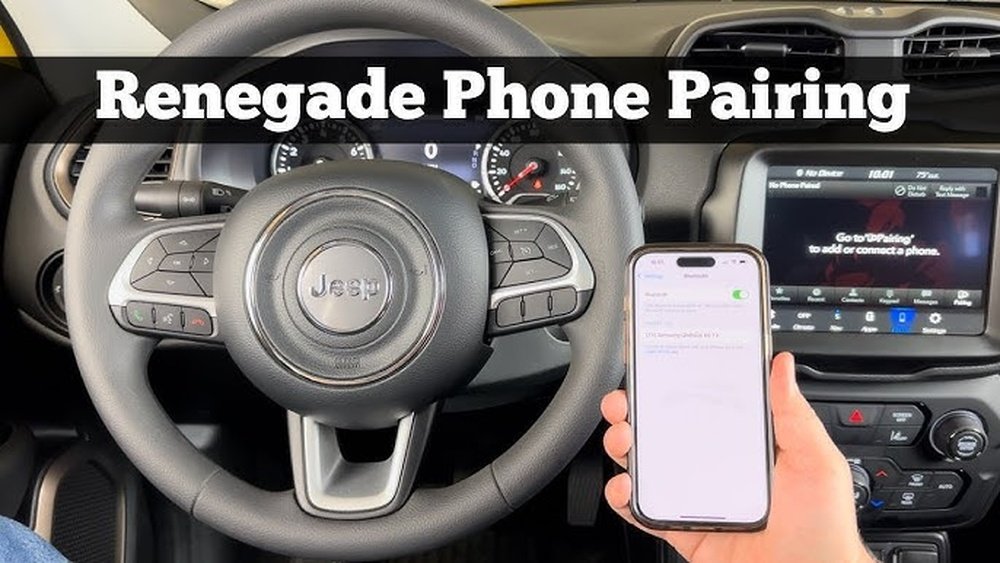
Why Pair Your Phone To Your Jeep?
When you connect your phone to your Jeep’s system, you unlock a safer and more enjoyable drive. Bluetooth pairing lets you:
- Make and receive calls without touching your phone
- Listen to your playlists or podcasts through the car speakers
- Use GPS apps with audio directions
- Access voice assistants like Siri or Google Assistant
Most modern Jeeps, including Jeep Cherokee, Jeep Wrangler, and Jeep Grand Cherokee, come with Uconnect, Jeep’s infotainment system. Pairing your phone brings out the best in Uconnect.
Getting Ready: What You Need
Before you begin, check these basics:
- Check compatibility: Your Jeep should have Bluetooth or Uconnect (2012 models and newer usually do).
- Smartphone readiness: Make sure your phone’s Bluetooth is turned on and it’s not already connected to another device.
- Car in Park: For safety, pair your phone while your Jeep is parked.
Here’s a quick look at Jeep models and Uconnect features:
| Jeep Model | Uconnect Version | Bluetooth Supported? |
|---|---|---|
| Wrangler (2015+) | Uconnect 4/5 | Yes |
| Cherokee (2014+) | Uconnect 4 | Yes |
| Grand Cherokee (2012+) | Uconnect 3/4/5 | Yes |
| Compass (2017+) | Uconnect 4 | Yes |
If your Jeep is older or has a different infotainment system, check the owner’s manual or the Uconnect website.

How To Pair Your Phone To Jeep: Step-by-step
Pairing is usually quick, but the menus can look a bit different depending on your Jeep’s Uconnect version.
Step 1: Enable Bluetooth On Your Phone
- Open your phone’s Settings
- Tap Bluetooth
- Make sure Bluetooth is switched to “On” and your phone is discoverable
Step 2: Access Bluetooth Pairing On Jeep
- Start your Jeep and set the gear to Park
- On the Uconnect touch screen, press “Phone”
- Select “Add Device” or “Pair a Device”
You’ll see a message saying the system is searching for devices.
Step 3: Select Jeep On Your Phone
- On your phone’s Bluetooth menu, look for your Jeep or “Uconnect” in the device list
- Tap it to connect
Step 4: Enter The Pin
- The Jeep system will show a PIN code on the screen
- Your phone will ask you to confirm the same code
- Tap “Pair” or “Yes” on both the Jeep screen and your phone
Step 5: Finalize The Connection
- Wait a few moments. Your phone may ask for permissions (contacts, messages, audio)
- Allow access for the best experience
- The Uconnect screen should confirm the connection
Your phone is now paired! You should see your phone’s name on the Jeep’s screen.
Common Problems And Solutions
Even with the right steps, pairing can sometimes fail. Here’s how to fix common issues:
Problem: Jeep Can’t Find Your Phone
- Make sure your phone’s Bluetooth is visible
- Restart your phone and the Jeep’s system
- Try deleting old devices from the Jeep’s Bluetooth menu
Problem: Connection Drops
- Check if your phone’s battery saver or Bluetooth is turning off
- Update your phone’s software and Uconnect system if possible
Problem: No Audio Or Calls
- Check if you allowed contacts and audio access during pairing
- On your phone, open Bluetooth settings, tap your Jeep, and make sure “Audio” and “Contacts” are enabled
Here’s a quick comparison of common fixes:
| Issue | Quick Fix | Advanced Fix |
|---|---|---|
| Device not found | Restart phone | Delete devices, try again |
| Audio not working | Enable audio on phone’s Bluetooth menu | Re-pair device |
| Frequent disconnects | Update phone & Uconnect | Try another phone |
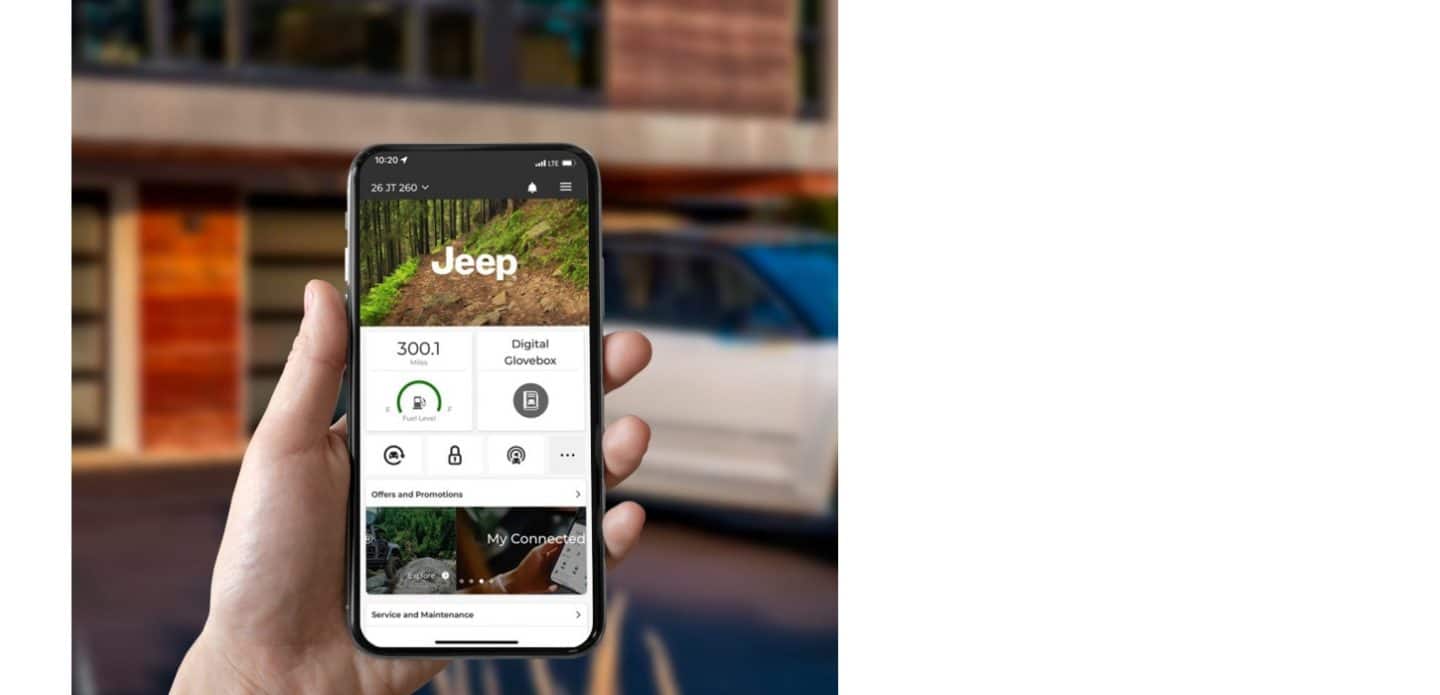
Tips For A Smoother Experience
- Keep software updated: Both your phone and Uconnect should be on the latest version.
- Limit paired devices: Too many paired phones can cause confusion. Delete old ones.
- Set your phone as favorite: This helps your Jeep connect to your phone first.
- Use USB for CarPlay/Android Auto: If you want extra features or better stability, connect with a USB cable.
Many drivers forget to delete old devices from their Jeep’s Bluetooth list. This can block new pairings.
Also, always allow contact sharing; otherwise, your Jeep can’t display names for incoming calls.
What To Do If Pairing Still Fails
If your Jeep and phone still won’t connect:
- Try pairing another phone to your Jeep. If it works, the issue is with your phone.
- Factory reset the Uconnect system (instructions in the manual).
- Visit your Jeep dealer or a trusted auto shop if nothing else works.
For more model-specific help, check the official Uconnect support page or your owner’s manual. Detailed guides are also available at the Jeep Uconnect website.
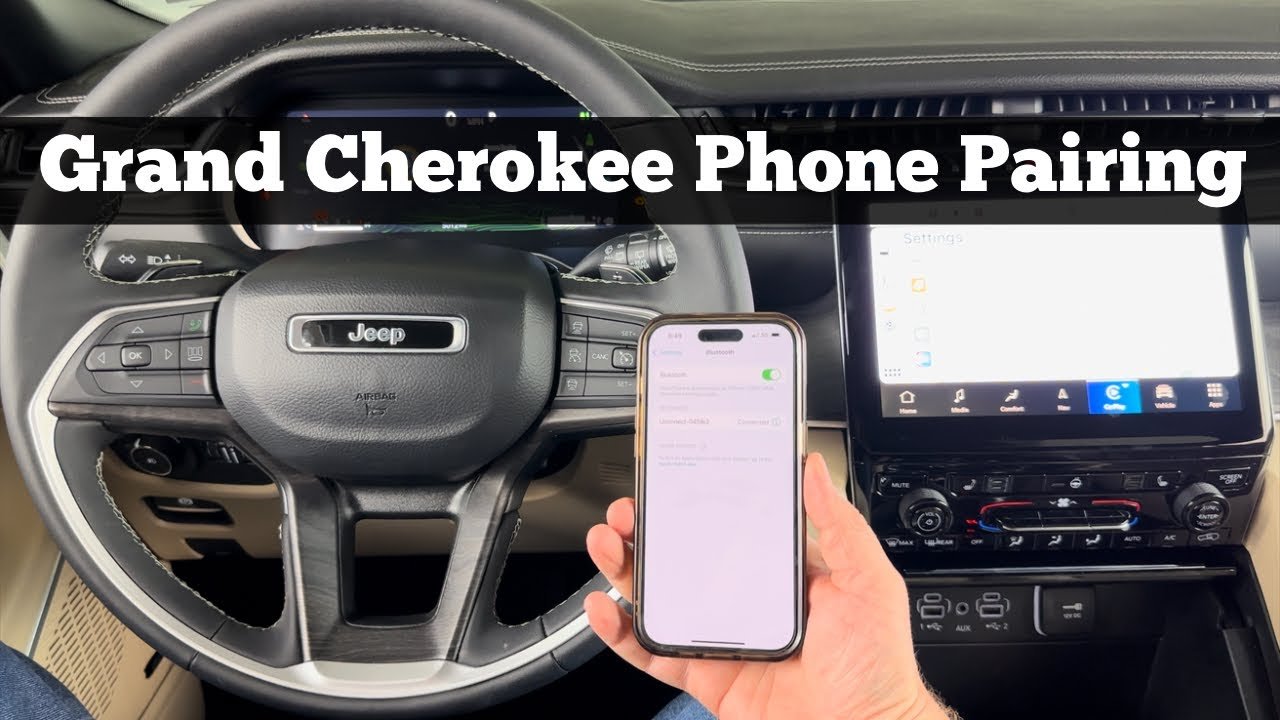
Frequently Asked Questions
How Many Phones Can I Pair With My Jeep?
Most newer Jeeps let you pair up to eight devices, but only one can be connected for calls and audio at a time. This is handy for families, but always set your main phone as the favorite.
Does Jeep Support Apple Carplay And Android Auto?
Yes, most 2017 and newer Jeep models with Uconnect 4 or 5 support both Apple CarPlay and Android Auto. For these, connect your phone with a USB cable to use apps and get better sound quality.
Can I Pair My Phone While Driving?
For safety, Jeep disables pairing while the car is moving. Always pair your phone when your Jeep is parked to avoid distractions and ensure full access to features.
Why Won’t My Contacts Show Up On The Jeep Screen?
Usually, this means you didn’t allow contact access during pairing. Go to your phone’s Bluetooth settings, tap the Jeep/Uconnect device, and enable contacts. Then disconnect and reconnect.
Is Bluetooth Pairing Secure In My Jeep?
Yes. Each pairing uses a unique PIN code so only allowed devices connect. For extra security, delete old devices from your Jeep’s Bluetooth list if you sell the car or change phones.
Pairing your phone to your Jeep doesn’t have to be stressful. With the right steps, you’ll enjoy safer driving and all the convenience your Jeep’s tech has to offer.
Take a few minutes to set things up, and your Jeep will feel smarter every time you start the engine.



















