Pairing your iPhone with your Jeep Uconnect system can transform your driving experience. Imagine hands-free calls, easy navigation, and your favorite music just a tap away.
Many Jeep owners want to connect their phone but feel overwhelmed by the technology. The good news: pairing is easier than you might think.
With a few simple steps, you can unlock the full potential of your car’s infotainment system.
What Is Jeep Uconnect?
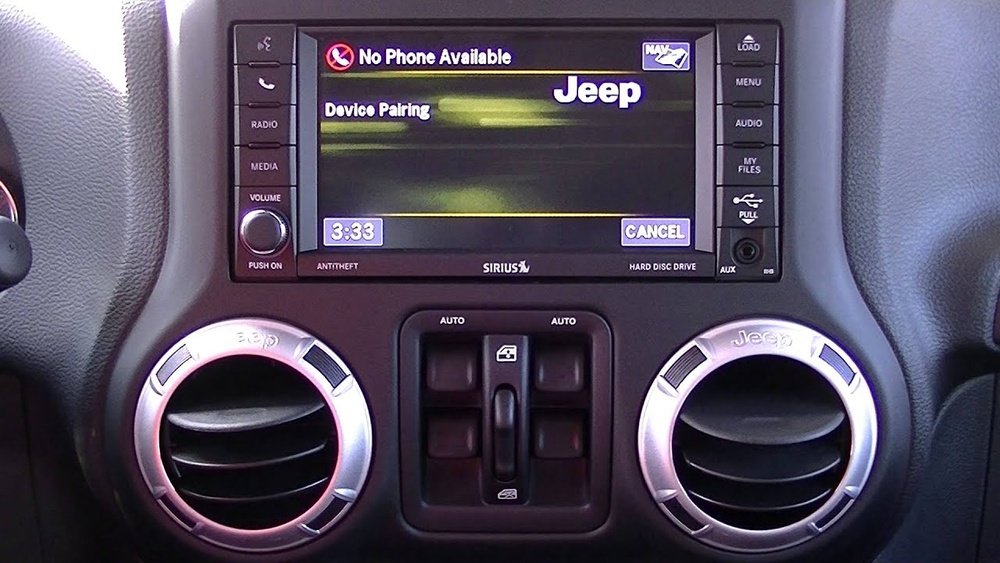
Uconnect is Jeep’s integrated infotainment system. It allows you to control music, navigation, calls, and more from your dashboard. Most modern Jeeps, from the Jeep Wrangler to the Grand Cherokee, come with Uconnect. The system supports both Bluetooth and Apple CarPlay, depending on your model and year.
Why does this matter? Connecting your iPhone to Uconnect lets you use voice commands, access your contacts, and stream audio safely.
If you’re not paired, you miss out on hands-free convenience and important safety features.
Before You Begin: Preparation Steps
Getting ready makes the process smooth:
- Check compatibility: Most 2014 and newer Jeeps support iPhone pairing via Bluetooth. For Apple CarPlay, your Uconnect must be version 4 or later.
- Update your devices: Make sure your iPhone has the latest iOS and your Uconnect system is updated. Outdated software can cause pairing problems.
- Enable Bluetooth: On your iPhone, go to Settings > Bluetooth and turn it on.
- Remove old connections: If your Uconnect was paired to another phone, remove it. Old devices can cause connection errors.
Here’s a quick look at which Jeep models and years support Bluetooth and CarPlay:
| Model | Bluetooth | Apple CarPlay |
|---|---|---|
| Wrangler (2015+) | Yes | 2018+ |
| Grand Cherokee (2014+) | Yes | 2018+ |
| Compass (2017+) | Yes | 2018+ |
| Cherokee (2014+) | Yes | 2019+ |
If you’re not sure about your Jeep’s compatibility, check your user manual or the official Jeep Uconnect website.
How To Pair Iphone To Jeep Uconnect (step-by-step)
Follow these steps to pair your iPhone via Bluetooth:
- Start your Jeep and keep it in park with the engine running.
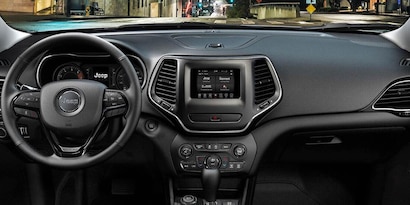
- On your Uconnect screen, press “Phone.” If no phone is paired, the system will prompt you to add one. Tap “Yes” or “Add Device.”
- Go to your iPhone, open Settings > Bluetooth. Wait for “Uconnect” to appear under “Other Devices.”
- Tap “Uconnect” on your phone. A PIN will show on both your phone and the Uconnect screen.
- Confirm the PIN matches, then tap “Pair” on your iPhone and “Yes” on your Uconnect screen.
- Allow contacts and favorites to sync if you want to use voice commands or see caller ID.
- Connection complete. Your iPhone is now paired and ready to use.
Here’s a summary of the process:
| Step | Action | Where |
|---|---|---|
| 1 | Start car & enter pairing mode | Uconnect screen |
| 2 | Find Uconnect in Bluetooth list | iPhone |
| 3 | Accept pairing PIN | Both devices |
| 4 | Allow contacts sync | iPhone |
Important Tips
- Some Jeep Uconnect systems only allow pairing when the car is in park.
- If pairing fails, restart both your iPhone and the Uconnect system. Try again after a minute.
- If you see “Pairing Unsuccessful,” delete Uconnect from your phone’s Bluetooth list and restart the process.
Using Apple Carplay With Jeep Uconnect
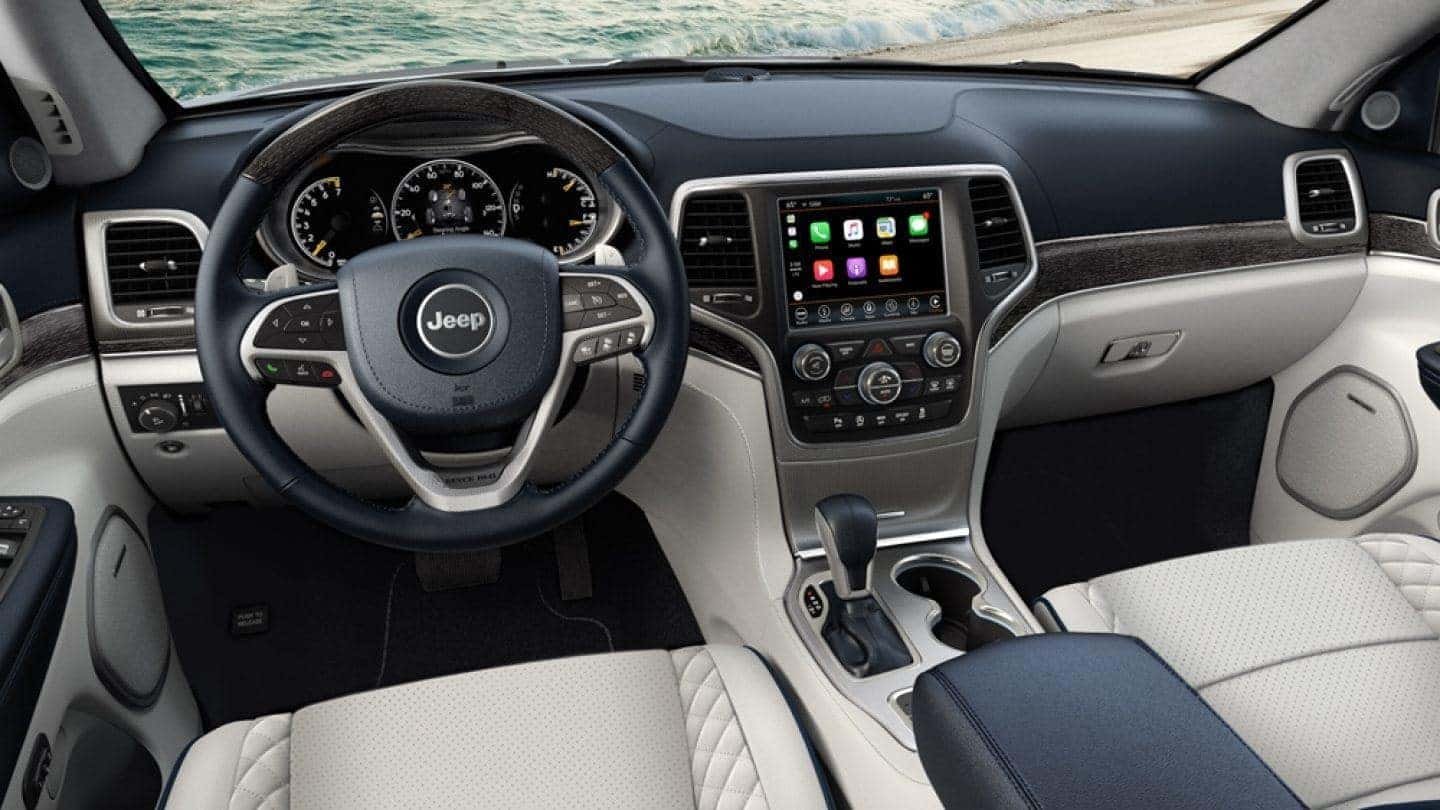
If your Jeep supports Apple CarPlay, you can connect your iPhone for a richer experience. CarPlay lets you use Siri, Maps, Messages, and many apps directly from the touchscreen.
How to connect CarPlay:
- Plug your iPhone into the Jeep’s USB port using an Apple-certified cable.
- The Uconnect screen will prompt you to enable CarPlay. Tap “Yes.”
- Your iPhone’s display will appear on the Uconnect screen. You can now use navigation, music, and calls through CarPlay.
CarPlay is not available on all models. If your Jeep is from 2017 or earlier, you’ll need to use Bluetooth only.
Common Problems And How To Fix Them
It’s normal to face a few hiccups. Here are the most frequent issues and solutions:
- Uconnect not showing up on iPhone: Make sure Bluetooth is enabled on both devices. Restart your iPhone and the Uconnect system.
- Pairing fails repeatedly: Delete old phones from the Uconnect list. On the Uconnect screen, go to “Settings” > “Phones” > “Remove Devices.”
- No sound during calls: Make sure “Audio Output” is set to Uconnect on your iPhone during a call.
- CarPlay won’t start: Try using another USB cable or a different port. Only some USB ports support CarPlay.
A surprising issue: Some users report that new iOS updates can cause Bluetooth to stop working until both the iPhone and Uconnect software are updated. Always update both systems if you notice sudden problems.
Key Benefits Of Pairing Your Iphone
Pairing is more than just convenience. Here’s what you get:
- Safer driving: Make calls, send texts, and control music hands-free with voice commands.
- Easy navigation: Use Apple Maps or Google Maps right on your car’s display.
- Automatic connection: Your iPhone pairs automatically every time you start the car.
- Access to contacts and favorites: No need to look at your phone while driving.
Many Jeep owners miss out on these features because they fear the setup is too complex. In reality, it takes less than five minutes if you follow the right steps.
Frequently Asked Questions
Can I Pair More Than One Iphone To Jeep Uconnect?
Yes, you can save multiple phones in Uconnect. However, only one phone can be connected at a time for calls and audio streaming.
To switch, select the desired phone from the Uconnect Bluetooth menu.
Does My Jeep Need Wi-fi Or Cellular Data To Pair With My Iphone?
No, pairing uses Bluetooth, which doesn’t require Wi-Fi or cellular data. However, for Apple CarPlay and some features (like navigation updates), your iPhone may use cellular data.
Why Won’t My Iphone Connect After An Ios Update?
Sometimes, iOS updates can change Bluetooth settings or cause compatibility issues. Try deleting the Uconnect connection from your iPhone’s Bluetooth menu and pairing again.
Make sure both your iPhone and Uconnect system are updated.
How Do I Remove My Iphone From Jeep Uconnect?
On the Uconnect screen, go to “Settings” > “Phone/Bluetooth” > “Paired Devices. ” Select your iPhone and choose “Remove” or “Delete.
” You can also remove Uconnect from your iPhone’s Bluetooth menu.
Is It Safe To Update The Uconnect System Myself?
Yes, updating Uconnect is safe if you follow the instructions from Jeep. Updates can fix bugs and improve compatibility.
Visit the official Jeep Uconnect site or your dealership for guidance.
Pairing your iPhone to Jeep Uconnect opens up a world of convenience and safety. With just a few steps, you’ll enjoy hands-free calls, easy navigation, and your favorite tunes on every drive.
Take a few minutes to set up your system, and your Jeep will feel more connected than ever.


















