If your Jeep Grand Cherokee radio suddenly stops working, freezes, or won’t respond, a hard reset can often fix the problem. Many drivers face this issue, especially with newer models that have touch screens and advanced technology.
Resetting the radio is not difficult, but it’s important to follow the right steps to avoid damaging your system or losing important settings.
This guide will help you hard reset your Jeep Grand Cherokee radio safely. You’ll learn how to do it step-by-step, understand what happens during a reset, and avoid common mistakes.
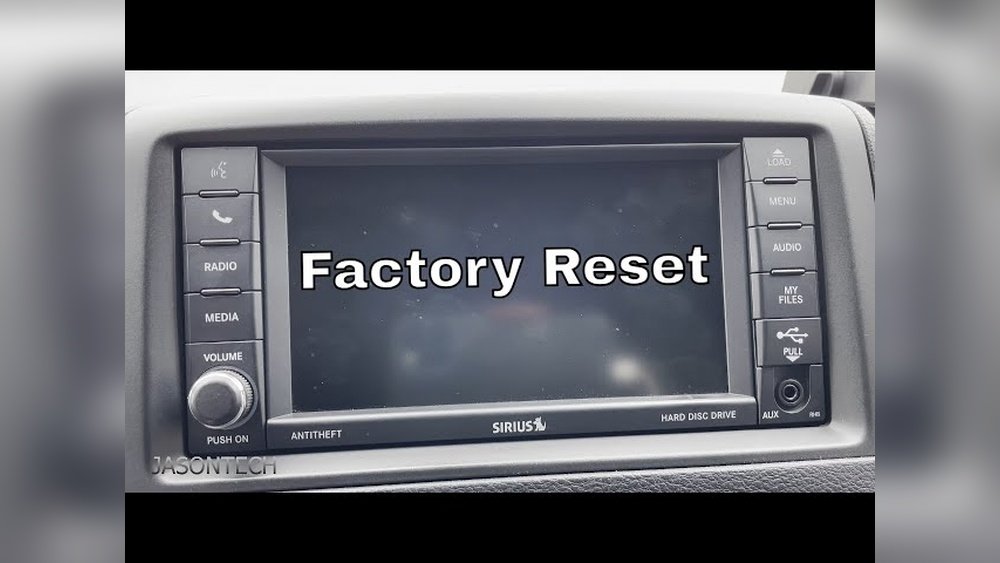
Whether you drive a 2014 or a 2023 Grand Cherokee, this article will give you clear answers and practical advice.
Why Hard Reset Your Jeep Grand Cherokee Radio?
A hard reset is more than just turning the radio off and on. It clears temporary software bugs, refreshes the system, and can restore normal operation. Here are some common reasons to do a hard reset:
- The radio screen is frozen or blank.
- Bluetooth won’t connect or drops frequently.
- Audio is missing or distorted.
- Navigation or apps crash often.
- Touch controls stop responding.
Statistics show that over 30% of Jeep Grand Cherokee owners report at least one radio issue within their first year of ownership. Most problems are software-related and can be fixed without replacing hardware.
Understanding Your Jeep Grand Cherokee Radio System
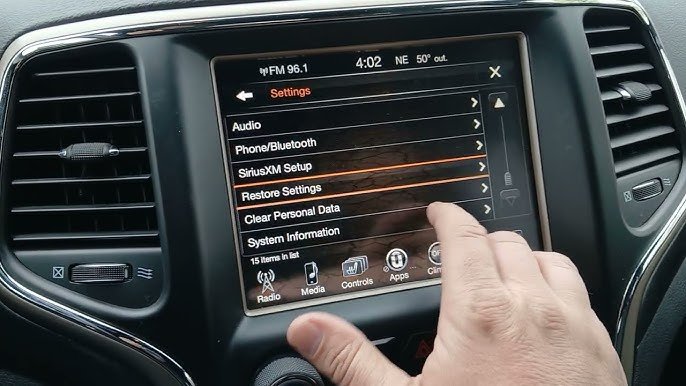
Before resetting, it’s helpful to know which radio system you have. Jeep Grand Cherokees use Uconnect systems, but the version depends on your model year.
Here’s a quick comparison:
| Model Year | Radio System | Main Features |
|---|---|---|
| 2011–2013 | Uconnect 430/730 | Touchscreen, CD/DVD, Navigation |
| 2014–2021 | Uconnect 8.4 | Large touchscreen, Bluetooth, Apps |
| 2022–2023 | Uconnect 5 | Faster processor, Wireless Apple CarPlay, Android Auto |
Tip: Check your manual or look for the Uconnect logo on your screen to find your version.
Step-by-step: How To Hard Reset Jeep Grand Cherokee Radio
Follow these steps to perform a hard reset. The process is similar for most models, but newer systems may have slight differences.
For Uconnect 8.4 And Uconnect 5 (2014–2023)
- Turn Off the Vehicle
- Make sure your Jeep is parked.
- Turn off the engine and remove the key.
- Disconnect the Battery
- Open the hood.
- Use a wrench to loosen the negative terminal (black cable) of the battery.
- Remove the cable and wait for 5–10 minutes.
- This disconnects all power to the radio, forcing a complete reset.
- Reconnect the Battery
- Reattach the negative cable and tighten it.
- Close the hood.
- Restart the Vehicle
- Start your Jeep.
- Wait for the radio to boot up. This may take a minute.
- Check System Settings
- If prompted, set up basic settings (language, time, etc. ).
- Re-pair your phone or devices if needed.
Important: Disconnecting the battery may reset other systems, like the clock or seat memory. Make note of your settings before starting.
For Older Uconnect Systems (2011–2013)
Some older radios can be reset with button combinations:
- Press and hold the ‘Volume’ and ‘Tune’ buttons at the same time for 10–15 seconds.
- The screen will go black and restart.
This method does not always work for newer touchscreens.
What Happens After A Hard Reset?
A hard reset clears temporary files and brings the radio back to its factory state. Here’s what you can expect:
| After Reset | What Changes? | What Remains? |
|---|---|---|
| Audio Settings | May return to default | Can be customized again |
| Bluetooth Pairings | Usually erased | Need to re-pair devices |
| Navigation History | Deleted | Maps remain installed |
| Radio Presets | Lost | Can be re-added |
Non-obvious insight: If your radio has custom apps or downloaded software, these may need to be reinstalled after a reset.

Troubleshooting: What If The Reset Doesn’t Work?
Sometimes, a hard reset does not solve the issue. Here are steps to try next:
- Check for software updates from Jeep or Uconnect. Updating can fix bugs.
- Inspect fuses related to the radio. A blown fuse can stop the radio from working.
- Visit a dealership if the screen stays blank or the radio fails to restart.
Common mistake: Many owners forget to check the battery connection. If the cable is loose, the radio may not power up correctly.
Practical Tips To Avoid Future Radio Problems
- Keep your Uconnect software updated. Updates often improve stability.
- Avoid charging devices with faulty cables; this can cause glitches.
- Don’t overload the system with too many paired devices.
- If you use navigation, clear history regularly to avoid lag.
- Handle the touchscreen gently to prevent hardware damage.
Data point: Jeep recommends updating Uconnect software every 6–12 months for best performance.
For more details on Uconnect and vehicle electronics, visit the official Jeep Uconnect page.
Frequently Asked Questions
How Often Should I Reset My Jeep Grand Cherokee Radio?
You should only hard reset the radio when you face serious problems, like freezing or malfunctioning. Regular resets are not needed unless there are persistent issues.
No, the reset removes your history and settings but keeps the maps installed. You will need to enter addresses again, but you won’t lose the maps themselves.
Is It Safe To Disconnect The Battery For A Hard Reset?
Yes, it’s safe if you follow the steps carefully. Make sure the vehicle is off and use the correct tools.
Don’t touch the positive terminal to avoid sparks.
Can I Reset The Radio Without Disconnecting The Battery?
On older models, button combinations can sometimes restart the radio. For newer touchscreens, disconnecting the battery is the most effective way.
What If My Radio Still Doesn’t Work After A Hard Reset?
If a hard reset fails, check for software updates, inspect the fuses, and consider visiting a Jeep dealership. There may be a hardware fault or deeper software problem.
Resetting your Jeep Grand Cherokee radio can solve many common problems and refresh your system. With the right steps, you can avoid unnecessary trips to the dealership and enjoy a working radio again.
Remember to back up your settings and keep your software updated for a smoother driving experience.



















