Connecting your Jeep to your garage door opener is a small upgrade that makes daily life easier. Imagine coming home and opening your garage door with just a button in your Jeep—no more searching for a remote or getting out in the rain. Many Jeep models, especially newer ones, include a built-in system called HomeLink or a similar technology. This article will walk you through step-by-step instructions, highlight important details, and answer common questions. With the right approach, you can set up your Jeep to control your garage door quickly and safely.
Understanding Jeep Garage Door Integration
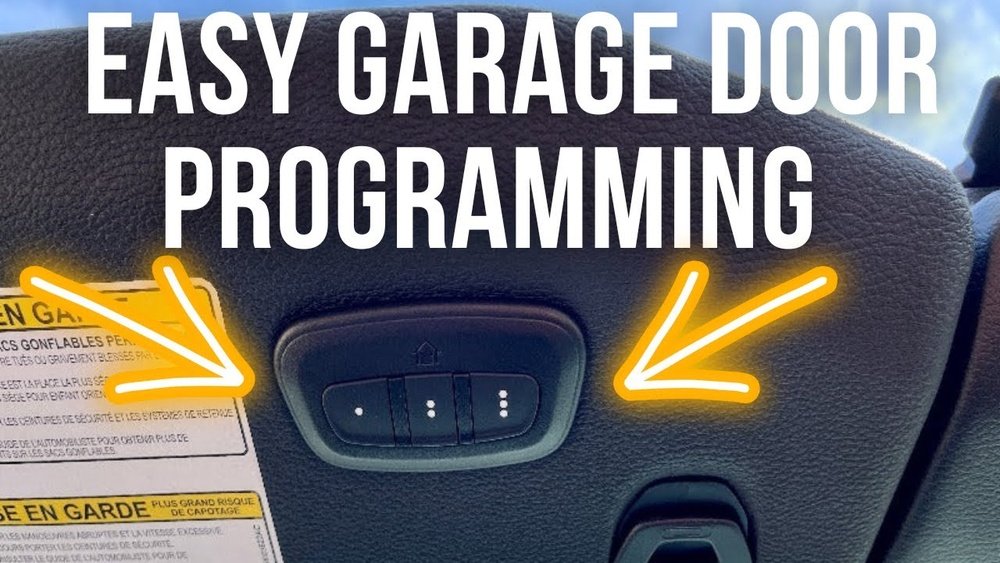
Most Jeeps from the past decade include a HomeLink system. This feature is usually found on the ceiling near the sunroof or on the rearview mirror. HomeLink can connect with almost all modern garage door openers, but older openers may need extra steps or adapters.
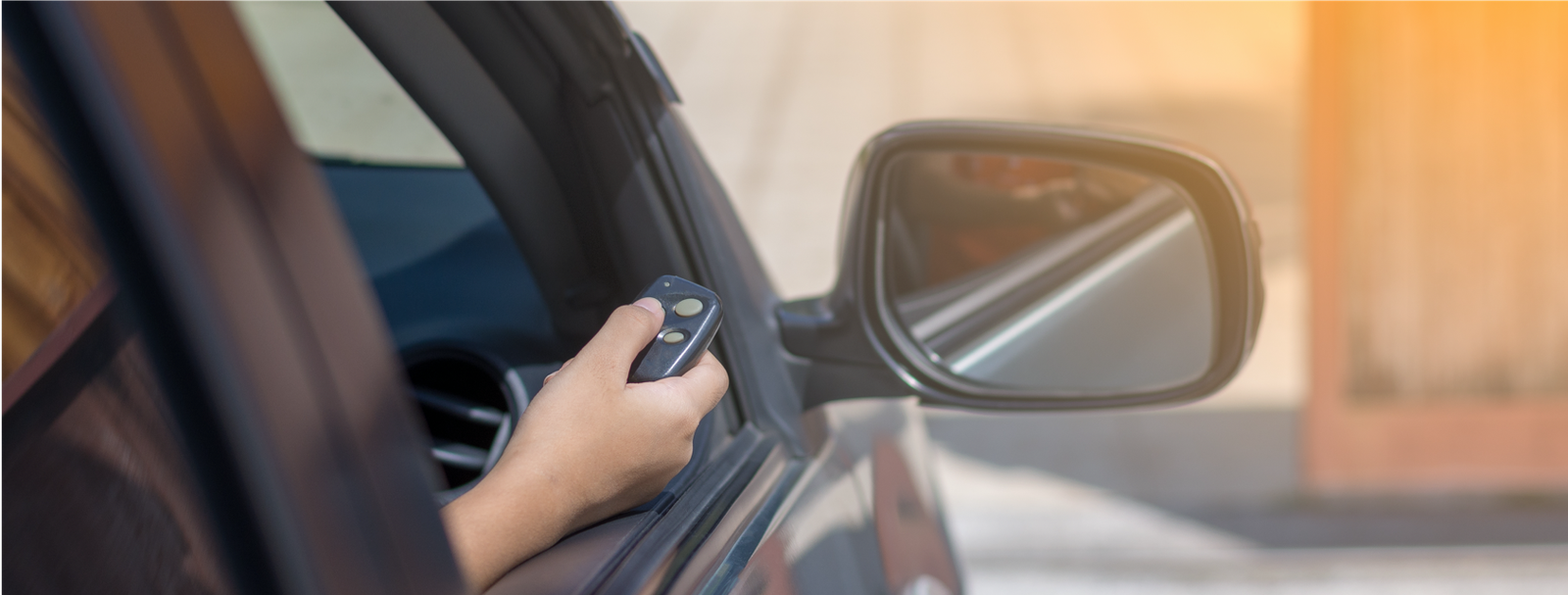
If your Jeep doesn’t have HomeLink, you can still use a portable remote or buy an aftermarket kit. However, built-in systems are safer and more convenient because they work with your vehicle’s security.
Here’s a quick comparison between built-in Jeep integration and portable remotes:
| Feature | Built-in (HomeLink) | Portable Remote |
|---|---|---|
| Convenience | High | Medium |
| Security | Integrated | External |
| Compatibility | Most brands | All brands |
| Setup Time | 10-20 minutes | 5 minutes |
| Cost | Included | $30-$60 |
Step-by-step: Connecting Your Jeep To Your Garage Door
Before starting, check your garage door opener brand and model. Most popular brands like Chamberlain, LiftMaster, and Genie are supported. If your opener was made before 1993, it may not have rolling code technology and could need extra steps.
1. Prepare Your Jeep And Garage Door Opener
- Park your Jeep close to the garage, but outside.
- Make sure the HomeLink system is powered. Turn on the ignition, but you don’t need to start the engine.
- Find the remote control for your garage door.
2. Clear Previous Settings
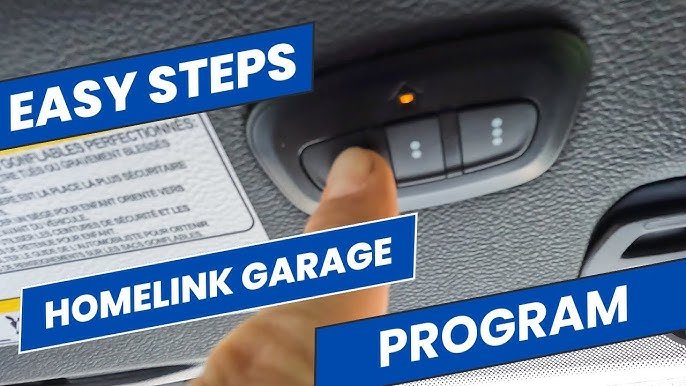
- Press and hold the two outside HomeLink buttons at the same time for about 10 seconds.
- The indicator light will start blinking. Release the buttons when it does. This step ensures you’re starting fresh.
- Hold your garage door remote about 1-2 inches from the HomeLink panel.
- Press and hold both the remote’s button and the desired HomeLink button together.
- Watch for the indicator light on HomeLink. It will blink slowly at first, then quickly when it’s programmed.
- Release both buttons when the light changes to fast blinking.
4. Sync With The Garage Door Opener (if Needed)
Some openers use rolling code for extra security. If so, you need to sync HomeLink with the opener unit:
- Find the “Learn” or “Smart” button on your garage door opener, usually on the motor unit above your garage.
- Press the Learn button. You’ll have about 30 seconds to complete the next step.
- Back in your Jeep, press the programmed HomeLink button for two seconds, then release. Repeat this press-release step up to three times.
5. Test The Connection
- Press the HomeLink button in your Jeep.
- The garage door should open or close. If not, repeat steps 3 and 4.
6. Troubleshooting Tips
- If the HomeLink light stays solid, the programming didn’t finish. Try again and check your remote’s battery.
- For older openers, you may need a HomeLink bridge adapter. This is common with brands made before 1993.
- If your Jeep’s HomeLink isn’t working, check for software updates or visit your dealer.
Practical Examples And Non-obvious Insights
Many beginners forget to clear old codes from HomeLink before programming, which causes confusion. Always reset the HomeLink system first.
Another detail: some garage door remotes use double encryption or unique frequency. If your opener doesn’t respond, check your manual or call the manufacturer. For example, Genie Intellicode and LiftMaster Security+ systems sometimes require an extra adapter.
Here’s a quick overview of compatibility for common opener brands:
| Brand | Rolling Code | HomeLink Compatible |
|---|---|---|
| Chamberlain | Yes | Yes |
| LiftMaster | Yes | Yes |
| Genie | Yes | Often (may need adapter) |
| Craftsman | Yes | Yes |
| Older Brands (pre-1993) | No | Adapter Required |
Safety And Security Considerations
When connecting your Jeep to a garage door opener, always keep security in mind. Rolling code technology prevents hackers from copying your signal. Make sure your opener uses this feature.
If you sell your Jeep, clear the HomeLink settings. This stops the new owner from accessing your garage.
Also, avoid programming HomeLink while the garage door is moving. This reduces the risk of accidents.
Common Mistakes To Avoid
- Not resetting HomeLink before programming.
- Programming inside the garage with the door closed. Always keep the area clear.
- Using a weak battery in your remote. Replace batteries to ensure strong signal.
- Not checking opener compatibility. Older openers may need adapters.
- Skipping the rolling code sync step for modern openers.
Benefits Of Connecting Jeep To Garage Door
- Convenience: Open your garage without extra remotes.
- Safety: No need to leave your vehicle to open the door.
- Integrated security: HomeLink uses your Jeep’s built-in systems.
- Less clutter: No separate remotes to lose or break.
Many users report that they use their Jeep’s HomeLink every day. It’s especially useful during bad weather, late-night arrivals, or for families with multiple drivers.
Frequently Asked Questions
Can All Jeep Models Connect To A Garage Door Opener?
Most new Jeeps (after 2012) include HomeLink or similar systems. Older models may need aftermarket kits. Always check your owner’s manual.
What If My Garage Door Opener Isn’t Compatible?
If your opener is older or uses a unique frequency, you may need a HomeLink bridge adapter. Contact your opener’s manufacturer for advice.
Is It Safe To Connect Homelink To My Garage Door?
Yes, as long as your opener uses rolling code technology. This prevents others from copying your signal. Always clear settings before selling your Jeep.
How Many Garage Doors Can Homelink Control?
Most HomeLink systems support up to three doors or devices. You can program each button for a different garage, gate, or even home lighting.
Where Can I Find More Information On Homelink?
Visit the official HomeLink site for detailed guides and compatibility tools.
Connecting your Jeep to your garage door opener is a simple upgrade that delivers lasting convenience. With the right steps, you’ll enjoy seamless access and improved security every day.
Take your time, follow the instructions, and you’ll have your Jeep integrated with your garage in no time.



















