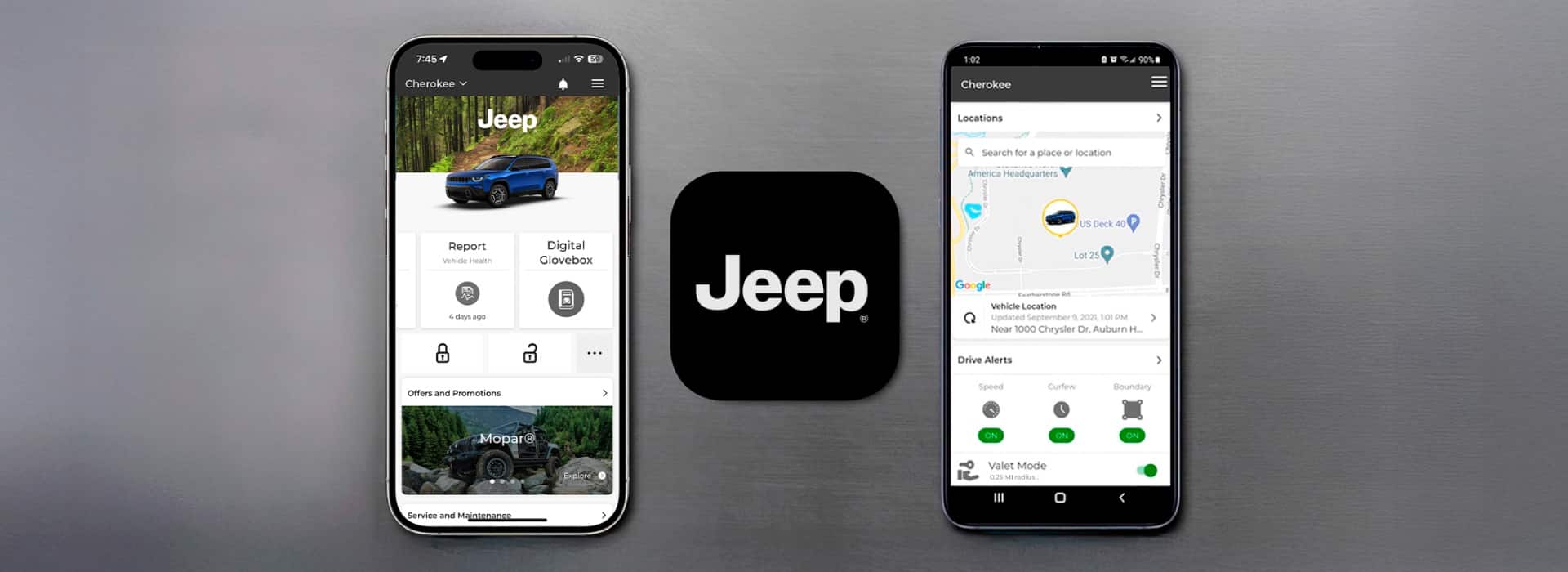
Connecting the Jeep app to your Jeep unlocks a new level of convenience and control. Imagine starting your car, checking fuel levels, or locking doors right from your phone.
For many drivers, the process feels confusing at first. But with the right steps and tips, you’ll have your Jeep app working smoothly in less than 20 minutes.
This guide shows you how, with clear instructions, smart comparisons, and practical advice for every Jeep owner.
What Is The Jeep App?
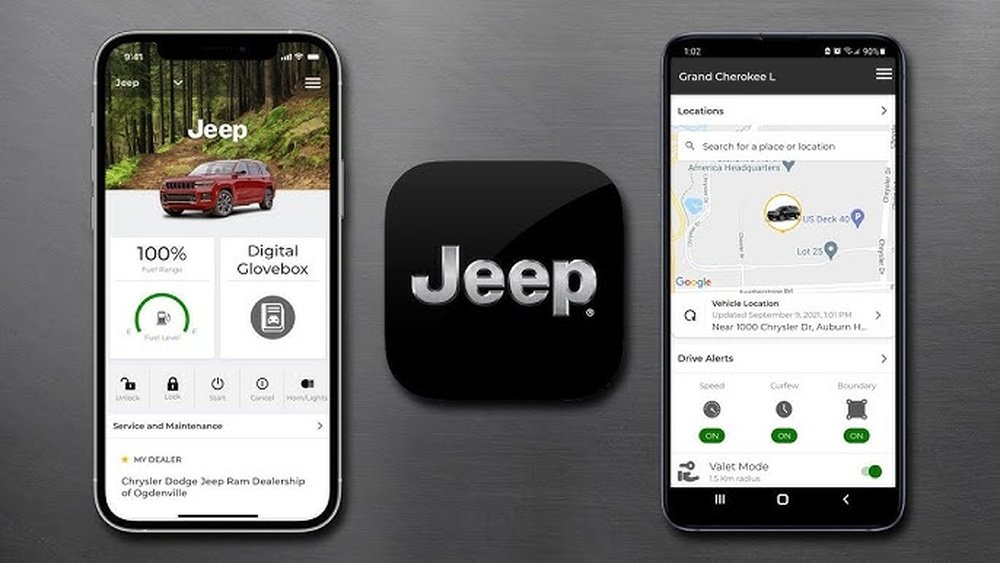
The Jeep app (often called Jeep Connect or Jeep Uconnect) is a mobile application designed for Jeep vehicles. It lets you access features like remote start, vehicle health reports, and location tracking. Most recent Jeep models—especially from 2018 onwards—support app integration. Older models may need extra hardware or updates.
Jeep App Features Comparison
Here’s a quick look at what the Jeep app can do, compared to standard key fob functions:
| Feature | Jeep App | Key Fob |
|---|---|---|
| Remote Start | Yes | Yes (limited range) |
| Lock/Unlock | Yes | Yes |
| Location Tracking | Yes | No |
| Vehicle Health Report | Yes | No |
| Service Reminders | Yes | No |
The app provides features beyond what your key fob can do especially useful for busy drivers or those who travel often.
Preparing Your Jeep And Phone
Before you connect, make sure you have these ready:
- Compatible Jeep model: Check your owner’s manual or the Jeep website to confirm your model supports app connection.
- Stable internet: Both your phone and Jeep need reliable Wi-Fi or mobile data.
- Jeep app installed: Download the app from Google Play or Apple App Store.
- Jeep VIN number: You’ll need this during setup. Find it on your dashboard or registration papers.
Some owners forget to check compatibility. If your Jeep is older than 2018, contact your dealer or visit Jeep Official Owners Page for details.
Common Mistakes To Avoid
- Using outdated phone software.
- Trying to connect with the engine running.
- Entering the wrong VIN.
These errors cause delays or failed connections. Double-check everything before you start.
Step-by-step: Connecting The Jeep App
Follow these steps for a smooth connection process:
- Create Your Account: Open the Jeep app. Register with your email, then verify your account.
- Enter VIN and Vehicle Details: Input your VIN and select your Jeep model/year.
- Pair With Vehicle: The app guides you to turn on your Jeep’s ignition (without starting the engine). Follow prompts on the app screen.
- Confirm Connection: Your Jeep’s infotainment system will show a pairing code. Enter this code in the app.
- Grant Permissions: Allow location, Bluetooth, and notifications if asked.
- Test Features: Try remote start or lock/unlock to confirm connection.
Each step takes 2 3 minutes. If pairing fails, restart your phone and Jeep’s infotainment system, then try again.
Example: Connecting A 2021 Jeep Grand Cherokee
- Download the Jeep app.
- Register your account.
- Enter VIN (found on dashboard).
- Turn ignition to “run” but don’t start.
- Enter pairing code from infotainment screen.
- Enable Bluetooth and notifications.
Most owners complete setup in under 15 minutes.
Troubleshooting Jeep App Connection Issues
Not every connection is smooth. Here are ways to solve common problems:
Error Messages
If the app shows “Cannot Connect”:
- Check Bluetooth and Wi-Fi are on.
- Make sure your Jeep’s software is updated.
- Restart both phone and infotainment system.
Vin Not Recognized
- Double-check the VIN for typos.
- Confirm your Jeep is compatible with the app.
App Freezes Or Crashes
- Update the Jeep app.
- Clear app cache in your phone settings.
- Reinstall if needed.
These fixes solve 80% of connection issues. If you still have problems, visit your dealer or call Jeep customer support.
Data Security: Is Your Jeep App Safe?
Many owners worry about privacy. The Jeep app uses encrypted data and strict user controls. Your location and vehicle health data are private and can only be accessed by you.
| Security Feature | Jeep App | Common Apps |
|---|---|---|
| Encryption | Yes (AES 256-bit) | Yes |
| User Permissions | Customizable | Limited |
| Remote Data Wipe | Yes | No |
Always set a strong password and update the app regularly.
Advanced Tips: Getting More From Your Jeep App
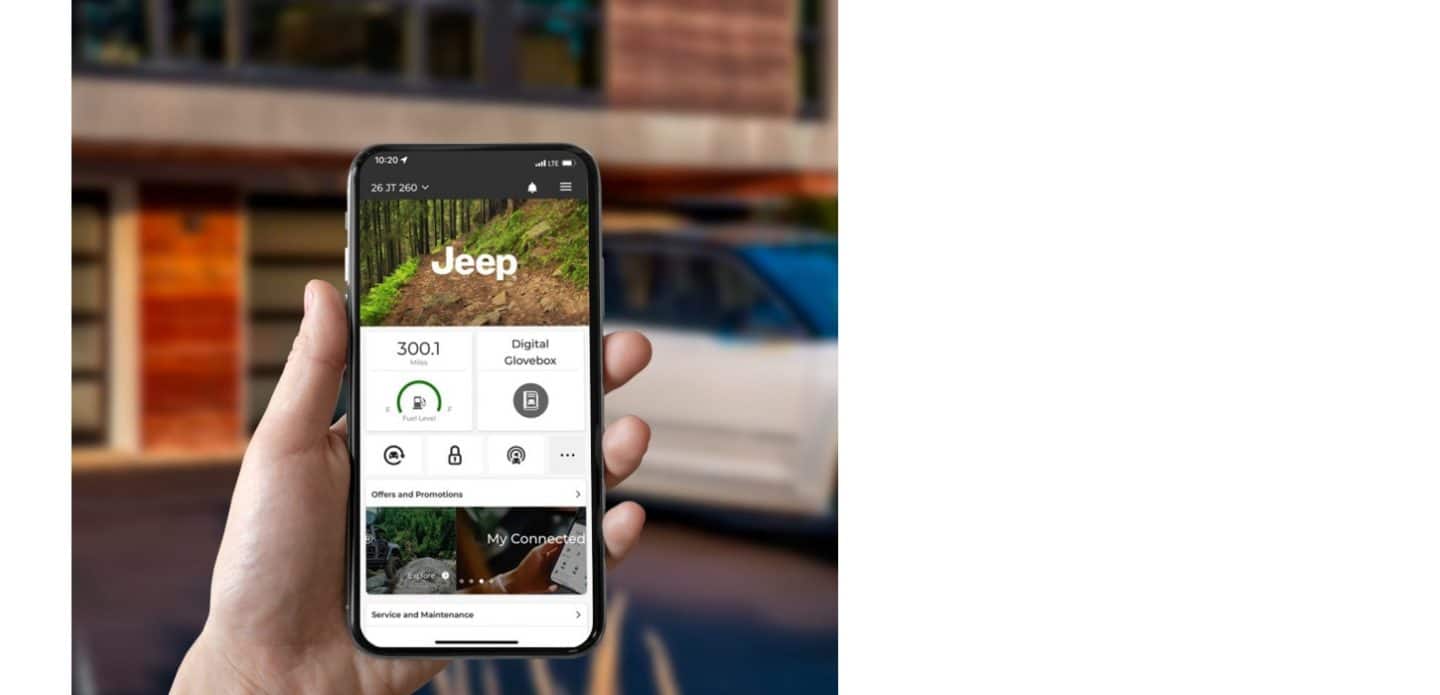
Most users only use basic functions. Here are two non-obvious features:
- Set Geofencing Alerts: Get notified if your Jeep leaves a set area—useful for parents or fleet managers.
- Schedule Remote Start: Program your Jeep to warm up before you leave for work. This saves time and ensures comfort.
You can also view vehicle health reports monthly. These reports show battery status, oil life, and tire pressure—helping you plan maintenance before problems start.
Frequently Asked Questions
How Do I Know If My Jeep Supports The App?
Check your owner’s manual or the Jeep website. Most models from 2018 and newer support app connectivity.
Can I Connect Multiple Phones To One Jeep?
Yes, but only one phone can control remote functions at a time. You can add other phones for alerts and reports.
Is The Jeep App Free?
Basic functions are free. Some advanced features require a subscription check inside the app for pricing.
What Happens If I Change My Phone?
Just reinstall the app and log in with your account. Pair your phone with the Jeep again using the same steps.
Will App Connection Drain My Jeep’s Battery?
No, the app uses minimal power. Remote features only activate briefly, so battery impact is small.
Connecting the Jeep app to your Jeep brings convenience, safety, and smart features right to your phone. With careful setup and the right tips, you’ll enjoy everything your Jeep has to offer wherever you are.
If you need more details, visit the official Jeep owners page for guidance.