Connecting your iPhone to your Jeep Grand Cherokee can make driving safer and more enjoyable. You get hands-free calls, music from your favorite apps, and easy access to directions.
But with different Jeep models and iPhone versions, the process can feel confusing.
This guide will walk you through each step in clear English, with tips and real-world advice to help you avoid common mistakes.
Understanding Your Jeep’s System
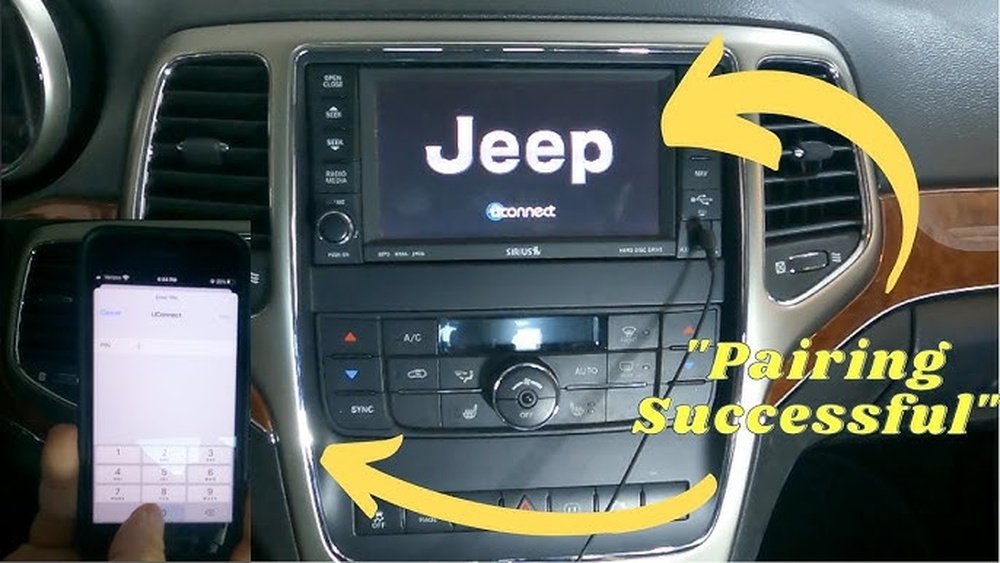
Most Jeep Grand Cherokees from 2014 onward have the Uconnect infotainment system. Uconnect supports both Bluetooth and, in newer models, Apple CarPlay. These options let you connect your iPhone in different ways.
If you’re not sure which system your Jeep has, check your owner’s manual or the display in your car. It usually says “Uconnect” when you start the vehicle.
Older models may only have Bluetooth, while newer ones (2018 and up) often include Apple CarPlay.
Here’s a quick comparison:
| System | Year Range | Connection Type |
|---|---|---|
| Uconnect Bluetooth | 2014–2017 | Wireless (calls, music) |
| Apple CarPlay | 2018–present | Wired or Wireless (apps, Siri, more) |
Tip: Apple CarPlay gives you more features than standard Bluetooth, including Siri and app integration.
Connecting Via Bluetooth
Bluetooth is standard in most Jeep Grand Cherokees. It lets you make calls, play music, and sometimes access your contacts.
- Prepare your devices. Make sure your Jeep is in Park with the engine running. Enable Bluetooth on your iPhone (Settings > Bluetooth).
- Access Uconnect. Tap the “Phone” or “Media” button on your Uconnect screen.
- Start pairing. Select “Add Device” or “Pair Device” on the screen.
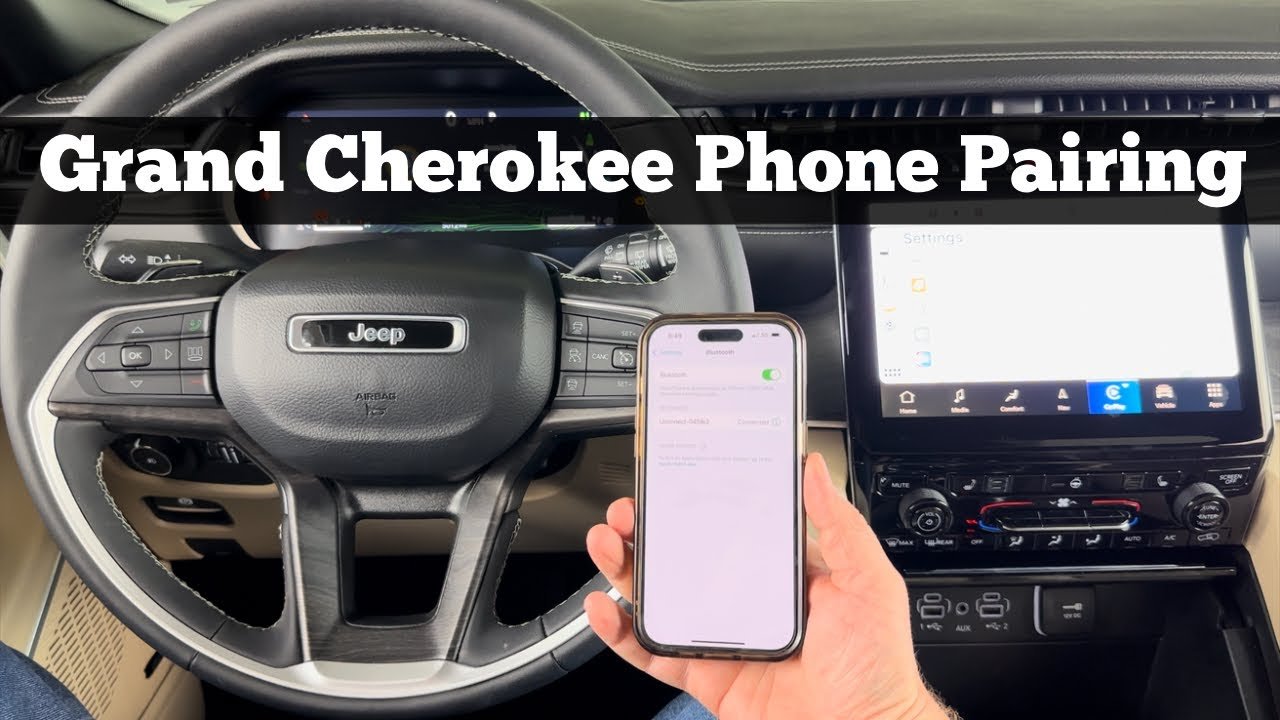
- Find your Jeep on your iPhone. Your Jeep should show up under “Other Devices” in your iPhone’s Bluetooth menu as something like “Uconnect” or “Jeep.”
- Enter the PIN. The car screen and your iPhone will show a PIN code. Make sure they match, then tap “Pair” on your iPhone and confirm on Uconnect.
- Allow contacts and favorites. When prompted, allow access to your contacts for hands-free calls.
- Test the connection. Try making a call or playing music to confirm everything works.
Common mistake: Some people forget to allow contacts, so hands-free calling doesn’t work right away. If you skip this, go to your iPhone’s Bluetooth settings, tap the “i” next to “Uconnect,” and toggle on “Sync Contacts.”
Connecting Via Apple Carplay
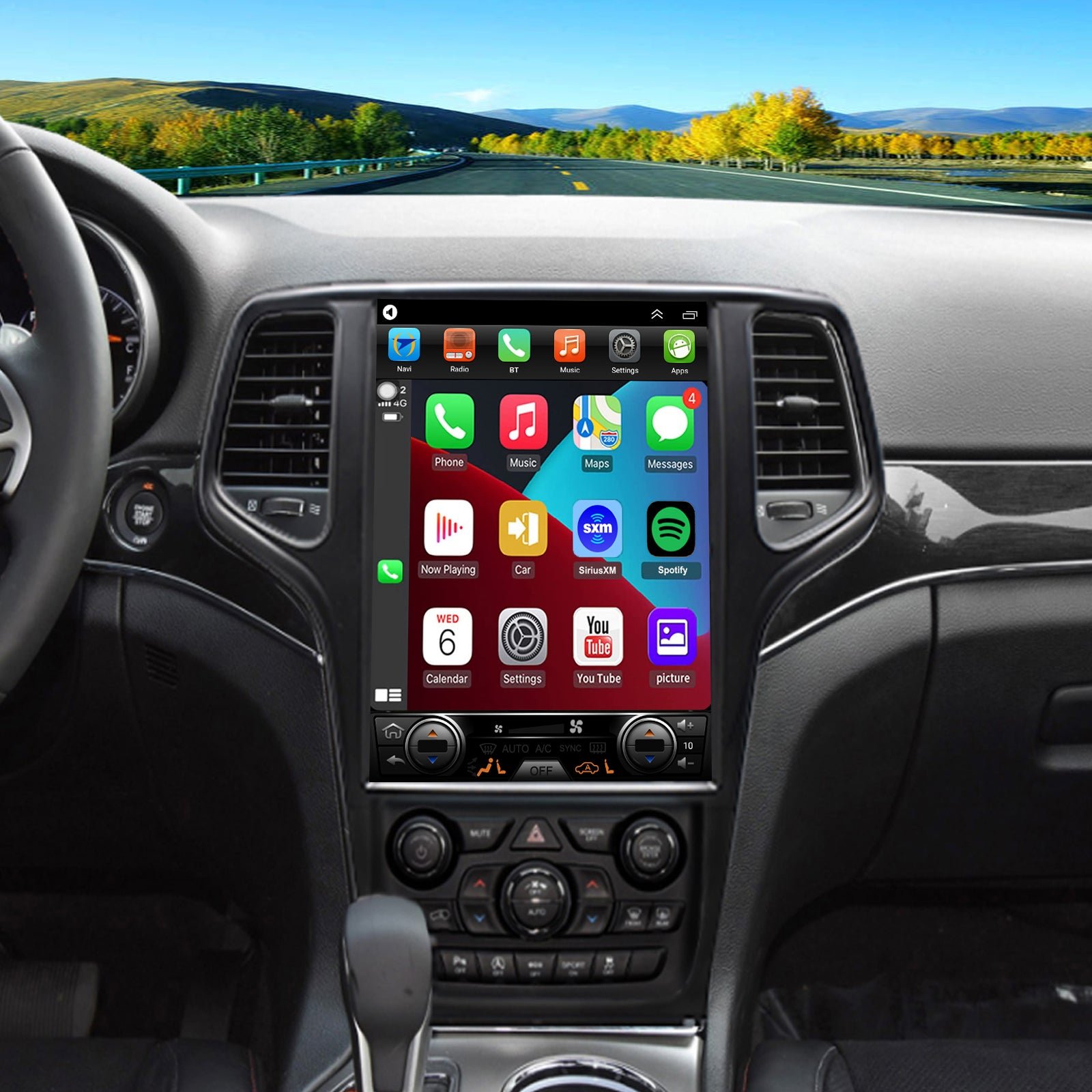
Apple CarPlay is available in newer Grand Cherokees (usually from 2018 and later). It lets you use apps like Maps, Messages, Spotify, and more, right on your Jeep’s display.
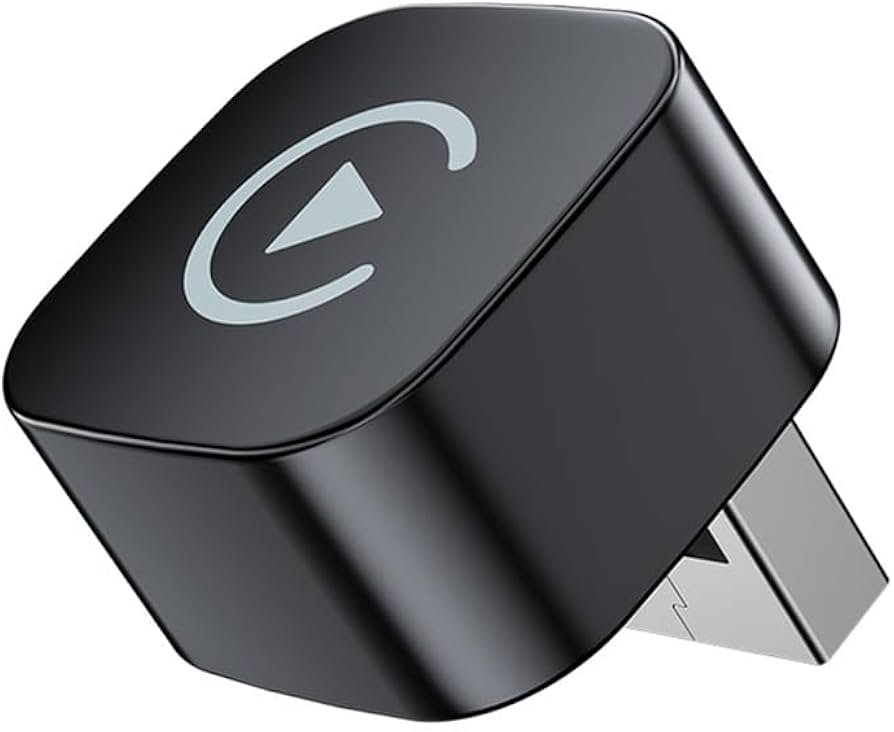
- Use a certified cable. Plug your iPhone into your Jeep’s USB port using an Apple-certified Lightning cable.
- Unlock your iPhone. Some Jeeps require your phone to be unlocked the first time you connect.
- Allow CarPlay. If prompted, tap “Allow” on your iPhone to enable CarPlay when your phone is locked.
- Select CarPlay on Uconnect. Your Jeep’s screen should change to the CarPlay interface. If not, tap the “CarPlay” icon.
- Enjoy features. Use Siri for voice commands, get turn-by-turn directions, and access apps safely.
Wireless CarPlay: Some 2021+ Grand Cherokees support wireless CarPlay. To use it, hold the voice control button on your steering wheel and follow prompts to connect without a cable.
Here’s a quick feature comparison:
| Bluetooth | Apple CarPlay |
|---|---|
| Calls & music | Calls, music, apps, Siri |
| No navigation from iPhone | Apple Maps, Waze, Google Maps |
| Wireless only | Wired or wireless (model dependent) |
Solving Common Connection Issues
Sometimes, your iPhone and Jeep may not connect smoothly. Here are proven solutions for common problems:
- Bluetooth not pairing: Restart both your iPhone and Jeep. Delete old devices from Uconnect and your iPhone’s Bluetooth list.
- CarPlay not showing up: Check your cable—it must be Apple-certified. Try a different USB port. Make sure your iPhone is updated.
- Audio not working: On your iPhone, go to Bluetooth settings, tap the “i” next to your Jeep’s name, and make sure “Audio” is enabled.
- CarPlay disconnects: Remove phone cases that may block the cable. Clean the Lightning port gently with a toothpick.
Non-obvious insight: Some Grand Cherokees have multiple USB ports, but only one supports CarPlay. Look for the port with the phone symbol.
Maximizing Your In-car Experience
Connecting your iPhone is just the start. Here’s how to get the most out of your setup:
- Use voice commands: Siri lets you send messages, play music, and get directions without touching your phone.
- Personalize your apps: Only the first eight apps show up on CarPlay’s home screen. Arrange them in your iPhone’s Settings > General > CarPlay.
- Don’t rely on Wi-Fi: CarPlay does not need your Jeep’s Wi-Fi hotspot to work, but a strong cellular signal helps with streaming and navigation.
- Update regularly: Jeep releases Uconnect updates. Visit your dealer or the official Jeep site to keep your system current.
Example: If you listen to podcasts on your commute, add your favorite app to the CarPlay home screen for faster access.
Safety Tips While Using Your Iphone
- Always set up your phone before driving.
- Use voice controls for calls, navigation, and texts.
- Keep your focus on the road, not the screen.
- Disable notifications you don’t need—they can distract you.
Remember: Laws about phone use in cars vary by state. Stay up to date to avoid fines or penalties. For the latest info, check the National Highway Traffic Safety Administration.
Frequently Asked Questions
How Do I Know If My Jeep Grand Cherokee Has Apple Carplay?
Check your model year most 2018 and newer Grand Cherokees offer Apple CarPlay. You can also look for the CarPlay icon on your Uconnect display or refer to your owner’s manual.
Can I Use Apple Carplay Wirelessly In My Jeep?
Some 2021 and newer models support wireless CarPlay. If your Jeep has this feature, you’ll see an option to connect via Bluetooth and Wi-Fi in the CarPlay setup menu. Otherwise, you’ll need a cable.
Why Won’t My Iphone Connect To Uconnect?
Possible reasons include outdated software, a faulty cable, or too many devices in Uconnect’s memory. Try restarting your phone and Jeep, updating iOS, and deleting unused Bluetooth pairings.
Does Connecting My Iphone Charge It As Well?
Yes, plugging your iPhone into the USB port for CarPlay will charge your phone. Charging speed may be slower than a wall charger, especially if you’re using navigation or music apps.
Is It Safe To Update Uconnect Myself?
Some updates can be done at home with a USB stick, but others may require a dealer visit. Always follow instructions from Jeep’s official site to avoid issues.
Connecting your iPhone to your Jeep Grand Cherokee unlocks smart features that can make every drive easier. With the right setup, you’ll enjoy seamless calls, music, and apps while keeping your hands on the wheel and eyes on the road.



















