Connecting your phone to your Jeep Compass 2012 using Bluetooth can make your driving experience much smoother. You can play music, take calls, and use voice commands—all hands-free.
But if you’re not familiar with car Bluetooth systems, the process may seem confusing. Let’s break it down step by step, so you can enjoy all the benefits of a connected ride.
Understanding Bluetooth In The Jeep Compass 2012
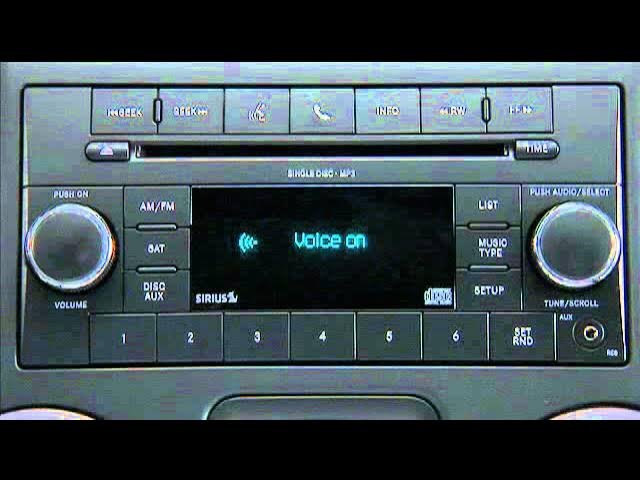
The Jeep Compass 2012 comes with a factory-installed Uconnect system on many trims. Uconnect is Chrysler’s infotainment platform, offering Bluetooth features for music and calls. However, not every Compass has this feature. Before you start, check your car’s dashboard for a Uconnect button or a phone symbol on the radio unit.
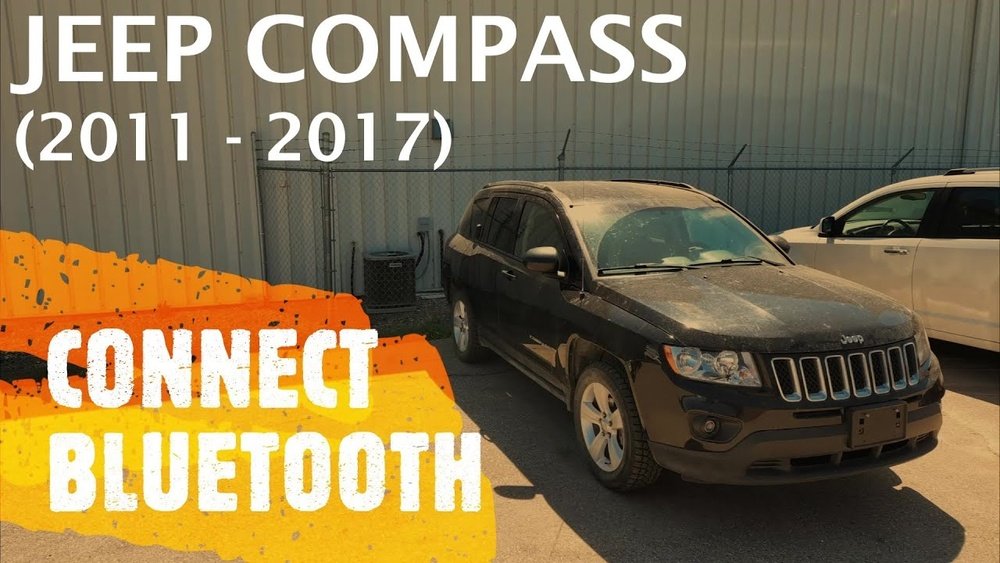
Many owners miss that the Uconnect system sometimes requires activation or a code during the first setup. Also, older phones may not be compatible with the car’s Bluetooth, leading to connection issues.
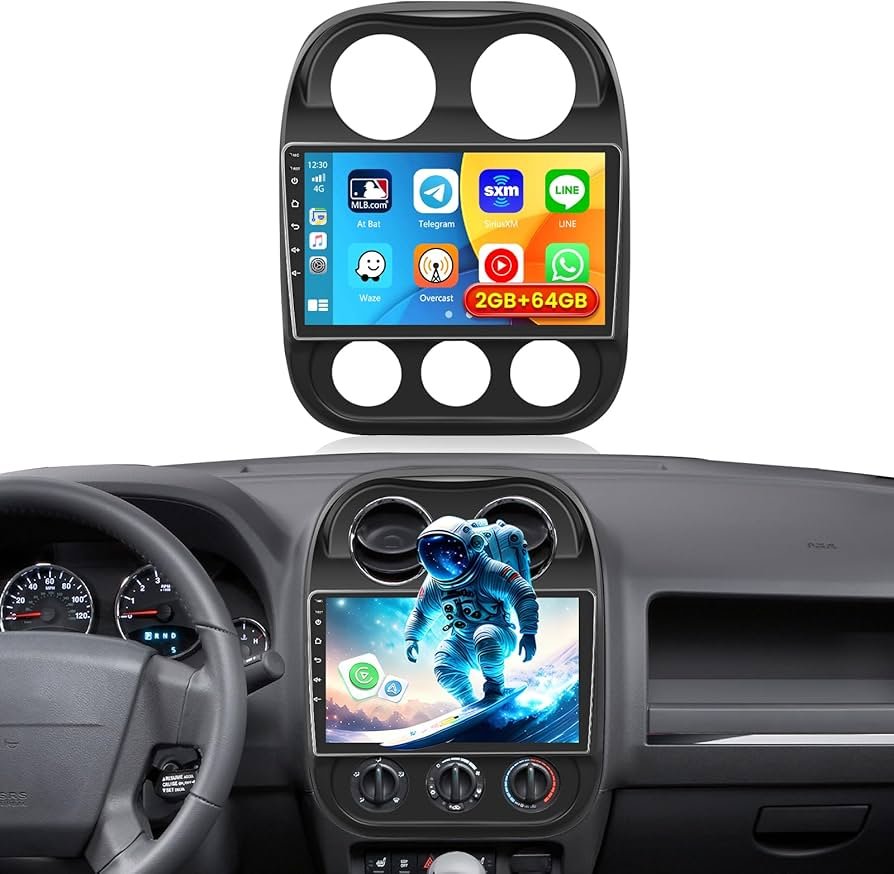
If your radio does not show a Uconnect logo, you may need an external Bluetooth kit.
Preparation Before Pairing
- Check Compatibility: Make sure your phone’s Bluetooth is working. Most modern smartphones (Android and iOS) are compatible.
- Ignition Position: Turn your car’s ignition to the “Run” position, but you don’t need to start the engine.
- Disable Previous Connections: If your phone is already paired with another car or device, disconnect it first. Multiple connections can confuse the system.
- Uconnect Activation: Some models require you to press and hold the Uconnect or Phone button to activate Bluetooth pairing mode.
Here’s a quick comparison of what you need depending on your Compass trim:
| Trim Level | Bluetooth Support | Uconnect Required? |
|---|---|---|
| Sport | Optional/Not Standard | Yes |
| Latitude | Standard | Yes |
| Limited | Standard | Yes |
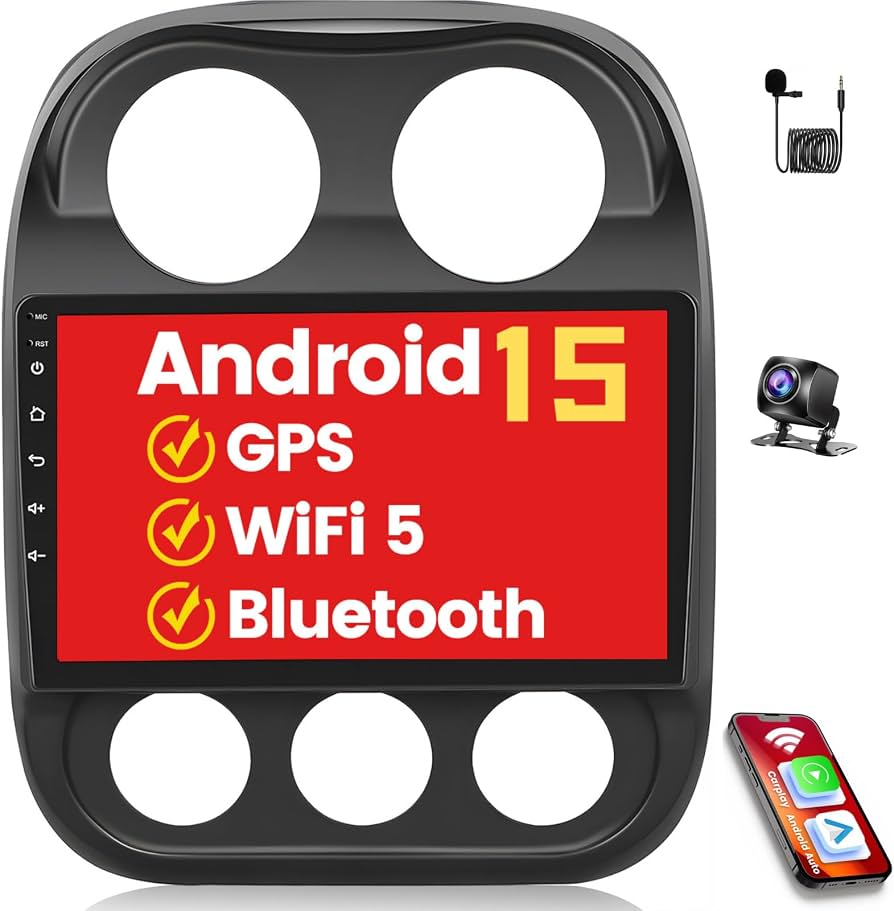
If your car does not have Bluetooth, consider a third-party kit. Some kits connect to the AUX port and offer similar features.
Step-by-step Guide To Connect Bluetooth
- Enable Bluetooth on Your Phone
- Go to the Settings menu.
- Tap Bluetooth and make sure it is turned on.
- Keep the Bluetooth menu open for easy access.
- Start Pairing on Uconnect
- Press the Uconnect or Phone button on your radio or steering wheel.
- Listen for the system prompt. It will say, “Ready” or “Say a command.”
- Say “Pair a device” or “Setup.”
- Find Uconnect on Your Phone
- On your phone’s Bluetooth screen, look for “Uconnect.”
- Tap on it to begin pairing.
- Enter the PIN
- The system will display a 4-digit PIN on the car’s screen or announce it.
- Enter this PIN on your phone when prompted.
- Wait for Confirmation
- The system will say “Pairing complete” or a similar message.
- Your phone will now be connected, and you can make calls or stream music.
- Set as Favorite (Optional)
- Some phones ask if you want to set this connection as “Trusted” or “Favorite.” This makes future connections automatic.
If you have trouble, restart your phone and the car. Make sure no other devices are trying to connect at the same time.
Practical Troubleshooting Tips
Bluetooth connection doesn’t always work perfectly. Here are some common issues and fixes:
- Device Not Found: Make sure Bluetooth is enabled and visible on your phone. Delete old pairings if your phone is full.
- Audio Not Playing: Check that your car’s audio source is set to Bluetooth, not FM or AUX.
- Calls Drop Out: Weak phone signal or low battery can cause calls to drop. Move your phone closer to the dashboard.
- Pairing Fails: Some Uconnect systems have a memory limit (usually 7-10 devices). Remove old devices if you can’t add a new one.
Below you’ll find a comparison between Uconnect and third-party Bluetooth kits:
| Feature | Uconnect (Factory) | Third-party Kits |
|---|---|---|
| Call Quality | High | Varies |
| Music Streaming | Supported | Supported (if A2DP) |
| Voice Commands | Integrated | Rarely Supported |
| Ease of Use | Simple | May Need Extra Steps |
Benefits Of Bluetooth Connection
- Hands-Free Calling: Stay safe and legal by using your voice to answer or make calls.
- Music Streaming: Play music from apps like Spotify or Apple Music.
- Navigation: Use your phone’s GPS and hear directions through the car speakers.
- Automatic Pairing: Once set up, your phone connects automatically every time you enter the car.
A surprising benefit is that some insurance companies offer discounts for hands-free systems, as they reduce distracted driving risks.
Common Mistakes To Avoid
- Skipping the Owner’s Manual: Many users miss special instructions for their specific trim or radio type.
- Not Updating Phone Software: Old software can cause bugs. Always keep your phone updated.
- Pairing Too Many Devices: Limit pairings to 2-3 main devices to avoid confusion.
- Ignoring Uconnect Updates: Some dealerships offer free Uconnect software updates that improve Bluetooth reliability.
Here’s a quick look at the typical problems and solutions:
| Problem | Possible Cause | Solution |
|---|---|---|
| Cannot Find Uconnect | Bluetooth off or not discoverable | Enable Bluetooth and try again |
| PIN Not Accepted | Wrong PIN entered | Restart pairing and enter correct PIN |
| No Sound | Audio source not set | Select Bluetooth as audio source |
Frequently Asked Questions
How Do I Know If My Jeep Compass 2012 Has Bluetooth?
Look for a Uconnect button on your radio or steering wheel. If you see it, your vehicle likely has Bluetooth. You can also check your owner’s manual.
My Phone Won’t Connect To Uconnect. What Should I Do?
Start by deleting old pairings on both your phone and Uconnect. Restart your phone and the car, then try pairing again.
If it still doesn’t work, your system may need a software update.
Can I Play Music Over Bluetooth, Or Only Make Calls?
Most Uconnect systems in the Compass 2012 support both calls and music streaming. However, some basic radio models may support only calls.
Is It Possible To Add Bluetooth If My Car Doesn’t Have It?
Yes. You can install a third-party Bluetooth kit.
These often plug into your AUX port and can offer both calling and music streaming.
Where Can I Get More Help With Uconnect?
The official Mopar Uconnect Support page offers guides, videos, and contact information for help.
Connecting Bluetooth to your Jeep Compass 2012 is a smart way to make every drive safer and more enjoyable. By following these steps and tips, you’ll be ready to use hands-free features in just a few minutes.
Remember, a little patience and attention to detail can save you time and frustration on the road.



















