Connecting Bluetooth to your Jeep Patriot can transform your driving experience. It lets you play music wirelessly, make hands-free calls, and use navigation apps safely.
Many Jeep Patriot owners find Bluetooth setup confusing, but it’s easier than you think. Whether your Patriot is a newer model or an older one, this guide will help you connect Bluetooth quickly and avoid common mistakes.
Understanding Bluetooth In Jeep Patriot
Most Jeep Patriots from 2011 onward offer Bluetooth, either built-in or as an optional feature. Models from 2007–2010 rarely have Bluetooth unless upgraded with aftermarket systems. The two main Bluetooth options are:
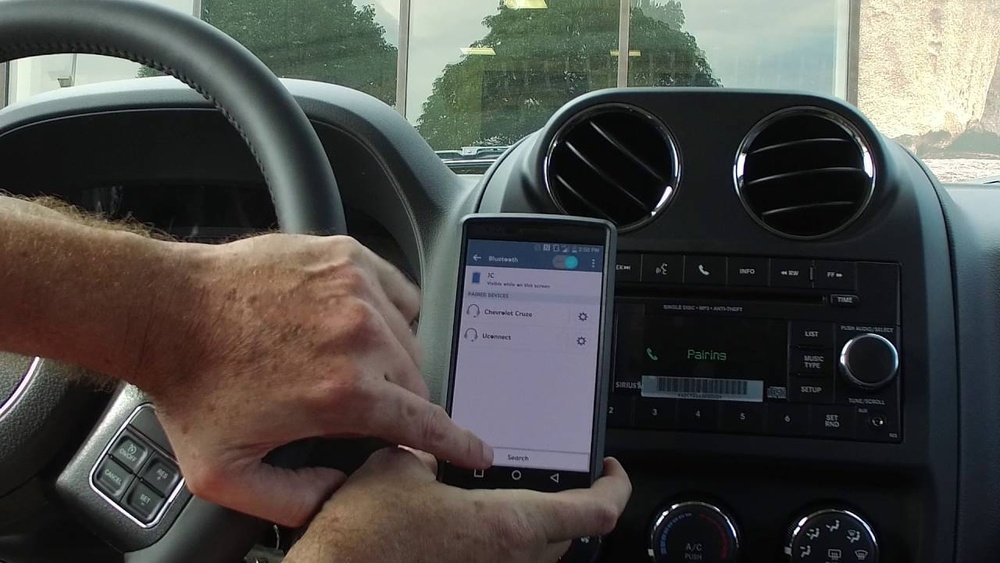
- Uconnect System: Standard in many Patriots after 2011. Allows phone pairing and voice commands.
- Aftermarket Bluetooth Kits: Added by owners for older models, offering basic wireless features.
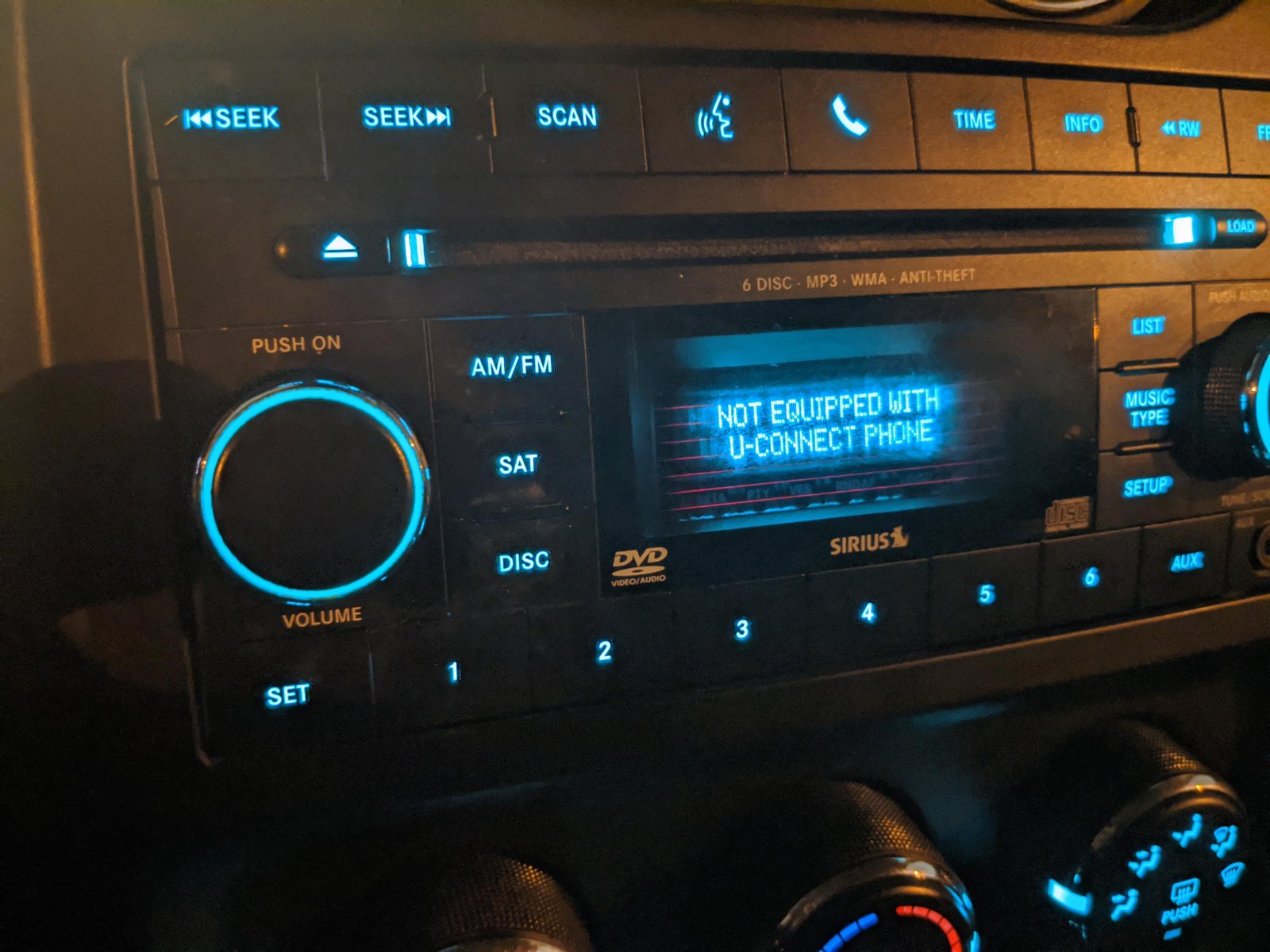
If you’re unsure about your car’s Bluetooth capability, check your owner’s manual or look for the Uconnect logo on your dashboard.
Which Models Have Bluetooth?
Here’s a quick comparison of Bluetooth availability by year:
| Model Year | Bluetooth (Factory) | Aftermarket Option |
|---|---|---|
| 2007–2010 | No | Yes |
| 2011–2017 | Yes | Yes |
If your Jeep Patriot doesn’t have Bluetooth, consider installing a kit. They cost $50 $200 and usually work well for basic needs.
How To Connect Bluetooth In Jeep Patriot
Connecting Bluetooth is simple if you follow the steps carefully. Here’s how to do it for the Uconnect system:
Step-by-step Guide
1. Turn On The Vehicle
Start your Jeep and keep it in park. Make sure the radio is powered on.
2. Activate Bluetooth On Your Phone
Go to your phone’s settings. Turn Bluetooth on and make your device discoverable.
Find the Uconnect or Phone button on your dashboard or steering wheel. Press it to start the pairing process.
4. Select ‘pair A Device’
On the Uconnect screen, choose ‘Pair a Device’ or say “Pair a Device” if voice command is available.
5. Search For Jeep Patriot On Your Phone
Your phone will display a list of Bluetooth devices. Tap on ‘Jeep Patriot’ or ‘Uconnect. ’
6. Confirm The Pin
A PIN will appear on both the car display and your phone. Make sure the numbers match and confirm on both devices.
7. Finalize The Connection
Wait for a confirmation message. Your phone is now connected.
You can make calls and play music wirelessly.
Common Problems And Solutions
- Device Not Found: Restart Bluetooth on your phone and try again.
- Wrong PIN: Double-check the PIN, or repeat the pairing process.
- Audio Issues: Adjust the volume on both your phone and car. Make sure your media is playing through Bluetooth, not another source.
Aftermarket Bluetooth Kit Setup
If your Jeep Patriot lacks factory Bluetooth, aftermarket kits are an option. Most plug into the auxiliary port or connect directly to the radio. Here’s a quick overview:
| Bluetooth Kit Type | Installation Difficulty | Features |
|---|---|---|
| Plug-and-Play Adapter | Easy | Music, Calls |
| Integrated Kit | Moderate | Music, Calls, Voice Control |
Always follow the kit’s instructions. Some kits require minor wiring.
If you’re not comfortable, ask a professional to install it.
Important Tips For Reliable Bluetooth Connection
To keep your Bluetooth connection stable and safe, remember these practical tips:
- Keep Bluetooth Updated: Update your phone’s software regularly. Older software can cause connection failures.
- Disconnect Extra Devices: Bluetooth only pairs with one device at a time. Disconnect other phones or tablets before pairing.
- Charge Your Phone: Low battery can cause your phone to disconnect from Bluetooth.
- Don’t Pair While Driving: Pairing takes attention. Always do it while parked.
A surprising insight: many drivers forget that Bluetooth limits hands-free calling to one phone at a time. If you try to connect two phones, calls won’t work reliably.
Bluetooth Features In Jeep Patriot
Your Jeep Patriot’s Bluetooth offers several useful features, but not all are obvious:
- Voice Commands: In newer Patriots, you can use voice to dial contacts or play music.
- Text Message Support: Some Uconnect systems read texts aloud for safer driving.
- Audio Streaming: Play songs from apps like Spotify or Apple Music.
Here’s a simple comparison of Bluetooth features by Patriot model year:
| Model Year | Voice Commands | Audio Streaming | Text Message Support |
|---|---|---|---|
| 2007–2010 | No | Yes (with kit) | No |
| 2011–2017 | Yes | Yes | Sometimes |
Many drivers don’t realize that voice commands only work with compatible phones. Android and iPhone both work, but older phones may have issues.
Frequently Asked Questions
How Do I Know If My Jeep Patriot Has Bluetooth?
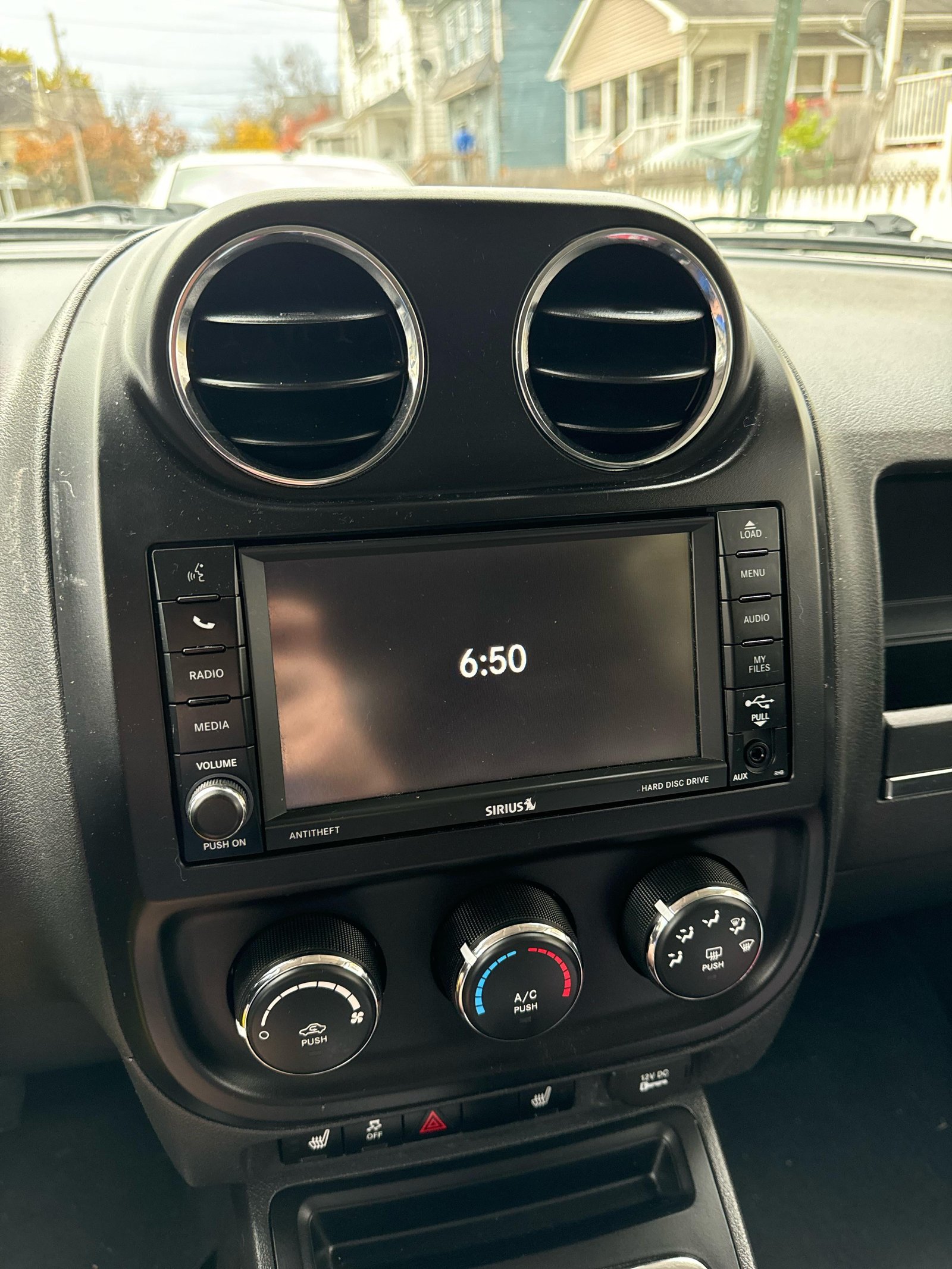
Check your dashboard for the Uconnect logo or look in your owner’s manual. Most Patriots after 2011 have Bluetooth built-in. Older models need an aftermarket kit.
Can I Connect More Than One Phone At The Same Time?
No, only one phone can be connected for hands-free calling at a time. You can pair multiple phones, but only one will work for calls and media.
Why Is My Bluetooth Connection Dropping?
This often happens because of low phone battery, interference from other devices, or outdated phone software. Try restarting your phone and updating its software.
Does Bluetooth Work For Music And Calls?
Yes, Bluetooth in the Jeep Patriot supports both audio streaming and hands-free calls. Make sure your phone is set to play media through Bluetooth.
Where Can I Get Official Jeep Patriot Bluetooth Instructions?
You can find official instructions at the Jeep Owners Site for your model year.
Connecting Bluetooth to your Jeep Patriot is a simple way to make driving safer and more enjoyable. Follow these clear steps, avoid the common mistakes, and enjoy all the wireless features your vehicle offers.
If your Jeep doesn’t have Bluetooth, aftermarket kits are reliable and affordable.
Don’t forget to check your phone compatibility and keep your system updated for the best experience.


















