Connecting your phone to your Jeep Compass using Bluetooth opens up a world of convenience. With a Bluetooth connection, you can make calls hands-free, stream your favorite music, and access apps safely while driving.
But for many new Jeep owners, the process can feel confusing, especially if you are not used to the Uconnect system or have a non-English background.
This guide will walk you through each step, highlight common mistakes, and share tips that most beginners miss, so you can enjoy a seamless connection every time.
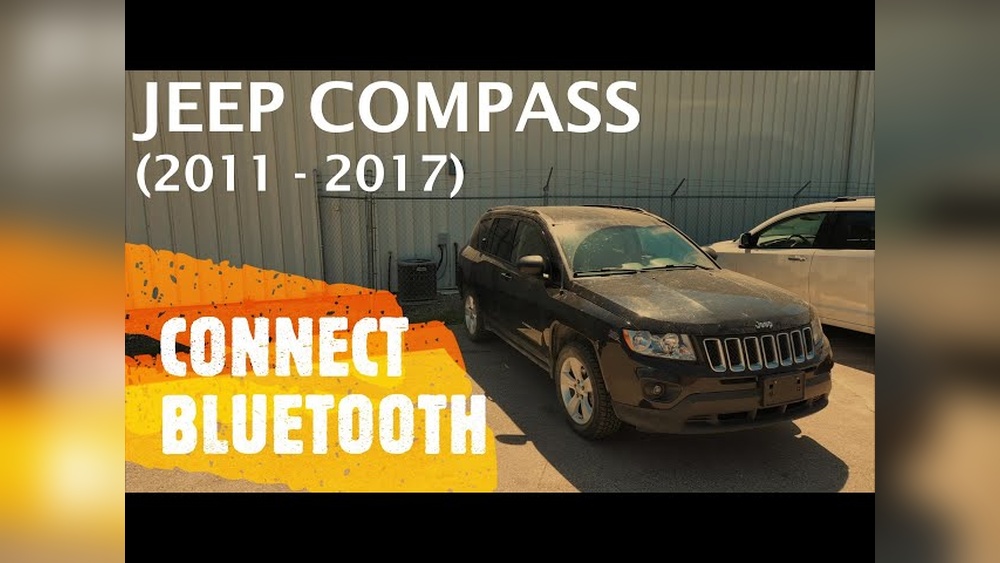
Understanding Bluetooth In Jeep Compass
The Jeep Compass uses the Uconnect infotainment system to manage Bluetooth connections. Uconnect comes in different versions, but the main steps for connecting Bluetooth are similar. Always check your owner’s manual to know your Uconnect version.
Bluetooth allows you to wirelessly connect your smartphone to your car. This means you do not need cables to make calls, play music, or use navigation apps.
The Jeep Compass supports both Android and iPhone devices, but you may notice small differences in the pairing process.
Preparing Your Devices
Before you start, make sure both your phone and your Jeep Compass are ready.
- Turn on Bluetooth on your phone. Go to your phone’s settings and make sure Bluetooth is enabled and discoverable.
- Start your Jeep Compass. The vehicle should be in “Park” for safety reasons.
- Close other Bluetooth connections. Turn off Bluetooth on other nearby devices to avoid confusion during pairing.
A common mistake is trying to connect while the car is moving. The system often blocks new connections unless you are parked.
Another issue is having your phone’s Bluetooth already connected to another device, which can prevent the Jeep from finding it.
Step-by-step: Pairing Your Phone
Here is how to connect your phone to the Jeep Compass using Bluetooth:
- On your Uconnect screen, tap the Phone or Media button.
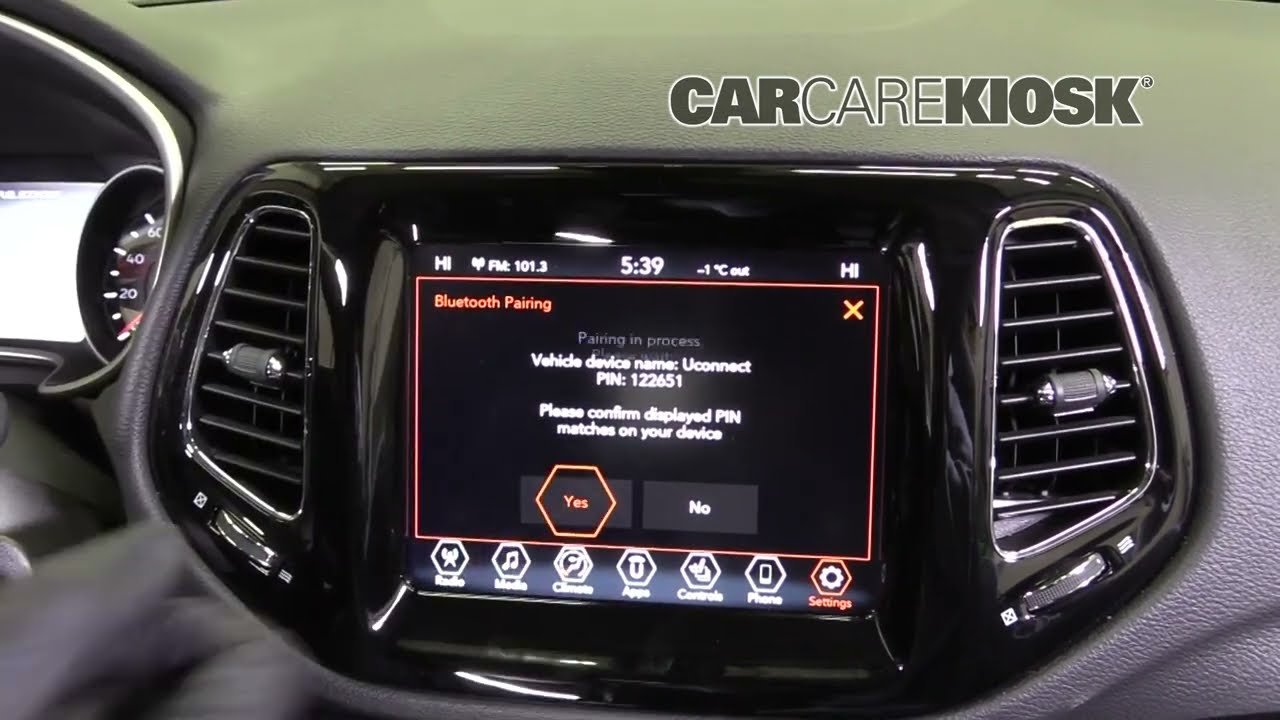
- The system will display a message: “No phone connected. Would you like to pair a phone?” Tap Yes.
- On your phone, open Bluetooth settings and search for new devices.
- Look for Uconnect (or Jeep Compass) in the available devices. Tap to connect.
- A pairing code will appear on both your phone and Uconnect screen. Make sure the codes match.
- Tap Pair on your phone and Yes on the Uconnect screen.
- You may be asked to allow contacts and messages access. Allowing this enables hands-free calls and text reading.
If you do not see Uconnect in your device list, try turning Bluetooth off and on again on your phone, or restart your car’s system.
Uconnect System Versions Compared
You might wonder if your Jeep Compass has the latest Uconnect version. Here’s a simple comparison:
| Uconnect Version | Screen Size | Bluetooth Features |
|---|---|---|
| Uconnect 4 | 7-inch | Basic calls, music streaming |
| Uconnect 4C NAV | 8.4-inch | Navigation, voice commands, full media control |
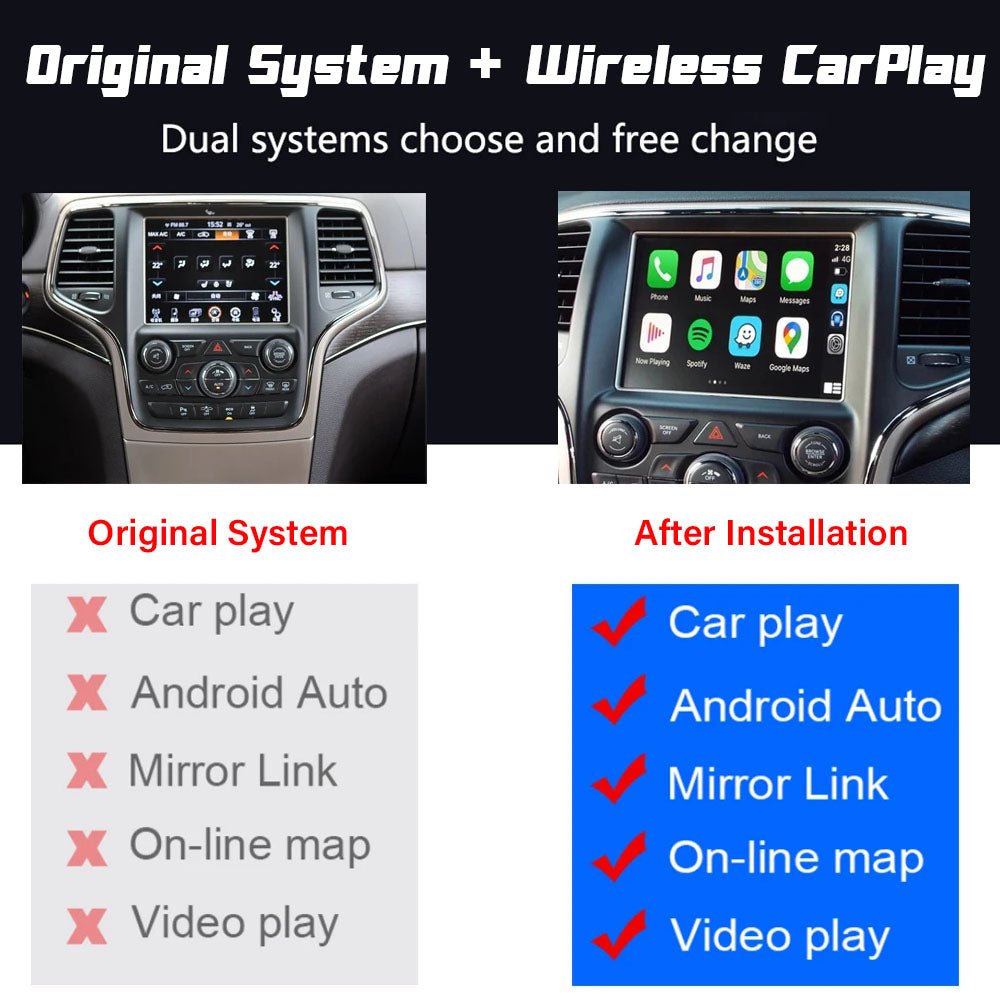
| Uconnect 5 | 10.1-inch | Enhanced speed, wireless Apple CarPlay/Android Auto |
The process to connect Bluetooth is similar in all versions, but Uconnect 5 gives you more options and faster pairing.
Troubleshooting Bluetooth Connection Issues
Bluetooth problems are common, but most are easy to fix:
- Failed Pairing: Restart both your phone and your Jeep Compass. Try pairing again.
- Music Won’t Play: Check if “Media Audio” is enabled in your phone’s Bluetooth settings for Uconnect.
- Calls Not Working: Allow contacts access when prompted during pairing.
- Connection Drops: Move your phone closer to the Uconnect system and remove any large metal objects that could block the signal.
A lesser-known tip: If you change your phone’s name in Bluetooth settings, you may need to re-pair with your car.
Common Pairing Errors And Solutions
Understanding error messages can help you connect faster:
| Error Message | Likely Cause | Fix |
|---|---|---|
| “Pairing Unsuccessful” | Wrong code or timeout | Restart both devices, try again quickly |
| “Device Not Found” | Bluetooth off or interference | Enable Bluetooth, move closer |
| “Audio Not Supported” | Old phone or software | Update phone software, try another device |
Making The Most Of Bluetooth In Your Jeep Compass
Once connected, you can do much more than just make calls. Here are a few practical examples:
- Play music from apps like Spotify, YouTube Music, or Apple Music using your car speakers.
- Use voice commands to make calls or send texts, keeping your hands on the wheel.
- Access navigation by hearing directions from Google Maps or Apple Maps through your car audio.
A non-obvious insight: If you have an iPhone, enabling “Show Notifications” in the Bluetooth settings for Uconnect lets you hear message alerts and read texts aloud.
Another tip: For the best audio quality, adjust your phone’s volume to about 80% and use your car’s volume knob for final adjustments. This reduces sound distortion.
Bluetooth Vs. Wired Connection
Some drivers wonder if Bluetooth is better than using a cable. Here’s a quick comparison:
| Feature | Bluetooth | Wired (USB) |
|---|---|---|
| Hands-Free Calls | Yes | Yes |
| Audio Quality | Good | Best |
| Wireless Convenience | Yes | No |
| Phone Charging | No | Yes |
Bluetooth is perfect for short trips and hands-free control, while a wired connection is better for long drives and charging.
Extra Tips For A Smooth Experience
- Keep your phone’s software updated. Older software can cause pairing problems.
- Delete old devices from the Uconnect system if you no longer use them. Too many saved devices can slow down pairing.
- Pair only when parked. For safety, Uconnect may block pairing while driving.
- If you get a new phone, remove the old one from your Jeep’s Bluetooth list before pairing the new device.
For more details about Uconnect and Bluetooth features, the official Jeep Uconnect page is a good resource.
Frequently Asked Questions
How Many Phones Can I Connect To Jeep Compass Bluetooth?
You can pair up to eight devices with the Jeep Compass, but only one can be actively connected for calls and music at a time.
Does Jeep Compass Support Apple Carplay And Android Auto Via Bluetooth?
Newer Uconnect 5 systems support wireless Apple CarPlay and Android Auto. Older models may require a USB cable for these features.
Why Does My Bluetooth Connection Drop Frequently?
Bluetooth can disconnect due to interference, low phone battery, or too many paired devices. Move your phone closer to the system, charge it, and remove old devices if needed.
Can I Update Uconnect Software Myself?
Some software updates can be done over-the-air or via USB, but it depends on your Jeep model and year. Check the official Jeep website or consult your dealer for details.
What Should I Do If My Phone Does Not Pair With Uconnect?
Restart both your phone and your car’s system, make sure Bluetooth is enabled, and try again. If it still fails, check for software updates or try a different phone to see if the issue is with your device.
Connecting Bluetooth in your Jeep Compass is simple once you know the steps. With these tips and solutions, you can enjoy safe, hands-free driving and entertainment every time you get on the road.


















