Keeping your Jeep touch screen clean is more than just about looks. A dirty screen can make it hard to read maps, change music, or use your Jeep’s controls.
Fingerprints, dust, and smudges build up quickly, especially if you drive often.
Cleaning your Jeep’s touch screen the right way can protect it from scratches and keep it working smoothly. Many Jeep owners worry about damaging the screen, but with the right methods, you can clean it safely and easily.

Why Proper Cleaning Matters
Touch screens are sensitive. Using harsh chemicals or rough cloths can cause scratches or even damage the screen’s coating. Damaged screens may not respond well to touch and can look dull. Regular cleaning also stops bacteria from building up, which is important if you share your Jeep or use it daily. A clean screen improves visibility, making it safer to use navigation or control settings while driving.
What You Need To Clean Jeep Touch Screen
You don’t need expensive products. Here’s what works best:
- Microfiber cloth (soft and lint-free)
- Distilled water
- Isopropyl alcohol (70% or less, optional)
- Spray bottle (for mixing)
- Cotton swabs (for edges and corners)
Avoid paper towels, rough sponges, or window cleaners. These can scratch or leave residue.
| Product | Safe for Touch Screen? | Common Mistakes |
|---|---|---|
| Microfiber Cloth | Yes | Using dirty cloth |
| Paper Towel | No | Leaves scratches |
| Glass Cleaner | No | Damages coating |
| Isopropyl Alcohol | Yes (Diluted) | Using too much |

Step-by-step Guide: Cleaning Your Jeep Touch Screen
Follow these steps for safe and effective cleaning:
- Turn off the screen. This helps you see smudges and avoids accidental touch input.
- Wipe gently with a dry microfiber cloth. Remove loose dust and fingerprints without pressure.
- Mix solution (optional). Combine distilled water and isopropyl alcohol (50: 50 ratio). Never use pure alcohol or tap water.
- Lightly spray the cloth (not the screen). The cloth should be damp, not wet.
- Wipe the screen. Use gentle, circular motions. Do not press hard.
- Clean edges and corners. Use a cotton swab lightly dampened with the solution.
- Let the screen air dry. Wait a few minutes before turning it back on.
| Step | Purpose | Time Needed |
|---|---|---|
| Turn Off Screen | Prevent errors | 1 min |
| Dry Wipe | Remove dust | 2 min |
| Wet Clean | Remove smudges | 3 min |
| Edge Cleaning | Detail work | 2 min |
| Drying | Finish | 3 min |
Tips For Keeping Your Jeep Touch Screen Clean
You can avoid frequent cleaning if you:
- Wash your hands before driving.
- Keep food and drinks away from the touch screen.
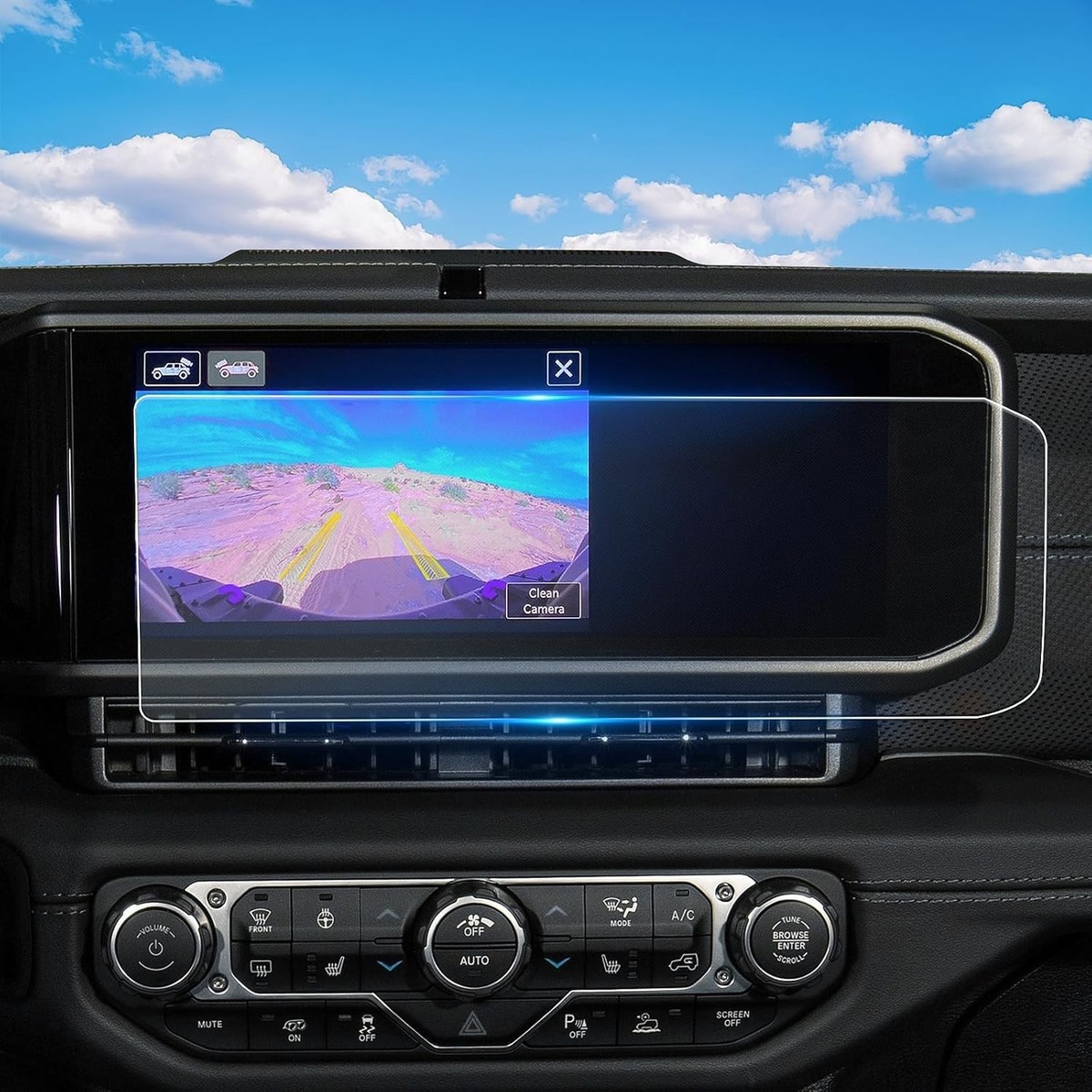
- Use a screen protector to reduce smudges.
- Clean the cloth regularly to prevent dirt buildup.
Many drivers forget that oils from skin can leave invisible marks. Touching the screen with greasy fingers causes more smudges than dust.
Screen protectors can also help prevent scratches, but choose one made for your Jeep model.
Common Mistakes To Avoid
Some cleaning habits can harm your Jeep’s touch screen:
- Using too much liquid: Excess moisture can seep inside and cause electrical problems.
- Spraying directly on the screen: Always spray the cloth, not the screen.
- Using rough materials: Only use microfiber, never paper towels or tissues.
- Ignoring the edges: Dirt builds up in corners and can affect touch sensitivity.
Most Jeep owners are surprised to learn that even “touch screen safe” wipes can leave residue. Always check the ingredients and avoid anything with ammonia or strong chemicals.
Jeep Touch Screen Vs. Other Car Screens
Jeep touch screens are designed for rugged use, but they are just as sensitive as those in luxury cars. Here’s how they compare:
| Feature | Jeep Touch Screen | Luxury Car Touch Screen |
|---|---|---|
| Scratch Resistance | Medium | High |
| Coating Quality | Standard | Premium |
| Cleaning Frequency | Weekly | Monthly |
| Water Resistance | Limited | Limited |
Jeep screens are easier to access and clean, but they need regular care due to outdoor use. Luxury screens have better coatings but require gentle cleaning as well.

When To Clean Your Jeep Touch Screen
Touch screens should be cleaned:
- Once a week for regular use
- After long trips
- If you notice fingerprints or glare
- After spills or splashes
Neglecting cleaning can cause dirt to build up, making it harder to remove. Frequent cleaning also keeps the screen responsive and reduces wear.
Non-obvious Insights For Jeep Owners
Many people don’t realize that temperature changes affect touch screens. Cleaning a cold screen can cause streaks, so let your Jeep warm up before wiping.
Also, using distilled water avoids mineral spots, which are common with tap water.
Another tip: If your Jeep’s screen has a matte finish, avoid alcohol-based cleaners. They can fade the finish over time. Always check your owner’s manual for specific instructions.
For more information on touch screen care, visit Jeep’s official care guide.
Frequently Asked Questions
Can I Use Regular Household Cleaners On My Jeep Touch Screen?
No, most household cleaners contain chemicals that can damage the screen’s coating. Always use distilled water or a diluted alcohol mix.
Is It Safe To Use Screen Protectors?
Yes, but only use protectors made for your Jeep model. Wrong size or material can affect touch sensitivity.
How Often Should I Clean The Touch Screen?
Weekly is best for most drivers. If you drive off-road or with dirty hands, clean more often.
What Should I Do If Liquid Gets Inside The Screen?
Turn off your Jeep immediately. Dry with a cloth and let it sit for several hours. If problems persist, contact a professional.
Can I Use Disinfectant Wipes?
Only if they are screen-safe and alcohol-based. Avoid wipes with ammonia or bleach.
Cleaning your Jeep touch screen is simple but requires care. A clean screen makes your driving safer and keeps your vehicle looking great.
By following these steps, you protect your investment and enjoy a clear view every time you drive.



















