Changing the clock in your Jeep might sound simple, but the process can be confusing if you’ve never done it. Different Jeep models have unique methods, and modern Jeeps often use touchscreen controls, while older models rely on manual buttons.
If your clock is wrong, you could miss appointments, arrive late, or even have trouble with scheduled maintenance reminders. This guide will show you exactly how to change the time in a Jeep, no matter which model you drive.
Why Setting The Correct Time Matters
Having the right time on your Jeep isn’t just about convenience. Accurate time can help with:

- Navigation: GPS and maps often depend on the vehicle’s time.
- Scheduled reminders: Service alerts and maintenance depend on correct time.
- Safety: Some features, like automatic lights, may be linked to the clock.
Surprisingly, many drivers never update their vehicle clock after daylight saving changes or battery replacements. This can cause confusion and missed events.
How To Change Time In Jeep: Step-by-step
For Jeeps With Touchscreen (uconnect System)
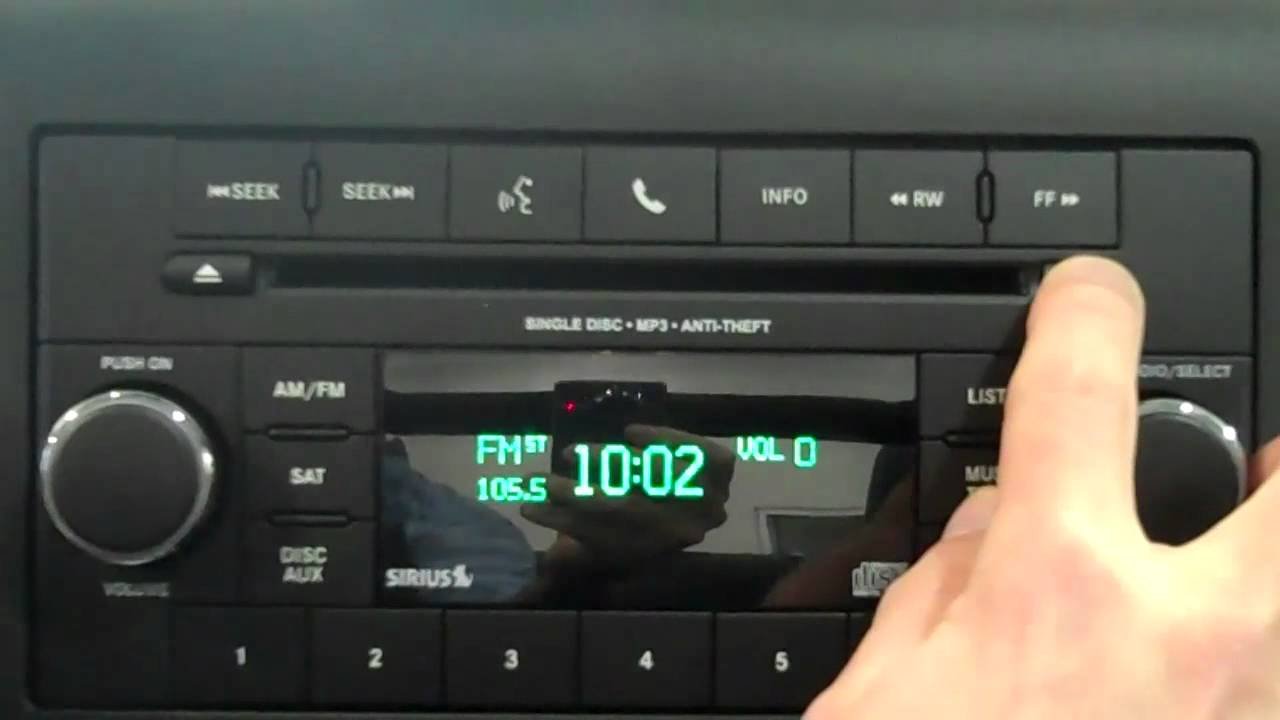
Most newer Jeeps (2014 and later) use the Uconnect touchscreen system. Here’s how you change the time:
- Turn on the Jeep and access the main screen.
- Tap Settings or the gear icon.
- Select Clock & Date.
- Choose Set Time.
- Adjust hour and minute using the + and – buttons.
- Confirm your changes by pressing OK or Save.
Some Uconnect systems also offer automatic time update. If you drive often across time zones, activate this feature for convenience.
For Older Jeeps Without Touchscreen
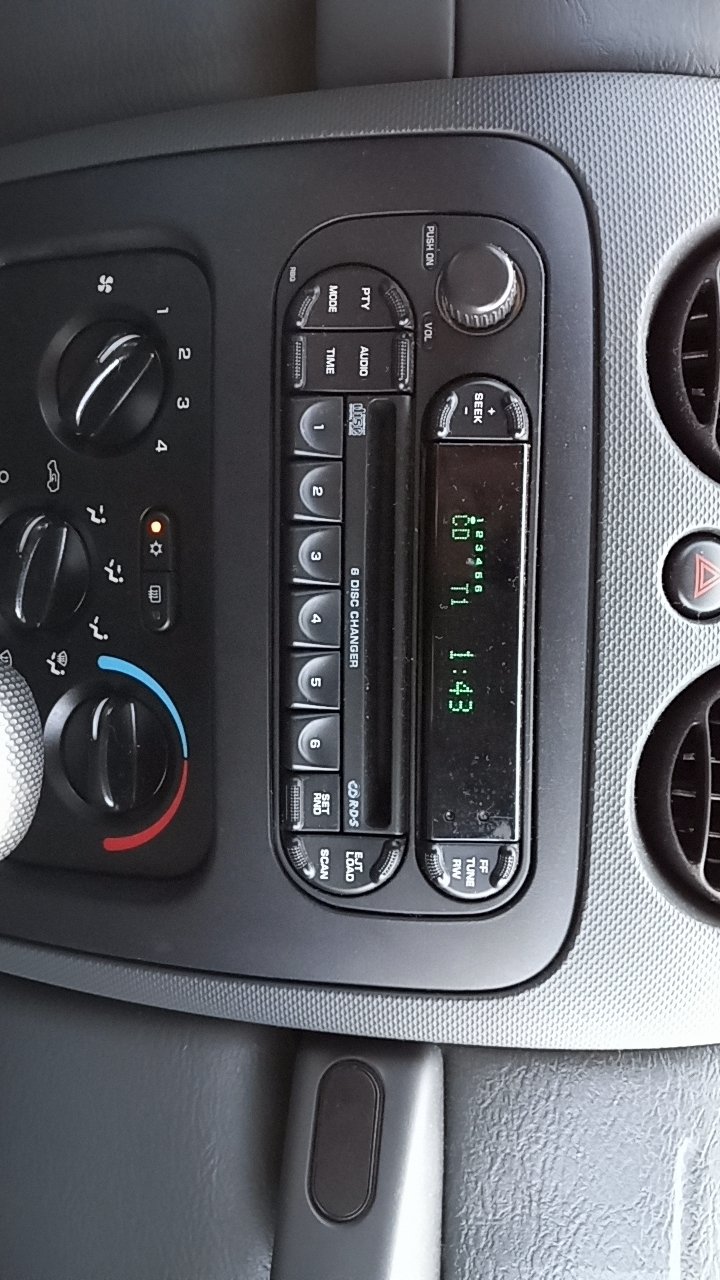
If your Jeep has a traditional radio with physical buttons, follow these steps:
- Turn on the ignition.
- Find the Clock or Time button on the radio.
- Press and hold until the display blinks.
- Use Seek or Tune buttons to adjust the hour.
- Press the Clock button again to switch to minutes.
- Adjust the minutes.
- Release the button when finished.
Some models require you to press the AM/FM button to toggle between hour and minute. Always check your owner’s manual for specifics.
For Jeep Grand Cherokee, Compass, Wrangler, And Renegade
Different Jeep models may have small differences. Here are quick tips for the most popular models:
- Jeep Grand Cherokee: Most use Uconnect. Follow the touchscreen steps.
- Jeep Compass and Renegade: Some models use touchscreen, others use radio buttons. If unsure, try both methods.
- Jeep Wrangler: Older Wranglers have manual controls. Newer ones use touchscreen.
Here’s a quick comparison of common Jeep models and their clock setting methods:
| Model | Year | Method |
|---|---|---|
| Grand Cherokee | 2015-2024 | Touchscreen (Uconnect) |
| Compass | 2012-2017 | Radio Buttons |
| Wrangler | 2018-2024 | Touchscreen (Uconnect) |
| Renegade | 2015-2022 | Touchscreen or Radio |
Common Mistakes When Changing Jeep Clock
Many Jeep owners make simple errors when setting the time. Here are the most common:
- Forgetting to save changes: Some systems require you to press “OK” or “Save.” If you don’t, the time won’t update.
- Adjusting while driving: Always make changes when parked for safety.
- Ignoring AM/PM: Some radios only display 12-hour format. Make sure you set the correct half of the day.
- Missing daylight saving time: Clocks need to be updated twice a year in many places.
- Battery disconnect: If your battery dies or is replaced, you must reset the clock.
Practical Tips For Trouble-free Time Adjustment
- Check your manual: Every Jeep model has a unique process. If in doubt, look up your model’s guide online.
- Update regularly: Set reminders to check your clock after daylight saving changes.
- Use automatic time update: If your Jeep supports it, enable this feature to avoid manual adjustments.
- Don’t rush: Take your time when adjusting. Rushing can lead to mistakes or incorrect settings.
Here’s a quick table showing which systems support automatic time updates:
| System | Auto Update | Manual Adjustment |
|---|---|---|
| Uconnect 4 | Yes | Yes |
| Uconnect 3 | No | Yes |
| Standard Radio | No | Yes |
What If Your Clock Won’t Change?
Sometimes, the Jeep clock refuses to update, even after following steps. Here are possible reasons:
- Software glitch: Restart your Jeep or reset the radio system.
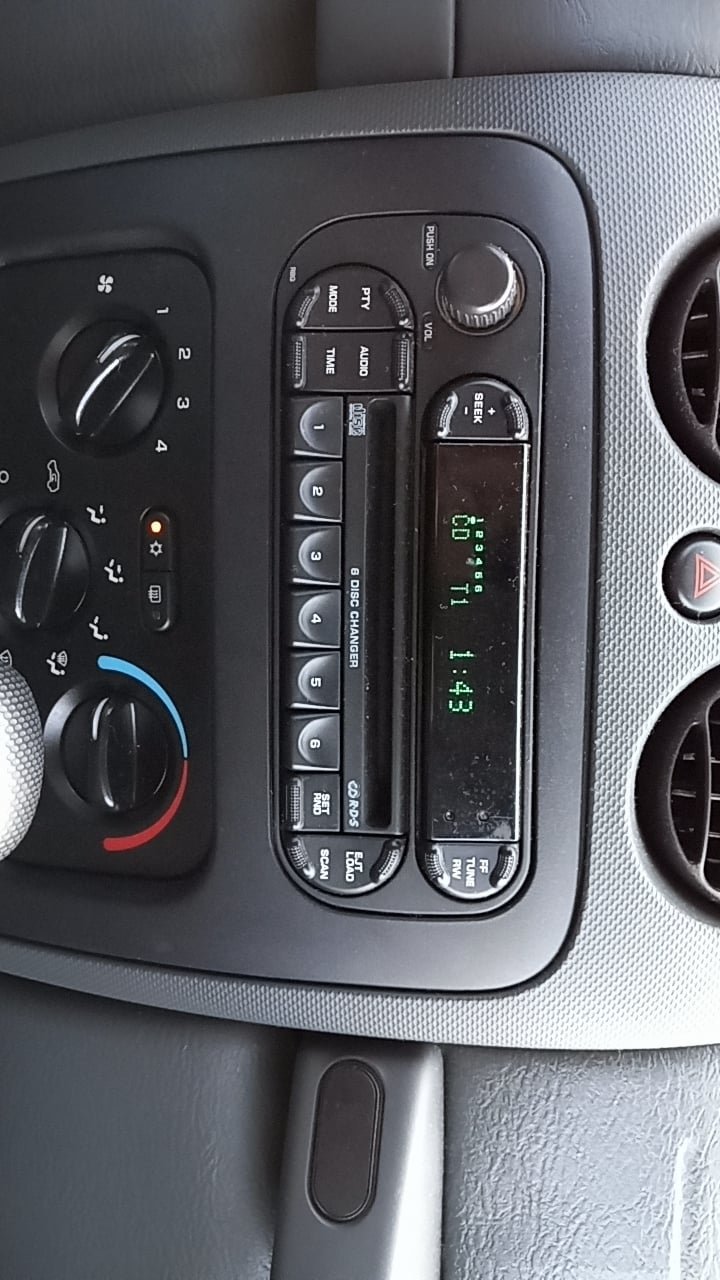
- Broken buttons: Physical buttons may wear out in older models.
- Touchscreen issues: Clean the screen and check for responsiveness.
- Battery problems: If your battery is old or weak, electronic systems may not work properly.
If nothing works, visit a Jeep dealership or an auto service center. They can diagnose and fix the issue. For more technical details, check Jeep’s official guide at Jeep Owners Manuals.
Frequently Asked Questions
How Often Should I Update The Clock In My Jeep?
You should check your Jeep’s clock at least twice a year, especially after daylight saving time changes or battery replacement. Many people forget, so setting a reminder helps.
Can My Jeep Set The Time Automatically?
If your Jeep has the Uconnect 4 system, it can automatically update the time based on GPS or network signals. Activate this feature in the settings menu for best results.
Is It Safe To Change The Time While Driving?
No. Always change the time when your Jeep is parked.
Adjusting settings while driving can distract you and cause accidents.
If buttons are not responding, try cleaning around them to remove dust or debris. If they still don’t work, the buttons may be broken and need professional repair.
Where Can I Find Instructions For My Exact Jeep Model?
The best source is your owner’s manual, which you can find online at Jeep’s official website. Manuals give step-by-step instructions for each model and year.
Changing your Jeep’s clock is simple once you know the steps. Whether you drive an old Wrangler or a new Grand Cherokee, keeping your time accurate helps with navigation, reminders, and safety.
By following these instructions and tips, you’ll never be confused about the time in your Jeep again.