Changing the display on a Jeep Wrangler can make driving safer and more enjoyable. Many Jeep owners want to update the screen or customize what they see. Whether you have a newer model with a digital dashboard or an older one with a basic radio, learning how to change the display is simple with the right steps. This guide will show you how to adjust, upgrade, or replace your Jeep Wrangler’s display, covering both digital and traditional options. You’ll find practical tips, common mistakes to avoid, and clear instructions to help you succeed.
Understanding Jeep Wrangler Display Types
Jeep Wranglers come with different display options based on the model year:
| Model Year | Display Type | Features |
|---|---|---|
| 2010-2017 | Basic Radio | AM/FM, CD, Bluetooth (some models) |
| 2018-2024 | Touchscreen (Uconnect) | Navigation, Apps, Customization, Digital Cluster |
Older Wranglers have simpler screens. Newer models offer touchscreen controls and digital dashboards. Knowing your Jeep’s display type helps you follow the right steps.
Reasons To Change Your Jeep Wrangler Display
Many owners want to change their display for these reasons:
- Better visibility: Larger screens or digital panels are easier to read.
- More features: New displays support navigation, Apple CarPlay, and Android Auto.
- Customization: You can choose what information appears, like tire pressure or GPS.
- Style upgrade: Modern displays look cleaner and match new interiors.
Changing your display can also improve safety by making controls more accessible.
How To Change Display Settings (digital Dash And Uconnect)
If your Jeep Wrangler has a digital display or Uconnect touchscreen, you can change settings without replacing hardware.
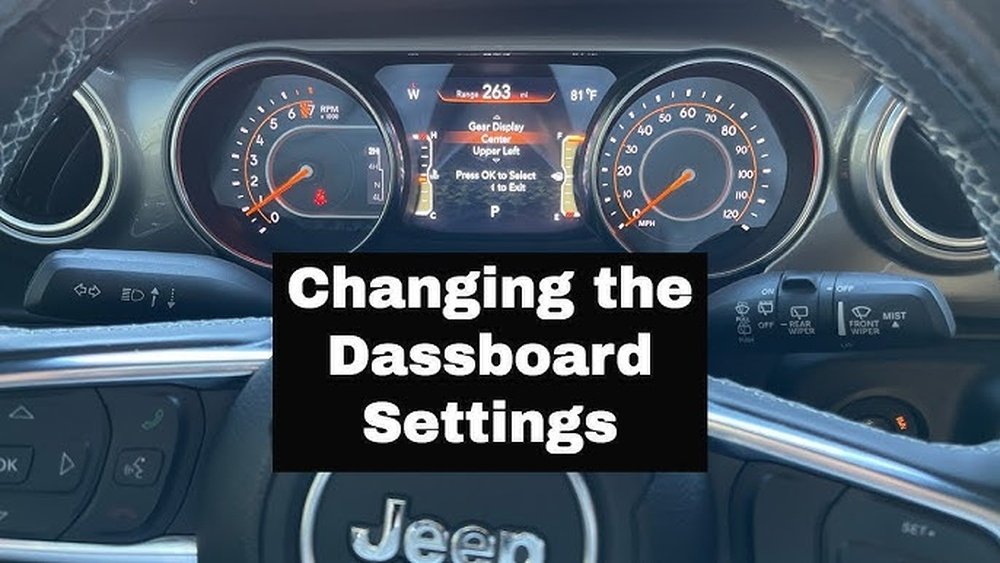
Steps For Digital Instrument Cluster
- Press the Menu button on the steering wheel.
- Use the arrow keys to scroll through options like Trip Info, Vehicle Info, or Audio.
- Select the screen you want by pressing the OK button.
- Adjust brightness or theme in the Settings section.
Some clusters let you change units (miles/km), language, or warning alerts.
Steps For Uconnect Touchscreen
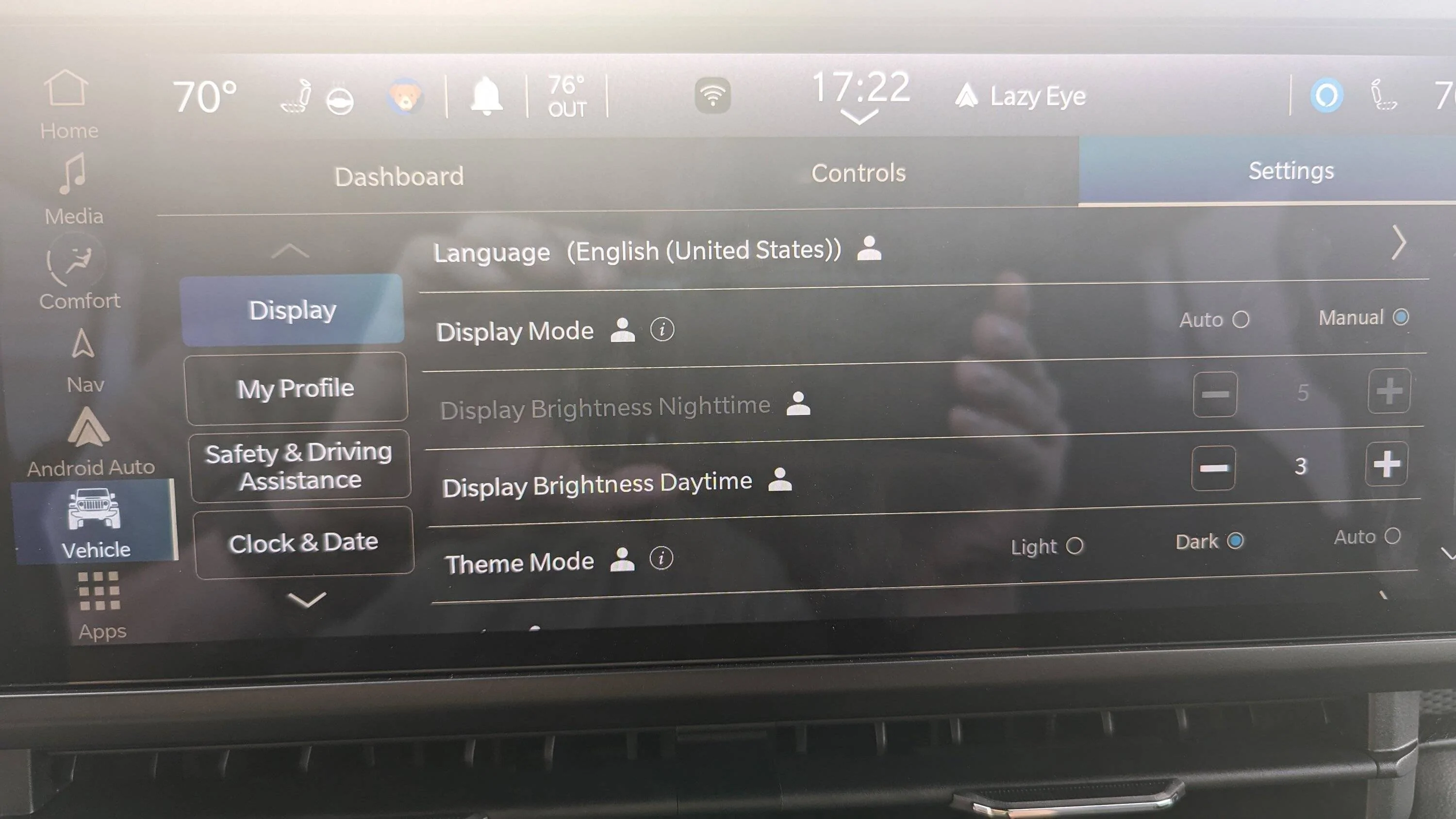
- Tap the Settings icon on the main screen.
- Choose Display to adjust brightness, screen timeout, or theme.
- Select Personalization to reorder menu items or add widgets.
- Save your changes.
You can also update system software for new features. Always check your owner’s manual for specific instructions.
Upgrading Or Replacing Your Jeep Wrangler Display
If you want a bigger screen or more advanced features, you might need to upgrade or replace the display. This is common for older Wranglers or when adding navigation.
Choosing The Right Display
Compare key features before buying a new display:
| Feature | Basic Radio | Aftermarket Touchscreen |
|---|---|---|
| Screen Size | 2-3 inches | 7-10 inches |
| Navigation | No | Yes |
| Phone Integration | Limited | Full (CarPlay/Android Auto) |
| Customization | No | Yes |
Look for displays compatible with your Jeep’s year and wiring. Popular brands include Alpine, Kenwood, and Pioneer.
Steps To Replace The Display
- Disconnect the Jeep’s battery to prevent electrical shocks.
- Remove the old display using plastic trim tools. Unscrew and unplug wires carefully.
- Connect the new display’s wiring harness. Follow instructions for your model.
- Secure the new display in place. Test all functions before finishing.
Most upgrades take 1-2 hours. If you’re unsure, ask a professional installer.

Practical Tips And Common Mistakes
Changing your Jeep Wrangler display is easier if you:
- Use plastic trim tools to avoid scratching the dashboard.
- Take pictures of wiring before unplugging anything.
- Check that your new display fits the dash opening. Not all screens are universal.
- Update software after installation for best performance.
- Avoid cheap displays—these may fail or lack support.
Common mistakes include buying the wrong size, skipping battery disconnect, or not checking compatibility. Some owners overlook firmware updates, which can cause glitches.
Beginners often miss these points:
- Some Jeep displays have hidden diagnostic screens. Hold certain buttons to access system info or reset options.
- Uconnect systems can be reset by pressing power and volume buttons together for 10 seconds.
- Aftermarket displays often support backup cameras and extra sensors—adding these can improve parking safety.
Knowing these tricks can save time and make your upgrade smoother.
Jeep Wrangler Display: Real-world Example
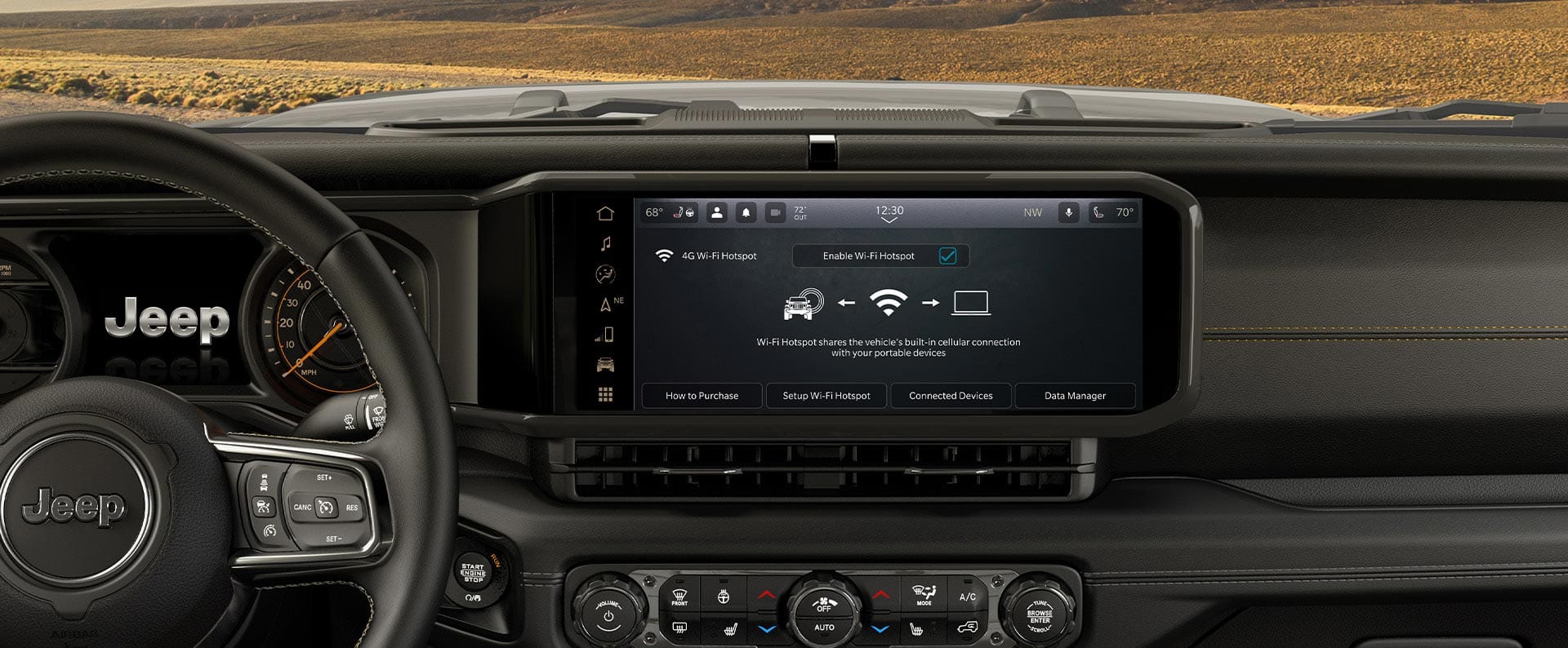
A 2021 Jeep Wrangler owner wanted better navigation and Apple CarPlay. They replaced their factory screen with a 9-inch Alpine unit. The process took two hours. After installation, they gained:
- Larger, brighter screen
- Easy phone connection
- Voice command features
- More accurate GPS
The owner reported fewer distractions and faster access to maps.
Cost And Value Comparison
Here’s a quick look at price and benefits:
| Display Type | Approximate Cost | Benefits |
|---|---|---|
| Factory Upgrade | $600-$900 | Perfect fit, warranty, basic features |
| Aftermarket Touchscreen | $300-$800 | Custom features, larger screen, phone integration |
| DIY Kit | $200-$500 | Lower cost, flexible options, may need extra work |
Paying more often means better quality and support. Always check reviews before buying.
Frequently Asked Questions
How Do I Reset My Jeep Wrangler’s Display?
Hold the power and volume buttons together for 10 seconds. The screen will restart, fixing common glitches.
Can I Install A Touchscreen Display In An Older Jeep Wrangler?
Yes, but you may need extra wiring adapters and a custom dash kit. Check if your model supports aftermarket screens.
What Is The Best Display Size For Jeep Wrangler?
Most owners prefer 7-9 inch screens. Larger sizes can block vents or controls, so measure your dash before buying.
Will Changing The Display Affect My Warranty?
If you install a factory unit, your warranty remains safe. Aftermarket displays may void some electrical warranties. Always ask your dealer before upgrading.
Where Can I Find Reliable Jeep Wrangler Display Upgrades?
Look for trusted brands and certified installers. For more details, visit the official Jeep website: Jeep Official Site.
Changing the display on your Jeep Wrangler is a practical way to improve your driving experience. With careful planning and the right parts, you can enjoy more features, better visibility, and a modern look. Remember to check compatibility, follow safe installation steps, and use trusted sources for upgrades. This simple improvement can make your Jeep feel new again.



















