If you own a Jeep and use the Uconnect system, you already know its advantages. From navigation to hands-free calls, Uconnect makes driving safer and more convenient.
But sometimes, drivers want to cancel their Uconnect subscription. Maybe you sold your Jeep, switched to another service, or simply don’t need the features anymore.
Canceling Uconnect isn’t complicated, but the steps can feel confusing if you haven’t done it before. This article explains every step, provides practical tips, and compares your options so you can cancel your Jeep Uconnect with confidence.
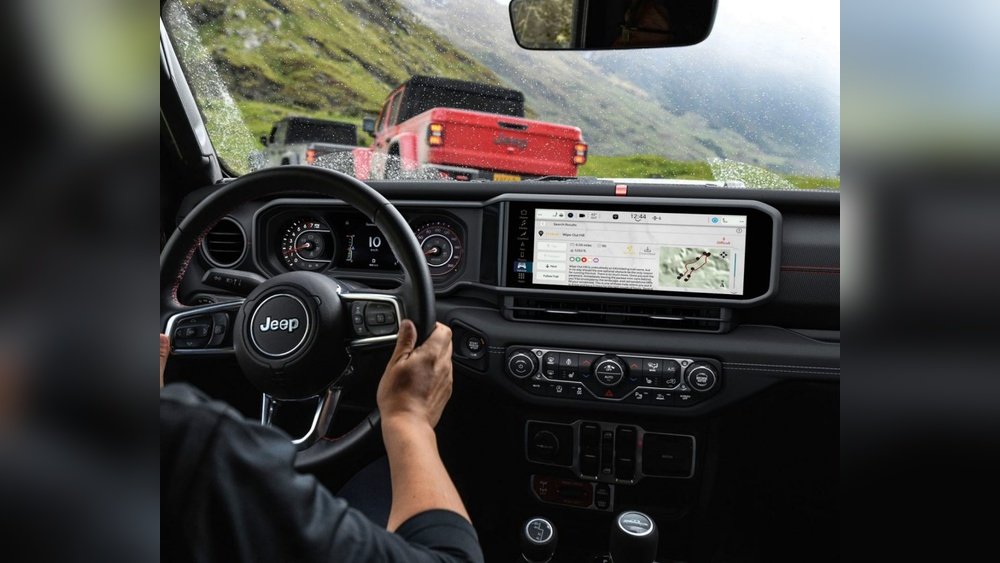
Understanding Uconnect Subscriptions
Jeep’s Uconnect offers different subscription plans. Some are free, while others require monthly or yearly payments.
Knowing your plan type is important before you cancel.
| Plan Name | Features | Monthly Cost | Cancellation Policy |
|---|---|---|---|
| Uconnect Access | Remote start, vehicle location | $24.99 | Immediate with call |
| SiriusXM Guardian | Emergency assist, navigation | $12.99 | Immediate with call |
| Basic (Free) | Bluetooth, music streaming | $0 | N/A |
Paid plans offer more advanced features. Free plans are built into most Jeep vehicles and cannot be canceled, but paid plans can be stopped anytime.
Steps To Cancel Jeep Uconnect
Canceling your Uconnect subscription is a straightforward process. Here’s what you need to do:
1. Locate Your Account Information
Find your Uconnect account number or VIN (Vehicle Identification Number). This is required for customer service.
2. Contact Uconnect Customer Support
The fastest way is to call Uconnect support at 1-855-792-4234. You can also email support through the Jeep website.
3. Request Cancellation
Tell the agent you want to cancel your subscription. Be clear about which plan you want to end.
If you have multiple vehicles or services, mention them all.
4. Confirm Cancellation
Ask for a confirmation email or reference number. This proves your request was processed.
5. Check Your Billing Statement
Monitor your next bill to ensure no charges appear after cancellation.
Example: Canceling Siriusxm Guardian
If you use SiriusXM Guardian in your Jeep, call 1-844-796-4827 or log in to your SiriusXM account online. Select the “Manage My Account” section, and follow prompts to cancel.
Make sure to check your email for confirmation.
What Happens After Cancellation?
When you cancel, paid features stop working immediately. Free features like Bluetooth or music streaming will still work. Navigation, remote start, and emergency services will not be available unless you reactivate.
| Feature | After Cancellation | Reactivation |
|---|---|---|
| Bluetooth Calling | Continues | N/A |
| Remote Start | Stops | Available with subscription |
| Navigation | Stops | Available with subscription |
| Emergency Assist | Stops | Available with subscription |
If you change your mind, you can always reactivate Uconnect. There may be activation fees or waiting periods.
Comparing Cancellation Methods
Jeep offers several ways to cancel. Each has pros and cons.
| Method | Speed | Proof of Cancellation | Common Issues |
|---|---|---|---|
| Phone Call | Immediate | Email/Reference Number | Long wait times |
| 1-2 days | Email confirmation | Delayed response | |
| Online Account | Immediate | Digital receipt | Account access issues |
Most users prefer phone calls for speed and clarity, but online cancellation is good if you want written proof.
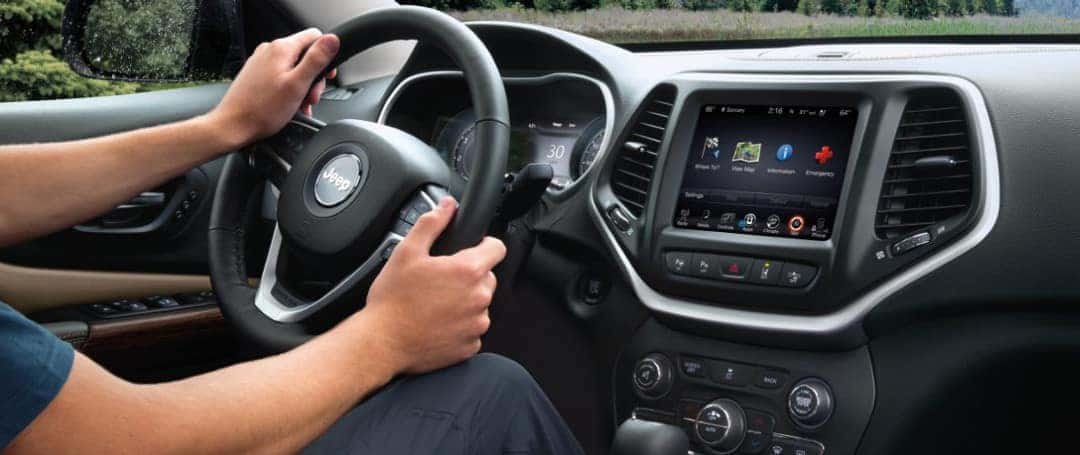
Practical Tips For A Smooth Cancellation
- Always keep your VIN and account number ready.
- Request written confirmation to avoid disputes.
- Cancel before your next billing cycle to prevent extra charges.
- If you sold your Jeep, mention this to support. They may cancel faster.
- Don’t forget to remove your personal info from the Uconnect app.
- Check your bank statement for refunds if you prepaid.
Many drivers miss the importance of written confirmation. Without it, you may struggle to prove you canceled, especially if charges appear later. Another overlooked tip: remove your phone from the Jeep’s Bluetooth settings after cancellation. This protects your privacy.
Common Mistakes When Canceling Uconnect
1. Waiting Until The Last Minute
If you try to cancel on your billing day, you may get charged for another month.
2. Not Confirming Cancellation
Always ask for proof. Verbal promises are not enough.
3. Forgetting To Check For Refunds
If you paid for a year and cancel early, you may be eligible for a refund.
4. Leaving Personal Data In The System
After cancellation, delete your phone contacts and navigation history.
5. Assuming All Features Stop
Basic services may continue working; only paid features are canceled.
Frequently Asked Questions
What Is Jeep Uconnect?
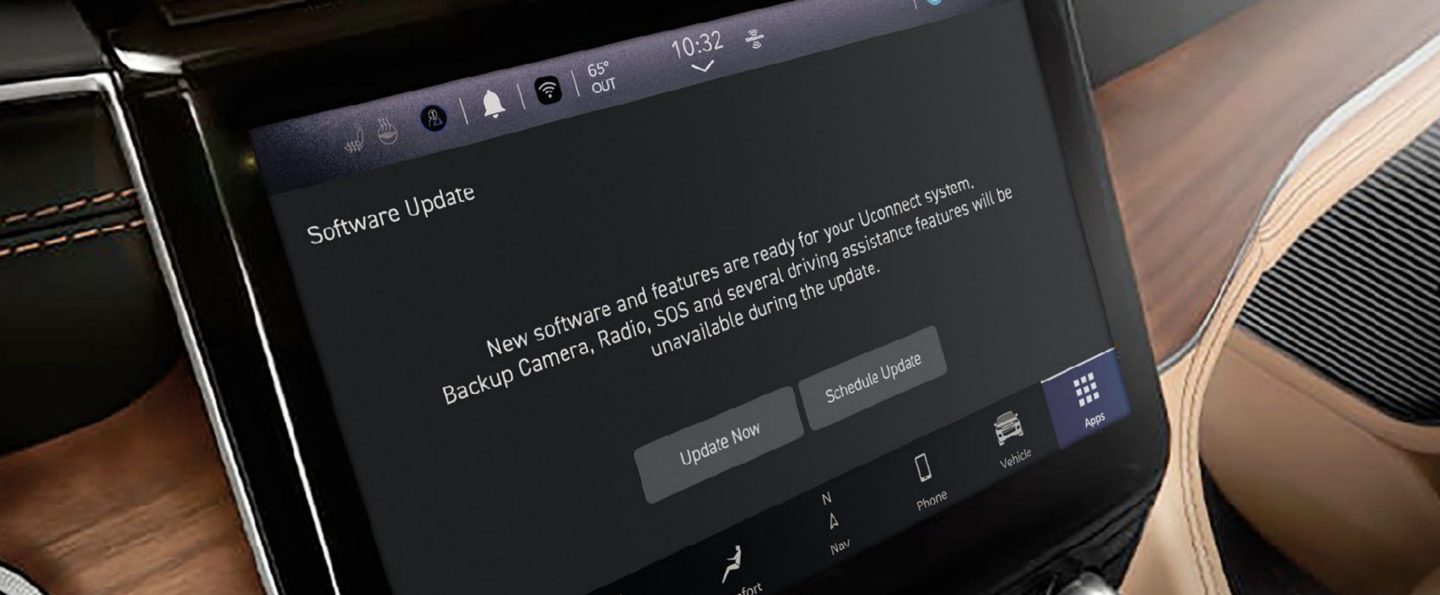
Uconnect is a smart system for Jeep vehicles. It offers navigation, entertainment, hands-free calling, and remote vehicle features. Some options are free, while advanced features require a paid subscription.
Can I Cancel Uconnect Online?
Yes, you can cancel online if your plan allows. Log in to your Uconnect or SiriusXM account, go to Manage My Account, and follow the steps to cancel. Some plans require a phone call.
Will I Get A Refund After Canceling?
Refunds depend on your payment type. If you prepaid for a year, you may get a partial refund.
Monthly plans rarely offer refunds. Always check the policy and ask support.
Is Canceling Uconnect Permanent?
No, you can reactivate Uconnect anytime. You may need to pay activation fees and wait for the features to restore.
Where Can I Find More Information About Uconnect Subscriptions?
Visit the official Jeep Uconnect site for details: Jeep Uconnect.
Canceling Jeep Uconnect is simple if you follow the right steps. Always keep confirmation and review your billing to avoid unwanted charges.
If you decide to return to Uconnect later, reactivation is easy. With these tips, you can manage your Jeep’s connected services confidently and avoid common mistakes.



















