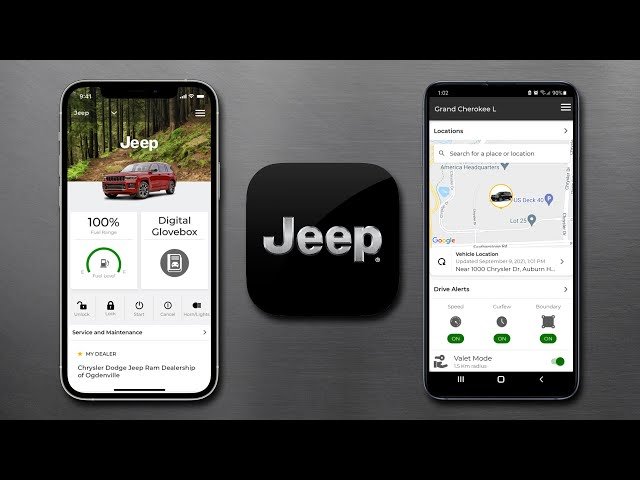
The Jeep brand is known for adventure, reliability, and innovation. Today, technology connects drivers and their cars in smarter ways.
The Jeep app is a great example. It helps you control, monitor, and enjoy your vehicle using your smartphone.
But before you can use all these features, you must add your car to the Jeep app. Many new owners find this step confusing.
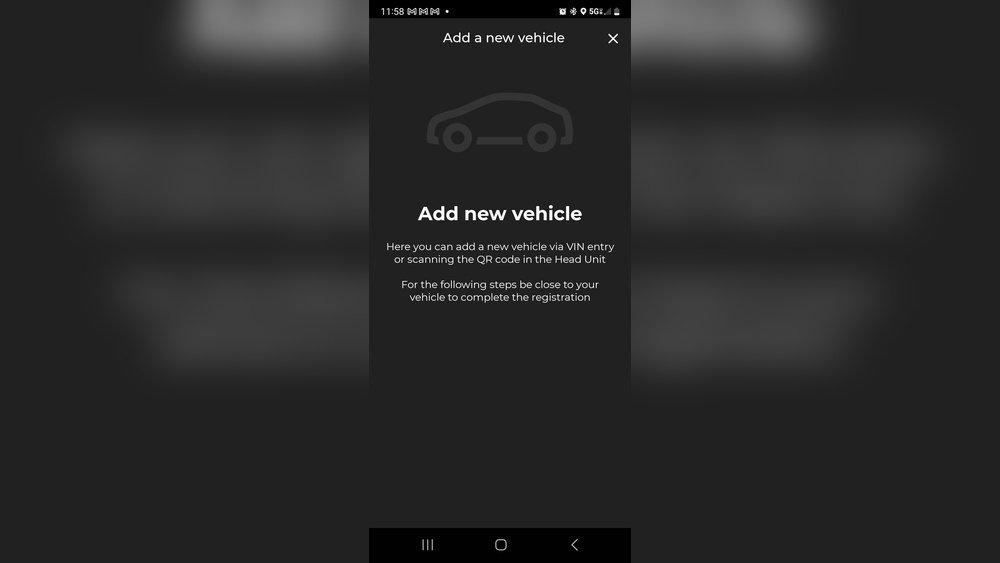
In this guide, you’ll learn how to add your Jeep to the app, what problems you might face, and how to get the most from this technology.
Why Add Your Car To The Jeep App?
Adding your car to the app is more than just registration. It unlocks useful features such as:
- Remote start and lock/unlock
- Vehicle health reports
- Location tracking
- Maintenance reminders
- Roadside assistance access
These features make driving safer, more convenient, and fun. For example, you can check if you locked your car, or start it on a cold morning all from your phone.
Preparing To Add Your Car
Before you begin, make sure you have:
- Your Jeep vehicle identification number (VIN). Find this on the dashboard near the windshield, or inside the driver’s door.
- A compatible smartphone (iOS or Android).
- The latest version of the Jeep app from the App Store or Google Play.
- An active Jeep account. If you don’t have one, you’ll create it during setup.
- Access to your car, as you may need to interact with its systems.
Pro tip: Some features need an active subscription (like Uconnect services). Check your car’s manual or dealer to see what’s included.
Step-by-step: Adding Your Car To The Jeep App
Follow these steps to connect your car with the app:
1. Download And Install The Jeep App
Search “Jeep” in your app store. Install the official app, and open it.
2. Create Or Log Into Your Jeep Account
Enter your email and password. If you’re new, tap “Sign Up” and follow instructions.
3. Start The ‘add Vehicle’ Process
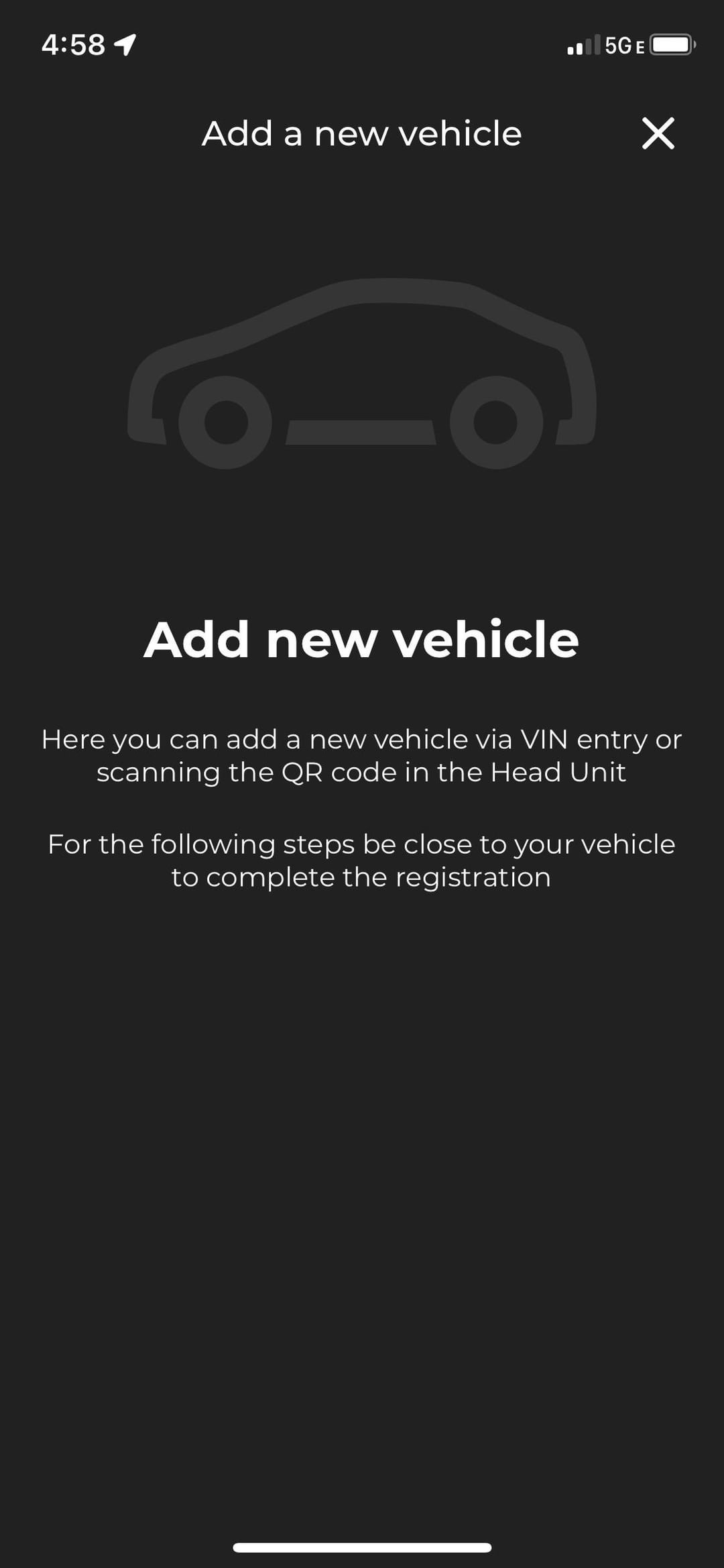
On the main screen, look for “Add Vehicle” or a plus (+) icon. Tap it.
4. Enter Your Vehicle Information
The app will ask for your VIN. Enter it carefully (17 characters, numbers, and letters).
5. Confirm Ownership
You may need to confirm your identity. The app might send a verification code to your email or phone.
6. Pair Your Vehicle
Some models require you to sync the car’s infotainment system with the app. The screen will guide you—often, you’ll need to turn on your car and follow steps like:
- Enabling Bluetooth
- Accepting a pairing request
- Entering a code shown on your car’s screen
- Finish Setup and Explore Features
Once paired, the app might update or sync data. After this, you’ll see your car’s details and can use remote features.
Example: Adding A 2022 Jeep Wrangler
- Enter the VIN: 1C4HJXDG0MWXXXXXX
- Confirm with a code sent to your phone
- Start the car, enable Bluetooth, and allow pairing
- Wait for confirmation, then see your Wrangler in the app
Troubleshooting Common Problems
Even with a clear guide, issues can happen. Here’s how to solve them:
App Can’t Find Vehicle
- Double-check the VIN for typos
- Make sure your car is compatible (older models may not work)
- Try restarting your phone and car’s system
Pairing Fails
- Ensure Bluetooth is on in both the car and phone
- Stand close to your Jeep to avoid signal issues
- Delete previous Bluetooth connections if they exist
Verification Issues
- Check your email’s spam folder for codes
- Make sure your phone number and email are correct
If problems continue, contact Jeep customer support or visit your dealer.

What Features Can You Use In The Jeep App?
After adding your car, the app opens up many features. Not all are available on every Jeep or in every country. Here’s a quick comparison of popular features:
| Feature | All Jeep Models | 2020+ Models |
|---|---|---|
| Remote Start/Stop | No | Yes |
| Vehicle Location | Yes | Yes |
| Health Reports | Limited | Full |
| Wi-Fi Hotspot | No | Yes (with subscription) |
Tip: Check your manual or dealer for a list of supported features.
Data And Privacy: What You Should Know
When you connect your Jeep to the app, some vehicle data is shared with Jeep’s servers. This includes location, health info, and usage statistics. Jeep uses this data to provide services, improve safety, and sometimes for marketing.
Here is a quick look at what data is shared and how it’s used:
| Data Type | Purpose | User Control |
|---|---|---|
| Location | Find My Car, Roadside Help | Can be disabled |
| Vehicle Health | Maintenance Alerts | View/Delete in app |
| Driving Habits | Usage Reports | Limited control |
Non-obvious insight: You can limit what’s shared in your app’s privacy settings. Some features will stop working if you turn off data sharing.
Making The Most Of Your Jeep App
To get the best experience:
- Set up notifications for maintenance and security alerts
- Bookmark your parking location so you never lose your car
- Explore remote features like climate control (if supported)
- Check for software updates often—Jeep adds new functions over time
Another tip: If you sell your car, remember to remove it from the app and delete your account data.
Frequently Asked Questions
How Do I Find My Jeep’s Vin?
You can find the VIN on the dashboard near the windshield, inside the driver’s door, or in your car’s registration papers.
Can I Add More Than One Jeep To The App?
Yes, the app allows you to add several Jeep vehicles. Repeat the “Add Vehicle” steps for each car.
What If My Jeep Is A Used Car?
You can still add it. If the previous owner didn’t remove the car from their account, contact Jeep customer support for help.
Is There A Fee For Using The Jeep App?
Basic features are free. Some advanced functions (like remote start or Wi-Fi hotspot) may need a paid subscription. Check the official Jeep Uconnect page for current plans.
Will The App Work Outside The Us?
Some features may not work in every country. Check with your dealer or the app’s settings for local support.
Adding your car to the Jeep app puts powerful features right in your pocket. With a few simple steps, you can unlock new ways to connect with your Jeep, enjoy peace of mind, and make every drive easier.
Take a few minutes to set it up and discover how technology can make your Jeep experience even better.