If your Jeep radio stops working, freezes, or shows errors, it can ruin your drive. Many Jeep owners experience radio issues at some point.
Resetting the radio is often the easiest way to fix problems like a blank screen, unresponsive buttons, or missing sound.
But Jeep radios come in many types, and the reset steps can vary. This guide explains simple ways to reset your Jeep radio, with tips for both basic and advanced models.

Understanding Jeep Radio Problems
Jeep radios are more than just music players. They control GPS, Bluetooth, and sometimes even car settings. When the radio glitches, you may notice:
- Frozen display that does not respond to touch
- No sound even when the volume is up
- Bluetooth pairing issues
- Random reboots or shutting down
Some problems are minor and need a quick reset. Others may point to wiring or software issues.
Resetting is a good first step before seeking help from a dealer.
Quick Reset Methods For Most Jeep Radios
Most Jeep radios can be reset using simple steps, without tools or technical knowledge. Here are the main methods:
1. Soft Reset (most Models)
A soft reset is like restarting a phone. It does not erase saved settings or stations. Try this first:
- Turn off your Jeep and remove the key.
- Wait about 60 seconds.
- Restart the car.
- Check if the radio works.
If this does not help, try a button combination reset.
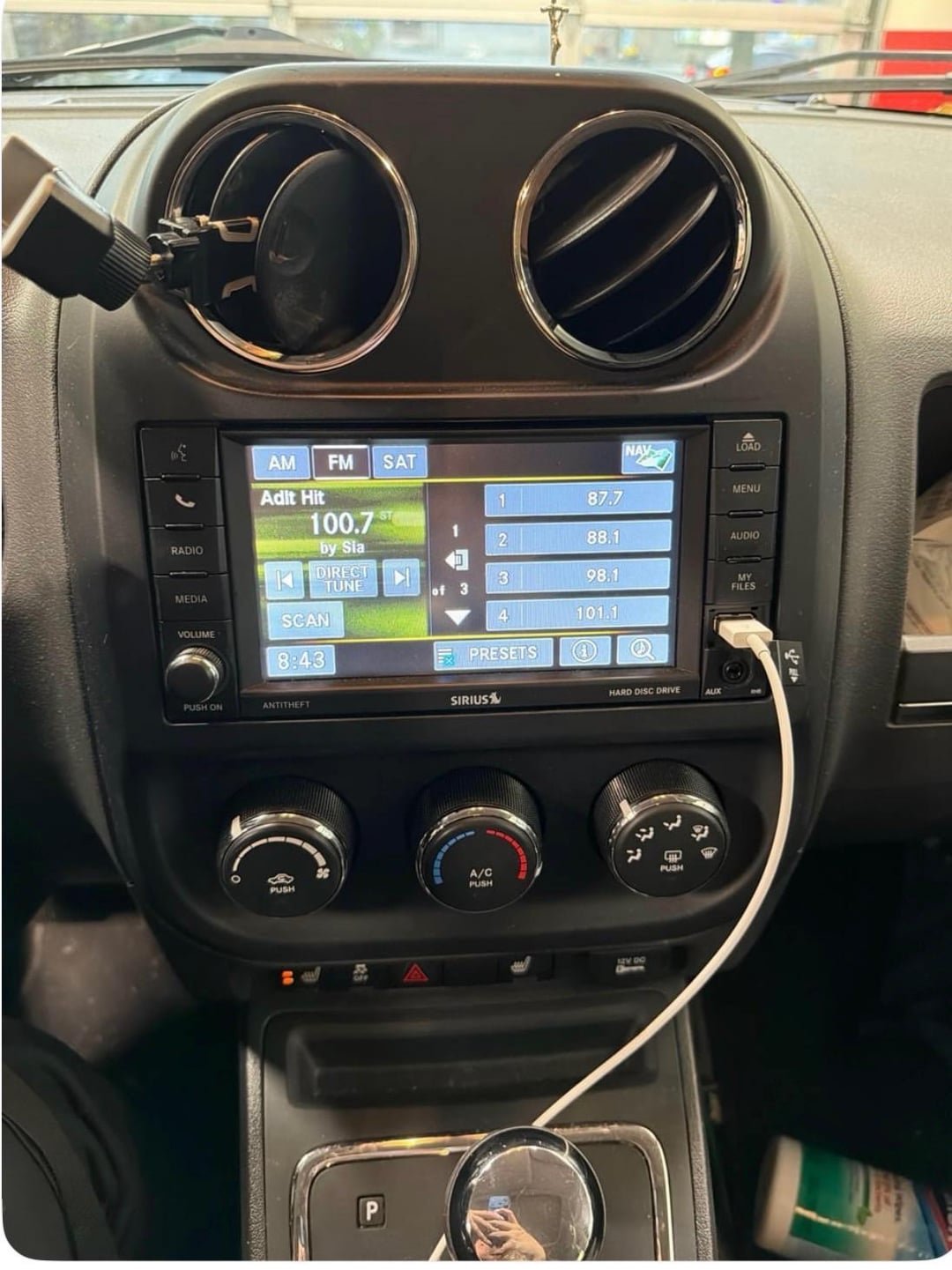
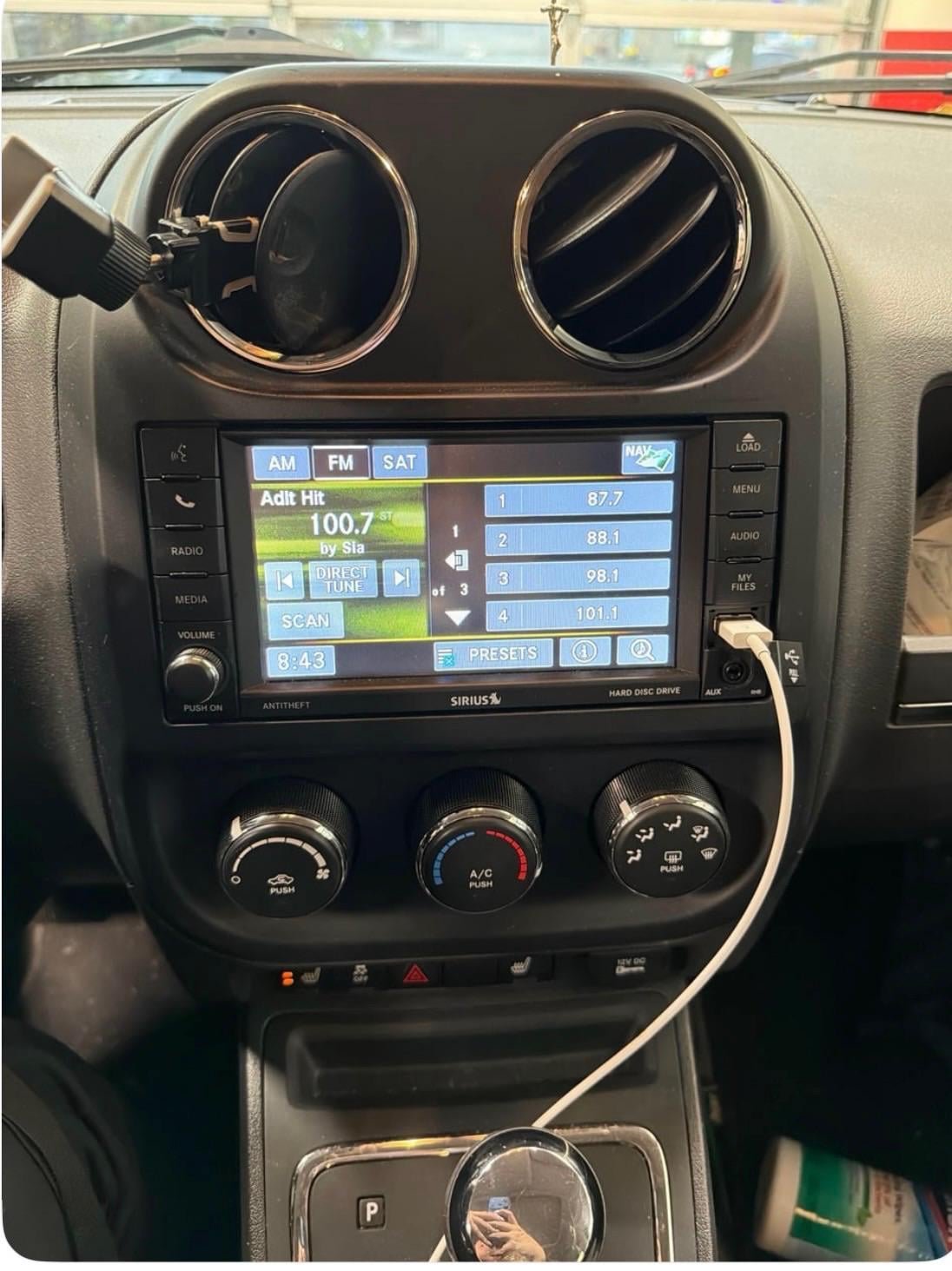
Some Jeep radios, especially Uconnect models, allow a reset using buttons:
- Turn the ignition to the ON position (engine off).
- Hold down the Volume and Tuner knobs at the same time.
- Keep holding for about 10-20 seconds until the screen turns off and then restarts.
- Release the buttons and wait for the radio to reboot.
This works for many Jeep vehicles made after 2015.
3. Disconnect The Battery
For persistent problems, disconnecting the battery can help:
- Turn off the car and open the hood.
- Find the negative battery terminal.
- Use a wrench to loosen and remove the negative cable.
- Wait 5-10 minutes.
- Reconnect the cable and tighten it.
- Start the car and check the radio.
Warning: Disconnecting the battery can reset other car systems. You may lose clock settings or need to enter an anti-theft code.
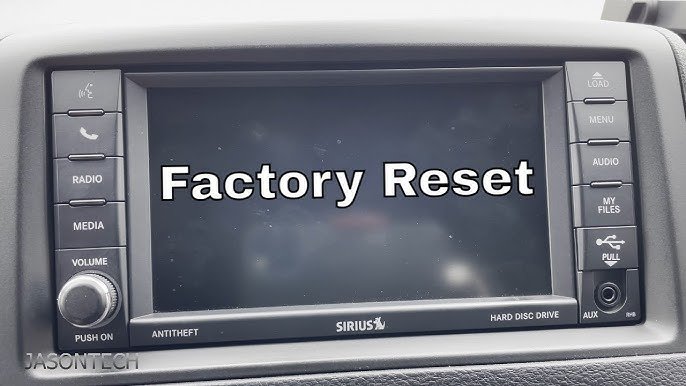
4. Factory Reset (uconnect And Touchscreen Models)
A factory reset erases all personal data and returns the radio to default settings. Use this if other methods fail:
- Turn the ignition to ON.
- On the touchscreen, go to Settings.
- Select Restore Settings or Reset to Factory Defaults.
- Confirm when asked.
This step wipes saved stations, Bluetooth devices, and custom settings.
Reset Steps By Jeep Model
Different Jeep models have different radio systems. Here is a quick comparison:
| Jeep Model | Radio Type | Common Reset Method |
|---|---|---|
| Wrangler (2011–2022) | Uconnect 3/4/5 | Button Combo, Factory Reset |
| Cherokee | Uconnect, Standard | Soft Reset, Battery |
| Grand Cherokee | Touchscreen, Uconnect | Button Combo, Factory Reset |
| Compass, Renegade | Basic/Touchscreen | Soft Reset, Battery |
What To Do If Resetting Fails
If resetting your Jeep radio does not fix the issue, consider these steps:
- Check fuses: A blown fuse can stop the radio from working.
- Inspect wiring: Loose or damaged wires can cause random problems.
- Update software: Some issues need a radio firmware update. Visit your dealer or check the Jeep website for updates.
- Seek professional help: If the screen stays black or the radio keeps failing, a technician may need to diagnose the issue.
Common Mistakes When Resetting Jeep Radios
Many Jeep owners make small errors that can waste time or cause new problems. Avoid these mistakes:
- Disconnecting only the positive battery terminal: Always disconnect the negative terminal first.
- Not waiting long enough: For battery resets, wait at least 5 minutes before reconnecting.
- Forgetting the anti-theft code: Some radios need a code after a reset. Find this code before starting.
- Rushing the process: Give the radio time to reboot fully before testing.
Real-world Example: Resetting A 2018 Jeep Wrangler Uconnect
A Jeep owner found their Uconnect radio froze on the home screen. They tried the button combo reset (Volume + Tuner knobs) and held them for 15 seconds.
The system rebooted, and the radio returned to normal. If they had disconnected the battery, they would have lost clock settings and needed to re-pair their phone.
This shows that starting with a soft or button reset is usually best.
Quick Comparison: Soft Reset Vs. Factory Reset
To help you decide which reset to try, here is a side-by-side comparison:
| Feature | Soft Reset | Factory Reset |
|---|---|---|
| Difficulty | Very Easy | Moderate |
| Time Required | 1-2 minutes | 3-5 minutes |
| Data Loss | None | All data erased |
| Best For | Minor issues | Major glitches |
Frequently Asked Questions
How Do I Reset My Jeep Radio Without Losing Presets?
Start with a soft reset or button combination reset. These methods do not erase your saved stations or settings.
Why Does My Jeep Radio Keep Freezing?
Software bugs, outdated firmware, or overheating can cause the radio to freeze. Try updating the radio or performing a factory reset if problems continue.
Will I Need A Code After Resetting My Jeep Radio?
Some Jeep radios, especially older models, require an anti-theft code after a battery or factory reset. Check your manual or dealer for this code before starting.
Is It Safe To Disconnect The Battery To Reset My Radio?
Yes, but always disconnect the negative terminal first. Be aware that this may reset other systems, including the clock and trip data.
Where Can I Find Official Software Updates For My Jeep Radio?
You can find updates on the official Jeep website. Always use trusted sources to avoid damaging your radio.
Resetting your Jeep radio is usually quick and simple if you follow the right steps. Start with the least invasive method and only try deeper resets if needed.
If nothing works, a professional technician can help you get back to enjoying your drive.



















