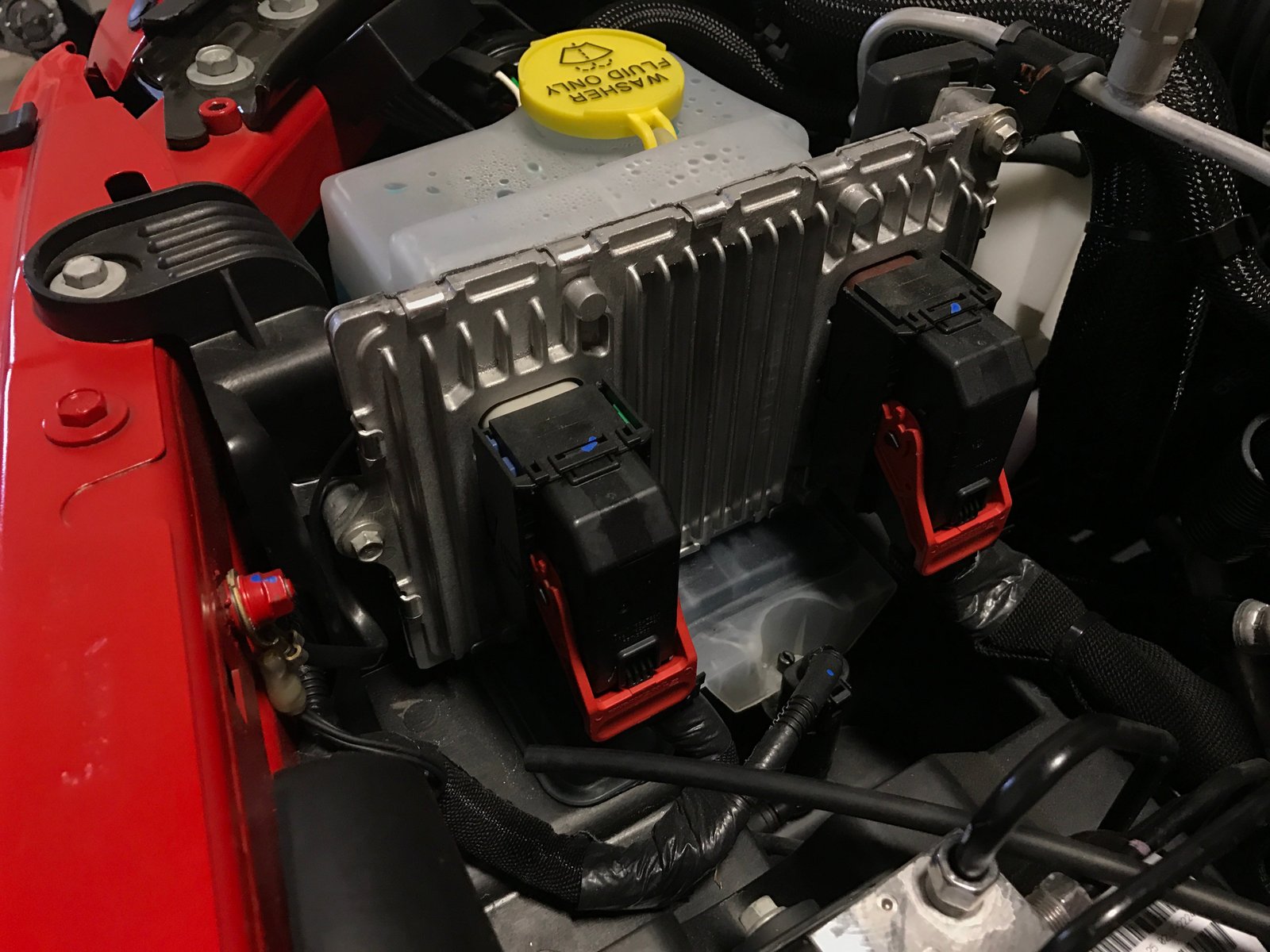
Resetting your Jeep’s computer can solve many common problems from rough engine idling to dashboard warning lights. If you’ve recently changed a sensor, replaced the battery, or your Jeep is acting strange, a computer reset may help.
But many owners aren’t sure how this works or what steps to follow.
Let’s break down the process in clear steps, with practical tips and advice, so you can confidently reset your Jeep’s computer and get back on the road.

What Is The Jeep Computer?
Your Jeep’s computer, also called the Engine Control Module (ECM) or Powertrain Control Module (PCM), controls key systems like fuel injection, ignition timing, emissions, and transmission. It constantly checks sensors and makes adjustments to keep your Jeep running smoothly. When something goes wrong, the computer stores error codes and may trigger the Check Engine Light.
A reset clears these codes and forces the computer to relearn sensor data. This is sometimes called a “hard reset” or “battery reset. ”
When Should You Reset The Jeep Computer?
Resetting the computer isn’t always the right answer. You should consider a reset if:
- You replaced a sensor or major part (like the oxygen sensor, throttle body, or battery).
- The Check Engine Light stays on after a repair.
- Your Jeep runs poorly or shows strange behavior after a fix.
- You want to clear error codes after solving the root problem.
However, resetting won’t fix mechanical faults. Always diagnose the problem first.
How To Reset Your Jeep Computer
The most common method is the battery disconnect reset. Here’s how:
- Turn off the ignition and remove the key.
- Open the hood and locate the battery.
- Use a wrench to disconnect the negative battery cable (black).
- Wait at least 15 minutes. Some experts recommend up to 30 minutes to drain any residual power.
- Reconnect the negative cable and tighten it securely.
- Start your Jeep. The computer will now reset and begin relearning settings.
Some newer models may require more time or special procedures, but this method works for most Jeeps from the early 2000s onward.
Jeep Models And Reset Compatibility
Not all Jeep computers behave the same. Here’s a quick comparison:
| Jeep Model | Year Range | Reset Method | Special Notes |
|---|---|---|---|
| Wrangler | 2000–2020 | Battery Disconnect | Simple reset; relearn throttle may be needed. |
| Grand Cherokee | 2005–2022 | Battery Disconnect | Some models need radio code after reset. |
| Compass | 2010–2021 | Battery Disconnect | Check owner’s manual for specifics. |
Step-by-step Guide: Battery Disconnect Reset
Follow these steps for a safe and effective reset:
- Gather tools: You’ll need gloves and a wrench.
- Turn off electronics: Make sure headlights, radio, and AC are off.
- Disconnect negative cable: Always remove the black cable first to avoid short circuits.
- Wait: 15–30 minutes is enough for most models.
- Reconnect cable: Attach the cable firmly.
- Start engine: Let your Jeep idle for a few minutes. It may run rough at first.
- Drive normally: Avoid hard acceleration for the first 20–30 miles. The computer will relearn fuel trims and idle.
Common Mistakes To Avoid
Many beginners make these errors:
- Disconnecting both cables: Only the negative cable is needed.
- Not waiting long enough: Short waits don’t clear memory.
- Touching cables together: This can cause sparks or damage.
- Forgetting radio codes: Some Jeeps require you to enter a code after reset.
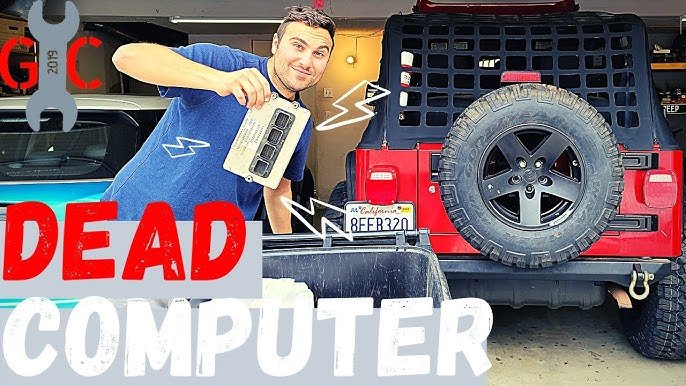
Signs That The Reset Worked
After the reset, look for these signs:
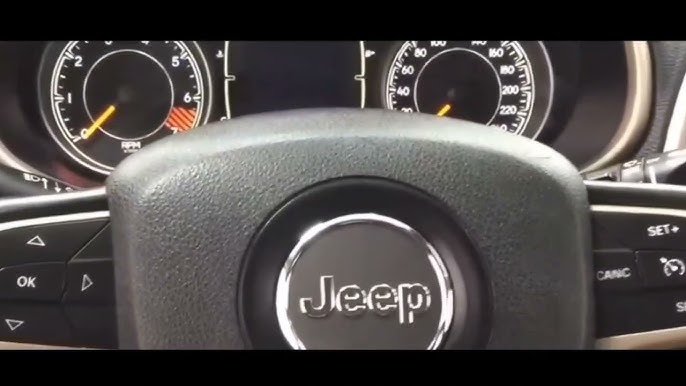
- Check Engine Light disappears (if the issue was fixed).
- Engine idles smoother after a few drives.
- Transmission shifts improve.
- No strange warning lights.
If problems persist, scan for error codes using an OBD-II tool.
Quick Data: Reset Time Vs. Effectiveness
Here’s a look at how long to wait and the expected results:
| Wait Time | Effectiveness | Notes |
|---|---|---|
| 5 minutes | Low | May not clear all codes. |
| 15 minutes | Medium | Usually clears memory. |
| 30 minutes | High | Best for full reset. |
Other Ways To Reset The Jeep Computer
While the battery disconnect is most common, there are other options:
- OBD-II scanner: Some scanners can clear codes and reset the ECM. This is quick and doesn’t affect radio or clock settings.
- Fuse pull method: Removing the ECM fuse for a few minutes may reset the computer in some models. Always check your owner’s manual first.
- Professional reset: Some dealerships use special tools to reset and reprogram the computer, especially after complex repairs.
When To Use Each Method
| Reset Method | Best For | Potential Issues |
|---|---|---|
| Battery Disconnect | General problems, sensor replacement | May lose radio/clock settings |
| OBD-II Scanner | Clearing codes only | Does not relearn all values |
| Fuse Pull | Quick resets | May not work on newer models |
Practical Tips For Jeep Owners
- Always write down radio codes and clock settings before starting.
- Use a memory saver if you want to keep settings.
- If the Check Engine Light returns after reset, check for unresolved issues.
- For newer Jeeps, consult the owner’s manual or ask a dealer about resets.
A non-obvious tip: The ECM may take several drives to fully relearn idle and fuel trim. Don’t expect instant results. Also, some emissions monitors may take up to 100 miles to reset.
Frequently Asked Questions
Can I Reset My Jeep Computer Without Disconnecting The Battery?
Yes. Using an OBD-II scanner is the safest way to clear codes without affecting radio or clock settings. Some scanners offer a full reset feature.
How Often Should I Reset My Jeep Computer?
Only after major repairs or if recommended by a mechanic. Frequent resets can delay proper diagnostics and may mask ongoing issues.
Will Resetting The Computer Fix All Engine Problems?
No. The reset only clears error codes and forces relearning.
Mechanical faults like broken sensors or wiring must be repaired first.
Is It Safe To Reset The Computer Myself?
Usually, yes. Just follow the steps carefully.
Avoid short circuits and always use the proper tools. If unsure, ask a professional.
Where Can I Find More Information About Jeep Computers?
For detailed guides and specs, visit the official Jeep website.
Resetting your Jeep computer is a simple task for most owners. If you follow the steps above, you can clear error codes and help your Jeep run better.
Always check for deeper issues before resetting, and use the right method for your model.
With patience and care, you’ll keep your Jeep running smoothly and avoid costly trips to the mechanic.