Updating your Jeep navigation system can make driving easier and safer. Accurate maps help you avoid closed roads, find new places, and save time on your trips.
Many Jeep owners do not realize their system needs regular updates to stay reliable.
This guide will walk you through each step, offer practical advice, and highlight mistakes to avoid. Whether you own a new Jeep or an older model, you will learn how to get the latest maps and features without confusion.
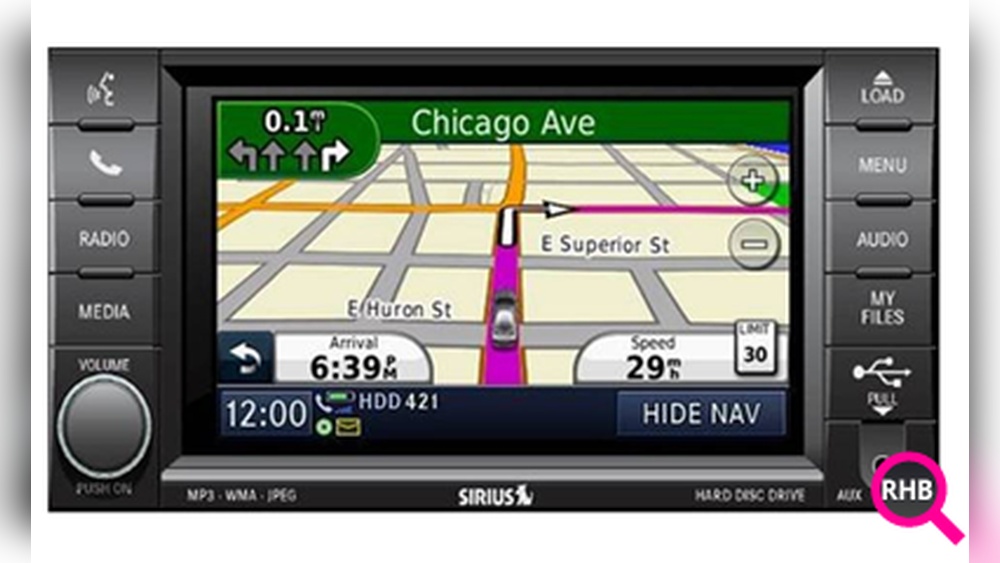
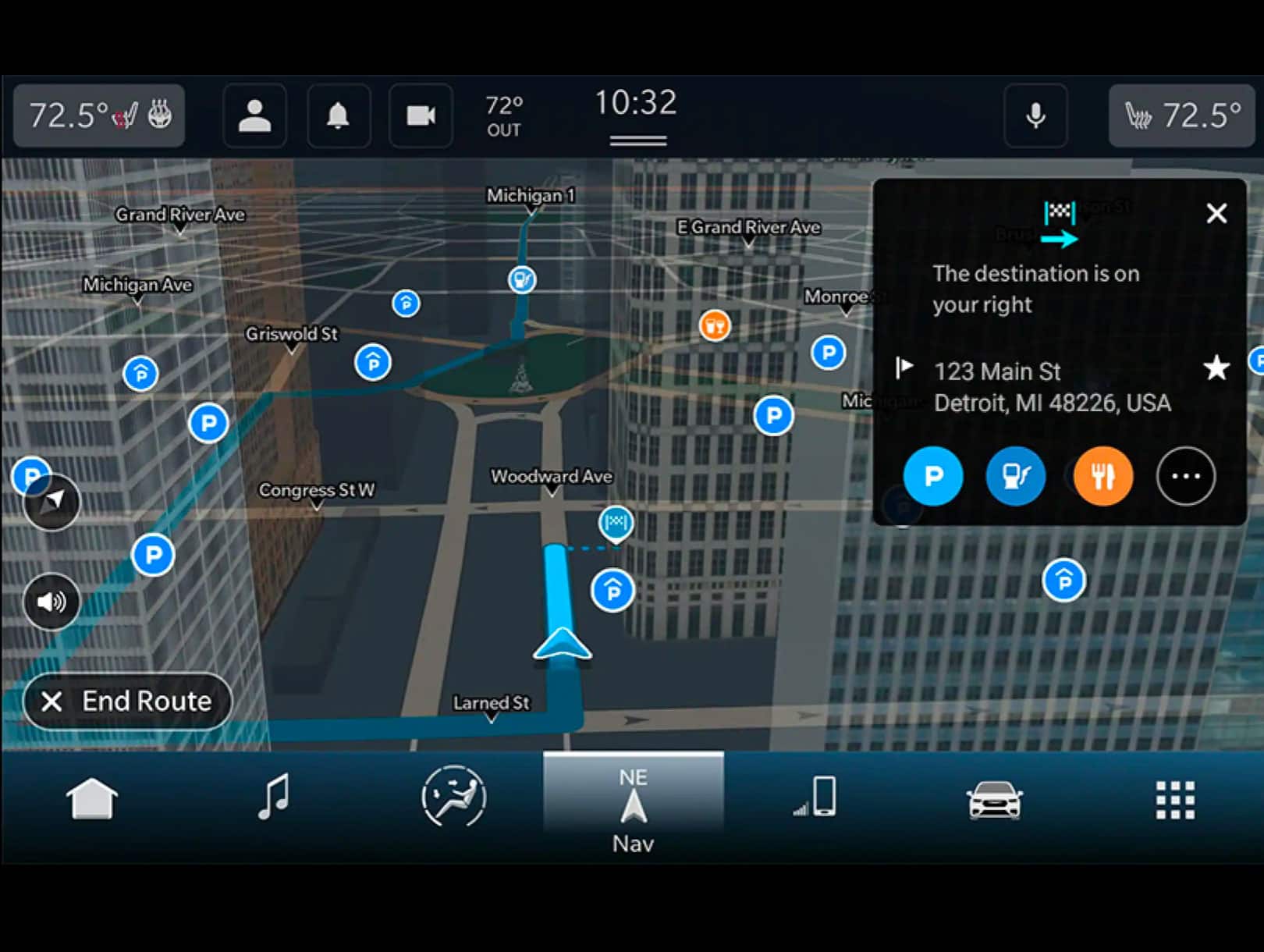
The navigation system is more than just a map. It guides you to your destination, warns you about traffic, and shows points of interest like gas stations and restaurants. Outdated maps can miss new roads, show wrong routes, or fail to alert you about recent changes.
Studies show that over 30% of navigation errors are caused by outdated mapping data. For example, in 2022, Jeep owners reported missing exits and wrong directions due to old map files. Updating your system reduces these risks and improves driving efficiency.
Jeep uses several navigation systems depending on the model and year. Before updating, identify which system your Jeep has.
| System Name | Common Models | Update Method |
|---|---|---|
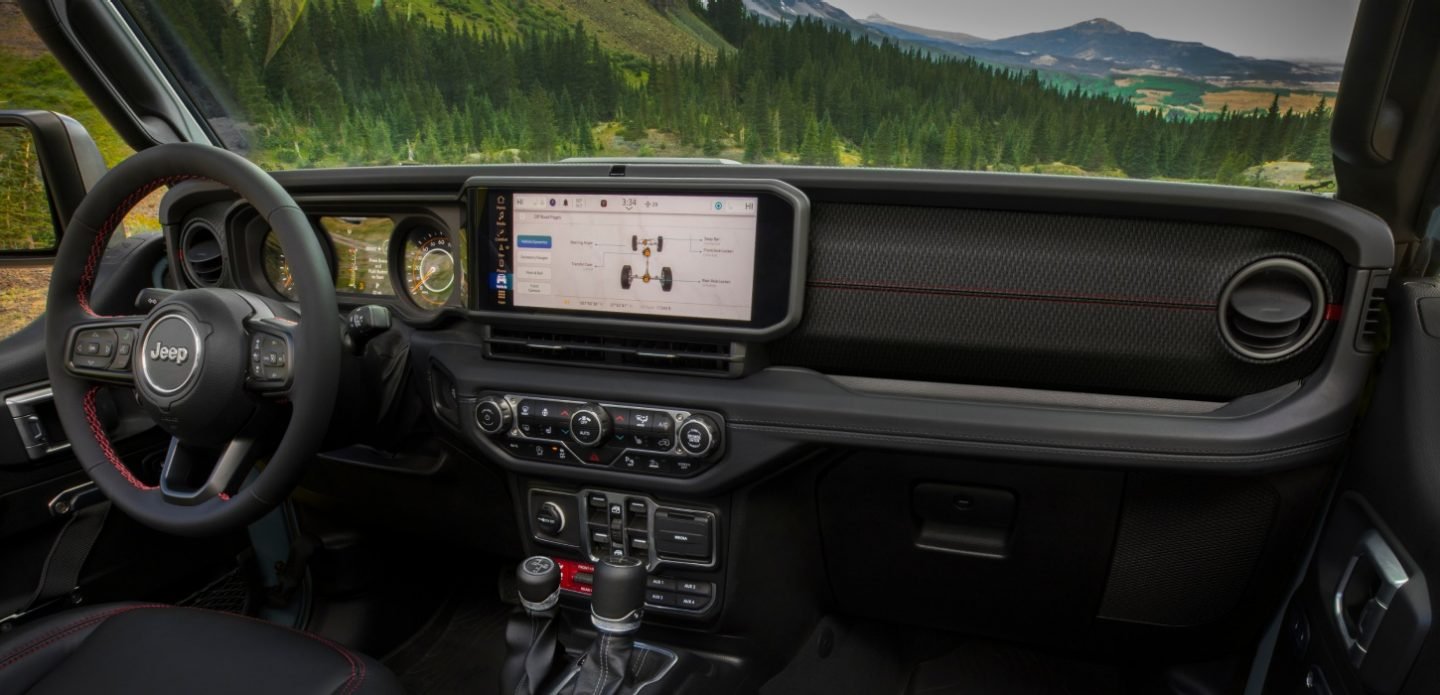
| Uconnect 4/4C NAV | Wrangler, Grand Cherokee (2017+) | USB or online |
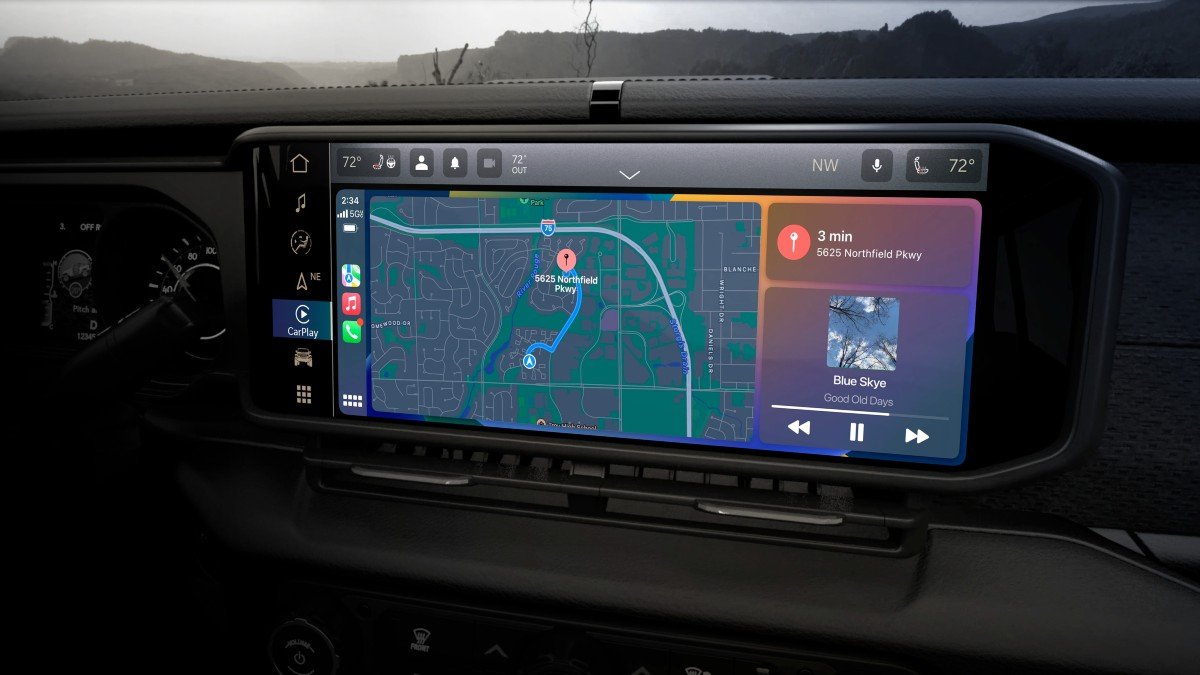
| Uconnect 5 NAV | Newer models (2021+) | Over-the-air |
| MyGIG | Older models (pre-2014) | DVD or USB |
Knowing your system ensures you choose the correct update process and avoid wasting time.
The update process depends on your Jeep’s navigation system. Here’s a breakdown for the most common types.
- Check your current map version: Go to Settings > System Information on your Jeep’s screen.
- Visit the official Jeep map update site: Most updates are offered by HERE or Uconnect. Enter your VIN to check for available updates.
- Download the update: Use your computer to download the map update file onto a USB drive.
- Insert the USB drive into your Jeep: Follow the on-screen instructions to begin the update. The process takes about 30–60 minutes.
- Wait for completion: Do not turn off the vehicle or remove the USB until finished.
- Connect your Jeep to Wi-Fi: Updates are available over-the-air for Uconnect 5.
- Go to Settings > System Updates: Your Jeep will check for available map and software updates.
- Download and install: Follow prompts. The update usually takes less than 20 minutes.
- Restart the system: After installation, restart your Jeep to ensure all changes are applied.
Mygig (older Models)
- Purchase an update DVD or USB: These are available from Jeep dealers or authorized sellers.
- Insert DVD/USB into the system: The unit will prompt you to start the update.
- Follow instructions: Wait until the update is complete. This can take up to an hour.
Comparing Update Methods
Not all update methods are equal. Here’s a comparison to help you decide which is best for your Jeep:
| Method | Speed | Cost | Ease of Use |
|---|---|---|---|
| USB Download | Medium (30–60 min) | Usually $120–$150 | Moderate |
| Over-the-Air (OTA) | Fast (10–20 min) | Often free | Easy |
| DVD | Slow (up to 1 hour) | $100–$200 | Requires dealer support |
For most owners, OTA updates are fastest and simplest. USB is common for older systems. DVD updates are rare and best handled by a dealer.
Common Mistakes To Avoid
Many Jeep owners face issues during navigation updates. Here are mistakes to watch for:
- Using the wrong update file: Always match your VIN and system model before downloading.
- Not backing up settings: Updates may reset preferences or saved locations.
- Interrupting the update: Turning off the Jeep or removing media during the update can corrupt the system.
- Ignoring Wi-Fi connection quality: OTA updates need stable Wi-Fi. Poor signal may cause incomplete updates.
- Skipping software updates: Sometimes, map updates require the latest system software.
Tips For A Smooth Update
- Use a high-quality USB drive (at least 8GB) for USB updates.
- Keep your Jeep running during updates to avoid power loss.
- Schedule updates when you have time—do not rush.
- Save favorite locations before updating, as some updates may erase them.
- If unsure, ask your dealer or check the Jeep owner’s forum for guidance.
When Should You Update?
Experts recommend updating your navigation system once a year or when you notice incorrect directions. Some regions change faster than others, especially urban areas. If you travel often or drive in new places, more frequent updates may be helpful.
Where To Find Official Updates
The best source for updates is the official Jeep website or the Uconnect portal. Avoid unofficial sites, as files may be outdated or cause system errors. For more details and VIN checks, visit Jeep Uconnect.
Frequently Asked Questions
Check your Jeep’s manual or go to Settings > System Information on your screen. The type (Uconnect, MyGIG, etc. ) Will be listed.
Yes, most updates can be done by owners. Follow the steps above and use official files. For older models, dealer support may help.
USB or DVD updates cost $100 $200. Over-the-air updates (Uconnect 5) are often free if your vehicle supports them.
Will Updating Maps Erase My Saved Locations?
Some updates reset system settings or erase favorites. Backup your locations before updating to avoid losing important data.
Is It Safe To Use Third-party Map Files?
No. Unofficial files can damage your system or contain errors.
Always use official sources like Jeep or Uconnect.
Updating your Jeep navigation system is simple when you follow the right steps. Accurate maps help you drive confidently and avoid costly mistakes.
With regular updates, your Jeep will always guide you safely to your destination.