If you’ve ever parked your Jeep Grand Cherokee and noticed the parking lights stayed on, you’re not alone. Many drivers find this confusing, especially if they worry about draining the battery. Whether you’re a new owner or switching from another vehicle, understanding how to turn off parking lights is important for car safety and battery life. This guide will show you clear steps, explain common mistakes, and give you confidence to handle this simple task.
What Are Parking Lights And Why Turn Them Off?
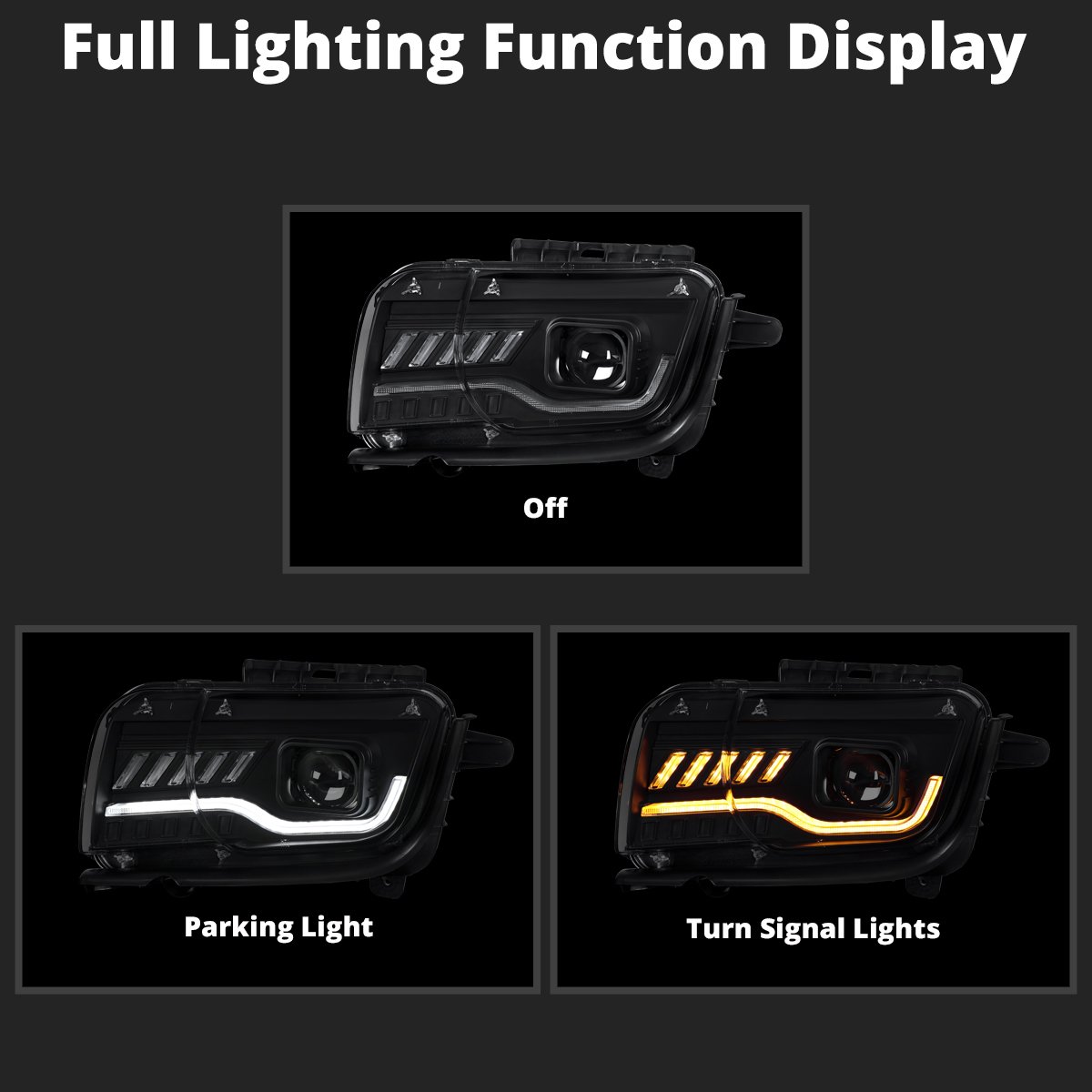
Parking lights are small, low-intensity lights located at the front and rear of your car. Their main purpose is to make your vehicle visible when parked in dark or low-light areas.
They are not as bright as headlights but help other drivers see your car.
Leaving them on accidentally can drain your battery, especially overnight.
Many Jeep Grand Cherokee models use automatic lighting systems, but sometimes manual control is necessary. Knowing how to switch them off can save you from a dead battery and unnecessary stress.
How To Turn Off Parking Lights On A Jeep Grand Cherokee
Turning off the parking lights depends on your Jeep’s model year and trim. Still, most models from 2011 to present use a similar process.
1. Locate The Light Control Switch
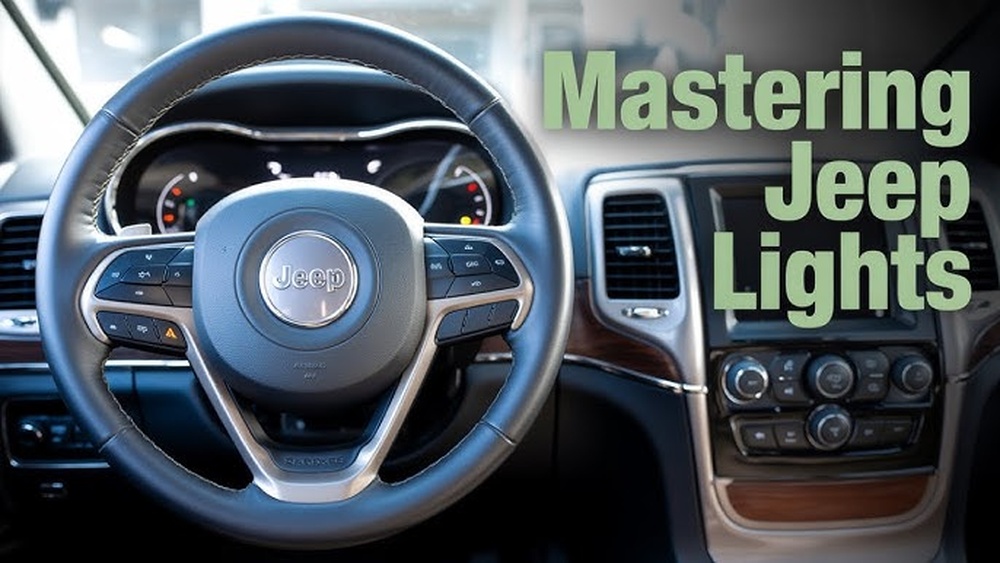
The light control switch is usually on the left side of the steering wheel, either as a dial or a stalk.
2. Check The Settings
The switch typically has these positions:
- O (Off)
- AUTO
- Parking Lights (a symbol with two small beams)
- Headlights (a larger beam symbol)
- Switch to “Off” or “AUTO”
To turn off the parking lights, rotate the dial to “O” (Off) or “AUTO. ” In “AUTO,” the car’s sensors control the lights, turning them off when not needed.
4. Confirm The Lights Are Off
Step outside and check the front and rear lights. The parking lights should no longer be glowing.
Quick Comparison: Manual Vs. Automatic Lighting
Here’s how manual and automatic lighting systems differ on the Jeep Grand Cherokee:
| Feature | Manual Control | Automatic Control |
|---|---|---|
| User Action Needed | Yes | No (sensor-based) |
| Battery Drain Risk | Higher | Lower |
| Customizable | Yes | Limited |
Special Cases: When Parking Lights Stay On
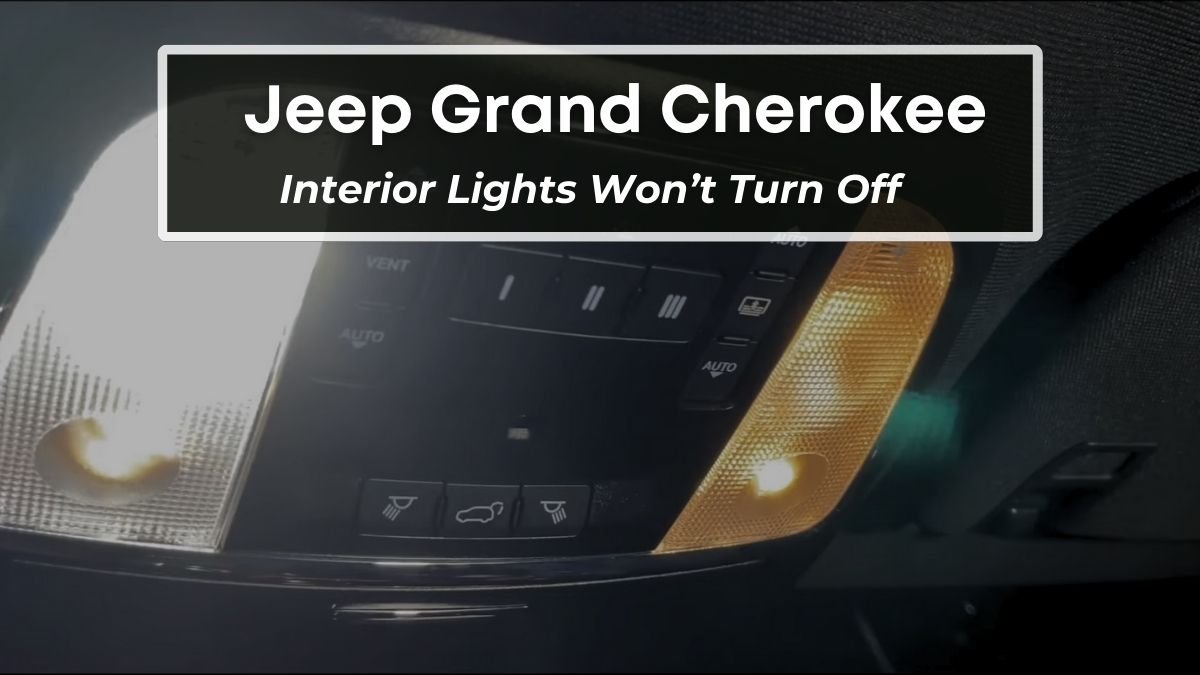
Sometimes, the parking lights stay on even after you switch them off. This can happen for a few reasons:
- Light switch not fully in “Off”
Slight misalignment can keep lights powered.
- Delayed “Follow-Me-Home” Feature
Some Grand Cherokees keep lights on for 30 90 seconds after you lock the doors.
- Electrical or software fault
Rare, but possible, especially on older vehicles.
If the lights remain on for more than a few minutes after turning off the engine and locking the car, check your owner’s manual or visit a trusted mechanic.
Step-by-step: Turning Off Parking Lights For Different Model Years
Some differences exist between older and newer Jeep Grand Cherokees. Here’s a simple breakdown:
| Model Year | Light Switch Type | Off Procedure |
|---|---|---|
| 2011–2020 | Rotary Dial | Turn dial to “O” or “AUTO” |
| 2021–Present | Electronic Switch | Press or tap “Off” or select “AUTO” |
| Pre-2011 | Stalk Lever | Push stalk to “Off” |
Tip: If you’re unsure, look for a small indicator light on your dashboard. If it’s still glowing, the parking lights are likely on.
Common Mistakes And How To Avoid Them
Drivers often overlook these details:
1. Leaving The Switch In “parking Light” Mode
The symbol for parking lights looks similar to the “AUTO” symbol. Double-check the dial.
2. Relying Only On “auto” Mode In All Conditions
Heavy fog, garages, or low sunlight can confuse sensors. Manual check is safer.
3. Not Waiting For “follow-me-home” Delay
If your lights don’t turn off instantly, wait a minute before worrying.
4. Ignoring Warning Chimes Or Dashboard Indicators
Most Grand Cherokees sound a chime or show a symbol if lights are left on.
Non-obvious insight: Sometimes, a sticky light switch or a software update can cause parking lights to stay on. If you notice this happening often, consider having your dealer check for updates.
When To Seek Professional Help
If you’ve tried the steps above and your parking lights won’t turn off, it may point to a deeper issue:
- Electrical short in the wiring
- Faulty light switch
- Software glitch in the Body Control Module (BCM)
In rare cases, disconnecting the battery may reset the system, but this is not recommended for beginners. A certified Jeep mechanic can diagnose and fix these problems quickly.
Why Turning Off Parking Lights Matters
Draining your battery is the main risk. Modern car batteries can lose charge fast if lights are left on.
A weak battery can leave you stranded, especially in cold weather.
Another reason is road safety. Parking lights are designed to be used only when necessary. In some areas, leaving them on when not needed can even result in a traffic fine.
Smart Tips For Forgetful Drivers
If you often forget to turn off your parking lights, try these strategies:
- Park in well-lit areas so you don’t need parking lights as often.
- Set a reminder on your phone.
- Use “AUTO” mode if your Jeep has it.
- Check lights before leaving the car, especially when in a rush.
Pro tip: Some Grand Cherokee models allow you to adjust light settings using the Uconnect system. Explore your car’s touchscreen menu for extra customization.

Useful Resources
For more details, your best resource is the official Jeep owner’s manual. If you don’t have a paper copy, you can find digital manuals and updates at the Jeep official site.
Frequently Asked Questions
Why Do My Jeep Grand Cherokee Parking Lights Stay On After Turning Off The Engine?
This is usually due to the “Follow-Me-Home” feature, a switch left in the wrong position, or sometimes a software delay. If lights stay on for more than 2 3 minutes, check your settings or consult a mechanic.
Can Leaving Parking Lights On Drain My Battery?
Yes, even though parking lights use less power than headlights, they can drain the battery if left on for hours. Modern batteries recover quickly, but overnight use can cause problems.
How Can I Tell If My Parking Lights Are Still On?
Look for small amber or white lights at the front and rear corners of your vehicle. Most dashboards also show a parking light indicator.
Is There A Way To Turn Off Parking Lights From The Jeep Grand Cherokee Touchscreen?
Some newer models let you customize lighting features from the Uconnect touchscreen. Check the lighting settings menu or consult your owner’s manual.
What Should I Do If The Parking Lights Won’t Turn Off Even After Following Instructions?
If all steps fail, there may be a wiring or software issue. Visit a certified Jeep service center for a full diagnosis and repair.
Turning off parking lights on your Jeep Grand Cherokee is simple once you know where to look and what to check. Mastering this small skill protects your battery and keeps your car safe.
With these steps and tips, you’ll never be caught off guard again.



















