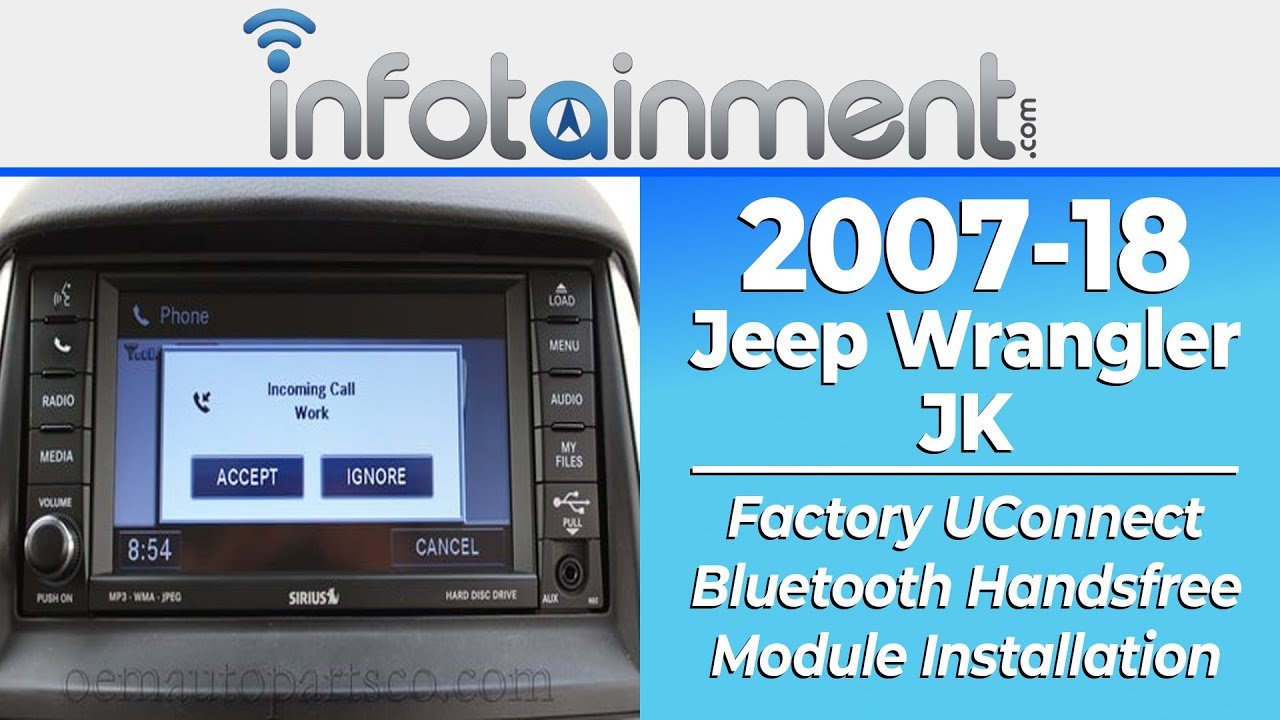
Setting up Uconnect in your Jeep Wrangler can transform your driving experience. This smart system connects your smartphone, gives access to music, navigation, and keeps you safer on the road.
Many Jeep owners want the best from Uconnect but feel unsure about the setup. The good news?
It’s simple if you follow the right steps.
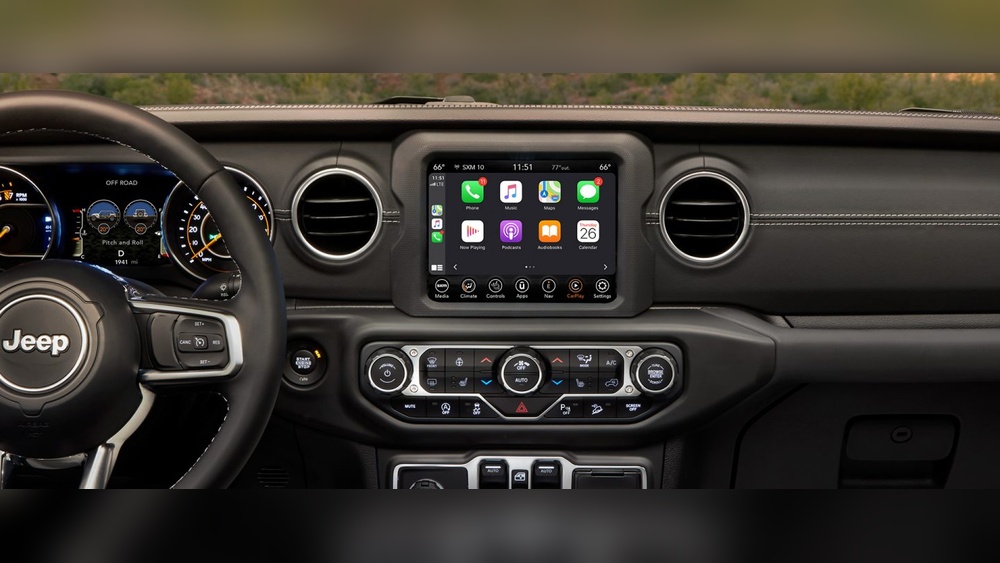
This guide explains how to set up Uconnect in your Jeep Wrangler, covering both basics and helpful tips many people overlook. Whether your Jeep is new or you just want to use Uconnect features, you’ll find clear steps below.
What Is Uconnect?
Uconnect is Jeep’s infotainment system. It combines navigation, communication, and entertainment in one touchscreen. You can use voice commands, connect your phone with Bluetooth, and even use apps like Apple CarPlay and Android Auto. Uconnect also lets you control climate and other car settings without distractions.
What You Need Before Starting
Before you set up Uconnect, make sure you have:
- Your Jeep Wrangler key fob
- A compatible smartphone (iPhone or Android)
- The latest version of the Uconnect app (free from App Store or Google Play)
- A strong cellular or Wi-Fi connection
- Your vehicle parked safely
Some features depend on your Wrangler’s Uconnect version. Check your owner’s manual or the system’s “About” section.
Quick Uconnect Version Comparison
Here’s a look at common Uconnect versions in Jeep Wranglers:
| Uconnect Version | Screen Size | Key Features |
|---|---|---|
| Uconnect 3 | 5-inch | Basic Bluetooth, AM/FM, Voice Command |
| Uconnect 4 | 7-inch/8.4-inch | Apple CarPlay, Android Auto, Enhanced Navigation |
| Uconnect 5 | 7-inch/8.4-inch | Faster Performance, Alexa, Personal Profiles |
Step-by-step: Setting Up Uconnect In Jeep Wrangler
1. Turn On Your Wrangler And Uconnect System
Start your Jeep and wait for the Uconnect screen to load. Most Wranglers show the Uconnect logo and then the home menu.
2. Pairing Your Smartphone
- On the Uconnect screen, tap Phone.
- Select Pair Device or Add Device.
- On your smartphone, enable Bluetooth and search for new devices.
- Choose your Jeep’s Uconnect from the phone’s list.
- Confirm the pairing code matches on both screens.
- Accept any requests for contacts and messages on your phone.
Your phone is now linked. You can make hands-free calls and stream music.
3. Connecting Apple Carplay Or Android Auto
If your Wrangler supports these features:
- Plug your phone into the Jeep’s USB port.
- On the Uconnect screen, select Apple CarPlay or Android Auto.
- Follow prompts to allow access on your phone.
Now you can use maps, music, and messaging apps on the Uconnect screen.
4. Setting Up The Uconnect App
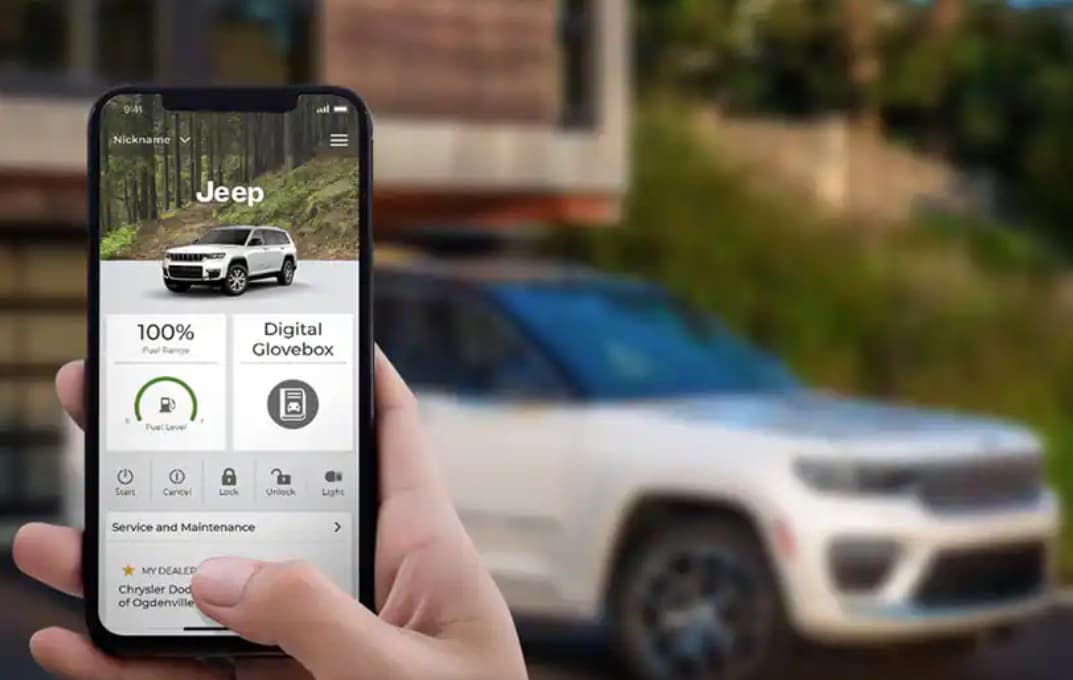
The Uconnect app lets you control your Wrangler remotely (lock/unlock, start engine, find vehicle):
- Download the app from the App Store or Google Play.
- Register and create a Uconnect account.
- Add your Jeep’s VIN (Vehicle Identification Number).
- Follow on-screen steps to link your Jeep.
Some remote services may need a paid subscription after a trial.
5. Exploring Extra Features
Uconnect offers more than basic functions. You can:
- Set favorite radio stations.
- Adjust climate settings from the screen.
- Use built-in navigation (in higher trims).
- Check vehicle health (oil life, tire pressure).
Many drivers miss these options. Explore the menus to customize your Wrangler.
Common Problems And Solutions
Even with simple steps, some users face issues. Here’s a look at frequent problems and fixes:
| Problem | Solution |
|---|---|
| Bluetooth won’t connect | Restart phone and Uconnect, delete old pairings, try again |
| Apple CarPlay/Android Auto not working | Use original USB cable, update phone and Uconnect software |
| Uconnect app fails to link vehicle | Double-check VIN, ensure mobile data is on, reinstall app if needed |
| No sound or audio issues | Check volume, source, and Bluetooth settings |
Useful Tips Most Owners Miss
- Update Uconnect software regularly. Jeep releases updates for better performance and new features. Visit a dealer or use a USB stick if your model supports it.
- Set up multiple driver profiles. Uconnect can remember seat and mirror settings for each driver.
- Enable “Do Not Disturb” mode during calls or when you want fewer distractions.
- Try voice commands for navigation and music to keep hands on the wheel.
Uconnect Services And Subscriptions
Some Uconnect features are free, like Bluetooth and basic radio. Others, such as remote start or navigation traffic updates, may need a subscription.
Check your Jeep’s trial period and what’s included.
Here’s a quick comparison of popular Uconnect services:
| Service | Free Period | Requires Subscription? |
|---|---|---|
| Basic Navigation | Lifetime | No |
| Remote Start via App | 1 Year | Yes |
| Vehicle Health Reports | 5 Years | No |
| Traffic & Weather Updates | Trial (varies) | Yes |
Always check the official Jeep Uconnect site for current pricing and features. For more details, visit the Jeep Uconnect official page.
Safety And Privacy Reminders
Uconnect collects some vehicle and location data to improve services. Review privacy options in the app and system settings.
Always use voice controls or set up routes when parked to avoid distractions.
Frequently Asked Questions
How Do I Reset My Uconnect System?
Hold the volume and tuner knobs together for 10-20 seconds until the screen goes black. The system will reboot. This solves many minor glitches.
Can I Use Uconnect Without A Smartphone?
Yes, but you’ll miss features like hands-free texting, some navigation apps, and remote controls. Basic radio and climate settings will still work.
How Do I Update My Uconnect Software?
Some updates happen automatically at the dealer. For some models, you can download updates from Jeep’s website to a USB stick and install them yourself.
Is Uconnect Free?
Many basic functions are free. Remote services and advanced navigation may need a subscription after a trial period.
My Phone Won’t Connect To Uconnect. What Should I Do?
Delete the pairing on both your phone and Uconnect, restart both devices, and try pairing again. If problems continue, check for software updates or try a different phone.
Setting up Uconnect in your Jeep Wrangler doesn’t have to be stressful. With these steps, you’ll enjoy safer, smarter, and more entertaining drives.
Explore the menus and settings Uconnect is designed to make every trip more enjoyable.