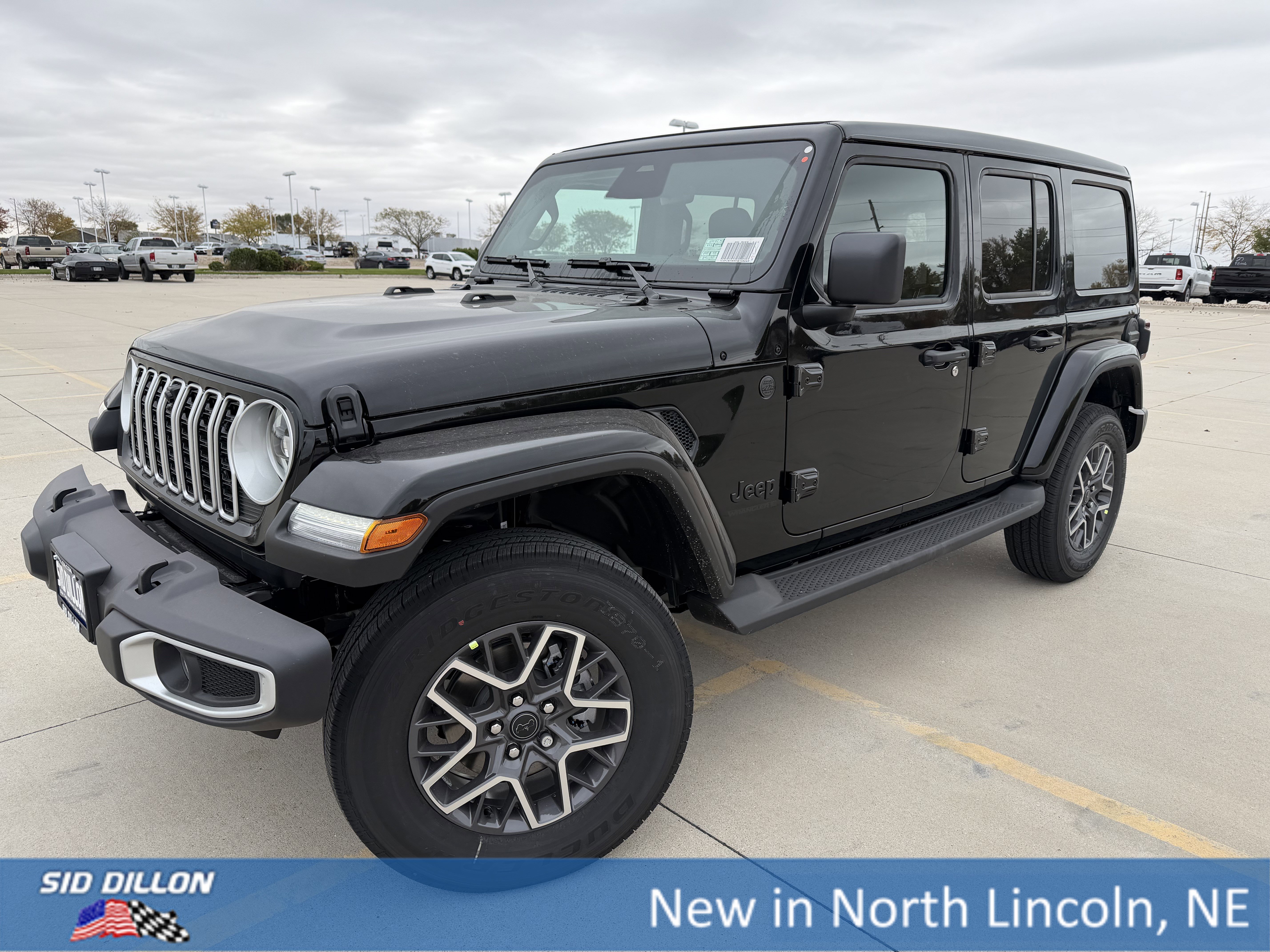
Setting the clock in your Jeep Wrangler might seem like a small detail, but it’s important for keeping your routines on track.
Whether you’re heading out for a road trip or just commuting, having the right time displayed helps you stay organized and avoid confusion.
Many drivers find adjusting the clock confusing, especially when dealing with different Jeep Wrangler models. This guide will help you set the clock easily, no matter which Wrangler you drive.
Why Setting The Clock Matters
Having the correct time in your vehicle is more than just convenience. It supports navigation systems, helps you track your trips, and keeps you punctual. In some cases, a wrong clock can even interfere with scheduled maintenance reminders or Bluetooth syncing. Keeping your clock accurate is a small but important part of owning a Jeep Wrangler.
Understanding Jeep Wrangler Clock Systems
Jeep Wrangler models have evolved over the years, and so have their clock settings. Some use basic digital displays, while others rely on touchscreens with advanced features.
The method you use will depend on your Wrangler’s year and technology package.
Here’s a quick comparison of common Jeep Wrangler clock systems:
| Model Year | Display Type | Clock Setting Method |
|---|---|---|
| 2007–2010 | Basic Digital | Manual Buttons |
| 2011–2017 | Uconnect 130/430 | Button/Touchscreen |
| 2018–Present | Uconnect 4/4C | Touchscreen Only |

Step-by-step: How To Set Clock On Jeep Wrangler
The process to set the clock changes based on your Wrangler’s age and features. Below, you’ll find the right instructions for each generation.
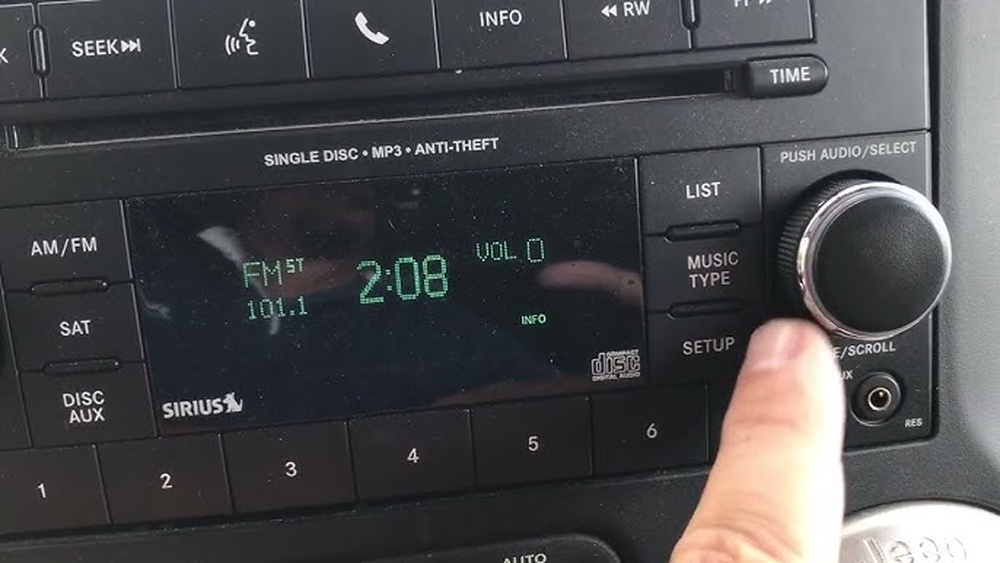
For 2007–2010 Jeep Wranglers
- Turn the ignition to ON (you don’t need to start the engine).
- Locate the clock button (usually marked “Time” or “Clock”).
- Press and hold the clock button until the hour starts blinking.
- Use the TUNE knob to adjust the hour.
- Press the clock button again to switch to minutes.
- Adjust minutes with the TUNE knob.
- Press the clock button a final time to confirm.
Tip: If you accidentally skip a step, start over by pressing and holding the clock button again.
For 2011–2017 Jeep Wranglers (uconnect 130 Or 430)
- Turn your key to the ON position.
- Press the Menu button on your stereo.
- Select Clock or Time Setup.
- Use the touchscreen or arrow buttons to adjust the hour and minute.
- Save settings by pressing Set or Done.
For 2018–present Jeep Wranglers (uconnect 4 Or 4c)
- Start your Jeep or turn on the accessory power.
- Tap the Settings icon on the touchscreen.
- Select Clock & Date.
- Choose Set Time.
- Adjust the hour and minutes using the plus (+) and minus (–) icons.
- Tap Save or Back to confirm.
Non-obvious insight: Some new Wranglers offer an Automatic Time Update via GPS. Make sure “Sync with GPS” is enabled for automatic clock correction.
Common Issues And Fixes
Sometimes, the clock may not update or might keep resetting. Here’s what to look out for:
- Clock resets after turning off the car: This can mean a weak car battery.
- Time won’t change: Try updating your infotainment system firmware.
- AM/PM confusion: Double-check if your system uses 12-hour or 24-hour format.
Here’s a quick reference for troubleshooting:
| Problem | Likely Cause | Solution |
|---|---|---|
| Clock keeps resetting | Battery issue | Check or replace battery |
| Time won’t adjust | Software glitch | Restart system/update software |
| Incorrect AM/PM | Wrong format | Switch 12/24-hour mode |
Extra Tips For Easy Clock Management
- Daylight Saving Time: Most modern systems can adjust automatically if GPS sync is enabled.
- Manual override: If auto-sync fails, you can always set the time manually using the steps above.
- Battery disconnect: After changing your battery, remember to check and reset your clock.
- Software updates: Regularly check for Uconnect or system updates. Updates can fix time sync bugs or add new features.
Beginner mistake: Many drivers forget to confirm their time changes. Always press “Save” or “Done” before exiting the menu, or your changes won’t stick.
When To Seek Professional Help
If you follow these steps but your clock still doesn’t work, you might have a deeper electrical issue. Problems with the infotainment unit or battery wiring can affect the clock. In these cases, it’s best to visit a certified Jeep technician or your local dealership for diagnosis.
Useful Resources
For more details on Jeep Wrangler features and technology, check the official Jeep website. It offers user manuals and support for all recent models.
Frequently Asked Questions
How Do I Know Which Uconnect System My Jeep Wrangler Has?
Check your owner’s manual or look at the display’s startup screen. The model name, like Uconnect 130, 430, 4, or 4C, usually shows briefly when you turn on the system.
Can I Set The Clock While Driving?
For safety, most Jeep Wranglers lock out clock settings while in motion. It’s best to adjust the time when parked.
Why Does My Clock Keep Resetting Every Time I Start The Jeep?
This often means your Jeep’s battery is weak or there’s a loose connection. Have your battery checked and make sure all wiring to the infotainment unit is secure.
How Can I Switch Between 12-hour And 24-hour Time Format?
Most Uconnect systems allow you to change the time format. Go to the Clock & Date settings and select your preferred display.
Is There A Way To Sync My Clock With My Phone?
While Uconnect systems can sync contacts and media, clock sync is usually handled through GPS, not your phone. Enable Sync with GPS in your clock settings for the most accurate time.
Setting the clock on your Jeep Wrangler is simple once you know the right steps for your model. These small adjustments can make your daily drives smoother and more organized.
Remember to check your clock after any battery work or software update, and don’t hesitate to ask for help if you run into problems.
With a little attention, you’ll keep your Jeep running right on time.