If your Jeep radio isn’t working as it should maybe the screen is frozen, the sound is gone, or presets are missing knowing how to reset it can save you time and money.
Jeep radios, especially the popular Uconnect system, can have glitches after battery changes, software updates, or just from daily use.
A reset is often the fastest way to fix these problems, and you don’t need to be a mechanic to do it.
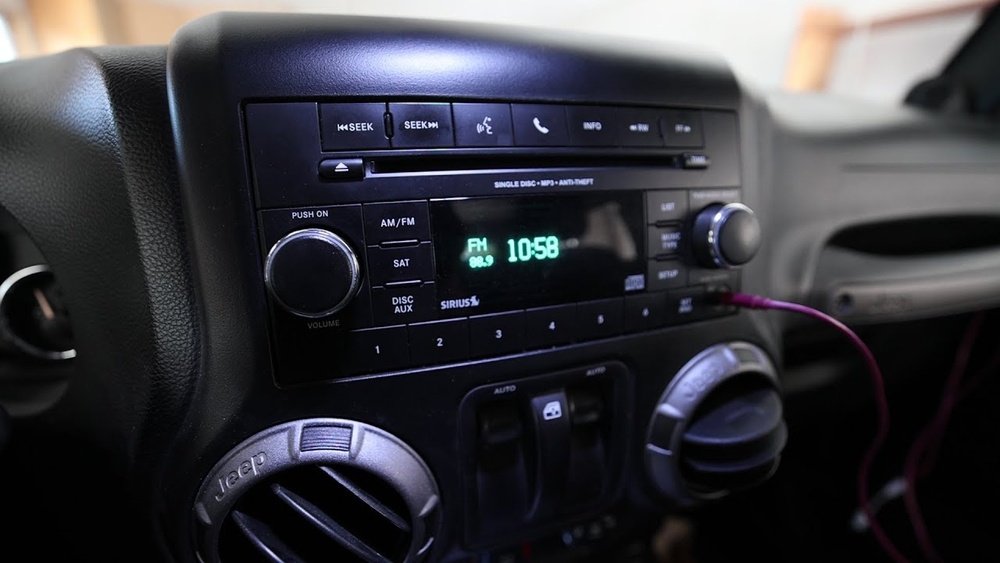
This guide will walk you through different ways to reset your Jeep radio, explain when you should reset it, and cover what you can expect during the process. You’ll also learn about common mistakes and get answers to questions Jeep owners often ask.
Common Reasons To Reset Your Jeep Radio
Understanding why you might need a reset can help you spot issues early. Here are the most common reasons:
- Frozen or unresponsive screen: The radio does not react to touch or button commands.
- Bluetooth or connectivity issues: Devices won’t pair, or calls/music don’t work.
- Audio problems: No sound, static, or distorted audio.
- Navigation glitches: Maps freeze, routes do not update.
- After a battery change: Settings may be lost or system may not turn on.
- Software bugs: New updates can sometimes cause problems.
If you notice any of these symptoms, a reset is usually a good first step.
Quick Vs. Full Jeep Radio Reset
Not all resets are the same. The method you choose depends on your radio model and the problem you’re facing.
| Reset Type | What It Does | When To Use |
|---|---|---|
| Soft Reset | Restarts the radio without deleting personal data | Frozen screen, minor glitches |
| Factory Reset | Restores original settings, erases all user data | Major software errors, selling vehicle |
Most issues are solved by a soft reset, but sometimes a factory reset is needed for deeper problems.
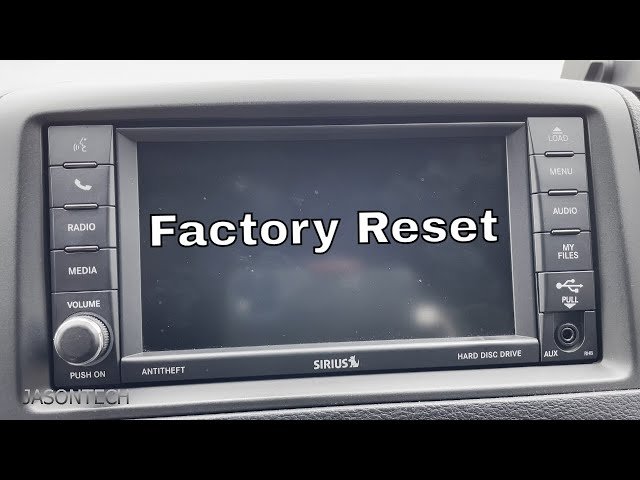
How To Soft Reset Your Jeep Radio
The soft reset process is safe and doesn’t delete saved stations or Bluetooth settings. Here’s how to do it on most Jeep models with Uconnect radios:
- Turn the ignition to “Run” (engine on or just accessories).
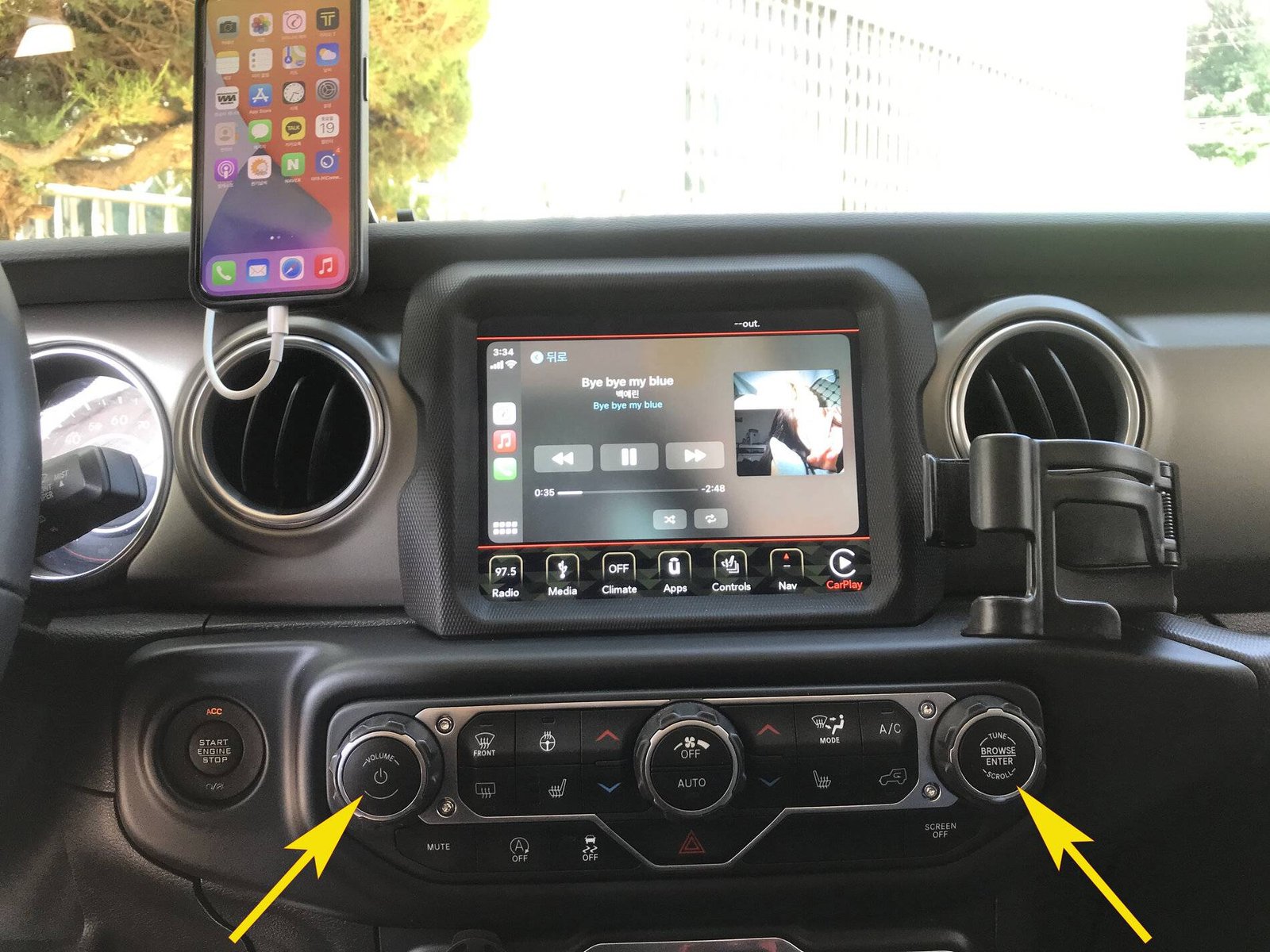
- Press and hold the Volume and Tuning knobs at the same time.
- Keep holding for 10-20 seconds until the screen goes dark and then turns back on.
- Release the knobs when the Jeep logo appears.
You’ll know the reset worked if the radio restarts and the screen returns to normal. If the problem remains, try the process again or move to a factory reset.
Example: 2018 Jeep Grand Cherokee Uconnect Reset
Let’s look at a specific example. In a 2018 Jeep Grand Cherokee:
- With the vehicle in “Run,” press and hold both the Volume and Browse/Enter buttons.
- Hold for at least 10 seconds.
- The screen will go black, then the system will reboot.
This method works for many recent models, but always check your owner’s manual if you’re unsure.
How To Factory Reset Your Jeep Radio
A factory reset will erase all your settings, including paired phones, saved stations, and navigation history. Use it only when a soft reset doesn’t fix the issue.
Steps for factory reset (Uconnect systems):
- Turn on the ignition so the radio is powered.
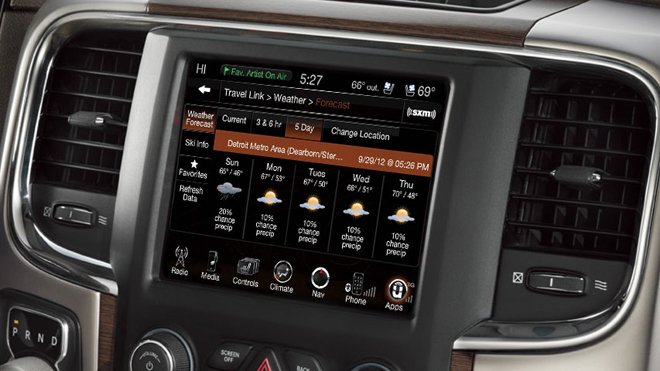
- Go to the radio’s Settings menu using the touchscreen.
- Find “System Information” or “Reset” option (wording may differ).
- Select “Restore Settings to Factory Defaults” or similar.
- Confirm your choice. The system will erase all personal data and reboot.
For older models without a touchscreen, there may be a small reset button you need to press with a pen.
| Model Year | Reset Button Location | Touchscreen? |
|---|---|---|
| 2014-2017 | Behind volume knob (small pinhole) | No |
| 2018-2022 | Via Settings menu | Yes |
What To Expect After Resetting
After a reset, your radio may take a minute to restart. You might notice:
- Loss of presets (only with factory reset)
- Unpaired Bluetooth devices
- Time and date reset
- Navigation needs setup again
A soft reset, however, should keep most of your settings.
Tips For A Successful Reset
- Wait 2-3 minutes after the reset before using the radio.
- Keep the car running during the process to avoid power loss.
- Don’t press extra buttons while holding the reset combination.
- Check for software updates after resetting. Sometimes, a firmware update can fix repeated issues.
Many owners forget to check for updates, but this step can prevent future problems.
When A Reset Doesn’t Work
If your radio still doesn’t function correctly after a reset, there may be a deeper problem like a faulty fuse, wiring issue, or a failed radio module. In this case:
- Check the vehicle’s fuse box
- Inspect all connectors at the back of the radio
- Visit an authorized Jeep dealer or audio specialist
Ignoring these issues can sometimes cause battery drain or affect other electronics.
Comparing Jeep Radio Reset Methods
It’s helpful to see the main differences between soft and factory resets:
| Feature | Soft Reset | Factory Reset |
|---|---|---|
| Erases personal data | No | Yes |
| Solves most minor bugs | Yes | Yes |
| Time to complete | Under 1 minute | 3–5 minutes |
| Recommended for first try | Yes | No |
Frequently Asked Questions
How Do I Know If My Jeep Radio Needs A Reset?
If the screen freezes, audio stops working, or Bluetooth fails, a reset is a good first step. After a battery replacement, you may also need to reset the radio.
Will Resetting My Jeep Radio Delete My Music Or Maps?
A soft reset does not erase personal data. A factory reset will remove all paired devices, saved stations, and navigation history. Backup important info before a factory reset.
What Should I Do If My Radio Is Still Not Working After A Reset?
Check the fuse box and all wiring connections. If you still have issues, visit a Jeep dealer or experienced audio technician. Sometimes, the radio hardware itself needs repair.
Can I Reset My Jeep Radio Without The Manual?
Yes. Most soft resets use the Volume and Tuning knob method or a Settings menu option. For older radios, look for a pinhole reset button. If in doubt, check the Jeep owner’s website or a trusted guide like Jeep Official Owners Site.
Is Resetting The Radio Safe For My Jeep’s Electronics?
Yes, both soft and factory resets are designed by Jeep engineers and are safe. Just keep the ignition on, and don’t interrupt the process.
Resetting your Jeep radio is usually quick and easy. With these steps, you can restore sound, fix bugs, and enjoy driving again.
If problems continue after a reset, professional help is the safest choice.



















