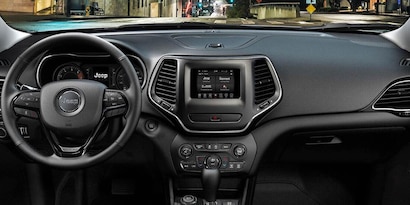
Connecting Bluetooth on your Jeep can transform your driving experience. It lets you play music, make calls hands-free, and use navigation apps with ease.
But the process can be confusing, especially if you are new to Bluetooth or dealing with different Jeep models.
This guide will help you connect Bluetooth on your Jeep quickly and confidently, even if you’re not a tech expert.
Understanding Jeep Bluetooth Systems
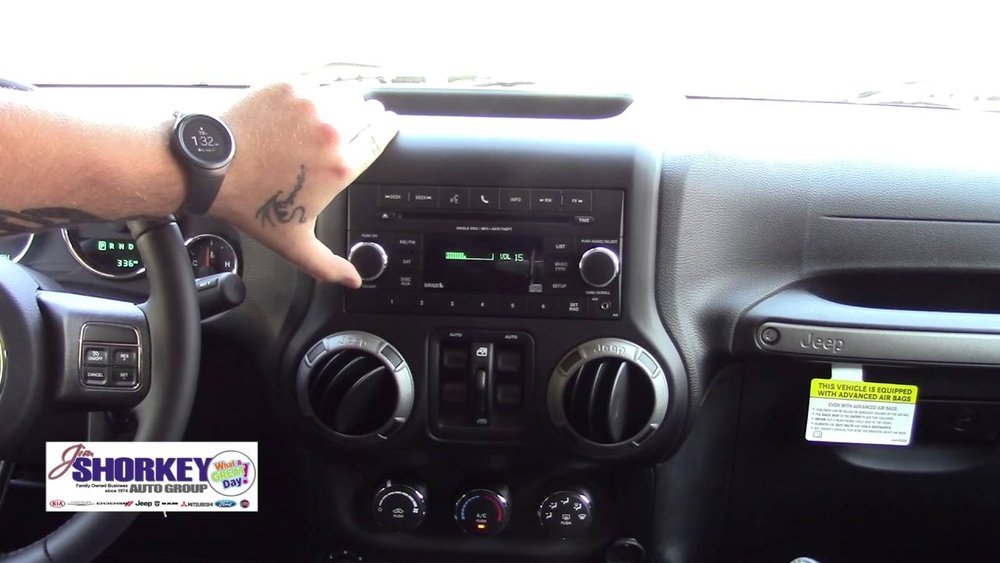
Jeep vehicles use different Bluetooth systems depending on the model and year. Most modern Jeeps feature the Uconnect system, which is the built-in infotainment center. Some older models have simpler Bluetooth setups, while newer ones offer advanced features like Apple CarPlay and Android Auto.
Here’s a quick comparison of Bluetooth features in common Jeep models:
| Jeep Model | Year | Bluetooth Available | Uconnect Version |
|---|---|---|---|
| Wrangler | 2014–2023 | Yes | Uconnect 4/4C/5 |
| Grand Cherokee | 2011–2023 | Yes | Uconnect 3/4/5 |
| Compass | 2017–2023 | Yes | Uconnect 4/5 |
| Patriot | 2011–2017 | Optional | Uconnect 130/430 |
Always check your Jeep’s manual to confirm if Bluetooth is included and which Uconnect version you have. This helps you follow the right steps.
Preparing For Bluetooth Connection
Before you start, make sure:
- Bluetooth is enabled on your smartphone.
- Your Jeep is in Park with the engine running or in ACC mode.
- No other phone is actively connected to the Jeep’s system.
- You have your Jeep’s Uconnect PIN (usually 0000 or 1234) if needed.
It’s also a good idea to restart your phone before pairing, as this can fix minor Bluetooth issues.
Step-by-step: Connecting Bluetooth On Your Jeep
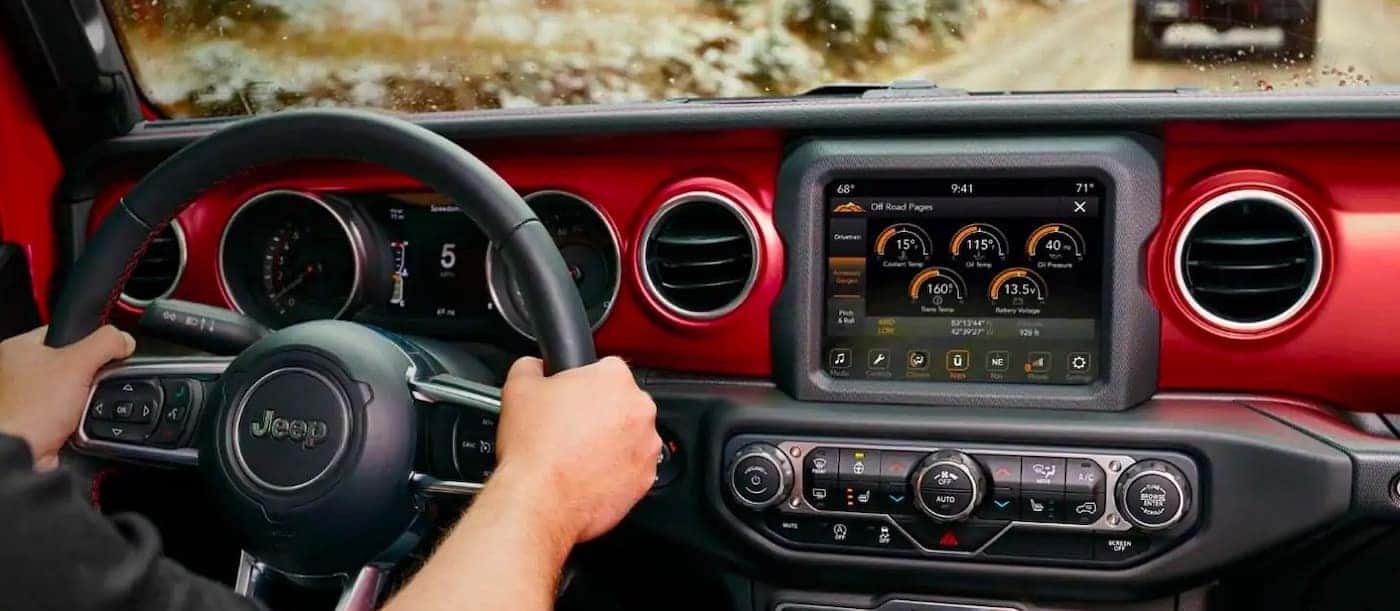
- On the Jeep’s touchscreen, tap the Phone icon or the Uconnect button.
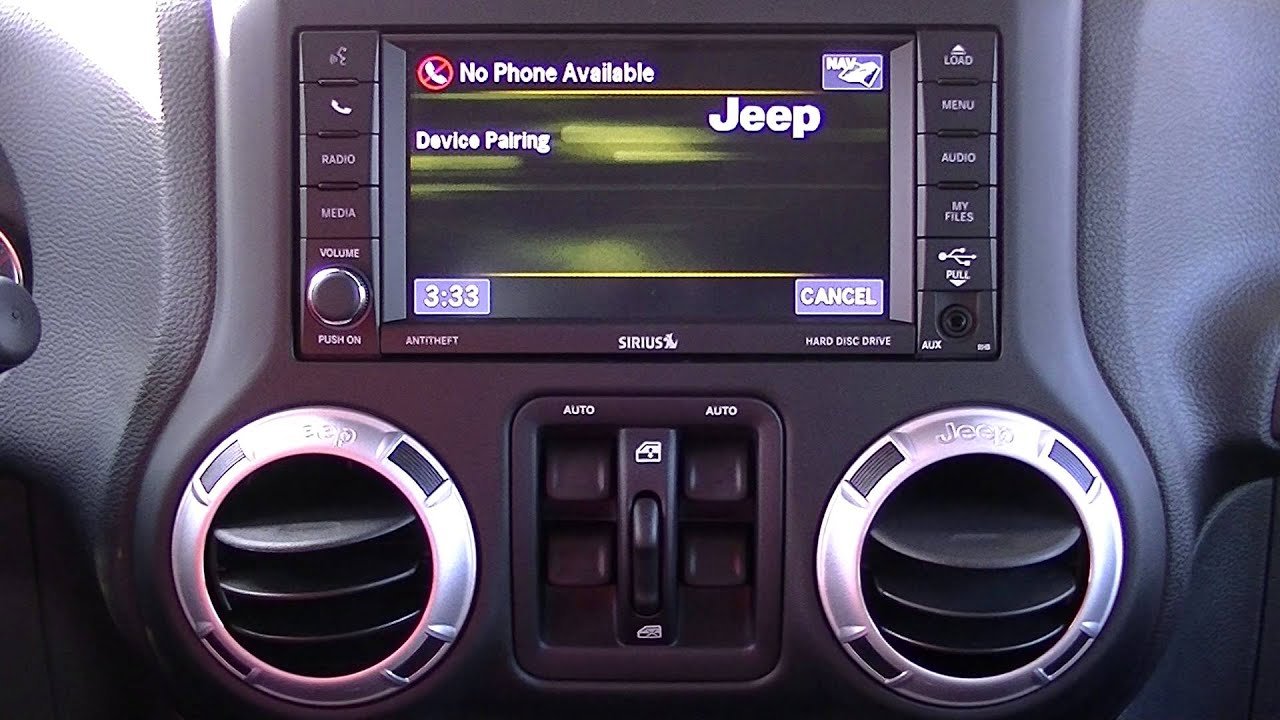
- If this is your first time, you’ll see a prompt to add a device. If not, go to Settings > Bluetooth > Pair New Device.
2. Set Your Phone To Discoverable
- On your phone, open the Bluetooth settings.
- Make sure Bluetooth is on, and your device is visible to others.
3. Pair Your Device
- On the Jeep’s screen, select Add Device or Pair New Device.
- Your Jeep will search for nearby Bluetooth devices.
- Find your phone’s name on the list and select it.
4. Confirm The Pairing Code
- A code will appear on both your Jeep’s screen and your phone.
- Make sure the codes match, then press Pair on both.
5. Complete The Connection
- Your Jeep may ask if you want to allow contacts and messages access. Approve this for full functionality.
- Wait a few seconds. You should see a confirmation that your phone is connected.
6. Test The Connection
- Play music or make a call using the Jeep’s controls. If everything works, you’re set.
Here’s a summary of the basic steps:
| Step | Action | What to Look For |
|---|---|---|
| 1 | Access Bluetooth menu | Uconnect or Phone icon on display |
| 2 | Enable phone Bluetooth | Phone set to visible |
| 3 | Select device to pair | Phone appears on Jeep screen |
| 4 | Confirm pairing code | Matching code on both screens |
| 5 | Allow access | Contact sync approved |
| 6 | Test connection | Music or calls working |
Troubleshooting Common Bluetooth Issues
Even with clear steps, sometimes the connection fails. Here are solutions for the most common issues:
- Phone doesn’t appear on the Jeep screen:
- Make sure Bluetooth is on and the device is discoverable.
- Restart both the Jeep system and your phone.
- Pairing fails or keeps disconnecting:
- Remove old Bluetooth pairings from both the Jeep and your phone.
- Ensure your phone’s software and Uconnect system are updated.
- Audio or calls not working:
- Check if contacts and audio access are granted on your phone.
- Try re-pairing the devices.
- Uconnect system freezes:
- Perform a soft reset (hold the volume and tuner knobs for 10–20 seconds).
It’s important to note that some older phones or Jeep models may not support all Bluetooth features. If you’re still having trouble, consult your Jeep dealer or check the official Jeep Uconnect website for compatibility updates.
Useful Tips For Better Bluetooth Experience
- Limit paired devices: Too many paired devices can confuse the system. Delete devices you don’t use.
- Update regularly: Keep both your phone and Uconnect system updated for the latest features and bug fixes.
- Use voice commands: Modern Jeeps support voice assistants. Hold the voice button on your steering wheel to activate.
- Keep distractions low: Set up Bluetooth before you drive, not on the road.
Many drivers forget that sometimes the issue is simply a weak Bluetooth signal. Keeping your phone close to the Jeep’s dashboard helps avoid dropouts. Another overlooked tip: using a USB cable for the first pairing can sometimes speed up the Bluetooth recognition process.
Frequently Asked Questions
Can I Connect More Than One Phone To My Jeep’s Bluetooth?
Most Jeeps allow you to pair multiple phones, but only one can be active at a time. You can switch between devices in the Bluetooth settings.
Why Is My Music Not Playing Through The Jeep Speakers?
Check if your phone’s audio output is set to the Jeep’s Bluetooth. Also, make sure the Uconnect system is selected as the audio source.
Does Connecting Bluetooth Use My Phone’s Data?
Bluetooth itself does not use data. However, if you stream music or use navigation apps, those services will use your data plan.
What Should I Do If My Jeep’s Bluetooth Is Not Working After An Update?
Try removing your phone from the paired device list and pair it again. If problems continue, check for any new software updates or contact your dealer.
Yes, when connected, navigation apps on your phone will play audio directions through your Jeep’s speakers if audio access is allowed.
Connecting Bluetooth on your Jeep is straightforward once you know the steps and understand your system. With a bit of patience and the right approach, you can enjoy hands-free calls, music, and much more all making your drive safer and more enjoyable.