Owning a Jeep is about adventure and reliability. But when your Jeep key fob starts losing power, it can cause frustration.
Many drivers are unsure how to charge or replace the battery in their key fob. This guide explains the process in clear steps, helping you keep your Jeep ready for every drive.
By understanding the right techniques, you avoid common mistakes and extend the life of your key fob.
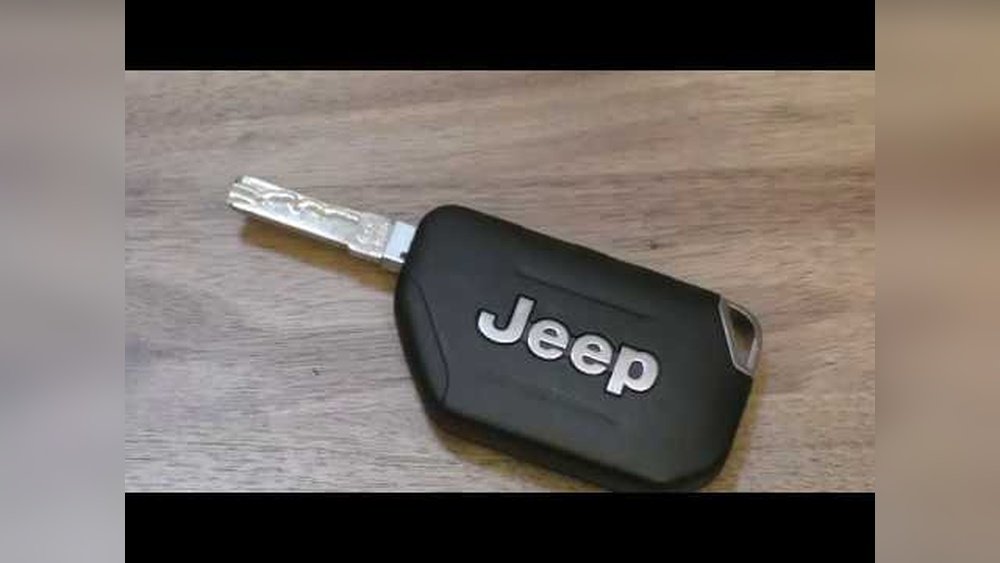
Understanding Jeep Key Fobs
A Jeep key fob is more than just a remote. It controls locking, unlocking, panic alarms, and sometimes push-button start. Most Jeep key fobs use a small coin battery—usually a CR2032 or CR2025. These batteries last 2–3 years, but heavy use or extreme temperatures can reduce lifespan.
Some newer Jeep models offer smart key fobs with rechargeable batteries. However, most Jeeps still use replaceable batteries. Always check your Jeep’s manual to confirm your key fob type.
Common Signs Your Key Fob Needs Charging
- Weak signal – You need to stand closer to the car for it to work.
- Delayed response – Buttons respond slowly or after several presses.
- Warning message – Some Jeeps show a “Key Battery Low” alert on the dashboard.
- Complete failure – The fob stops working altogether.
Noticing these signs early can prevent being locked out or unable to start your Jeep.
How To Charge And Replace The Jeep Key Fob Battery
Step 1: Identify Your Key Fob Type
First, determine if you have a replaceable battery fob or a rechargeable fob. Most Jeep owners have replaceable battery fobs. If your fob has a charging port (rare), it is rechargeable. Otherwise, you need to replace the battery.
Step 2: Gather Tools And Materials
For replaceable battery fobs, you need:
- A small flathead screwdriver
- A new coin battery (CR2032 or CR2025, check your manual)
For rechargeable fobs:
- USB cable (usually micro-USB or USB-C)
- Access to a USB charger
Step 3: Opening The Key Fob
- Locate the seam on your key fob.
- Gently insert the screwdriver into the seam.
- Twist the screwdriver to separate the fob halves.
- Be careful not to damage the internal circuit board.
A common mistake is using too much force, which can crack the plastic. Patience is key.
Step 4: Replacing The Battery
- Remove the old coin battery.
- Insert the new battery with the positive (+) side up.
- Snap the fob halves back together.
- Test the fob to ensure it works.
If your Jeep uses a rechargeable fob:
- Plug the fob into the USB charger.
- Charge for 1–2 hours or until the indicator shows full.
Step 5: Testing After Replacement
Try all functions: lock, unlock, panic, and remote start. If the fob is still not working, check battery orientation or try another new battery. Sometimes, cheap batteries fail quickly. Use brand-name batteries for best results.
Comparing Battery Types And Fob Models
Knowing the correct battery for your Jeep is essential. Here’s a comparison of popular Jeep key fobs and their batteries:
| Jeep Model | Key Fob Type | Battery | Battery Life (approx.) |
|---|---|---|---|
| Jeep Wrangler | Replaceable | CR2032 | 2–3 years |
| Jeep Grand Cherokee | Replaceable | CR2025 | 2–3 years |
| Jeep Compass | Rechargeable | USB Charging | 1–2 years (battery) |
Tips For Extending Key Fob Battery Life
- Avoid extreme temperatures – Heat and cold drain batteries faster.
- Don’t press buttons repeatedly – Only use the fob when needed.
- Store away from electronics – Signals from other devices can drain the battery.
- Replace batteries before they die – Prevent being locked out unexpectedly.
Many drivers forget to carry a spare battery, which can save trouble during emergencies.
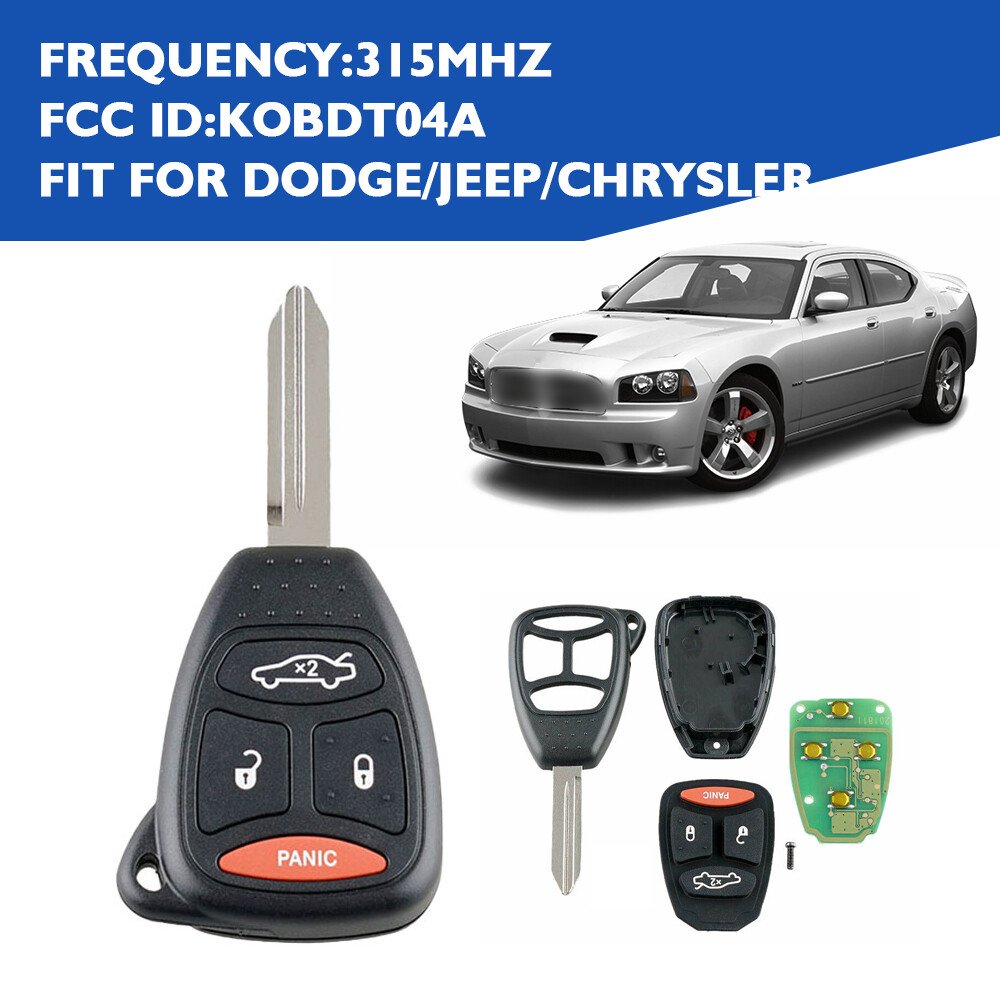
Common Mistakes When Charging Or Replacing
- Using the wrong battery type – Always check your manual.
- Installing the battery upside down – Positive (+) side should face up.
- Forgetting to test all functions – Don’t just check locking; try every button.
- Damaging the fob casing – Be gentle to avoid breaking the plastic.
If you damage your fob, replacement can cost $100 $300 at dealerships.
Troubleshooting: When The Key Fob Still Doesn’t Work
If your fob fails after battery replacement:
- Double-check battery orientation.
- Try another brand-new battery.
- Clean contacts with a dry cloth.
- If still broken, visit your Jeep dealer or an automotive locksmith.
Sometimes, the issue is with the internal circuit board—not the battery.
Cost Comparison: Diy Vs Dealership
Many owners ask if they should replace batteries themselves or use a dealership. Here’s a quick cost comparison:
| Method | Average Cost | Time Required |
|---|---|---|
| DIY Replacement | $2–$5 (battery) | 5–10 minutes |
| Dealership Service | $50–$150 | 30–60 minutes |
| Automotive Locksmith | $40–$100 | 20–30 minutes |
Doing it yourself saves both money and time. Most Jeep owners find DIY replacement easy after their first try.
Where To Find Reliable Batteries
Buy batteries from trusted stores like Walmart, AutoZone, or online from Amazon. Avoid cheap, unbranded batteries—they often fail early. For official Jeep advice, visit the Jeep Owners Site.
Frequently Asked Questions
How Often Should I Replace My Jeep Key Fob Battery?
Most batteries last 2–3 years. Replace sooner if you notice weak signals or slow response.
Can I Charge My Jeep Key Fob With Any Usb Cable?
Only rechargeable key fobs have USB ports. Use the cable specified in your manual. Regular fobs cannot be charged.
What Happens If I Install The Battery Upside Down?
The fob will not work. Always place the positive (+) side up. Double-check before closing the fob.
Is It Safe To Use Cheap Batteries?
Cheap batteries often fail or leak. Use brand-name batteries for reliability and safety.
What Should I Do If My Key Fob Still Doesn’t Work After Battery Replacement?
Check battery orientation, try another new battery, clean the contacts, and test all functions. If problems continue, consult your dealership or an automotive locksmith.
Keeping your Jeep key fob powered is simple and affordable with the right steps. By following these tips, you ensure your Jeep is always ready for action.
Taking a few minutes to check your key fob today can save hours of trouble tomorrow.



















