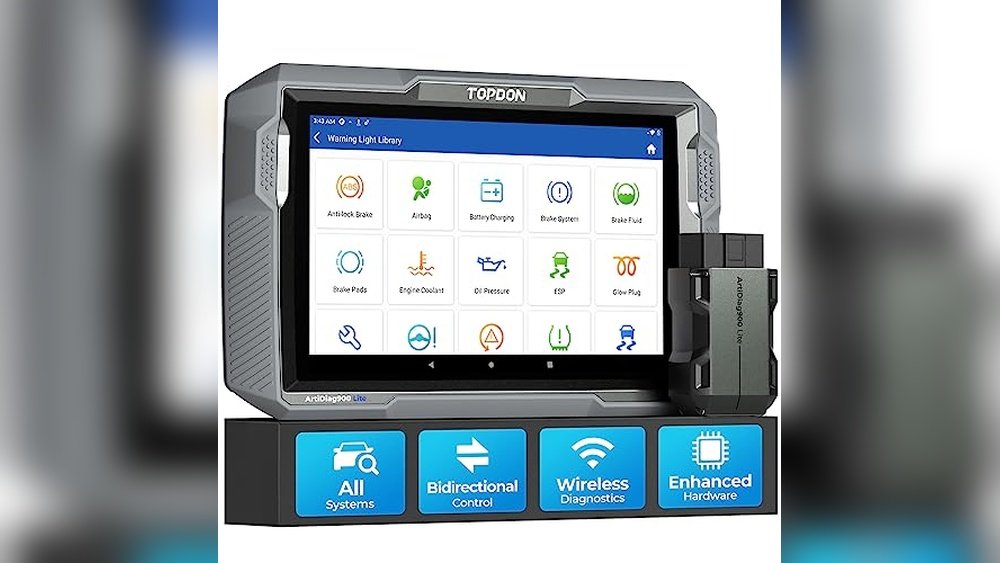
Choosing a reliable scan tool can make car diagnostics less stressful. Thinkcar Vs Bluedriver brings two popular options for both DIYers and professionals.
One is focused on advanced functions and bidirectional control, the other on simple, app-based use. The main difference is the level of diagnostic depth and the way you interact with each device.
After reading, you’ll have a clear sense of which tool fits your workflow and expectations.
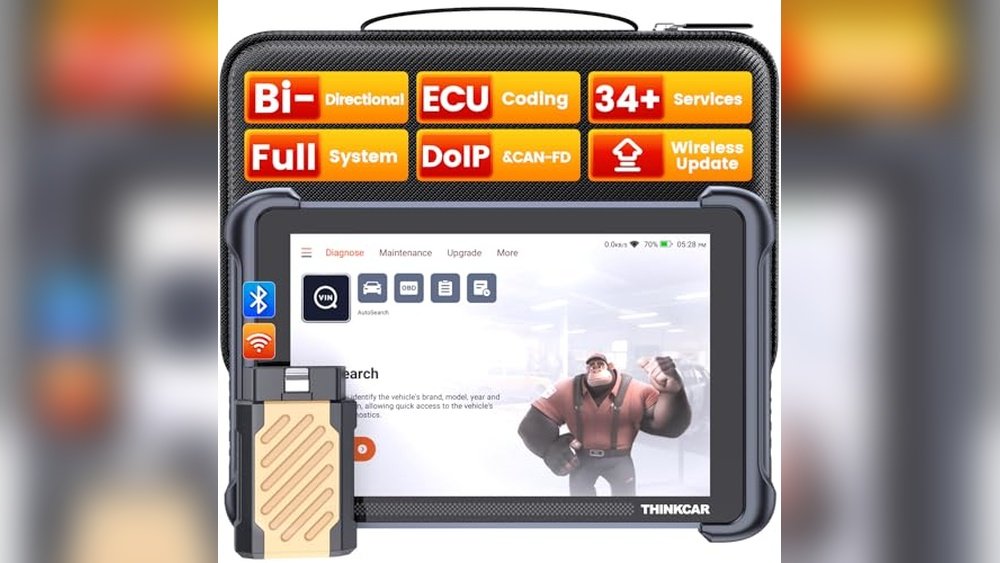
Quick Decision Guide For Automotive Scan Tools
- Pick “ThinkScan Pro Diagnostic Tool” if you need bi-directional controls and ECU coding on a wide range of vehicles.
- Choose “BlueDriver App Scanner” when you want easy Bluetooth connectivity and repair reports on your phone.
- Go with “ThinkScan Pro Diagnostic Tool” if you work on vehicles that require advanced active tests and customizations.
- Opt for “BlueDriver App Scanner” if you value simplicity and support for most mainstream car brands from 1996 onward.
- Consider “ThinkScan Pro Diagnostic Tool” when you want wireless updates without ongoing subscription fees.
Real-world Experience Using These Scan Tools
With the ThinkScan Pro Diagnostic Tool, daily use involves connecting the device to the car’s port and navigating through a large touchscreen. The tool is fast, supports many brands, and lets you run active tests or even change car settings, which is useful for deeper troubleshooting or if you need to perform resets after repairs.
The BlueDriver App Scanner feels lighter to carry and works through a phone app. I usually plug it in, connect via Bluetooth, and read codes or get repair reports almost instantly.
It’s straightforward, ideal for quick checks, and doesn’t require much setup or technical background.
Thinkscan Pro Diagnostic Tool At A Glance
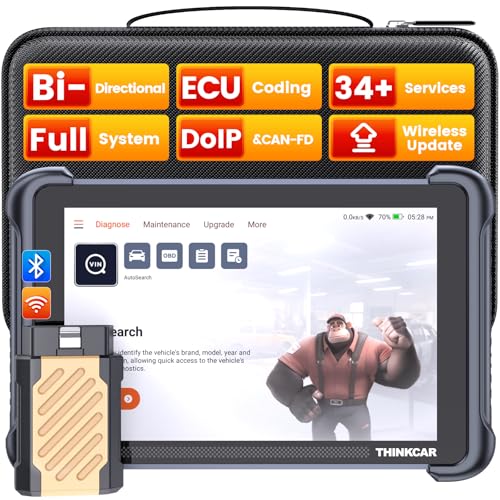
Where It Excels In Vehicle Diagnostics
- Comprehensive system access, including bi-directional tests and ECU coding.
- Supports 34+ service functions for advanced maintenance.
- Wireless updates with no subscription fees required.
- Customizable settings for compatible vehicles.
- Works with many global vehicle brands.
Where It May Fall Short
- Device is larger and less portable than app-based scanners.
- Some features depend on specific vehicle models or years.
- Learning curve for first-time users new to professional tools.
Bluedriver App Scanner At A Glance
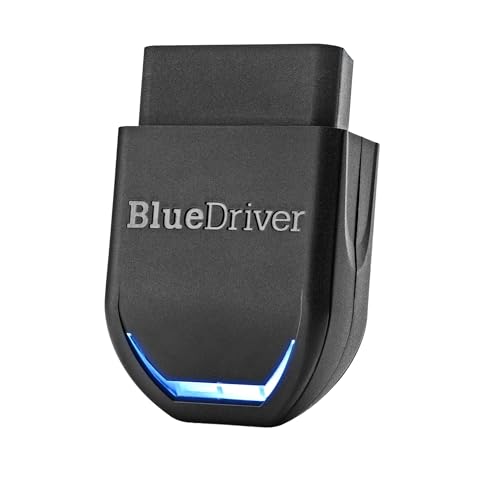
Where This Scanner Stands Out
- Simple Bluetooth connection to smartphones.
- Provides repair reports with verified fixes.
- Supports most cars and light trucks from 1996 and up.
- No subscription required for expanded diagnostics.
Where It May Struggle
- No bi-directional controls or ECU coding capabilities.
- Some advanced features limited to select vehicle makes.
- Relies on a compatible smartphone for operation.
Everyday Comparison: Thinkcar Vs Bluedriver Scan Tools
I compared how each device fits into routine car troubleshooting. The focus was on ease of use, diagnostic depth, and how each handles common maintenance tasks.
Both have strengths, but which one works best can depend on the vehicle and what you want to achieve.
Here’s how they stack up in real-world scenarios.
Which Offers More Diagnostic Depth?
| Aspect | THINKCAR Bidirectional Scan Tool, THINKSCAN 689BT All System | BlueDriver Pro Next Gen OBD2 Scanner – No |
|---|---|---|
| System Coverage | All major vehicle systems, including advanced modules | Main systems (engine, ABS, SRS, TPMS, transmission) |
| Active Tests | Supports 3000+ active tests | No active test capability |
| ECU Coding | Available for supported vehicles | Not available |
| Service Functions | 34+ service resets and customizations | Read and clear trouble codes, live data |
| Repair Reports | No built-in repair reports | Technician-verified repair reports included |
Ratings: THINKCAR Bidirectional Scan Tool, THINKSCAN 689BT All System – 9/10 | BlueDriver Pro Next Gen OBD2 Scanner – No – 7.5/10
Edge: The ThinkScan Pro Diagnostic Tool is better suited for those needing deeper diagnostics and advanced functions.
Which Is Easier To Use For Beginners?
| Aspect | THINKCAR Bidirectional Scan Tool, THINKSCAN 689BT All System | BlueDriver Pro Next Gen OBD2 Scanner – No |
|---|---|---|
| Setup Process | Device-based, quick start, but some learning curve | Simple app setup, connects via Bluetooth |
| Interface | Touchscreen menus, lots of options | App-based, intuitive interface |
| Guided Help | Limited built-in guidance | Repair reports with confirmed fixes |
| Portability | Larger handheld tool | Small adapter, uses phone |
Ratings: THINKCAR Bidirectional Scan Tool, THINKSCAN 689BT All System – 7.5/10 | BlueDriver Pro Next Gen OBD2 Scanner – No – 9/10
Edge: BlueDriver App Scanner is easier for first-timers and casual users.
Which Works Better With Different Vehicles?
| Aspect | THINKCAR Bidirectional Scan Tool, THINKSCAN 689BT All System | BlueDriver Pro Next Gen OBD2 Scanner – No |
|---|---|---|
| Vehicle Compatibility | Worldwide coverage, including CAN FD & DoIP | Most cars 1996+ and select light-duty trucks |
| Brand Support | Works on a wide range of makes and models | Strong with GM, Ford, Toyota, Honda, and more |
| Diesel Support | Some coverage (check vehicle list) | Some light-duty trucks, not all diesels |
| Updates | Wireless updates included | No subscription for updates |
| Special Functions | FCA AutoAuth for Chrysler/Jeep (account required) | Enhanced support for newer Nissan/Mazda |
Ratings: THINKCAR Bidirectional Scan Tool, THINKSCAN 689BT All System – 8.5/10 | BlueDriver Pro Next Gen OBD2 Scanner – No – 8/10
Edge: ThinkScan Pro Diagnostic Tool is more flexible with global vehicles, but BlueDriver App Scanner covers most mainstream cars well.
What About Ongoing Costs And Updates?
| Aspect | THINKCAR Bidirectional Scan Tool, THINKSCAN 689BT All System | BlueDriver Pro Next Gen OBD2 Scanner – No |
|---|---|---|
| Subscription Fees | No ongoing fees for updates | No subscription required |
| Wireless Updates | Yes, included | App updates via phone |
| FCA Account | Separate registration and fee for FCA AutoAuth | Not required |
| Repair Guidance | Manual research needed | Repair reports included |
Ratings: THINKCAR Bidirectional Scan Tool, THINKSCAN 689BT All System – 8/10 | BlueDriver Pro Next Gen OBD2 Scanner – No – 8.5/10
Edge: Both are cost-effective, but BlueDriver App Scanner includes more repair help with no extra steps.
Living With These Scan Tools Over Time
The ThinkScan Pro Diagnostic Tool may take time to learn, especially if you haven’t used advanced tools before. Over weeks, it becomes a reliable partner for deeper repairs and resets.
Its consistency and lack of subscription fees mean you can trust it for ongoing use, but you might need to look up some features at first.
BlueDriver App Scanner is straightforward from day one. There’s little to remember between uses, and repair reports help you feel confident.
It’s a tool you can trust for simple checks and code clearing. The experience is smooth, and peace of mind comes from how easy it is to understand what’s happening with your car.
Choosing The Right Automotive Diagnostic Tool
The ThinkScan Pro Diagnostic Tool fits users who want to go beyond basic code reading. If you do your own repairs, need to reset service functions, or handle multiple brands, it’s a strong choice.
Its wide range of functions means you can handle more advanced problems without extra subscriptions.
BlueDriver App Scanner is a better fit for those who want something simple, portable, and phone-based. If you need quick answers, clear repair guidance, and coverage for most common vehicles, it delivers without a steep learning curve.
Both tools have their strengths—choose based on how hands-on you want to be.
Either way, you’ll have a trustworthy tool for everyday diagnostics and peace of mind on the road.
Thinkcar Vs Bluedriver: Common Buyer Questions Answered
Does Either Tool Require A Subscription For Updates?
No, both the ThinkScan Pro Diagnostic Tool and BlueDriver App Scanner include updates without subscription fees. This keeps long-term ownership simple.
Can I Use These Scanners With Any Car Brand?
ThinkScan Pro Diagnostic Tool covers a wide range of global brands and supports newer protocols. BlueDriver App Scanner works with most cars sold in North America since 1996 and has strong support for mainstream brands.
Which Tool Is Better For A Beginner?
BlueDriver App Scanner is generally easier for first-time users. The app interface and repair reports make it straightforward, even if you have little experience.
Do I Need Extra Equipment To Use These Tools?
ThinkScan Pro Diagnostic Tool is a standalone device with its own screen. BlueDriver App Scanner requires a compatible smartphone (iOS or Android) to function.
Can I Perform Advanced Functions Like Ecu Coding?
ThinkScan Pro Diagnostic Tool supports ECU coding and advanced tests for some vehicles. BlueDriver App Scanner does not offer ECU coding or bi-directional controls.
Will These Tools Clear Check Engine Lights?
Yes, both tools can read and clear check engine lights on supported vehicles. They also provide trouble code information and explanations.
What If I Need Technical Support Or Help?
Both brands offer customer support. For ThinkScan Pro Diagnostic Tool, contacting the seller through Amazon is recommended.
BlueDriver App Scanner users can access help and resources directly in the app.