Watching movies on a Jeep passenger screen can turn any road trip or daily commute into a much more enjoyable experience. Whether you’re keeping kids entertained or relaxing during a stop, the built-in entertainment features in new Jeep models offer impressive options.
But using these screens isn’t always simple, and many drivers feel confused about what works and what doesn’t.
This guide will show you everything you need to know about watching movies on your Jeep’s passenger display, including key steps, system limitations, tips for better viewing, and answers to common questions.
Understanding The Jeep Passenger Screen
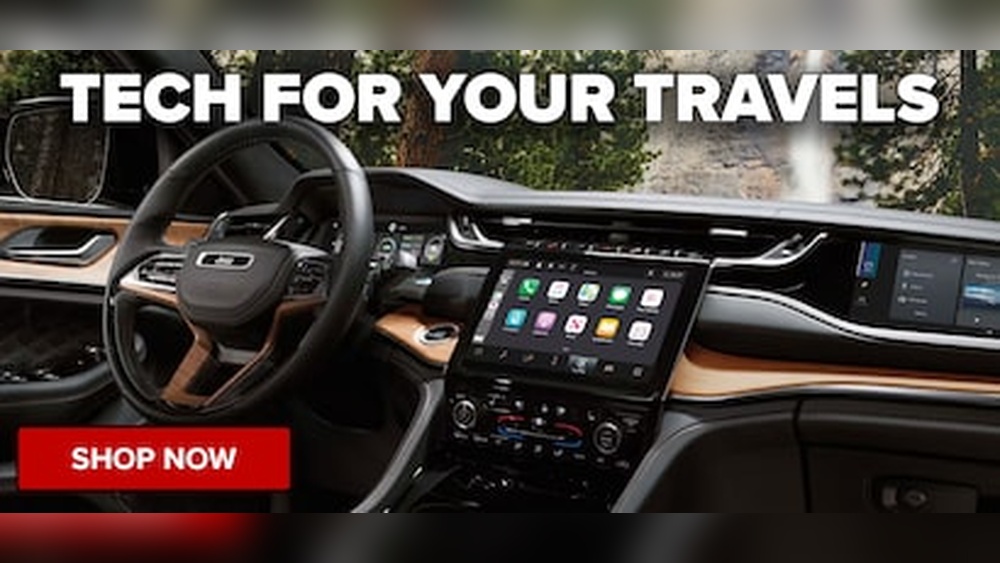
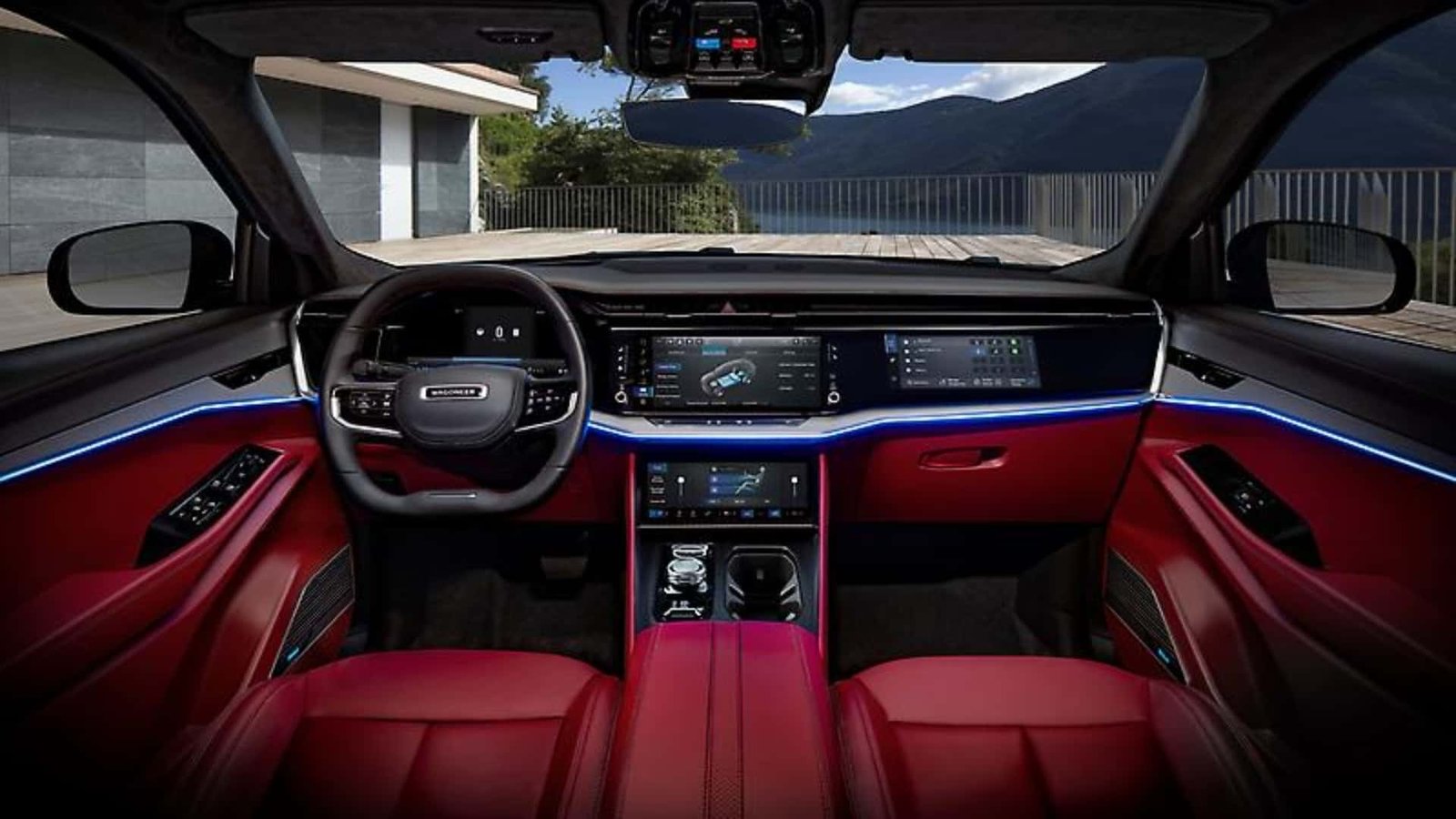
Most newer Jeep models—such as the Grand Cherokee L and Wagoneer—offer a dedicated passenger display. This screen is separate from the main infotainment system. It allows the front passenger to stream movies, mirror devices, control audio, and more.
Here are some important facts:
- The passenger screen is only visible from the passenger seat, not the driver’s side, for safety reasons.
- Jeep uses the Uconnect 5 system, which supports various media inputs and streaming services.
- The system may limit certain features while the car is in motion to prevent distractions.
Ways To Watch Movies On A Jeep Passenger Screen
Depending on your Jeep’s model and trim, you can use several methods to play movies. Below are the most popular and reliable options.
1. Streaming Services
Many Jeep passenger screens support built-in apps or smartphone mirroring. Some popular services include:
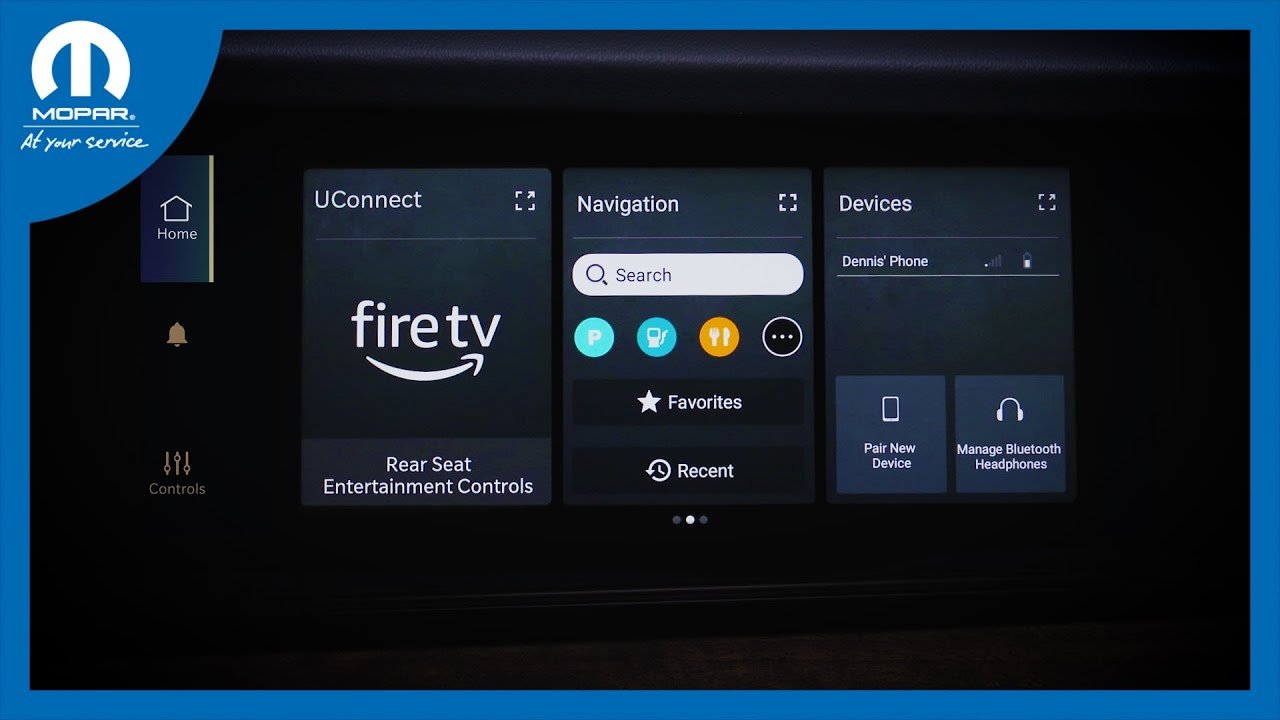
- Amazon Fire TV (available in Wagoneer, Grand Wagoneer, and Grand Cherokee L)
- YouTube
- Netflix (when mirroring or using Fire TV)
- Hulu and other streaming platforms
If your system has Amazon Fire TV built in, you can log in with your account and stream directly over the vehicle’s Wi-Fi or mobile hotspot.
2. Usb Drive Playback
You can play downloaded movies from a USB flash drive. The process usually looks like this:
- Save compatible movie files (like MP4 or AVI) onto your USB drive.
- Plug the USB drive into the car’s media port.
- Use the passenger screen’s media player app to browse and play your files.
3. Hdmi Input
Some Jeep models include an HDMI port for the passenger display. This lets you connect devices such as:
- Laptops
- Tablets
- Portable DVD players
- Gaming consoles
Just connect your device with an HDMI cable, select the input source on the screen, and enjoy your content.
4. Screen Mirroring
Many Uconnect 5 systems support Android Auto or Apple CarPlay. However, video streaming via these apps is usually disabled while driving, so mirroring works best when parked.
Some advanced models allow screen mirroring from compatible smartphones, but you may need a third-party app or adapter.
Comparing Movie Playback Methods
Different playback methods have unique advantages and limits. Here’s a quick comparison:
| Method | Ease of Use | Requires Internet? | While Driving? |
|---|---|---|---|
| Streaming Apps (Fire TV) | Easy | Yes | Yes (for passenger) |
| USB Drive | Moderate | No | Yes |
| HDMI Input | Easy | Depends | Yes |
| Screen Mirroring | Difficult | Depends | No (while driving) |
Preparing Your Jeep For Movie Playback
To avoid frustration, set up your system before your trip:
- Check Compatibility: Not all Jeep passenger screens have the same features. Check your owner’s manual for details.
- Update Uconnect System: Ensure your Uconnect software is up to date to access the latest features.
- Test Your Media: Try playing your movies at home to make sure the format is supported.
- Set Up Wi-Fi Hotspot: For streaming, connect your Jeep to a mobile hotspot or the car’s built-in Wi-Fi.
Safety And Legal Considerations
Jeep’s systems are designed with safety in mind. The passenger screen is angled and polarized, so the driver can’t see movies while driving. Still, you should:
- Avoid setting up devices while the vehicle is moving.
- Never try to bypass safety features—it is illegal and unsafe.
- Be aware of state laws about screen use in vehicles.
Common Issues And Troubleshooting
Even with the latest tech, problems can happen. Here are some solutions:
- Movie Won’t Play: Check the file type and size. Uconnect usually supports MP4, AVI, and WMV.
- No Sound: Make sure the audio is routed to the correct speakers or headphones.
- Screen Not Responding: Restart the Uconnect system by turning the car off and back on.
- Streaming Buffering: A weak Wi-Fi signal can cause delays. Download movies in advance for long trips.
Practical Tips For The Best Experience
- Use wireless headphones for passengers to keep the cabin quiet.
- Download movies instead of streaming if you have limited data.
- Keep a charging cable or portable power bank for devices.
- Clean the screen regularly to avoid glare and fingerprints.
Popular Jeep Models With Passenger Screens
Here’s a quick look at which Jeep SUVs offer this feature:
| Model | Passenger Screen Available | Screen Size |
|---|---|---|
| Grand Cherokee L | Yes | 10.25 inches |
| Wagoneer | Yes | 10.25 inches |
| Grand Wagoneer | Yes | 10.25 inches |
| Grand Cherokee (2-row) | Optional | 10.25 inches |
Not every trim includes the passenger screen, so check your vehicle specs before buying.
Real-world Example
A family driving a 2023 Grand Cherokee L found that using the built-in Fire TV let their children watch movies during a 4-hour trip, with no interruptions.
They downloaded a few movies to the Fire TV account beforehand, so playback continued even when cellular data was spotty.
This shows the value of planning and using the right features for your needs.
Frequently Asked Questions
Can I Watch Netflix On The Jeep Passenger Screen?
Yes, if your Jeep has Amazon Fire TV or a compatible app, you can stream Netflix. If not, you can use HDMI input from another device.
Is It Possible For The Driver To Watch Movies On The Passenger Screen?
No. The screen is designed so only the passenger can view it while the car is moving.
The driver’s view is blocked for safety reasons.
What File Types Does The Usb Movie Player Support?
Most systems accept MP4, AVI, and WMV video files. It’s best to check your owner’s manual for detailed specs.
Does Streaming Movies Use My Phone’s Data Plan?
Yes, unless you use the car’s built-in Wi-Fi with its own data plan. Streaming can use a lot of data, so consider downloading movies in advance.
Where Can I Learn More About Jeep’s Entertainment Features?
You can find more details on the official Jeep Uconnect page.
With these tips, you’re ready to enjoy movies on your Jeep passenger screen safely and easily. Happy travels!