Jeep navigation systems make driving easier, but only if your maps are up to date. Roads change, new routes appear, and points of interest move or close.
If you don’t update your Jeep navigation maps, you might miss faster routes, get lost, or waste time.
Keeping your navigation system current ensures safer, smoother trips whether you’re on city streets or backcountry trails.
Why Map Updates Matter
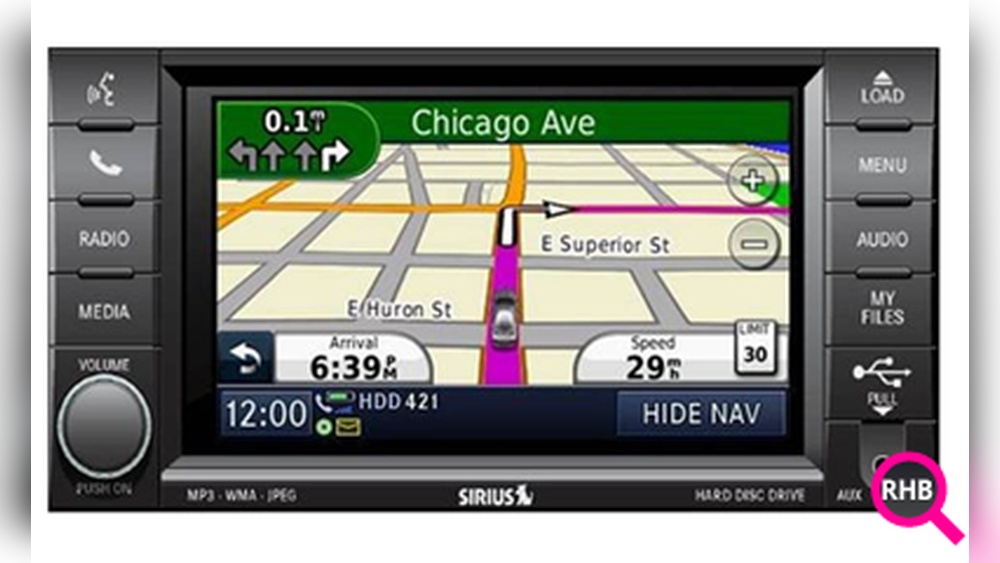
Map updates do much more than add new roads. They refresh information about speed limits, traffic patterns, and business locations. For example, Jeep navigation maps often include POIs like gas stations, hotels, or restaurants. An outdated map may send you to a closed gas station or a non-existent turn, causing frustration or delays.
According to a survey by HERE Technologies, over 40% of drivers have experienced navigation errors due to old maps. Regular updates reduce these problems and help you use your Jeep’s technology fully.
Most Jeep vehicles from 2011 onward use the Uconnect infotainment system. Uconnect offers built-in navigation using either Garmin or TomTom maps, depending on your model and year. Updates are not automatic. You must download new maps and install them on your Jeep.
Here’s a quick comparison of the two main systems:
| System | Map Provider | Update Frequency | Supported Models |
|---|---|---|---|
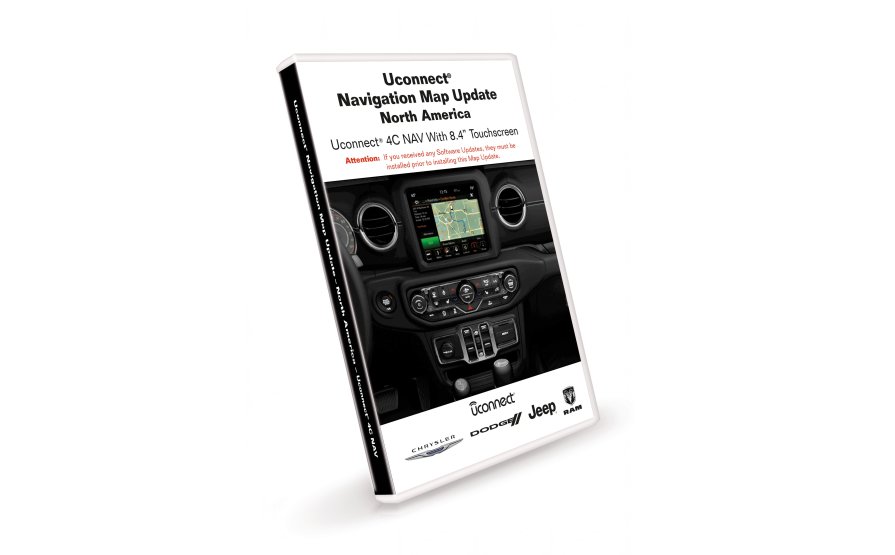
| Uconnect 4C NAV | Garmin | 1-2 times/year | 2017+ Cherokee, Grand Cherokee, Wrangler, etc. |
| Uconnect 8.4 NAV | TomTom | 1-2 times/year | 2011-2017 models, some 2018+ |
Some recent Jeeps support over-the-air (OTA) updates, but most require a manual update using a USB drive or SD card.
Updating Jeep navigation maps is simple, but you must follow the correct steps. Here’s how to do it:
1. Check Your Uconnect Version
Find out your Uconnect system version in your Jeep’s menu. Go to “Settings” and look for “System Information. ” Write down the version number.
2. Create A Backup
Insert a blank USB drive (at least 16GB) into your Jeep’s USB port. Use the system’s backup or “Map Update” option to copy your device ID and current map data to the USB. This is important for security and licensing.
3. Visit The Official Map Update Site
Go to the Jeep navigation update website. Most Jeeps use the official Navigation.com portal. Enter your vehicle’s VIN and follow the instructions.
4. Purchase And Download The Map Update
Map updates are not free unless included in your warranty. Prices range from $99 to $149 per update. After purchase, download the new map files to your computer and copy them to the USB drive.
5. Install The Update In Your Jeep
Plug the USB drive into your Jeep while the engine is running. The system should detect the update.
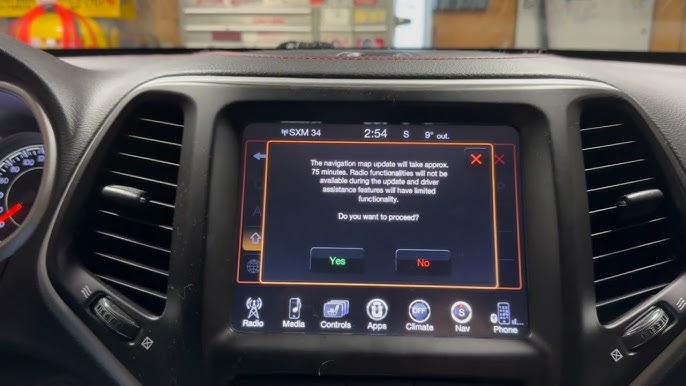
Follow the prompts this process can take 30 60 minutes. Do not turn off the vehicle or remove the USB until finished.
6. Verify The Update
After installation, check the map version in your Uconnect menu. Make sure it matches the latest version you downloaded.
Troubleshooting Common Problems
Many Jeep owners face issues when updating maps. Here’s how to solve the most common problems:
- USB Not Detected: Make sure the USB drive is formatted as FAT32 and is at least 16GB. Avoid using drives with other files.
- Update Fails or Freezes: Always keep the engine running during the update. Updates can fail if power is lost.
- Wrong Files Downloaded: Double-check your Jeep model and Uconnect version before buying a map.
- License Errors: The backup step is essential because it links the update to your Jeep’s device ID.
If you have persistent problems, contact your Jeep dealer or check the official support page.
Tips For A Smooth Update
- Use a high-quality USB drive with no other files.
- Download map files using a reliable internet connection.
- Plan the update for a time when you won’t need your Jeep for up to an hour.
- Save your radio presets; some updates may reset system settings.
- Keep your purchase receipt for warranty or support requests.
You might wonder if you should just use your phone instead. Here’s a quick look at the pros and cons:
| Feature | Jeep Navigation | Smartphone Apps |
|---|---|---|
| Offline Maps | Yes, always available | Sometimes (Google Maps allows offline areas) |
| Integration | Works with vehicle sensors | Limited integration |
| Update Cost | Paid updates | Usually free |
| Traffic Data | Good, but not always real-time | Excellent real-time info |
A non-obvious benefit of Jeep’s built-in navigation is GPS accuracy—it often works even when cell service drops. However, smartphone apps like Google Maps or Waze update more frequently and are free.
Cost And Update Frequency
Most Jeep navigation updates cost between $99 and $149. Some models offer one free update within the first year. Updates are usually released once or twice a year. If you drive in rapidly changing areas, update maps annually. For less-traveled areas, every two to three years might be enough.
Neglecting updates for many years can make your navigation almost useless, especially in fast-growing cities or new developments.
Security And Privacy Concerns
Some drivers worry about privacy when updating maps. Official Jeep updates are secure if you use the brand’s website and avoid third-party downloads.
Do not use cracked or pirated map files these can damage your system or expose your data.
Frequently Asked Questions
How Do I Know If My Jeep Needs A Map Update?
Check your navigation map version in the Uconnect settings. Compare it with the latest version on the Jeep navigation update website.
If your maps are more than two years old, an update is recommended.
Most Jeep models require a paid update. Some vehicles include one free update during the first year.
Always use the official site for safe updates.
What Happens If The Update Process Is Interrupted?
Interrupting the update (like turning off the engine or removing the USB) can corrupt the maps. In most cases, you’ll need to restart the process, but sometimes dealer assistance is required.
How Long Does The Update Take?
The full update usually takes 30 to 60 minutes. Plan ahead so you don’t need to use your Jeep during this time.
It depends on your needs. Jeep navigation is more reliable where there’s no cell service and integrates with your vehicle.
If you travel off-grid often, keeping maps updated is useful. If you only drive in cities, smartphone apps may be enough.
Keeping your Jeep navigation maps up to date is a smart investment in convenience and safety. With a small time and money commitment, you’ll get the most from your Jeep’s tech and avoid unnecessary travel headaches. For more details and official instructions, visit the Jeep Navigation Update Portal.