Is your Jeep Commander’s check engine light on, and you’re not sure what to do next? That little warning can be frustrating and even a bit scary, but you don’t have to stress.
Whether it’s a minor glitch or something that needs fixing, knowing how to reset the check engine light yourself can save you time and trips to the mechanic.
You’ll discover simple, step-by-step methods to reset your Jeep Commander’s check engine light quickly and safely.
Keep reading your Jeep will thank you for it!
Check Engine Light Basics
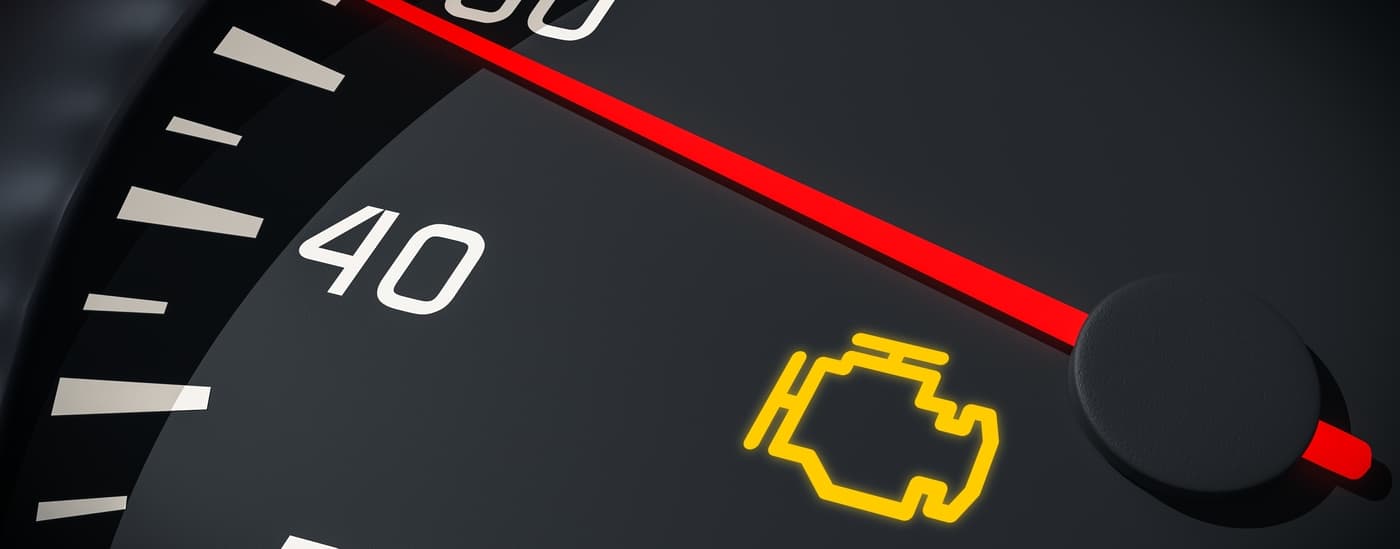
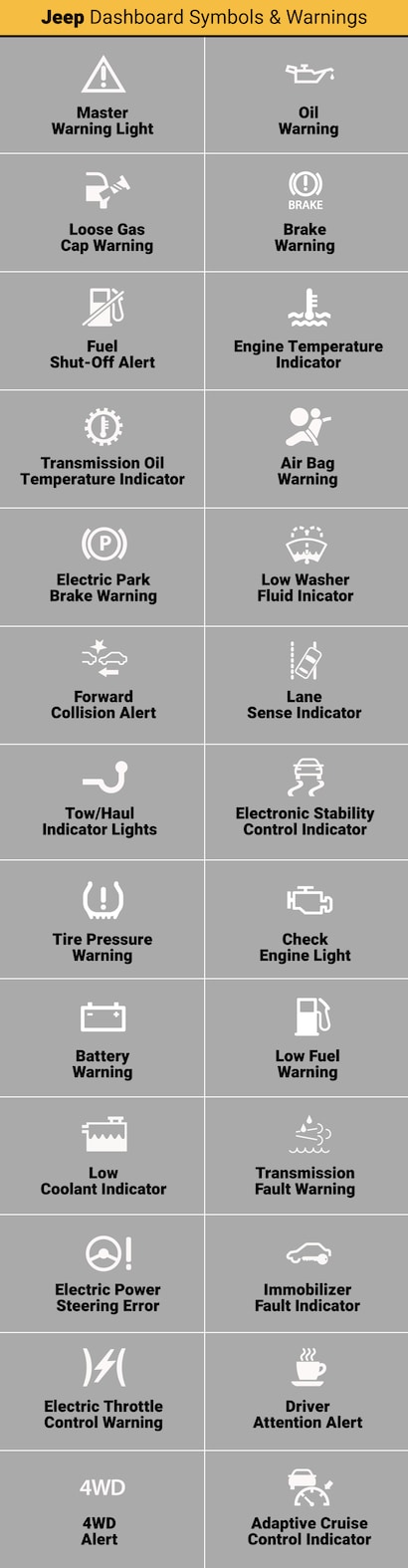
The check engine light is an important alert on your Jeep Commander’s dashboard. It signals that the vehicle’s computer has detected a problem.
Understanding this light helps you respond quickly and avoid further damage.
This light does not always mean a serious issue. Sometimes, it points to minor faults that you can fix yourself.
Knowing the basics can save you time and money in repairs.
Common Causes In Jeep Commander
Several issues can trigger the check engine light in your Jeep Commander. A loose or damaged gas cap often causes this alert.
Faulty oxygen sensors or spark plugs may also be the reason. Problems with the catalytic converter or mass airflow sensor can turn on the light as well.
Regular maintenance helps prevent many of these problems.
What The Light Indicates
The check engine light shows that the engine control unit found a fault. It may affect emissions, fuel efficiency, or engine performance.
The light can be steady or flashing. A steady light means a minor issue.
A flashing light signals a severe problem requiring immediate attention. Using a diagnostic tool can help identify the exact cause.
Methods To Reset The Light
Resetting the check engine light on your Jeep Commander can be done in several ways. Each method varies in complexity and tools required.
Choose the one that fits your comfort level and available equipment.
Using An Obd-ii Scanner
Connect an OBD-II scanner to your Jeep’s diagnostic port. This port is usually found under the dashboard near the steering wheel. Turn the ignition to the ON position without starting the engine. Use the scanner to read the error codes. After noting the codes, select the option to clear or reset them. The check engine light should turn off. This method is quick and reliable. It also helps diagnose the underlying issue.
Disconnecting The Battery
Locate the negative terminal of your Jeep’s battery. Use a wrench to loosen the bolt and disconnect the cable.
Wait for about 15 minutes to allow the vehicle’s system to reset. Reconnect the battery cable and tighten the bolt.
Start the engine and check if the light is off. This method clears the computer memory, resetting the light.
It may also reset radio and clock settings.
Driving To Auto Reset
Some Jeep Commanders reset the check engine light automatically. The car needs to run without errors for several drive cycles.
Each cycle includes starting, driving at various speeds, and idling. After completing these, the system checks all sensors.
If no issues appear, the light turns off by itself. This method takes time but requires no tools.
It ensures the problem is truly resolved before clearing the light.
Manual Ignition Key Method
Turn the ignition key to the ON position without starting the engine. Leave it in this position for about 10 seconds.
Turn the key to OFF and wait a few seconds. Repeat this ON and OFF cycle three to five times.
After the final ON position, start the engine. The check engine light may blink and then turn off.
This method can reset minor warnings but might not clear serious codes.
Step-by-step Reset Guide
Resetting the check engine light on your Jeep Commander can be straightforward. This step-by-step guide walks you through easy methods to clear the light safely.
Each method suits different situations and tools you may have. Follow these steps carefully to reset the check engine light and keep your Jeep running smoothly.
Preparing Your Jeep Commander
Start by parking your Jeep on a flat surface. Turn off the engine and remove the key.
Open the hood and locate the battery. Make sure your vehicle is cool to avoid burns.
Gather any tools you might need, like a wrench or scanner. Safety first: wear gloves and glasses if available.
Using A Scanner To Clear Codes
Connect an OBD-II scanner to the port under the dashboard. Turn on the ignition without starting the engine.
Follow the scanner’s instructions to read the codes. After noting the codes, select the option to clear them.
Turn off the ignition and disconnect the scanner. Start your Jeep to check if the light is off.
Battery Disconnect Reset Procedure
Use a wrench to disconnect the negative battery cable. Leave it disconnected for 15 minutes to reset the system.
This process clears temporary codes and resets the computer. Reconnect the negative cable securely after waiting.
Start your Jeep and see if the check engine light is gone. This method may erase radio presets and clock settings.
Ignition Key Reset Steps
Insert the key and turn it to the “On” position without starting. Hold the key there for about 10 seconds.
Turn the key off and wait for a few seconds. Repeat this cycle three times in total.
After the third time, start the engine. Check if the check engine light has turned off.
Troubleshooting Persistent Lights
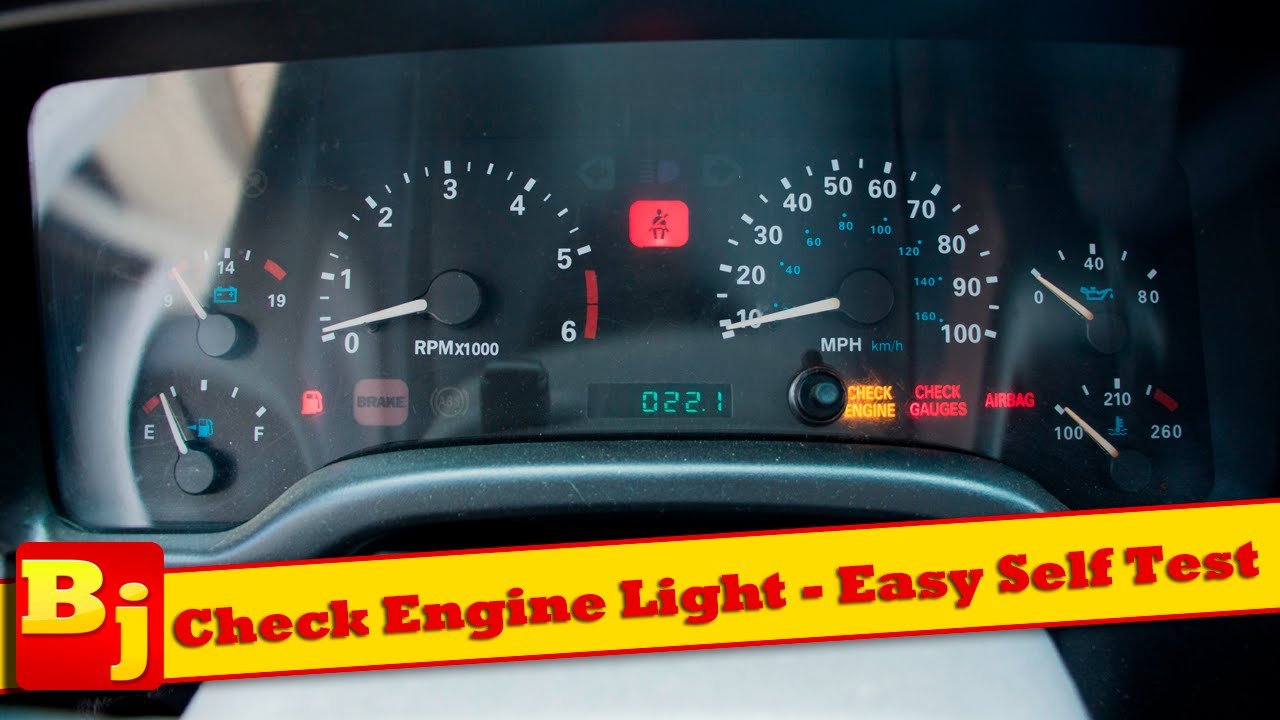
The check engine light on your Jeep Commander can stay on even after simple fixes. Persistent lights need careful troubleshooting.
Ignoring them might lead to bigger issues. Follow these steps to identify and solve common problems.
This helps you avoid unnecessary repairs and keep your vehicle running smoothly.
Checking For Loose Gas Cap
A loose or damaged gas cap often triggers the check engine light. Open your fuel door and tighten the cap until it clicks.
Inspect the cap for cracks or wear. A faulty gas cap lets fuel vapors escape, causing the light to stay on.
After securing the cap, drive for a few miles. If the light remains, further checks are needed.
Addressing Fault Codes
Use an OBD-II scanner to read fault codes from your Jeep’s computer. These codes point to specific problems causing the light.
Clear the codes after repairs to reset the light. If you don’t have a scanner, many auto parts stores offer free code reading.
Addressing fault codes helps fix the root cause and turns off the warning.
When To Seek Professional Help
If the check engine light persists after your attempts, visit a mechanic. Some issues need expert diagnosis and repair.
Complex sensor failures or engine problems require specialized tools. Don’t ignore the light for too long.
A professional can ensure your Jeep Commander stays safe and reliable on the road.
Preventing Future Check Engine Lights
Preventing future check engine lights on your Jeep Commander saves time and money. Regular care helps keep your vehicle running smoothly.
Small steps can avoid many common problems. Staying ahead of issues protects your engine and improves performance.
Regular Maintenance Tips
Change the oil on schedule to protect the engine. Replace air filters to ensure proper airflow.
Check spark plugs for wear and replace if needed. Inspect the gas cap to make sure it seals tightly.
Loose caps often trigger the check engine light. Follow the Jeep Commander’s service manual for other routine tasks.
Keeping up with maintenance reduces the chance of warning lights.
Monitoring Vehicle Performance
Pay attention to how your Jeep drives every day. Notice any strange noises or rough idling.
Track fuel efficiency; drops can signal engine issues. Watch for delayed acceleration or stalling.
Use a simple OBD-II scanner to check for stored codes. Early detection helps fix problems before the light turns on.
Regular monitoring keeps your Jeep in top shape.
How To Clear A Jeep Check Engine Light Without A Scanner?
To clear a Jeep check engine light without a scanner, disconnect the negative battery terminal for about 15 minutes. Reconnect it and start the engine.
This resets the system and clears the light temporarily. Remember, fixing the root issue prevents the light from returning.
Can I Clear My Check Engine Light Myself?
Yes, you can clear your check engine light yourself using an OBD-II scanner or by disconnecting the car battery briefly. Always fix the underlying issue first.
How Do You Reset The Check Engine Light On A Jeep?
To reset the check engine light on a Jeep, use an OBD-II scanner to clear codes. Alternatively, disconnect the battery for 15 minutes.
Turn the ignition on and off a few times to reset the system. Always fix underlying issues before resetting the light.
Will The Jeep Check Engine Light Reset Itself?
The Jeep check engine light may reset itself after multiple drive cycles if the issue clears. Otherwise, manual reset is needed.
Conclusion
Resetting the Jeep Commander check engine light is simple with the right steps. Always address the root cause before resetting the light.
Using an OBD-II scanner makes the process easier and safer. Disconnecting the battery can work but may affect other settings.
Regular vehicle maintenance helps avoid frequent check engine warnings. Stay calm and follow instructions carefully for best results.
This keeps your Jeep running smoothly and safely on the road.