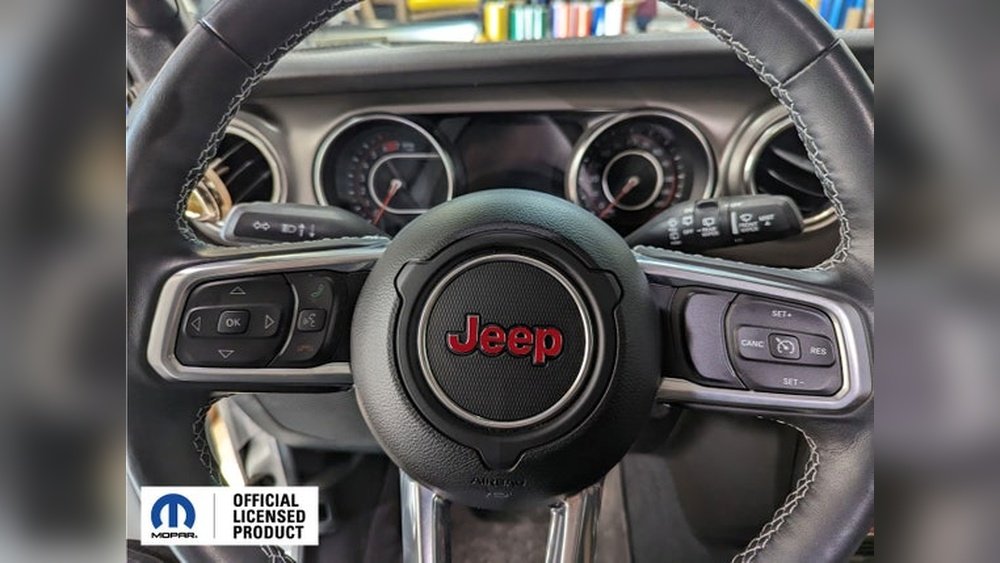
If your Jeep Cherokee radio stops working, freezes, or acts strangely, it can make driving less enjoyable. Many drivers face issues like a blank screen, unresponsive buttons, or lost Bluetooth connections.
The good news is, you don’t always need a mechanic to fix these problems. Resetting your Jeep Cherokee radio often solves common glitches and can restore normal function in minutes.
This guide explains simple ways to reset the radio, what to do if the problems continue, and tips to avoid future issues.
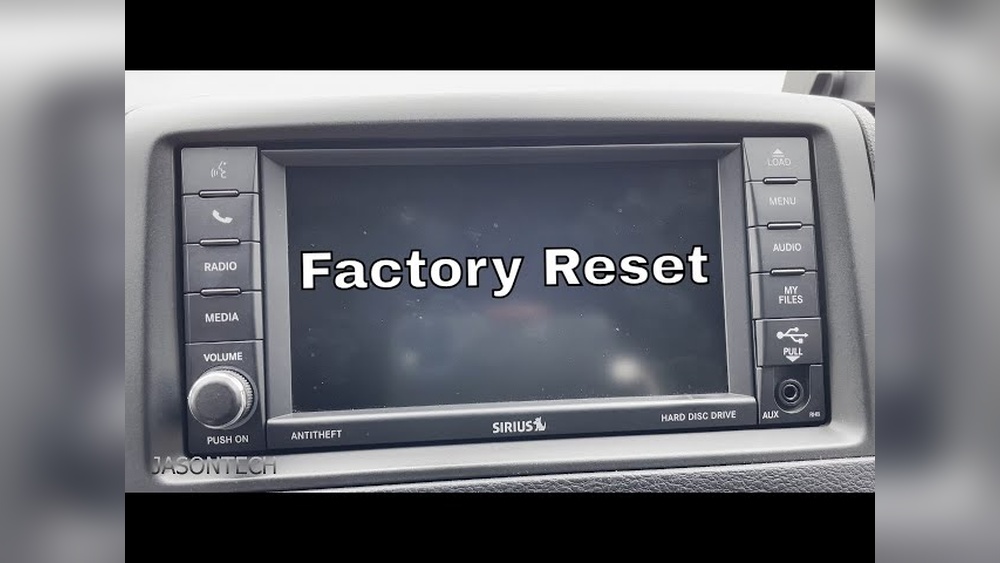
Why Reset Your Jeep Cherokee Radio?
Modern Jeep Cherokee radios are more than just music players. They control navigation, Bluetooth, and even vehicle settings. Like any computer, these systems can freeze or lag. Resetting the radio clears small software bugs, reconnects Bluetooth devices, and returns the screen to normal. Resetting does not erase your main settings, but it can fix:
- Unresponsive touch screen
- No sound or distorted audio
- Frozen display
- Problems pairing Bluetooth devices
- Navigation system errors
How To Reset Jeep Cherokee Radio (step-by-step)
There are a few different ways to reset the radio in a Jeep Cherokee. The method depends on your model year and the type of radio system (Uconnect 4, Uconnect 5, or earlier). Here are the main methods:
1. Soft Reset (most Models 2014 And Newer)
This is the easiest way to reset without losing saved settings like radio presets or paired phones.
- Turn the ignition ON but do not start the engine.
- Press and hold the volume knob and tune knob at the same time.
- Hold both buttons for about 10–20 seconds.
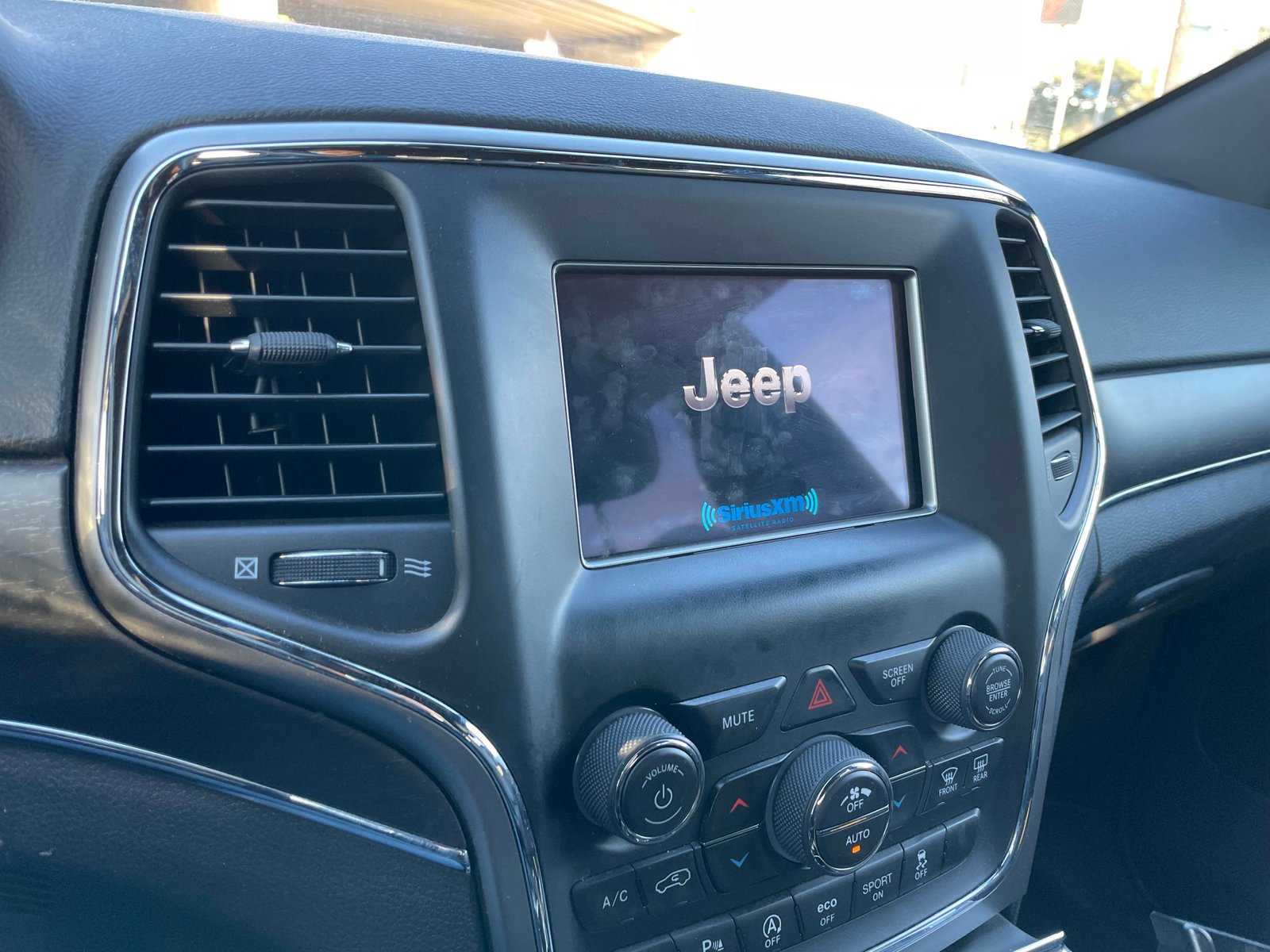
- The screen will turn off, then the Jeep logo appears as the system restarts.
This method works for most Uconnect 8. 4 and 7-inch systems found in the Jeep Cherokee.
2. Hard Reset (factory Reset)
If the soft reset does not fix the issue, a hard reset can help. This will erase all custom settings and restore the radio to factory defaults.
- Go to the Settings menu on your radio.
- Scroll to System Information or System Settings.
- Select Restore Factory Defaults or Reset to Default.
- Confirm your choice when asked.
- The radio will restart and return to its original state.
Warning: This method deletes all saved radio stations, paired phones, and personal settings.
3. Disconnecting The Battery (last Resort)
Some deep system errors may need a power reset. This method is more advanced and should be used only if other resets do not work.
- Turn off the ignition and remove the key.
- Open the hood and locate the car battery.
- Use a wrench to loosen the negative (-) battery cable.
- Wait 10–15 minutes.
- Reconnect the cable and tighten it securely.
- Start the vehicle. The radio should reboot completely.
Be careful not to touch both battery terminals at once. Disconnecting the battery also resets other electronic systems in your vehicle.

Which Method Is Best For You?
The right reset method depends on your Jeep Cherokee year and radio model. Here is a quick comparison:
| Reset Method | Best For | Data Loss |
|---|---|---|
| Soft Reset | Minor glitches, frozen screen | No |
| Hard/Factory Reset | Major software errors | Yes (all settings) |
| Battery Disconnect | Stubborn system problems | Possible (all vehicle electronics) |
Always try a soft reset first, as it’s the safest and fastest option.
Common Issues That Resetting Fixes
Resetting your Jeep Cherokee radio can solve more problems than many drivers realize. Here are some examples:
- Lost sound output: Sometimes, the speakers cut out after a Bluetooth call. A reset usually restores sound.
- Navigation freezing: If the map won’t load or the system lags, a reset clears stuck data.
- Bluetooth won’t connect: If your phone won’t pair, resetting can refresh the connection.
- Random reboots: If the radio restarts on its own, a reset can clear hidden software bugs.
When A Reset Is Not Enough
Some radio problems are too serious for a simple reset. These include:
- Physical damage to the screen or buttons
- Software updates failed or corrupted
- Internal hardware faults
If your radio stays blank, makes strange noises, or you see error codes after resetting, contact a Jeep dealer or authorized repair shop.
Preventing Future Radio Problems
A few simple habits can help your Jeep Cherokee radio work smoothly:
- Update Uconnect software when new versions are released. Old software can cause bugs.
- Avoid disconnecting the battery unless necessary. Power loss can confuse the system.
- Pair only one or two devices for Bluetooth, to prevent overload.
- Don’t install unofficial apps or make unauthorized changes.
Here’s a look at update release data for the Uconnect system:
| Uconnect Version | Last Major Update |
|---|---|
| Uconnect 4 | 2021 |
| Uconnect 5 | 2023 |
Check your version in the Settings menu and update if needed. Official instructions and updates are available on the Jeep Uconnect site.
- Always keep your vehicle running or in ACC mode during a reset to avoid battery drain.
- After a hard reset, you may need to re-enter security codes for some features. Keep these handy.
- If your radio gets stuck on the Jeep logo, wait at least 60 seconds after a reset before taking further action. Sometimes, the system needs extra time to reload.
Frequently Asked Questions
How Do I Know Which Uconnect System My Jeep Cherokee Has?
Look for the Uconnect logo on your radio’s main screen. The version (Uconnect 4, Uconnect 5, etc.) is usually shown in the Settings > System Information menu. Your owner’s manual also lists this info.
No. A soft reset keeps maps and main data safe.
A hard (factory) reset restores settings but usually does not delete built-in maps. If you installed custom maps, back them up first.
My Radio Still Doesn’t Work After All Resets. What Should I Do?
If all reset methods fail, the problem may be hardware-related. Visit a certified Jeep service center for further diagnosis. Bring details about the issue and what you’ve tried.
Is It Safe To Disconnect The Battery To Reset The Radio?
Yes, but always follow basic safety steps. Remove the negative cable first, and wait before reconnecting.
This method can also reset other systems like the clock or window controls, so only use it if needed.
How Often Should I Update My Jeep Cherokee Radio Software?
Check for software updates at least once a year. Updates improve stability, add features, and fix bugs. Visit the official Jeep Uconnect site for instructions and downloads.
With the right reset method, your Jeep Cherokee radio can work like new again. Regular care and quick action when problems appear will keep your system reliable for years.