Taking off the hard top from a Jeep is a classic move for open-air driving. But if your Jeep has a hard top with electrical connections such as the rear wiper, defroster, or dome light the removal process gets a bit trickier.
Disconnecting these electrical components safely is essential to avoid damage or warning lights. Many Jeep owners feel nervous about unplugging wires, but with the right steps, it’s straightforward and won’t harm your Jeep.
This guide walks you through how to remove Jeep hard top electrical connections. You’ll learn which tools you need, the exact steps to disconnect, and some expert tips to avoid common mistakes. Whether you drive a Wrangler JL, JK, or Gladiator, these instructions apply to most modern Jeep hard tops.
Why Electrical Disconnection Matters
Many Jeep hard tops have built-in features powered by wires running through the rear of the vehicle. These usually include the rear window defroster, rear wiper, and sometimes a washer fluid line or dome light. Leaving these connected while removing the top can cause:
- Broken electrical connectors
- Blown fuses
- Dashboard warning lights
- Damaged wires, which can be costly to repair
Even one damaged pin or wire can mean hundreds of dollars in repairs. Taking time to disconnect properly protects your Jeep’s value and functionality.
Tools And Preparation
You don’t need advanced tools. Here’s what you should have:
- Torx bit set (usually T40 for most Jeeps)
- Socket wrench
- Small flathead screwdriver
- Microfiber towel (to protect paint and glass)
Before starting, park your Jeep on level ground, turn off the ignition, and open the rear hatch or tailgate. Disconnecting the negative battery terminal is optional but recommended for extra safety.
Quick Comparison: Jeep Hard Top Electrical Features
| Model | Rear Wiper | Defroster | Washer Fluid | Dome Light |
|---|---|---|---|---|
| Wrangler JK (2007-2018) | Yes | Yes | Yes | No |
| Wrangler JL (2018+) | Yes | Yes | Yes | Yes |
| Gladiator JT (2019+) | Yes | Yes | Yes | Yes |
Knowing your Jeep’s features helps you identify which wires or hoses you’ll need to disconnect.
Step-by-step: Removing Jeep Hard Top Electrical
Follow these steps to safely remove your Jeep’s hard top electrical connections.
1. Open The Tailgate And Rear Glass
Start by opening the tailgate and lifting the rear glass. This gives you full access to the electrical connectors, which are usually on the driver’s side rear corner.
2. Locate The Wiring Harness And Washer Hose
Look for a bundle of wires and sometimes a small hose coming from the hard top into the Jeep body. They’re typically covered with a plastic shroud for protection.
- The wiring harness manages power for the rear wiper and defroster.
- The washer fluid hose is a thin black tube for the rear window washer.
3. Disconnect The Electrical Connectors
Find the main electrical connector. It’s usually a black plug with a locking tab.
- Press the locking tab and gently pull the connector apart.
- Do not yank or force it. If stuck, wiggle it slightly while holding the tab down.
- For models with a secondary connector (like the JL and Gladiator for the dome light), repeat the process.
Non-obvious tip: Some connectors have a red safety clip. Slide this out first before pressing the tab.
4. Disconnect The Washer Fluid Hose
If your Jeep has a rear washer, you’ll see a small hose next to the wiring harness.
- Squeeze the sides of the hose fitting and gently pull it off the hard top fitting.
- Place a towel under the hose to catch a few drops of fluid.
5. Secure Loose Wires And Hoses
Once disconnected, gently tuck the wires and hose back into the Jeep’s body or secure them with a zip tie. This prevents damage when you lift off the top.
Expert advice: Don’t let connectors hang or dangle outside the Jeep. Road debris or weather can damage them.
6. Remove The Hard Top Bolts
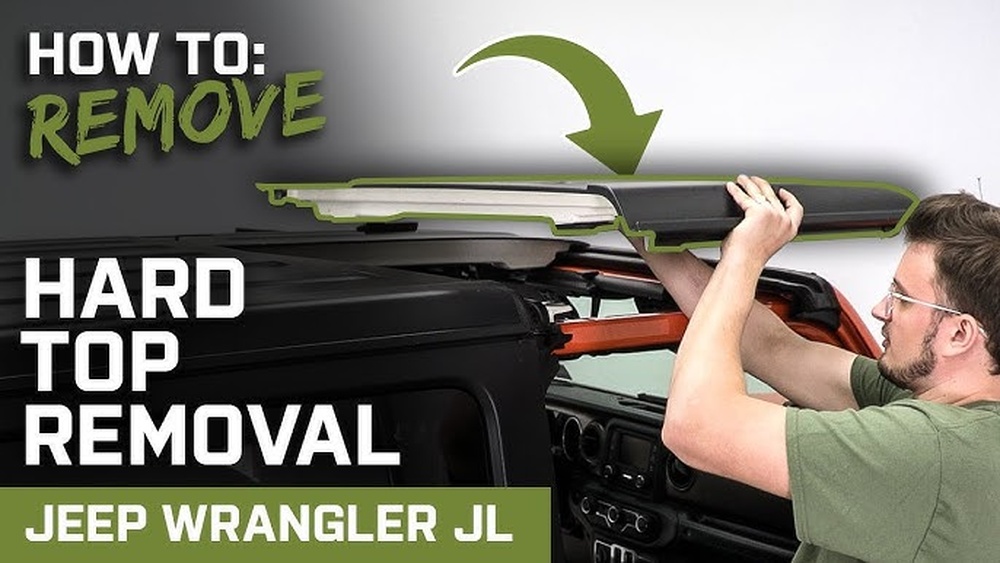
Use your Torx bit and wrench to remove all hard top bolts. Most Jeeps have six bolts three on each side.
- Place all bolts in a safe spot for reinstallation.
- Ask a friend for help lifting the top. It’s heavy and awkward to remove alone.
7. Lift The Hard Top Off
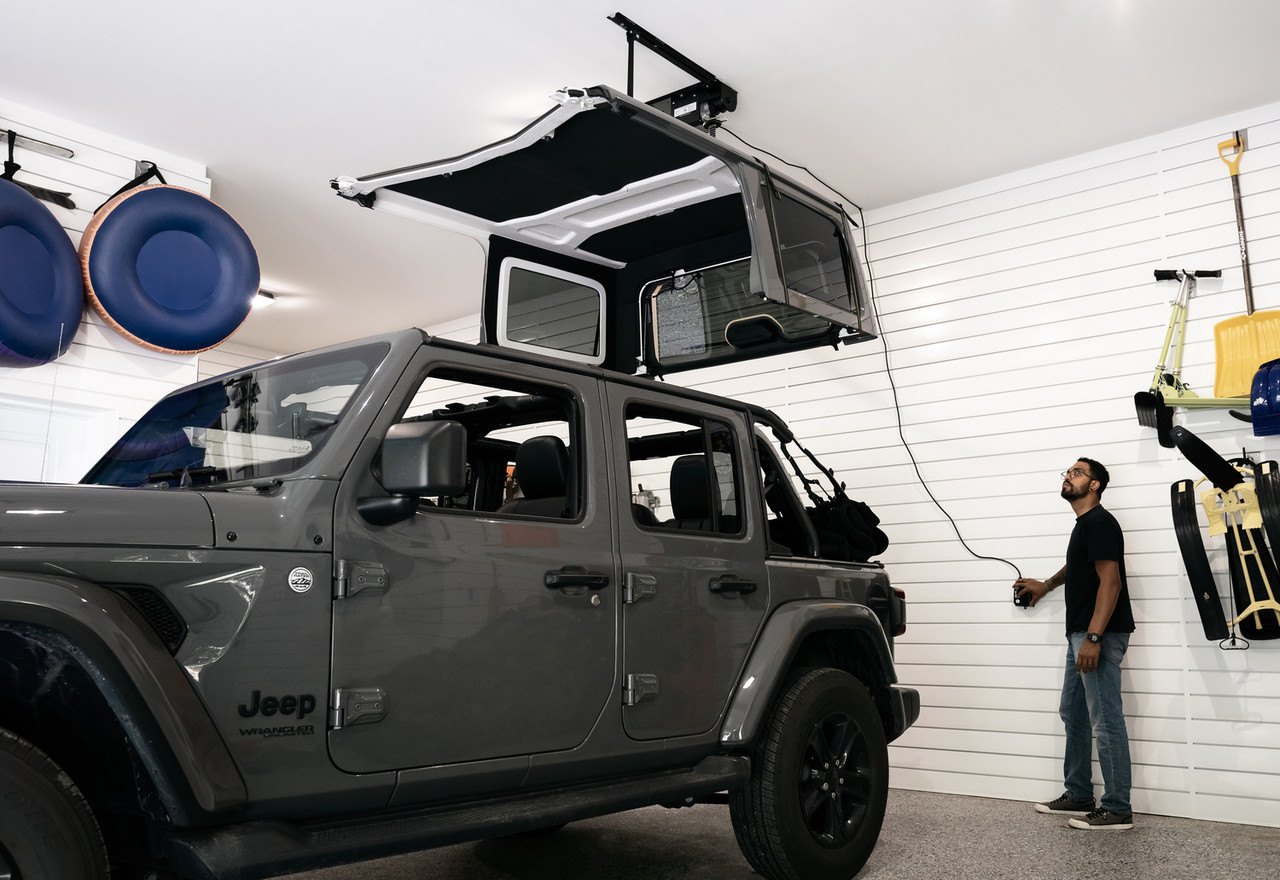
Lift the hard top straight up and off the vehicle. Place it on a soft surface, such as blankets or foam blocks, to avoid scratches.
Two Common Mistakes To Avoid
- Forgetting to disconnect all plugs. Some Jeeps have more than one connector. Always double-check before lifting.
- Leaving the washer hose hanging. This can spill fluid inside your Jeep or cause the hose to catch when removing the top.

Reinstallation Tips
When you’re ready to put the hard top back on, reverse the steps:
- Line up the top carefully
- Reconnect all electrical plugs until they click
- Firmly attach the washer hose
- Reinstall all bolts and tighten evenly
Before driving, test the rear wiper, defroster, and dome light to confirm everything works.
Quick Reference: Jeep Hard Top Connector Locations
| Model | Connector Location | Washer Hose Location |
|---|---|---|
| Wrangler JK | Driver’s side rear corner | Driver’s side rear corner |
| Wrangler JL | Driver’s side rear, under trim | Driver’s side rear, under trim |
| Gladiator JT | Driver’s side rear, under trim | Driver’s side rear, under trim |
Advanced Tips For Smooth Removal
- Use dielectric grease on connectors to prevent corrosion.
- If you see any bent pins or green corrosion, clean the connectors before reconnecting.
- Store the hard top upright and covered if possible.
For more detailed diagrams, you can visit the official Jeep website.
Jeep ownership is all about enjoying the ride, so don’t let electrical connectors stress you out. With these steps, you’ll remove your hard top confidently and avoid costly mistakes.

Frequently Asked Questions
How Often Can I Remove My Jeep Hard Top Without Damaging The Electrical Connectors?
You can remove and reinstall your Jeep hard top many times if you handle the connectors gently and avoid bending pins. Most connectors are built for repeated use.
Do I Need To Disconnect The Battery Before Unplugging The Hard Top Electrical?
It’s not required, but disconnecting the negative battery terminal adds an extra layer of safety, especially if you’re worried about short circuits.
Will Removing The Hard Top Cause Error Lights On My Dashboard?
If all connectors are properly unplugged and reconnected, you should not see error lights. Leaving a connector partially attached may trigger a warning.
Can I Drive My Jeep Without The Hard Top Electrical Connected?
Yes, but features like the rear wiper and defroster won’t work. Make sure to secure loose connectors to prevent weather or debris damage.
What If The Connector Is Stuck And Won’t Unplug?
Check for a locking tab or red safety clip. If it’s still stuck, use a small flathead screwdriver to gently press the tab. Never force it—damaged connectors are expensive to replace.
With the right approach, removing your Jeep’s hard top electrical is simple and safe leaving you ready for adventure, sunshine, and the open road.